Skip to content

Cadillac Ats-v 2017 Car Keys & Remotes

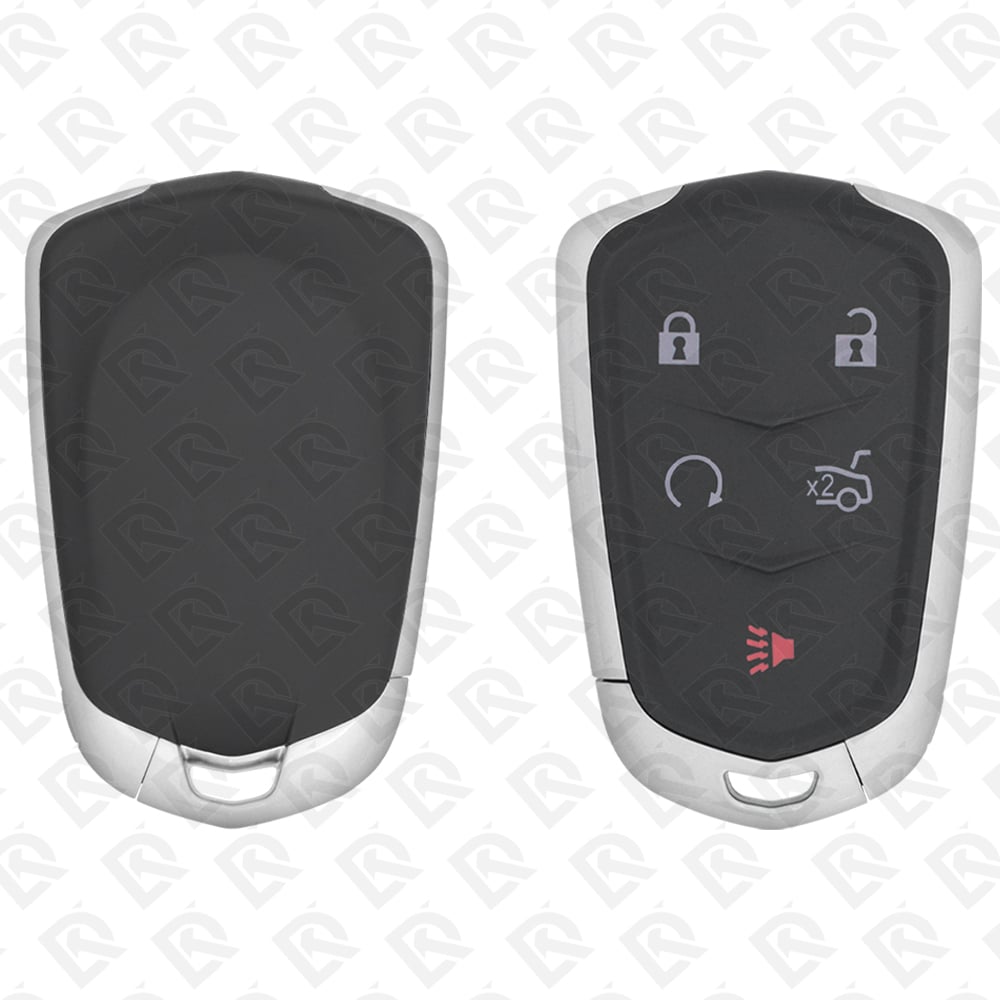
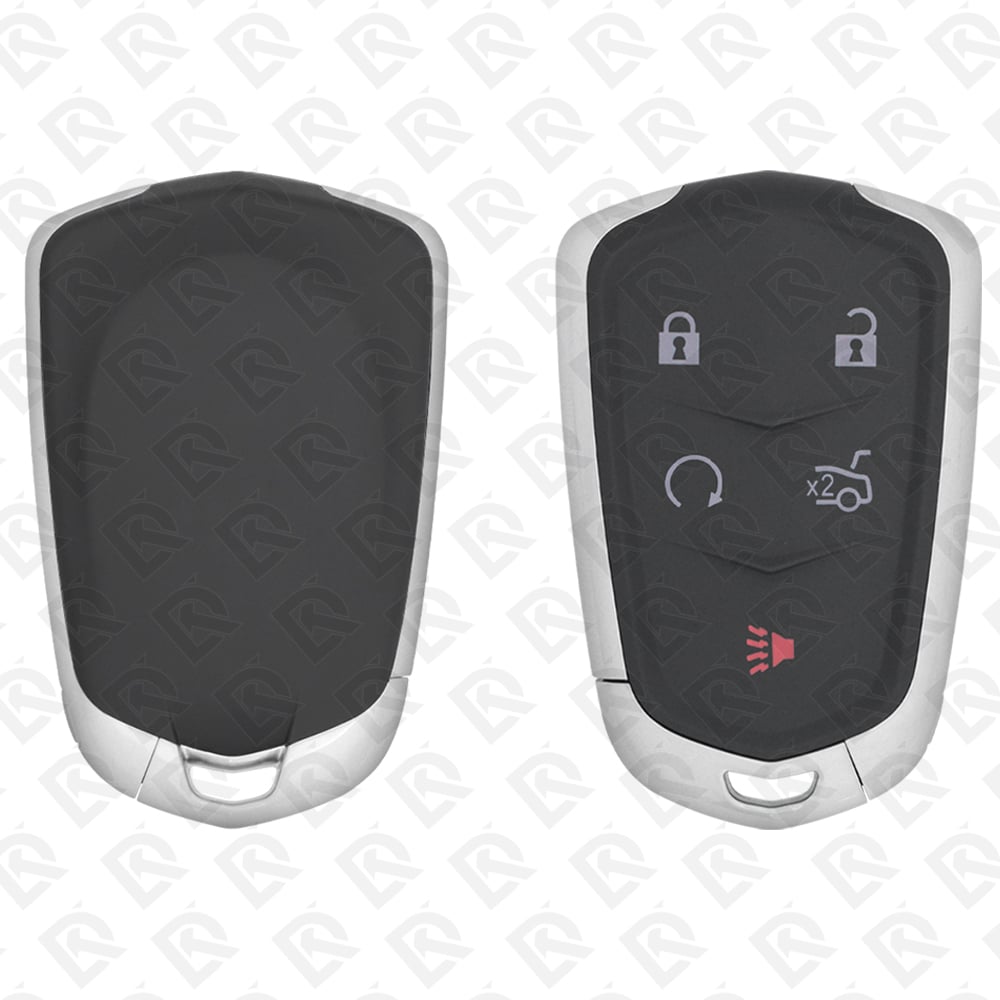
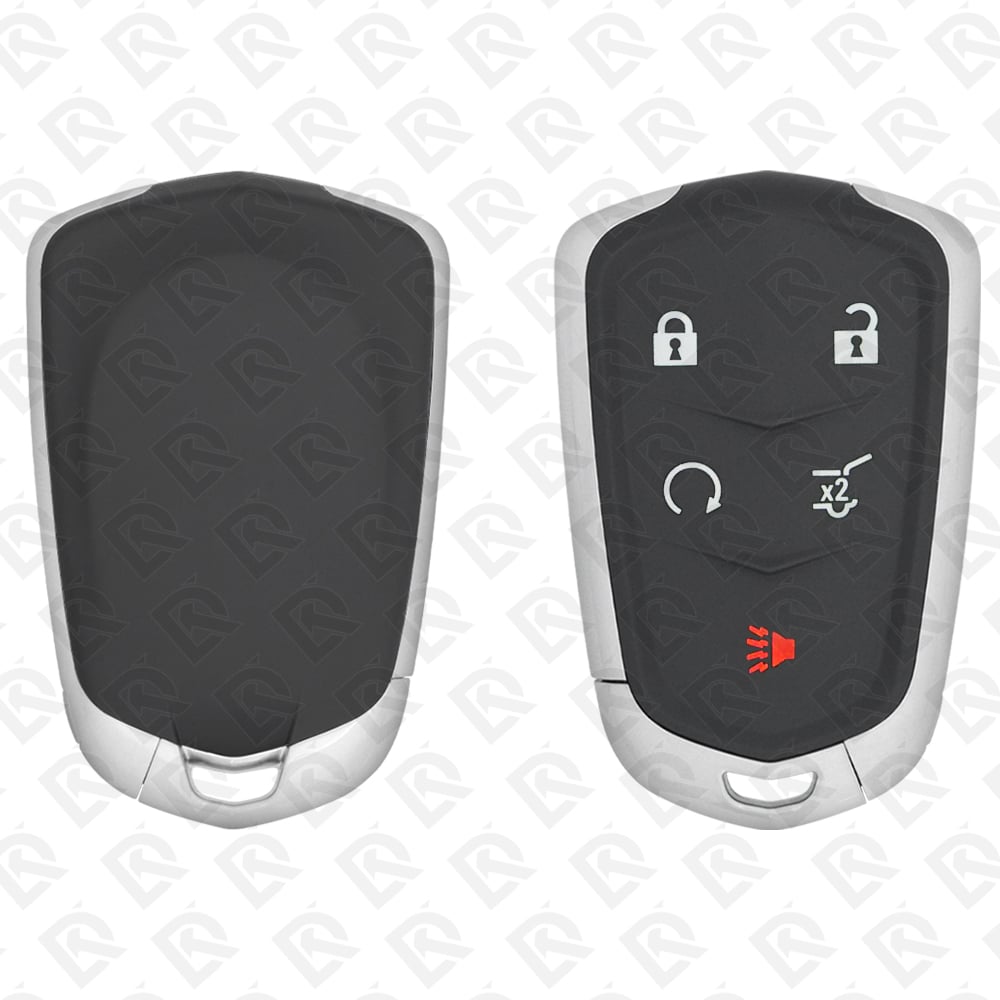
3 compatible keys, remotes & shells (genuine and aftermarket) available for the 2017 Cadillac Ats-v.

Key specifications for the Cadillac Ats-v 2016–2019

Key types
smart keys
Frequency
315 MHz and 433 MHz
Buttons
5-button
Transponder chip
ID46 (HITAG 2)
Blade profile
HU100
Battery
CR2032
Compatible FCC IDs

To pick the right part, match the part number or FCC ID printed on your original remote, or listed in the Cadillac parts catalogue, with the specifications on each listing. The frequency depends on the market the car was sold in, so check 315 MHz and 433 MHz against your original before ordering.

A new smart key or remote has to be programmed to the car with a key programmer, and when every key is lost the programming is still done through the diagnostic port. We ship the key worldwide from the UAE by DHL and FedEx; any automotive locksmith or the dealer can cut and program it.
Programming the Cadillac Ats-v 2017 key

Smart key (push to start)

Programming steps

Add key - on the car(US / Canada cars)

Needs: With two recognized transmitters, two recognized transmitters, the new transmitter with its key blade, the car switched off, with every transmitter (recognized and new) at hand

  1. Switch the car off.
  2. Slide the key blade out of the transmitter.
  3. Place the two recognized transmitters in the cupholder.
  4. Remove the lock cylinder cap on the driver's door handle.
  5. Insert the key blade in the driver's door lock and turn it counterclockwise to unlock five times within 10 seconds. The DIC shows READY TO LEARN ELECTRONIC KEY #2, 3, 4, ETC.
  6. Place the new transmitter in the transmitter pocket (open the center console storage to reach it).
  7. Push ENGINE START/STOP. Once the fob is accepted, the cluster asks for the next one.
  8. Take the transmitter out and press UNLOCK or LOCK.
  9. For each extra transmitter, repeat steps 6 to 8.
  10. When all are done, press and hold ENGINE START/STOP for about 12 seconds to leave programming mode.
  11. Put the key blade back into the transmitter.
Watch out: Turn the door key five times within 10 seconds, or the car does not enter programming mode.
Add key - on the car(US / Canada cars)

Needs: Two recognized transmitters not available, every transmitter the customer keeps, each with its key blade, the car switched off, with every transmitter to be programmed at hand

  1. Slide the key blade out of the transmitter.
  2. Remove the lock cylinder cap on the driver's door handle.
  3. Insert the key blade in the driver's door lock and turn it counterclockwise to unlock five times within 10 seconds. The DIC shows REMOTE LEARN PENDING, PLEASE WAIT.
  4. Wait 10 minutes until the DIC shows PRESS ENGINE START BUTTON TO LEARN, then press ENGINE START/STOP. The DIC shows REMOTE LEARN PENDING, PLEASE WAIT again.
  5. Repeat the 10-minute wait and the button press two more times. After the third time the DIC shows READY FOR REMOTE #1.
  6. Place the new transmitter in the transmitter pocket (open the center console storage to reach it).
  7. Push ENGINE START/STOP. Once the fob is accepted, the cluster asks for the next one.
  8. Take the transmitter out and press UNLOCK or LOCK.
  9. For each extra transmitter, repeat steps 6 to 8.
  10. When all are done, press and hold ENGINE START/STOP for about 12 seconds to leave programming mode.
  11. Put the key blade back into the transmitter.
Watch out: After the third wait, every previously known transmitter stops working: program all of them again. Takes about 30 minutes. Up to eight transmitters can be programmed. Not available on Canadian cars.
Add key - on the car(US / Canada cars)

Needs: two working smart keys, new smart key

  1. Have the vehicle off and every smart key (two working ones and the new ones) with you.
  2. Put the two working smart keys in the cupholder (or the place the owner's manual names).
  3. Remove the key blade, insert it in the driver door lock cylinder and turn to unlock five times within 10 seconds; the DIC shows READY FOR REMOTE #2, 3...
  4. Place the new smart key in the transmitter pocket and press ENGINE START/STOP; the DIC shows it is ready for the next one.
  5. Take the key out of the pocket and press lock or unlock on it.
  6. Repeat steps 4-5 for each new key, then hold ENGINE START/STOP about 12 seconds to leave programming mode.
Watch out: From 2017 the quick learn needs two learned keys.
All keys lost - on the car(US / Canada cars)

Needs: every smart key to be kept, 30 minutes

  1. Have every smart key the customer keeps with you; the blade of the new key must be cut if no key works.
  2. With the vehicle off, insert the key blade in the driver door lock cylinder and turn to unlock five times within 10 seconds; the DIC shows REMOTE LEARN PENDING, PLEASE WAIT.
  3. Wait about 10 minutes until the DIC shows PRESS ENGINE START BUTTON TO LEARN, then press ENGINE START/STOP.
  4. Repeat the 10-minute wait and button press two more times (about 30 minutes in all); the DIC then shows READY FOR REMOTE #1.
  5. Place a smart key in the transmitter pocket and press ENGINE START/STOP; the DIC moves to the next number.
  6. Take it out, press lock or unlock, and repeat for every key the customer keeps.
  7. Hold ENGINE START/STOP about 12 seconds to leave programming mode, then test every key.
Watch out: After the third cycle every previously known smart key is erased: relearn all of them in the same session. Not available in Canada (owner's manual).

Without a tool

The remote is programmed on the car, without a tool. Up to 8 remotes.

When the key changed

Smart key (push to start)

  • 2016 - 2019This yearChip: ID46FCC: HYQ2ABSame smart key as the ATS; HYQ2AB is the US 315 MHz fob.

Check coverage first: support depends on the tool's software version and the exact model. A tool that is not shown here may still cover this car.

Frequently asked questions

Which keys fit the Cadillac Ats-v 2016–2019?

3 listings fit the Cadillac Ats-v 2016–2019: smart keys, in 5-button versions. Match the part number or FCC ID printed on your original key with the specifications on each listing.

What frequency does the Cadillac Ats-v 2016–2019 remote use?

Listings for the Cadillac Ats-v 2016–2019 come in 315 MHz and 433 MHz: the frequency depends on the market the car was sold in, so check it against your original remote before ordering.

Which transponder chip does the Cadillac Ats-v 2016–2019 key use?

The listings for this car carry: ID46 (HITAG 2). Check the chip in each listing's specifications.

Which FCC IDs do Cadillac Ats-v 2016–2019 remotes carry?

The remotes listed for this car carry FCC ID HYQ2AB and HYQ2EB. Match it with the FCC ID printed on your original remote.

Which blade profile does the Cadillac Ats-v 2016–2019 key use?

The blades listed for this car: HU100.

Can the Cadillac Ats-v 2016–2019 remote be programmed without a tool?

The remote is programmed on the car, without a tool. Up to 8 remotes.