Skip to content

Ford Explorer 2019 Key Fob & Car Keys

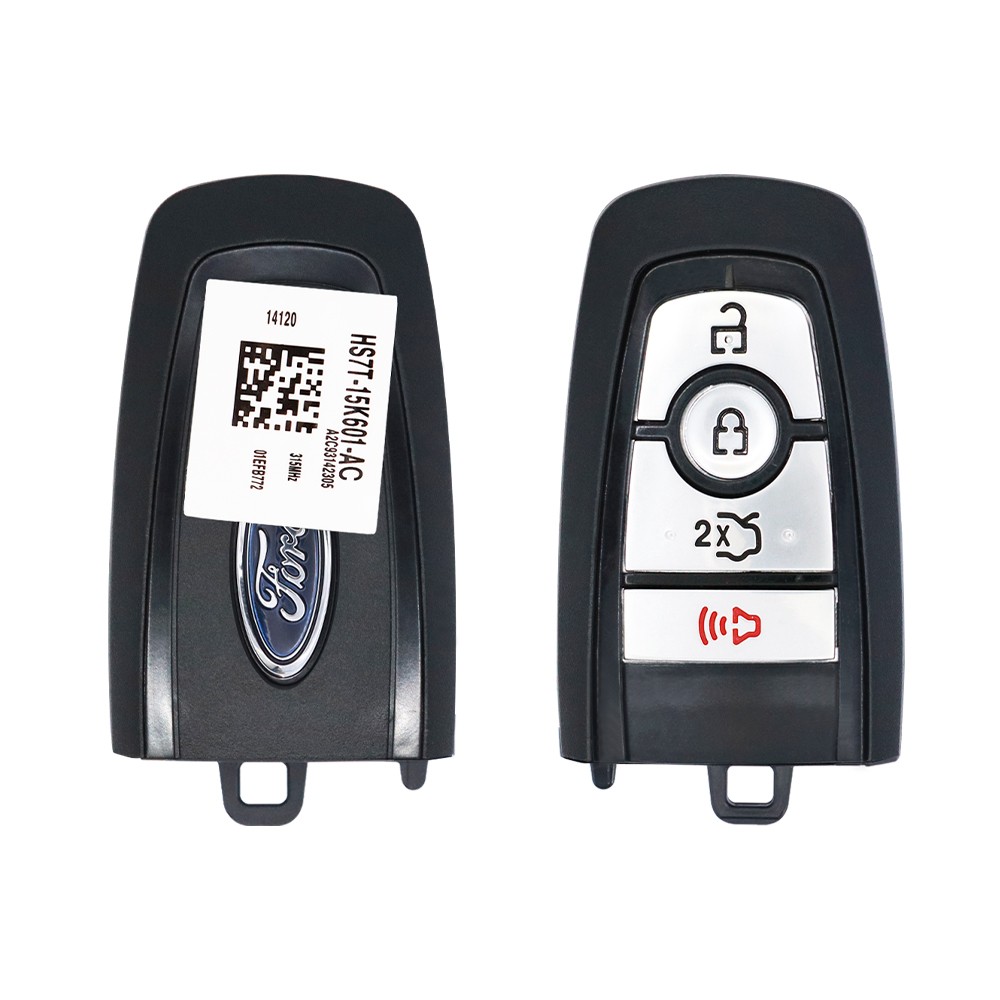
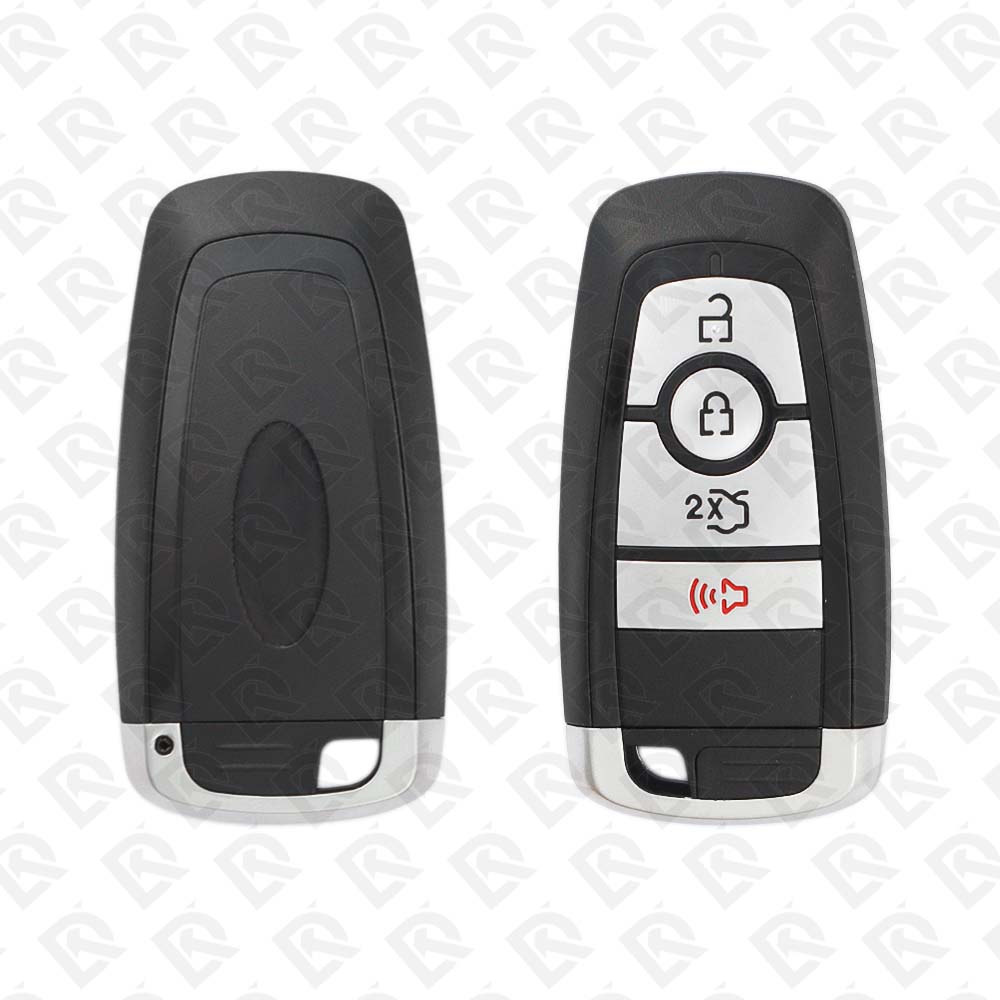
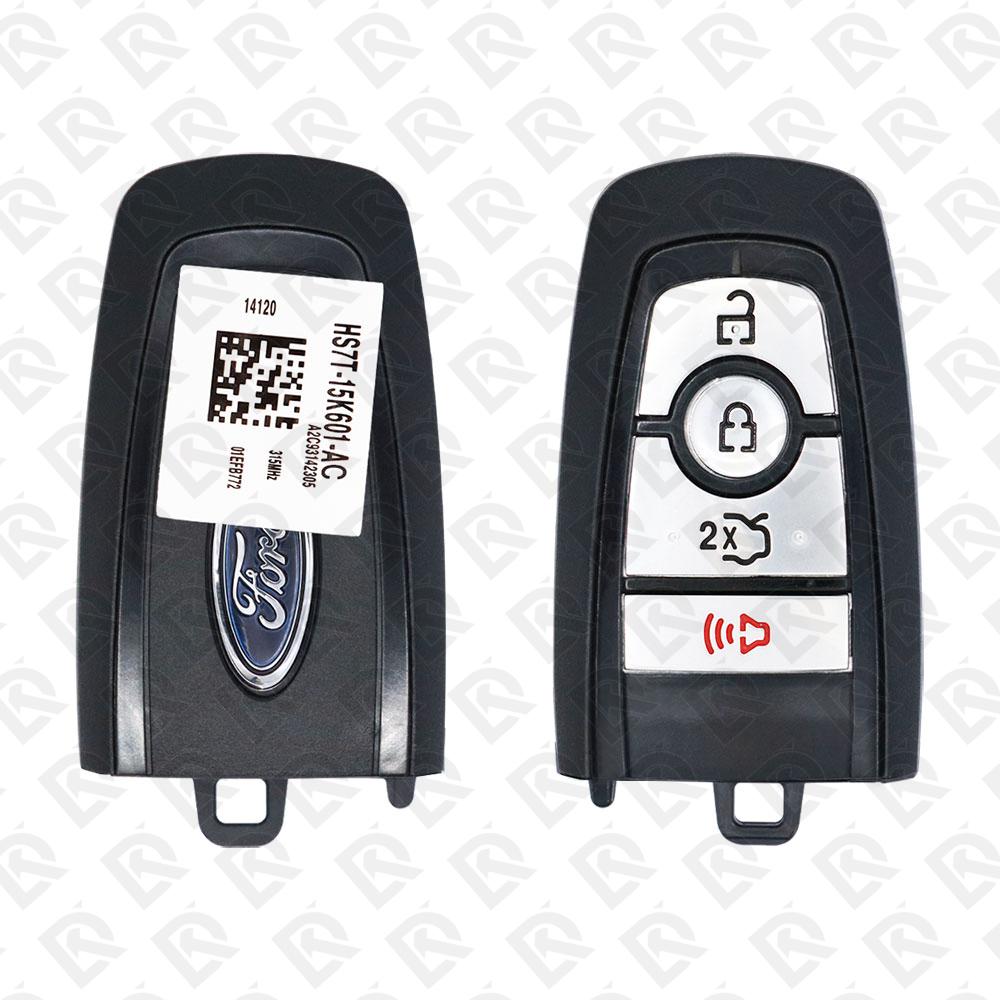
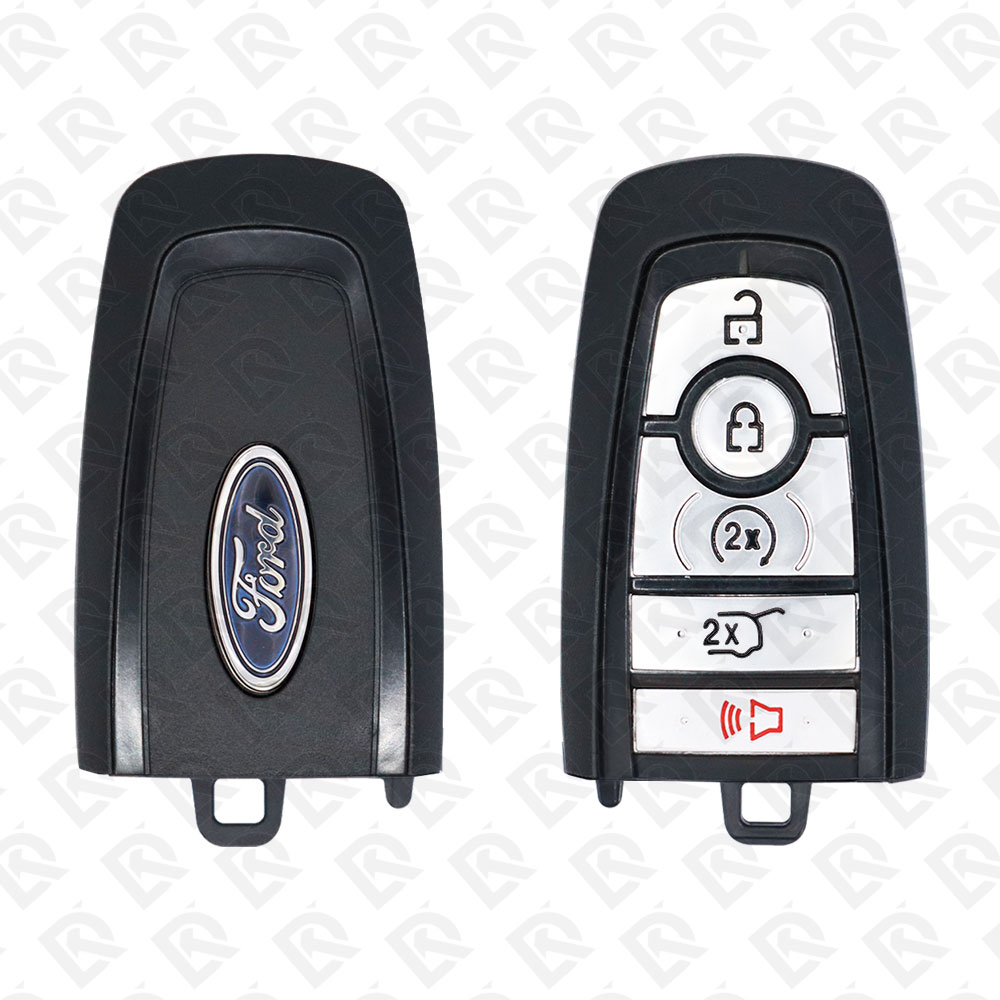
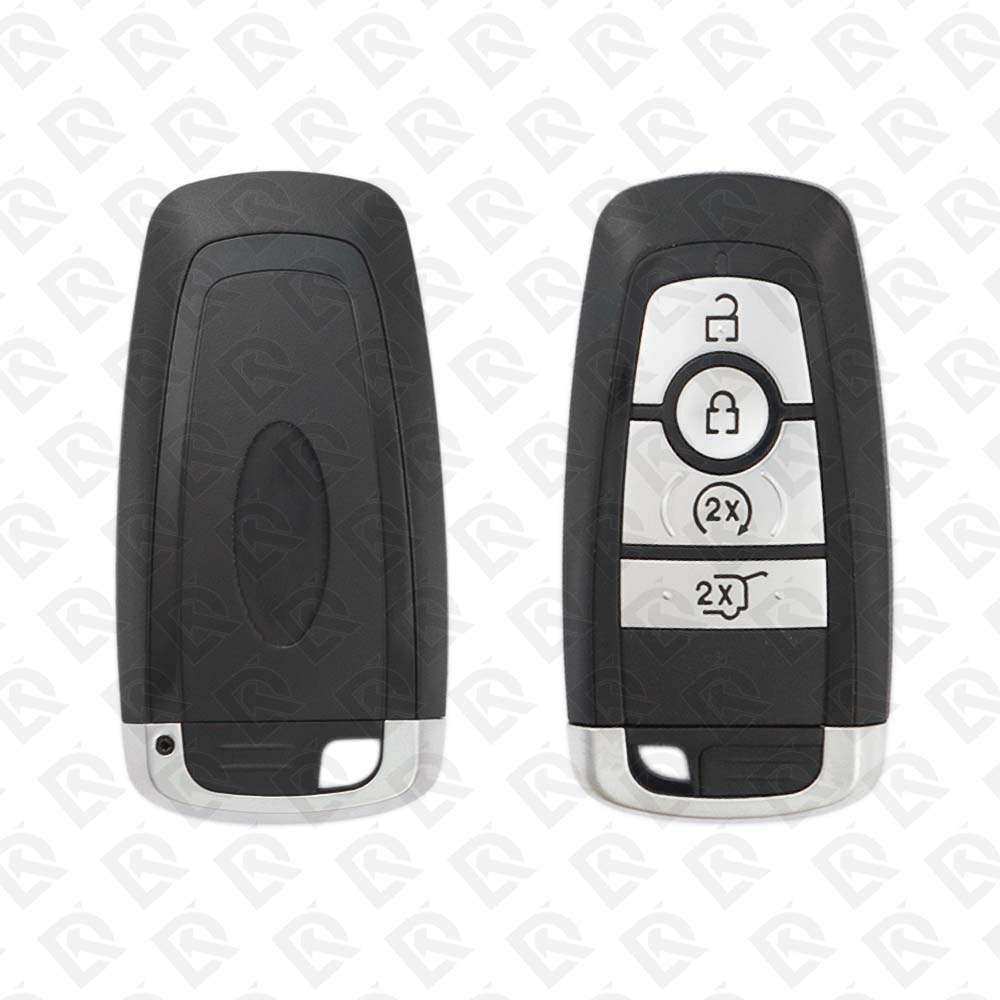
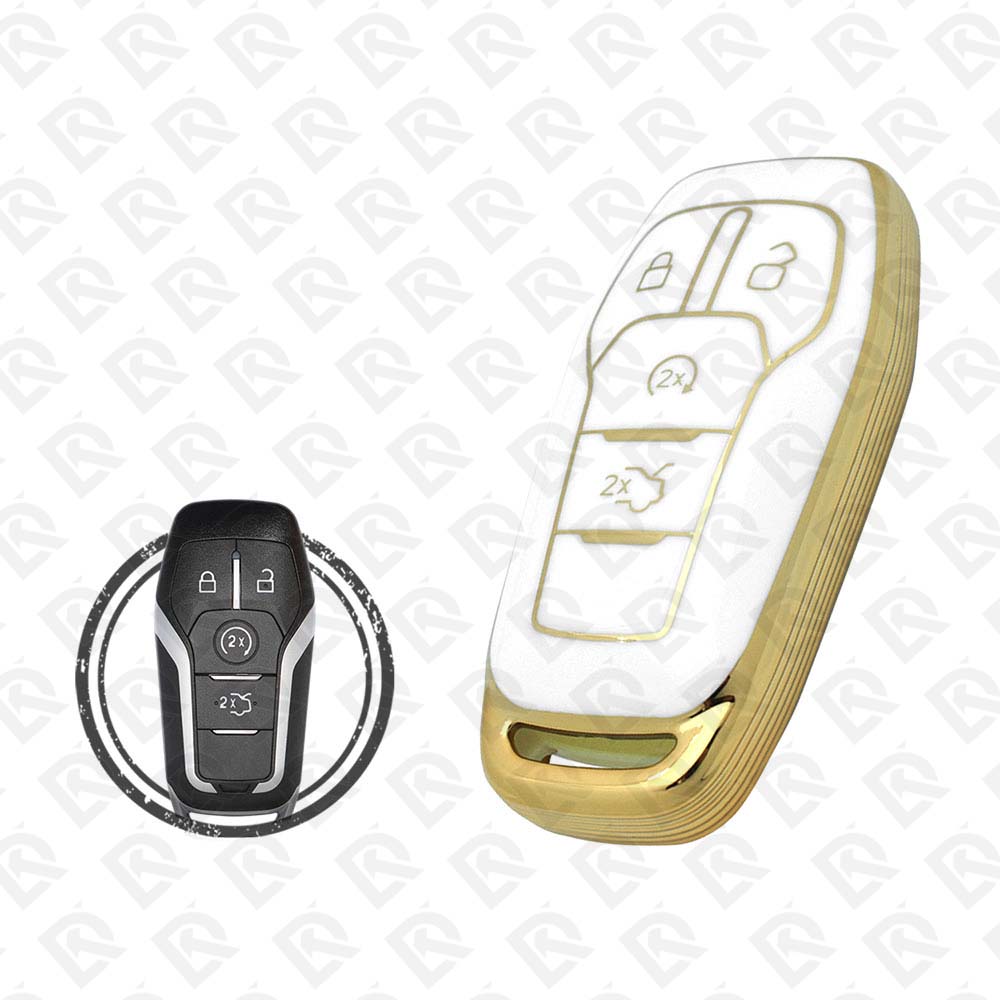
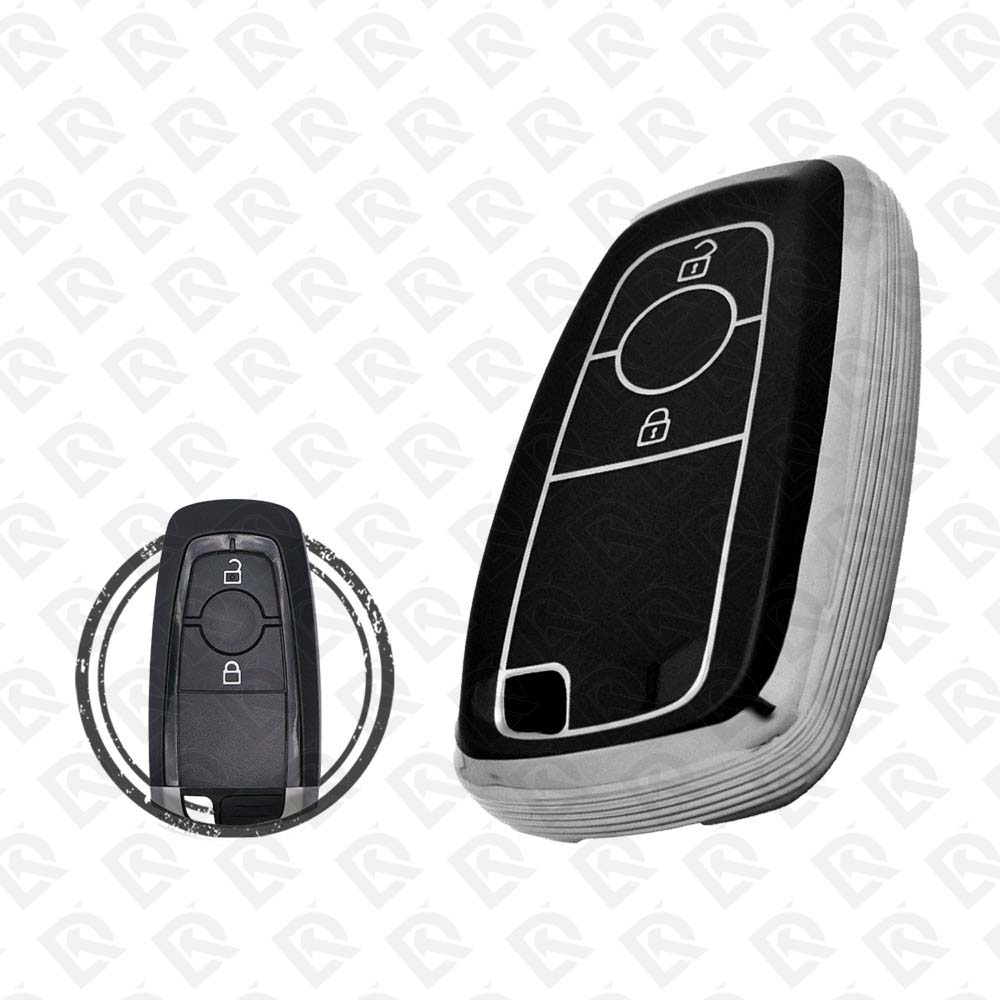
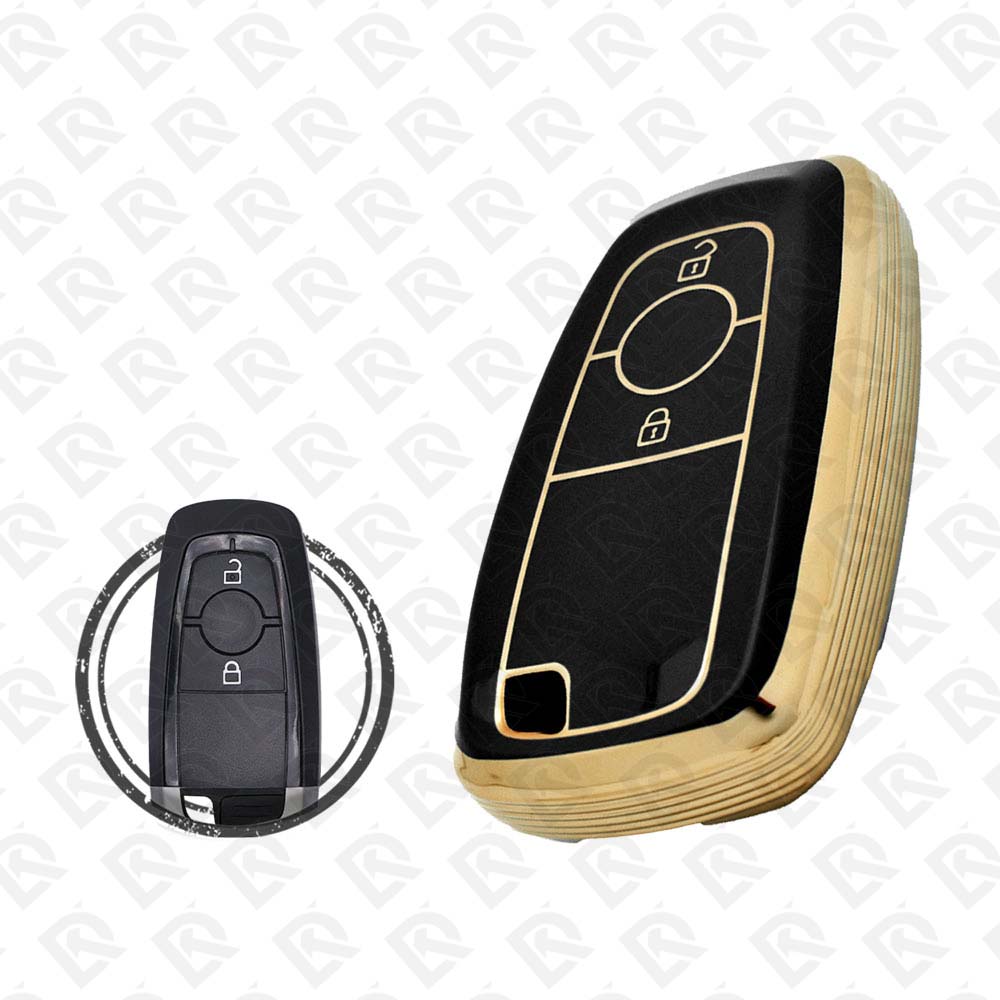
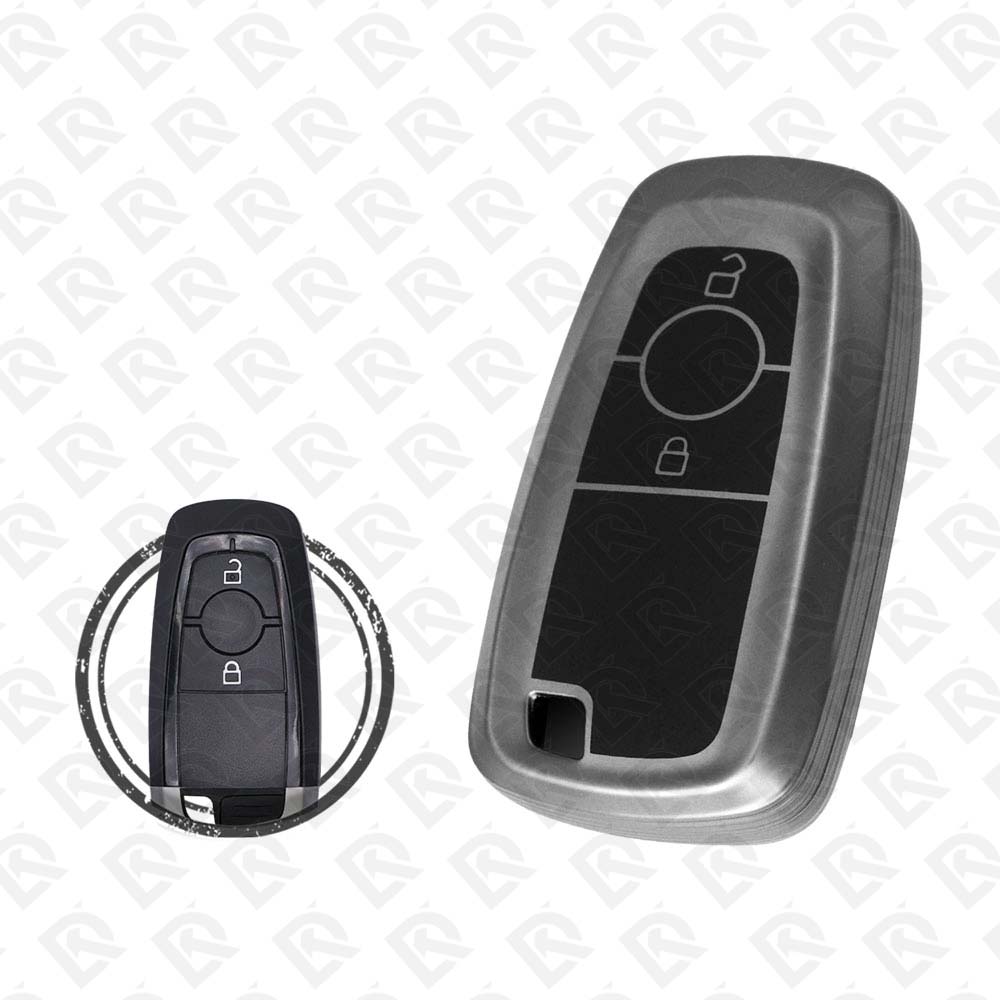
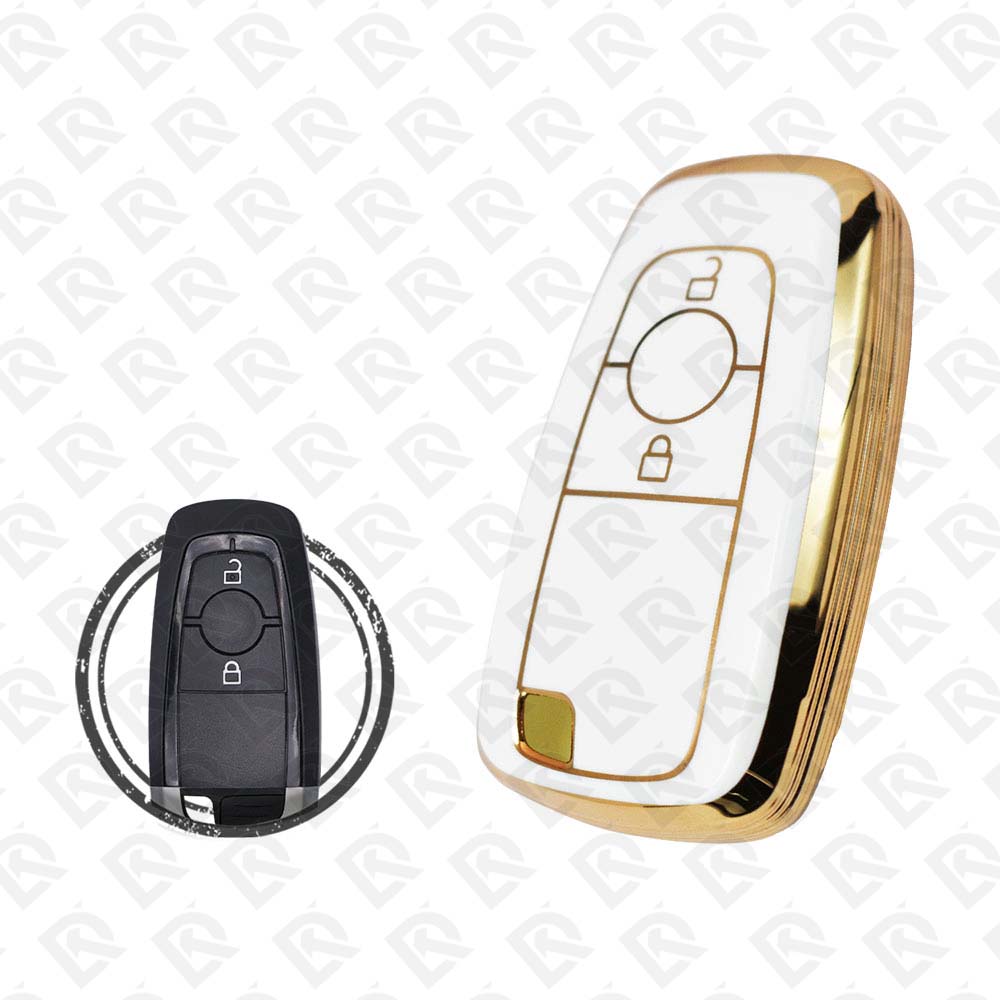
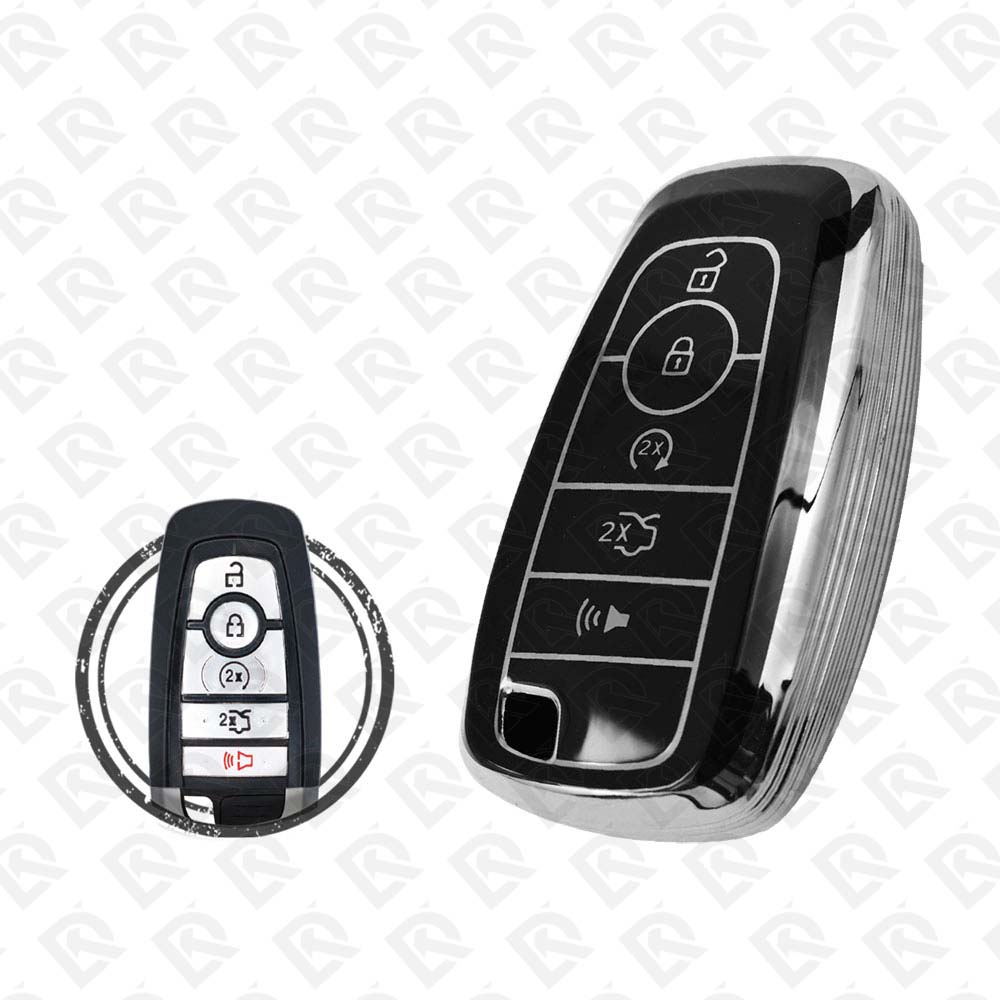
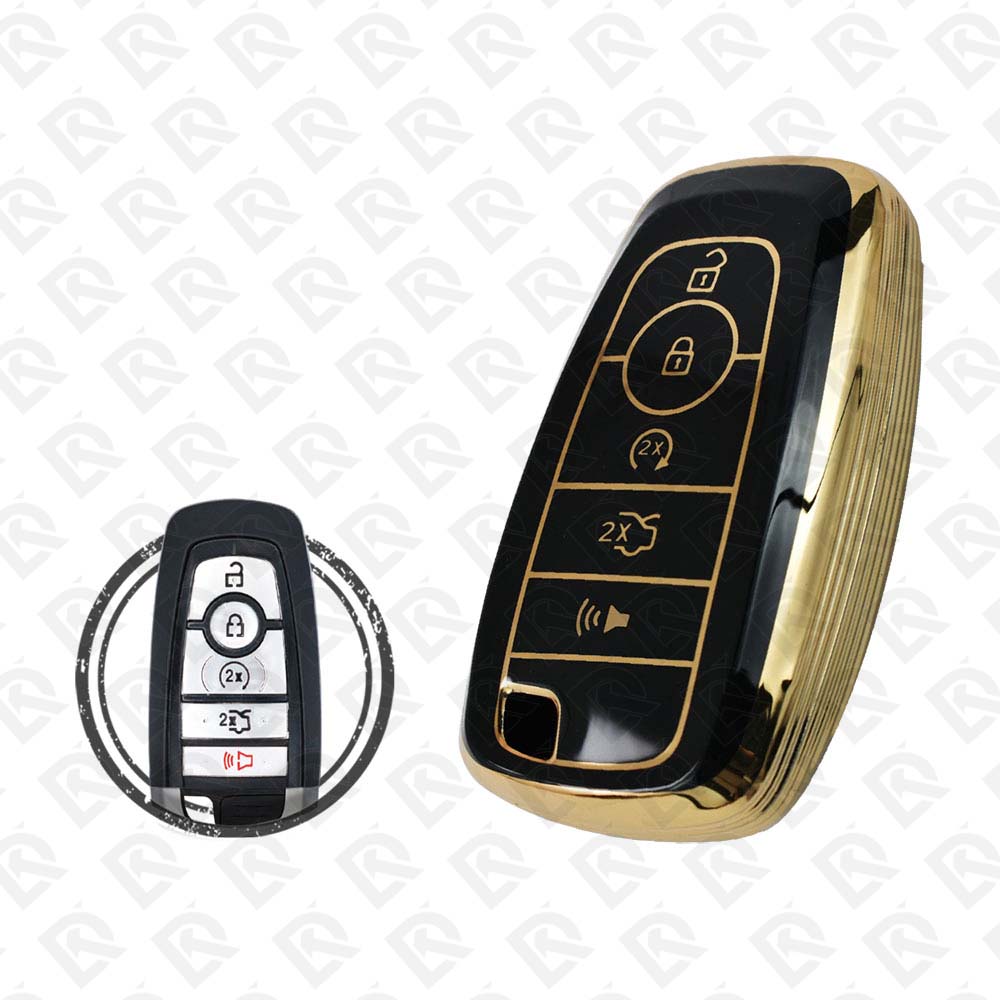
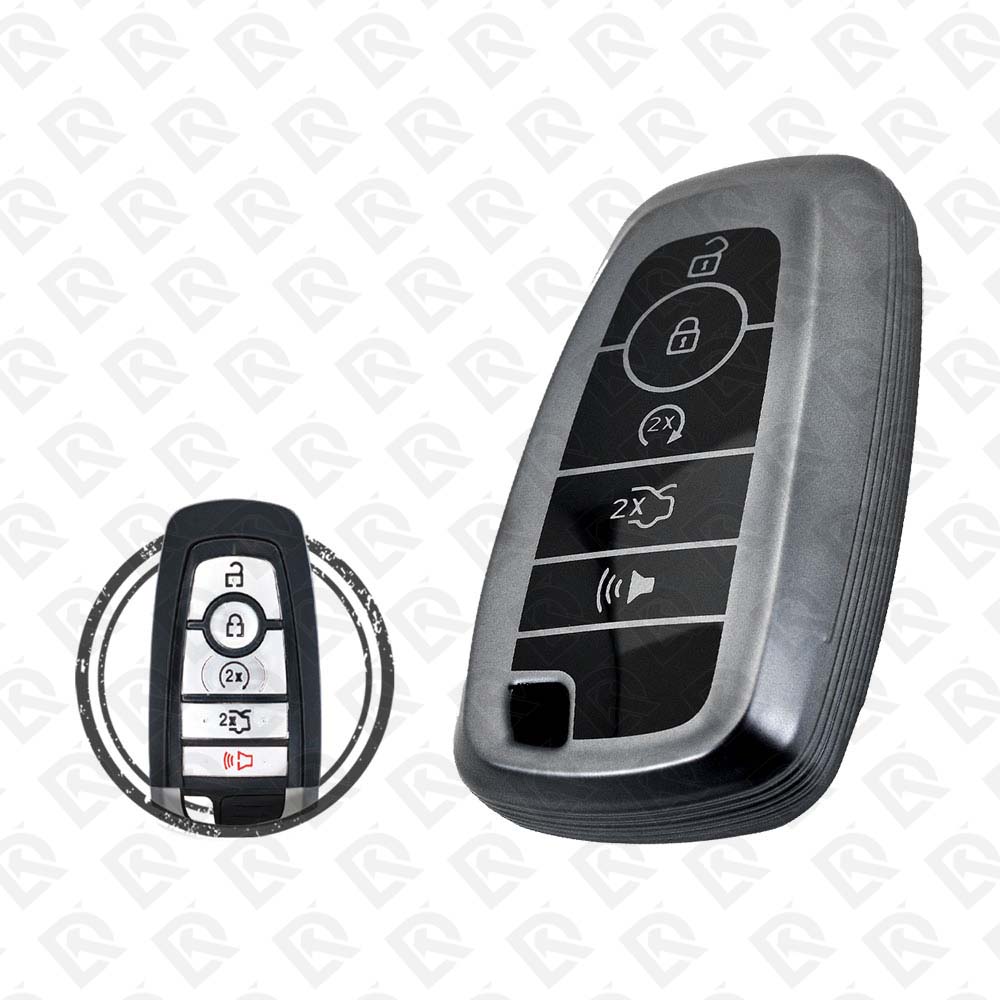
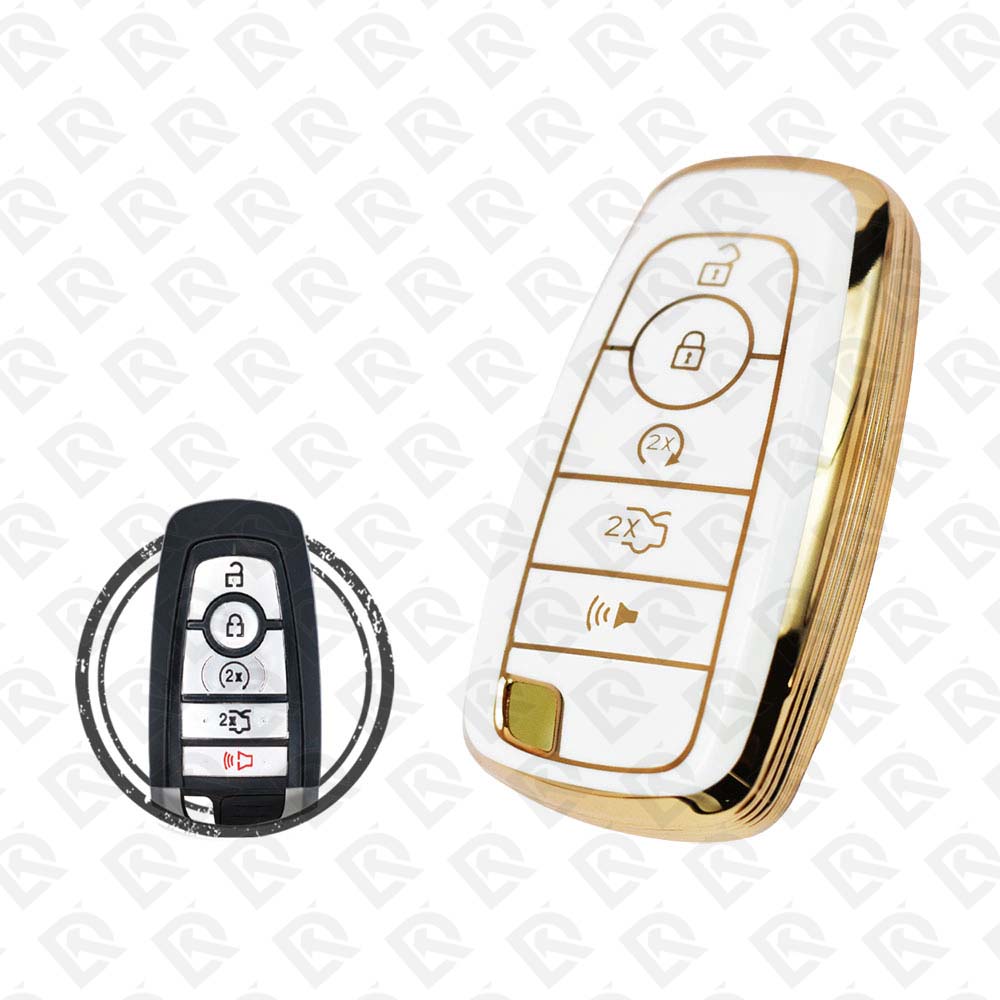
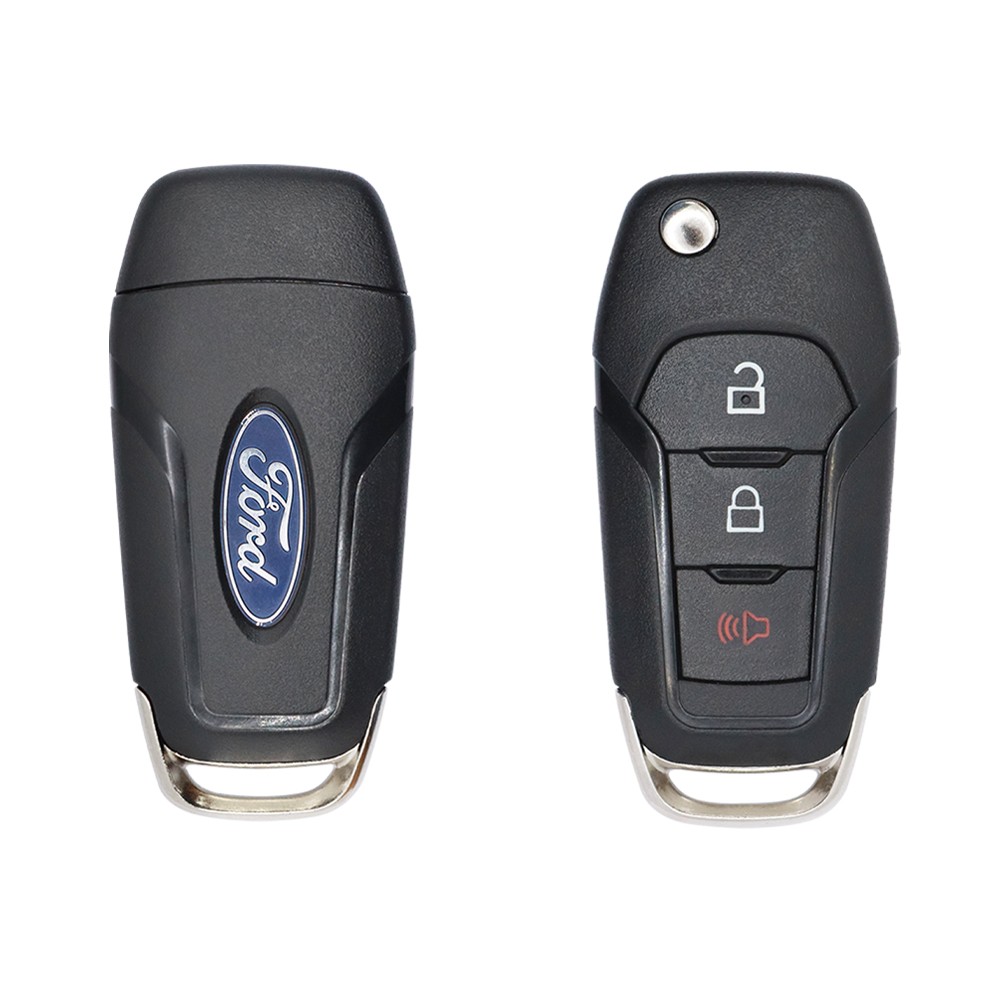
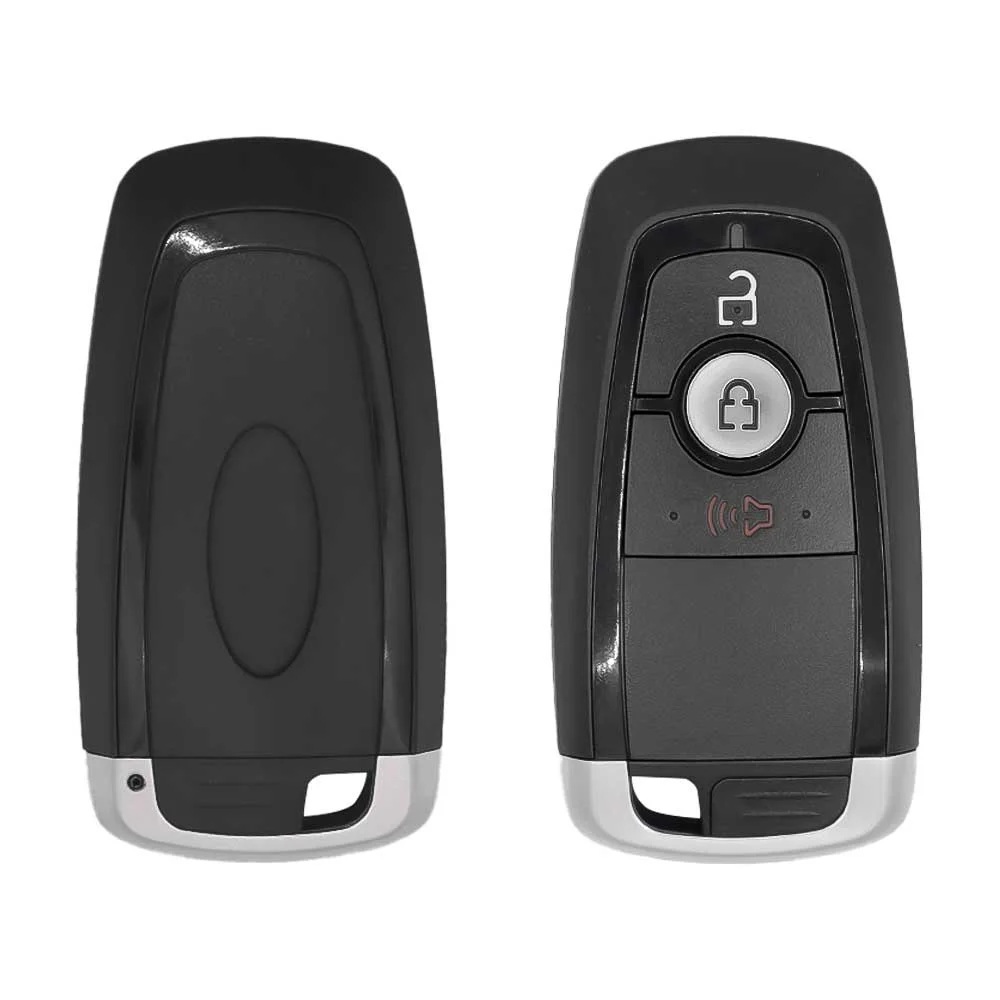
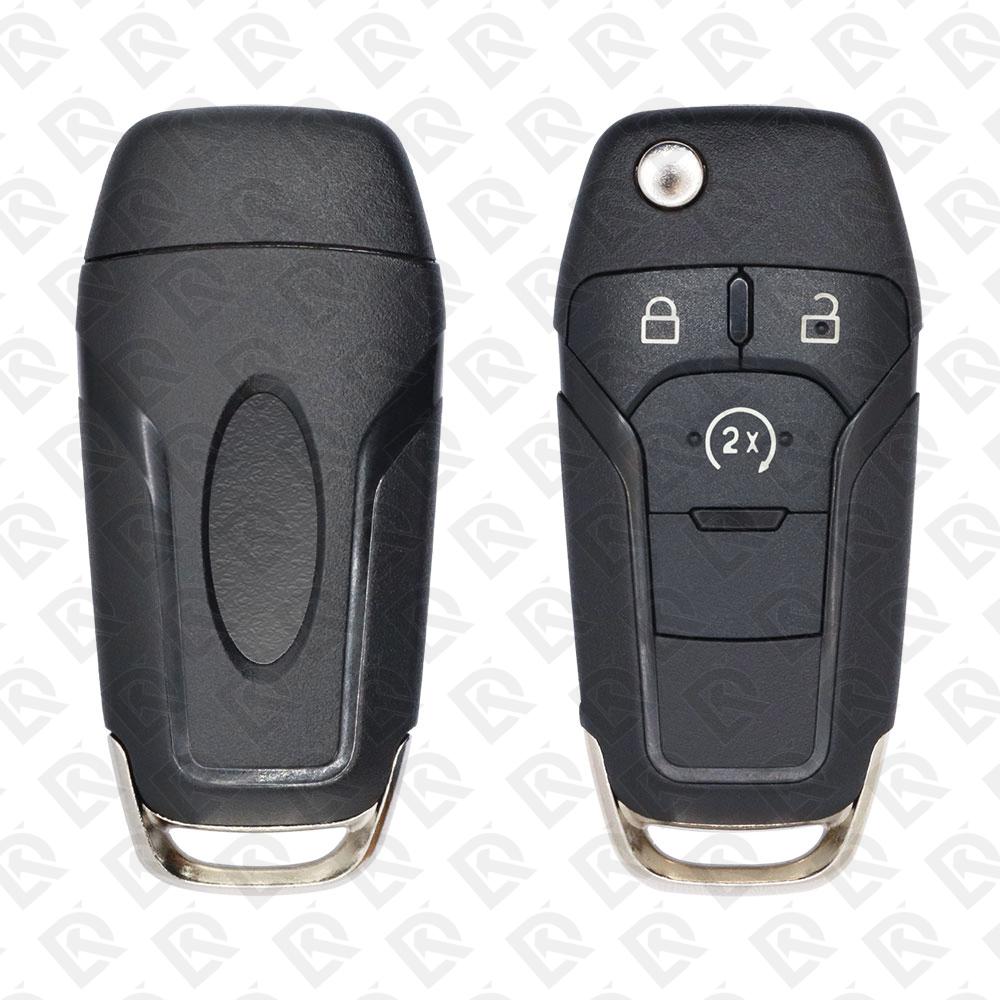
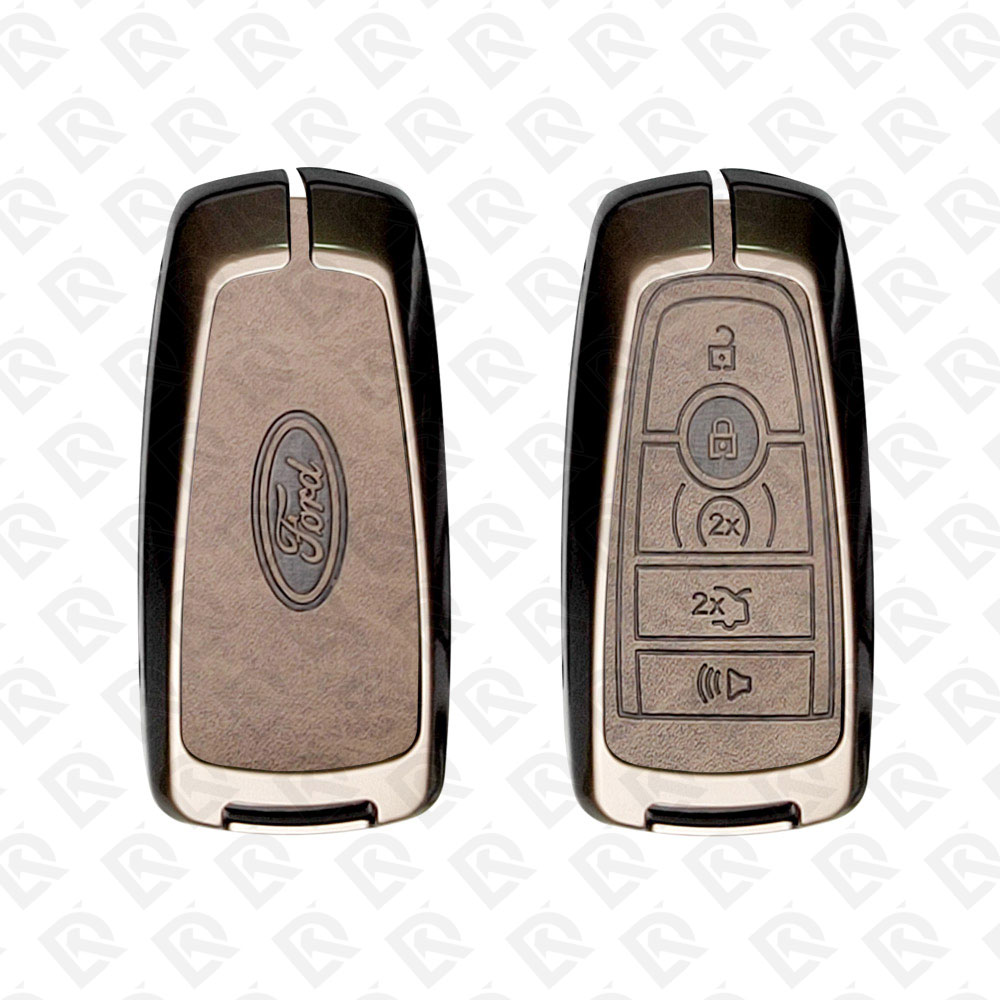
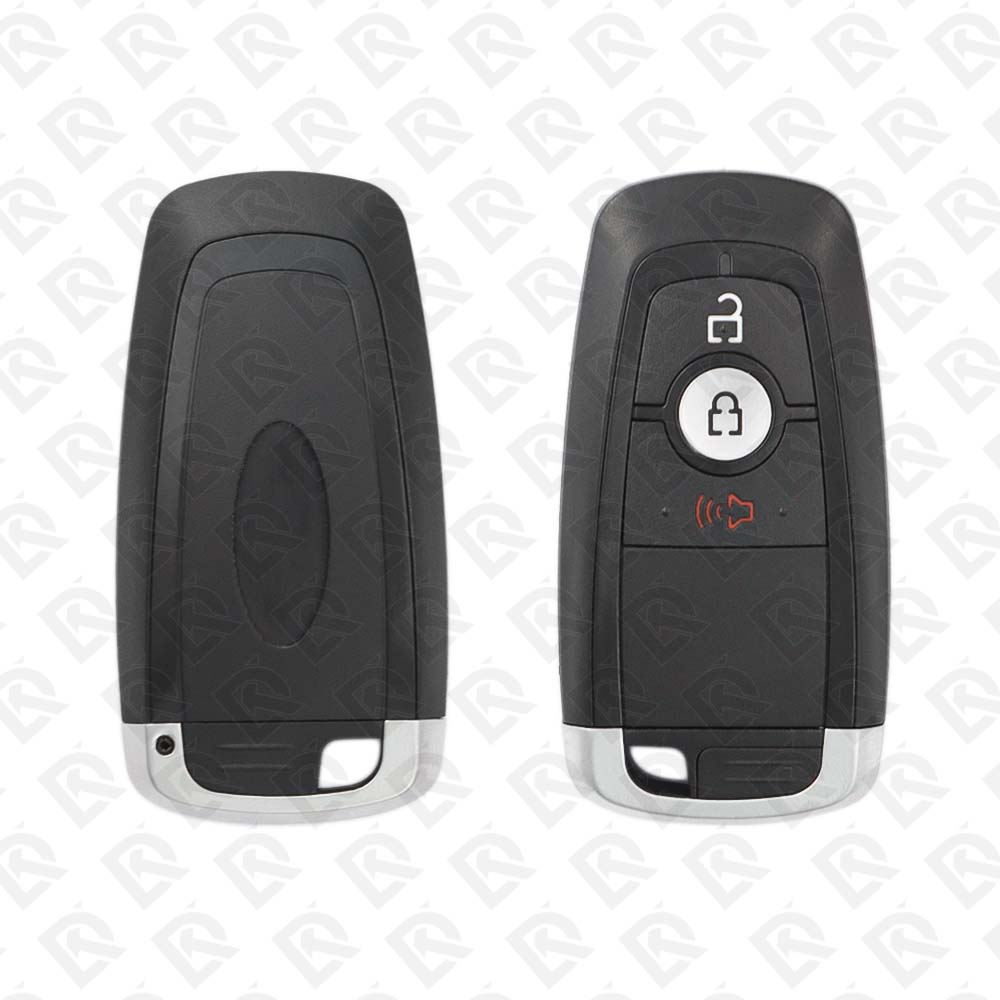
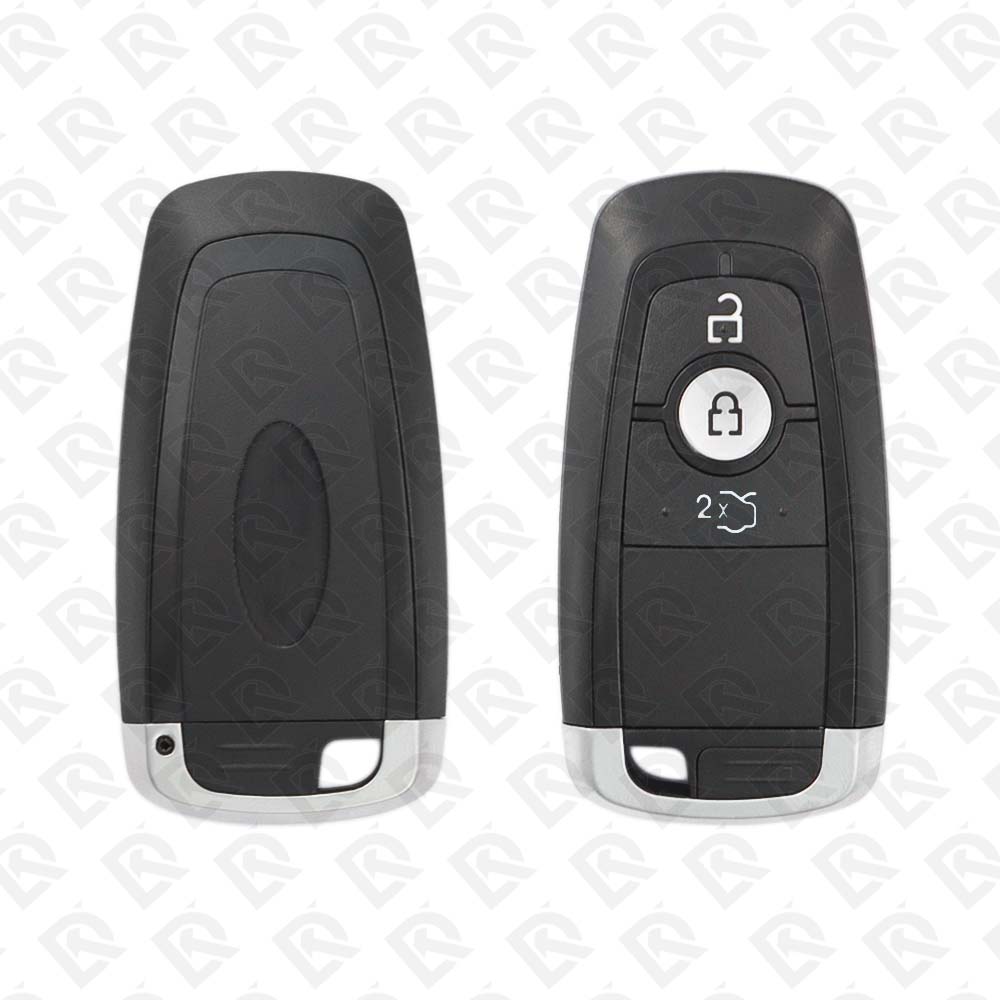
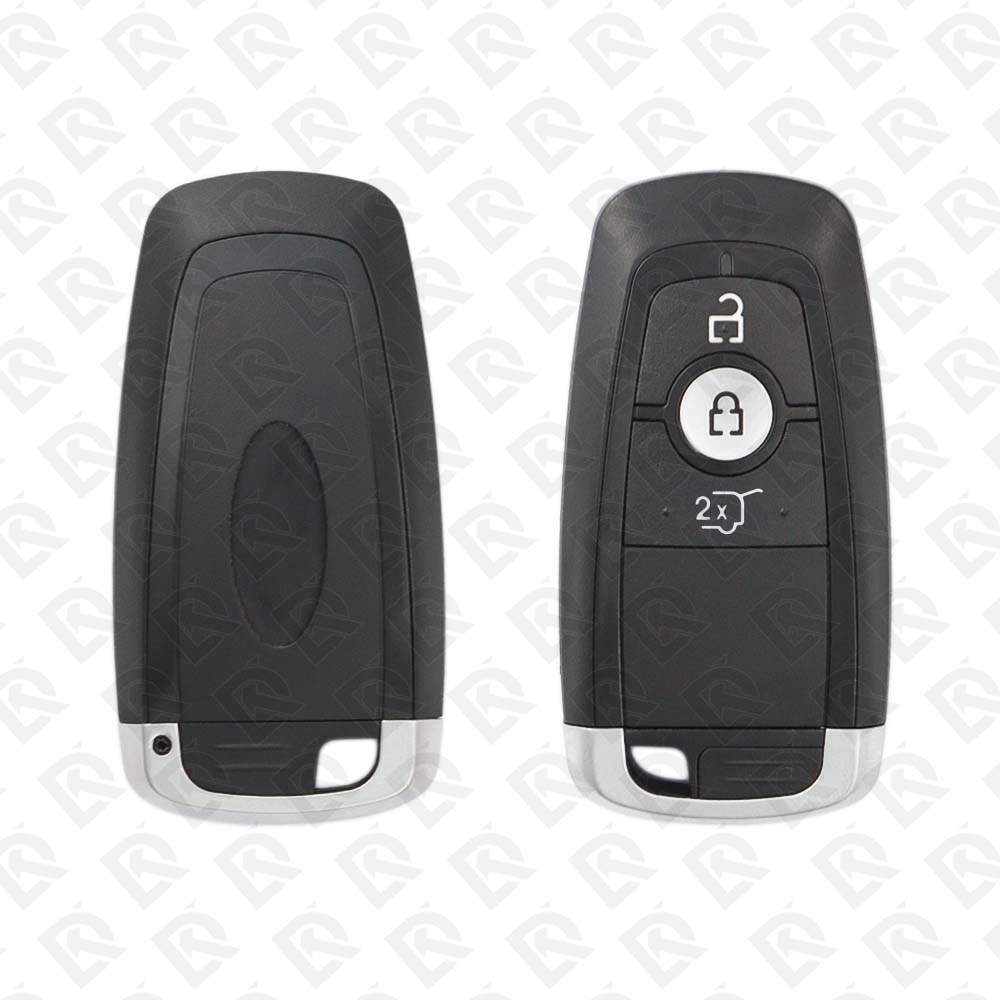
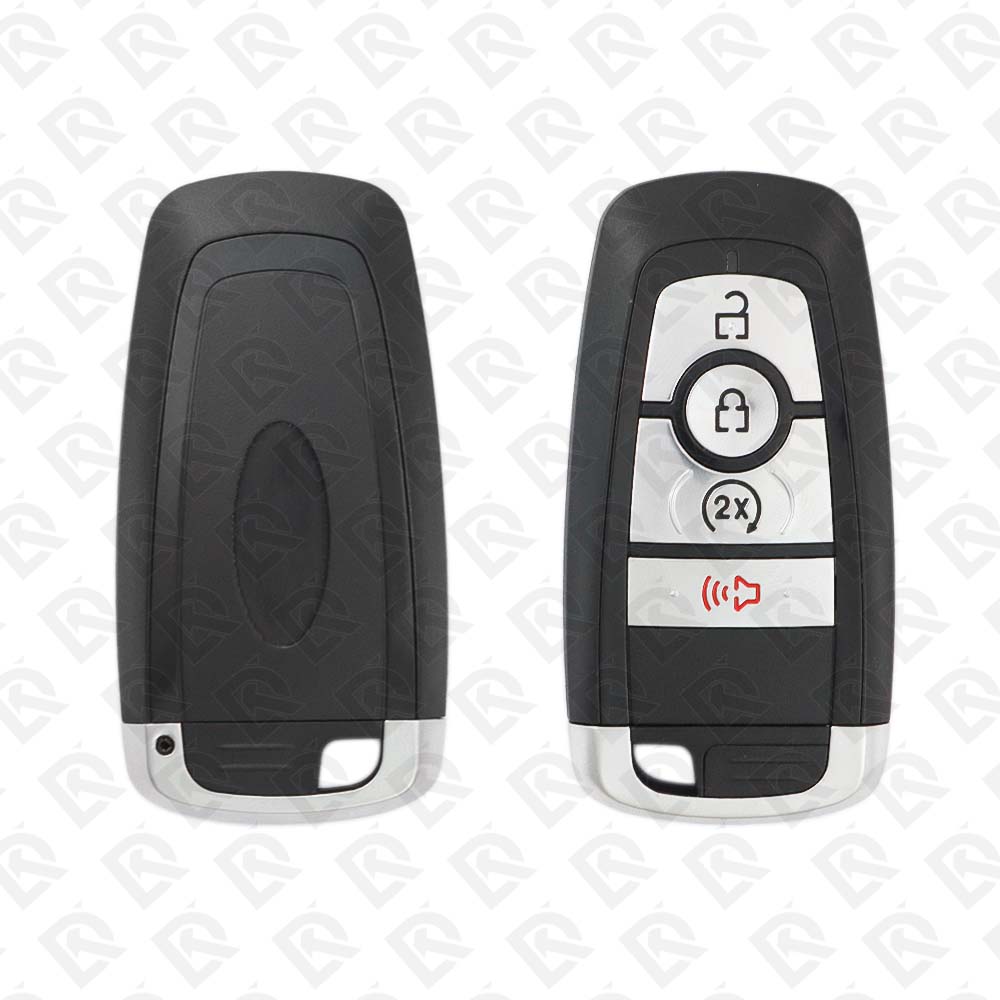
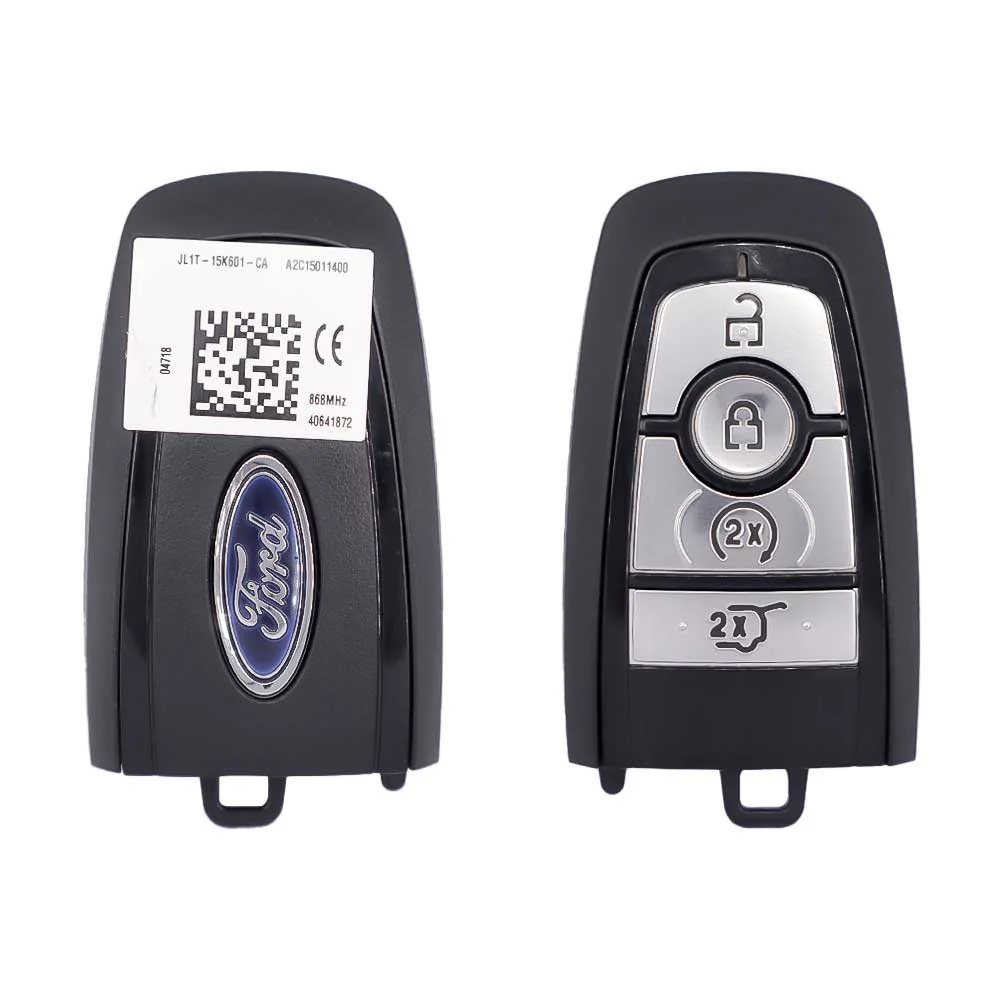
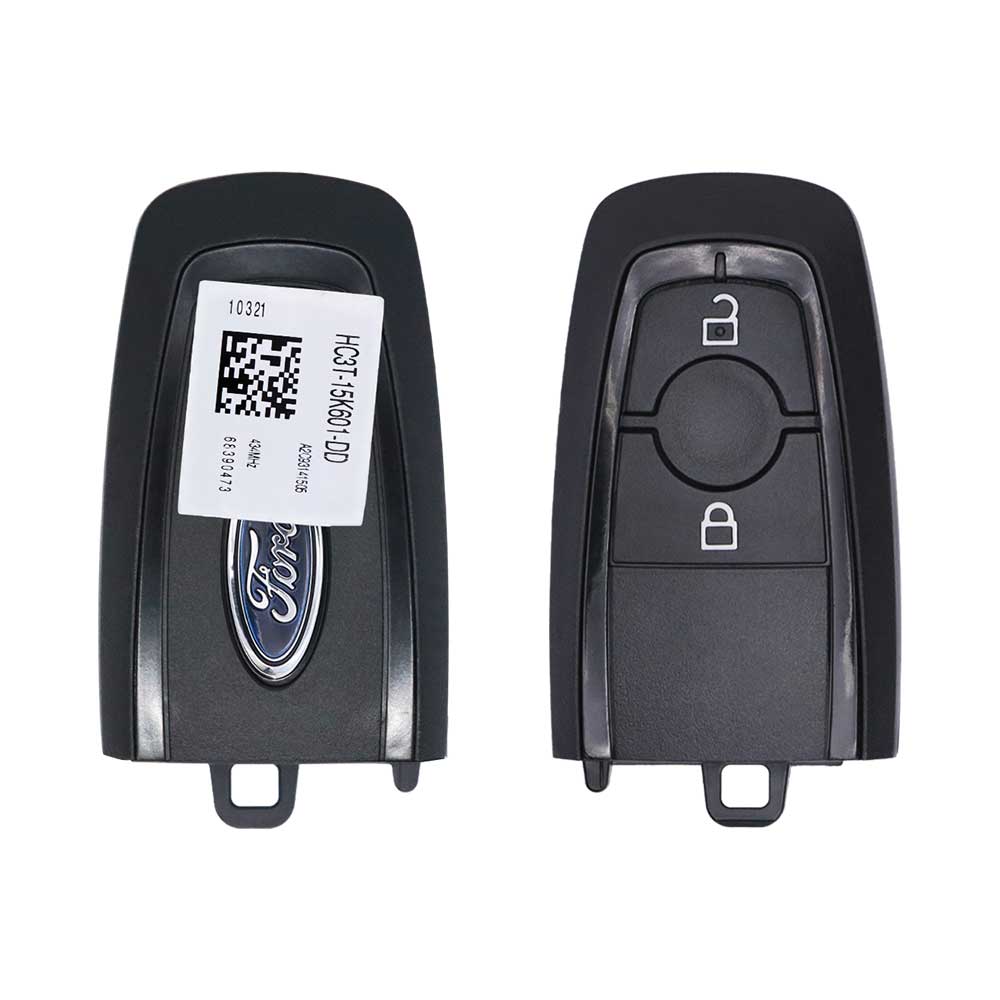
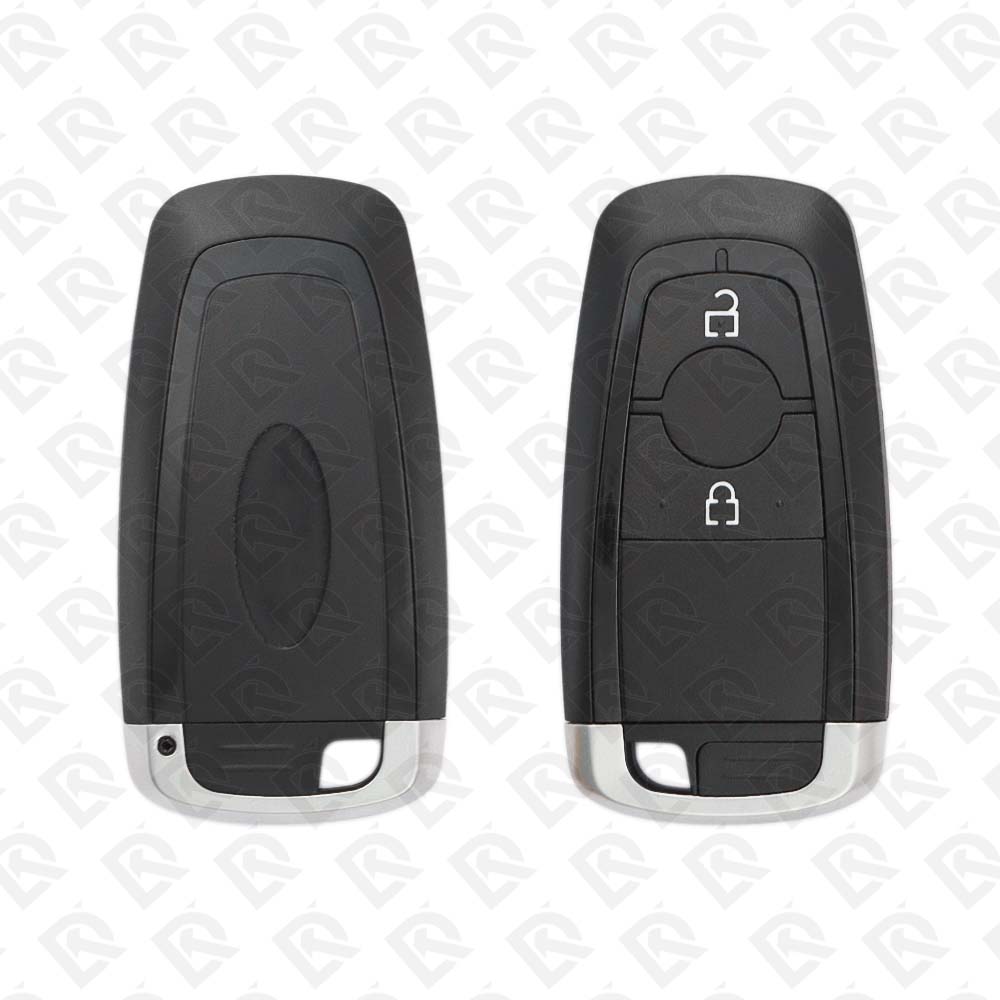
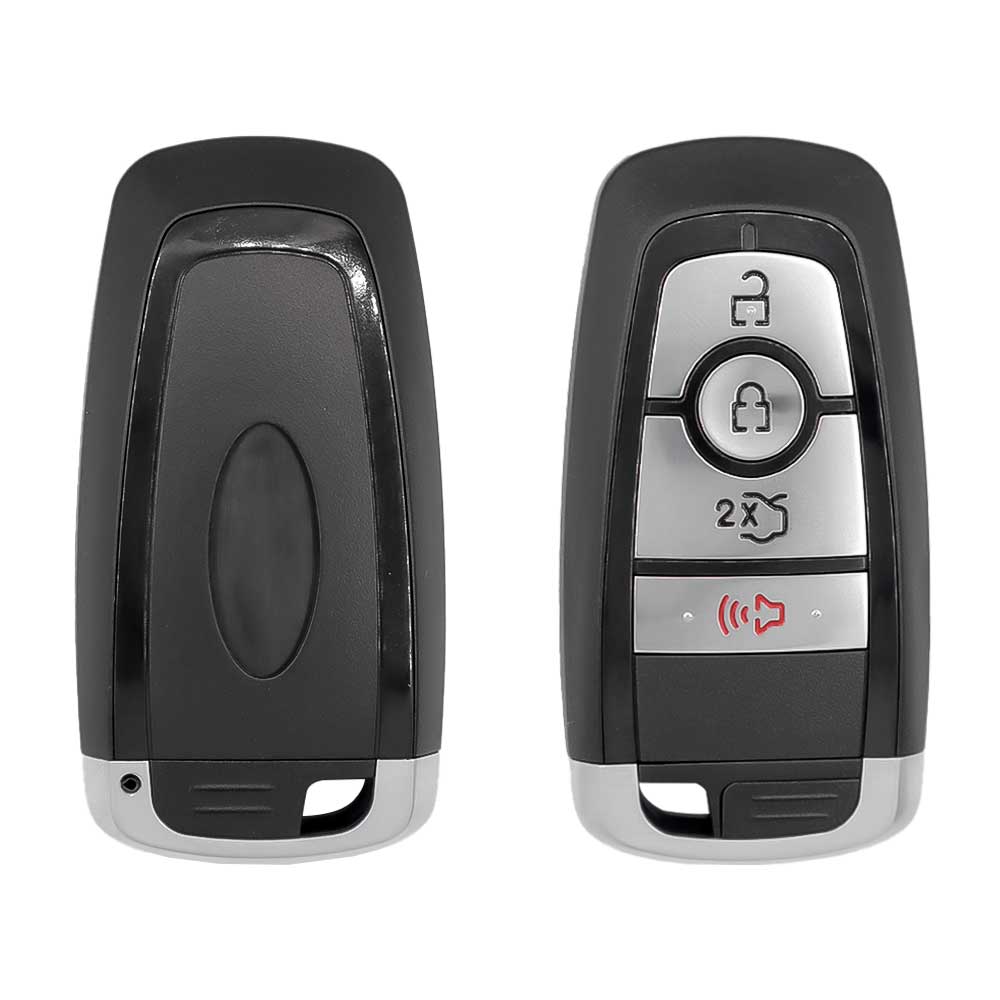
Keys that fit the 2018–2019 Ford Explorer: smart keys, flip keys and remote keys, 2, 3 or 4 buttons, FCC ID M3NA2C93142300, N5FA08TAA or A2C93142100, ID49 (HITAG Pro) or PCF7939FA chip, 315 MHz, 433 MHz or 868 MHz. 39 compatible keys, remotes & shells (genuine and aftermarket) available for the 2019 Ford Explorer.

Last updated: 21 November 2026

Key specifications for the Ford Explorer 2018–2019

Key types
smart keys, flip keys, remote keys, transponder keys, key shells, emergency blades and key blanks
Frequency
315 MHz, 433 MHz, 868 MHz and 902 MHz
Buttons
2-, 3-, 4- and 5-button
Transponder chip
ID49 (HITAG Pro) · PCF7939FA
Blade profile
HU101
Part numbers
164-R8150 · 164-R8130 · 164-R8149 · 164-R7989 · JL1T-15K601-CC · HC3T-15K601-DD · PCF7939FA
Battery
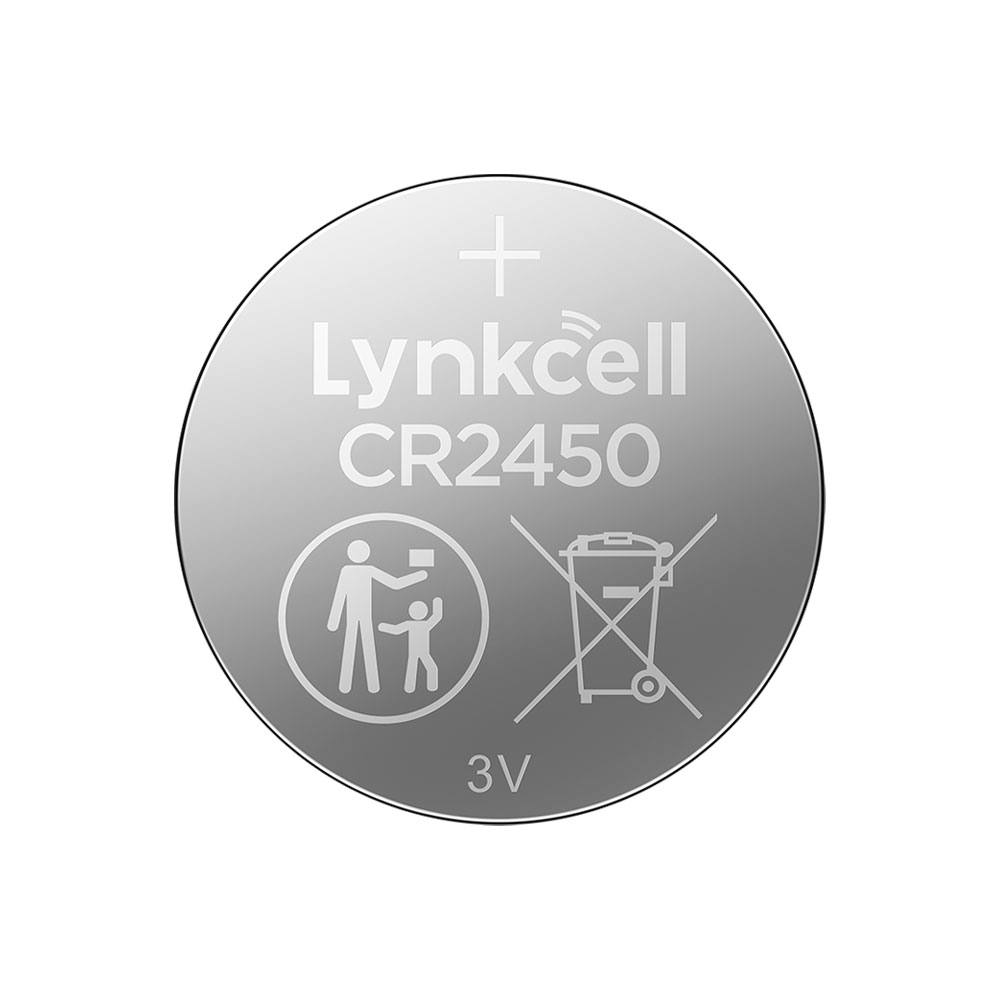
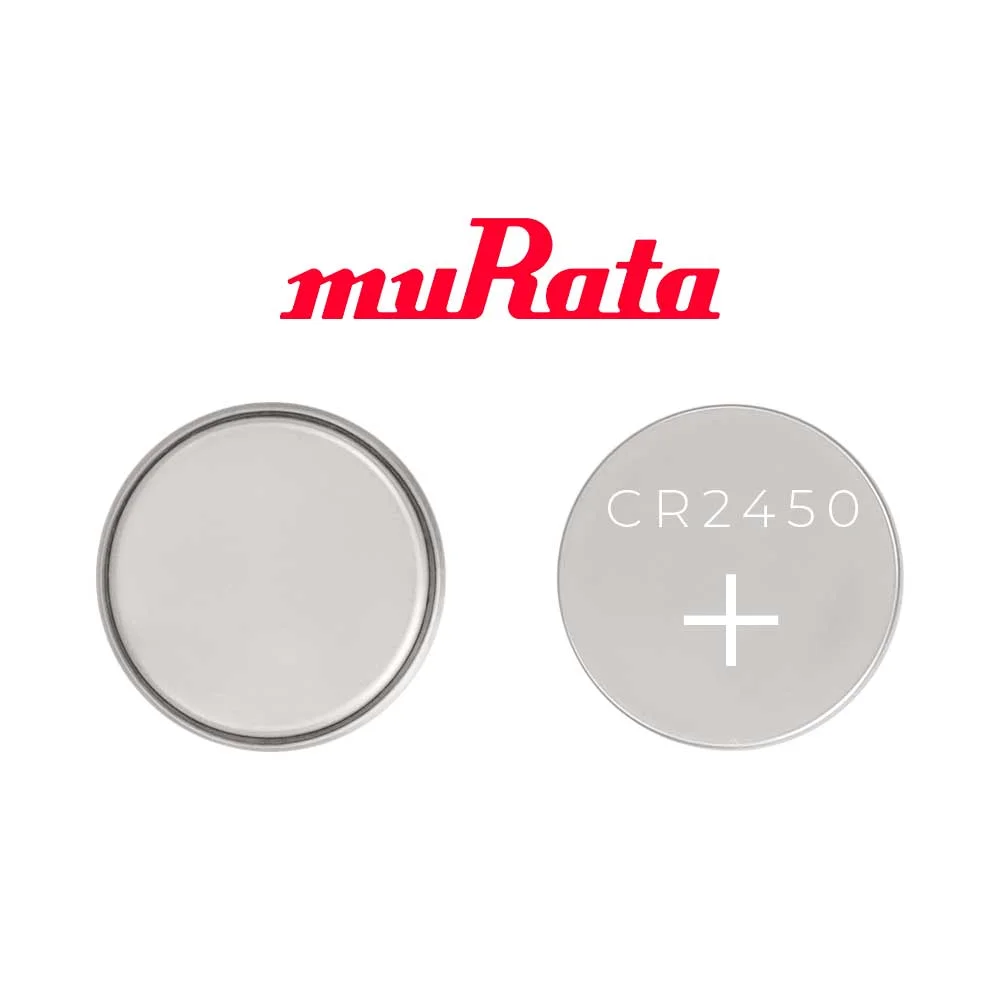
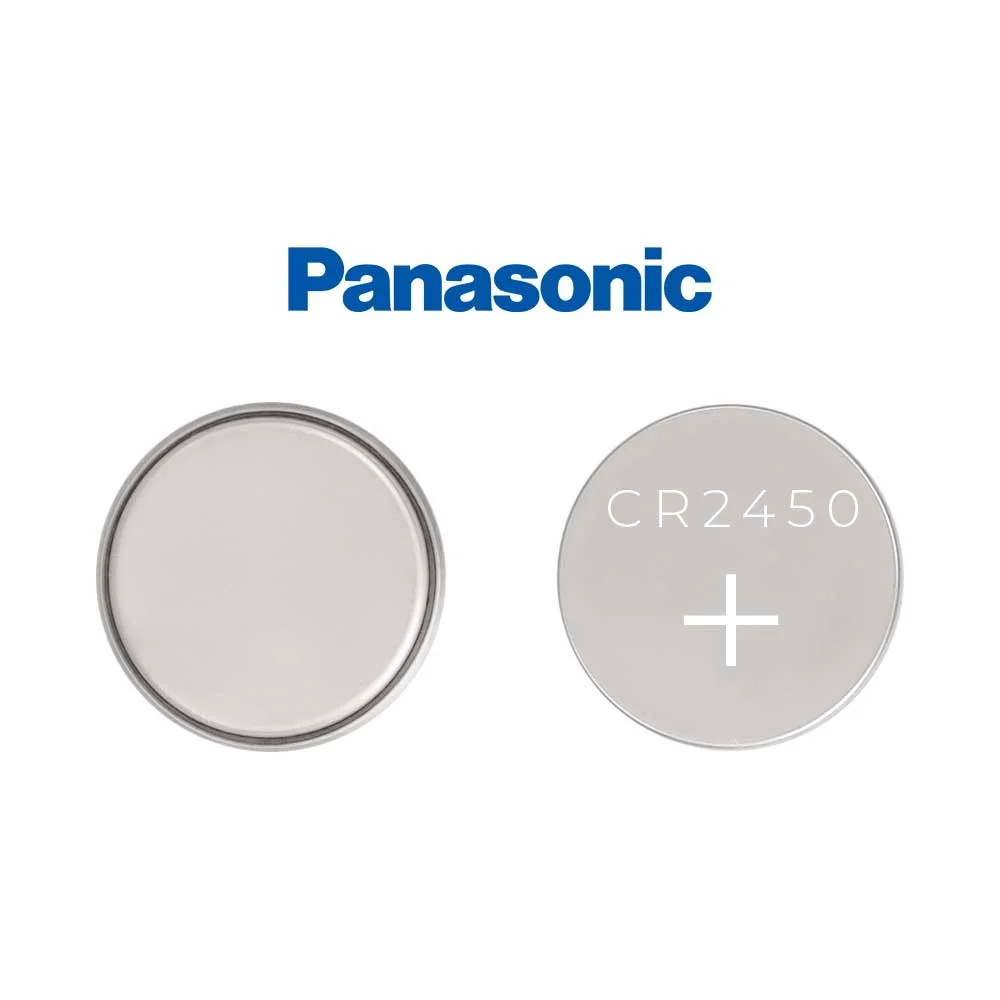
CR2450 · CR2032

To pick the right part, match the part number or FCC ID printed on your original remote, or listed in the Ford parts catalogue, with the specifications on each listing. The frequency depends on the market the car was sold in, so check 315 MHz, 433 MHz, 868 MHz and 902 MHz against your original before ordering.

A new smart key or remote has to be programmed to the car with a key programmer, and when every key is lost the programming is still done through the diagnostic port. We ship the key worldwide from the UAE by DHL and FedEx; any automotive locksmith or the dealer can cut and program it.
Programming the Ford Explorer 2019 key

Smart key (push to start)

3 tools list this key. 2 of them list all keys lost.

Key with a blade (regular or flip)

3 tools list this key. 2 of them list all keys lost.

All keys lost is listed by OBDSTAR Key Master G3 and Autel IM608 II / IM608 Pro II. Lonsdor K518 lists add key only.

Programming steps

Add key - on the car(US / Canada cars)

Needs: two working keys, new transponder key cut to the vehicle

  1. Cut the new SecuriLock key (or flip / integrated keyhead key) to the vehicle and keep it next to two keys that already start the engine.
  2. Put the first working key in the ignition, switch to ON for 3 to 10 seconds, then switch OFF and pull it out.
  3. Within 10 seconds put the second working key in, switch to ON for 3 to 10 seconds, then OFF and pull it out.
  4. Within 10 seconds put the new key in and switch to ON; leave it on for at least 6 seconds.
  5. Check: the theft light comes on for about 3 seconds and goes out, and the new key starts the engine. A flashing theft light means it was not learned.
  6. For each extra key wait about 20 seconds and start again from step 2.
Watch out: Needs two different keys that already start the car; one key, a copied (cloned) key or no key means tool work. Maximum eight keys on the vehicle. If it fails twice, stop and use a tool instead of repeating.
Add key - on the car(US / Canada cars)

Needs: Flip key with built-in remote, two working programmed keys, the new key, cut to the car

  1. Insert the first working key and turn the ignition from OFF to ON. Hold it in ON for 3 to 10 seconds.
  2. Turn the ignition OFF and pull the first key out.
  3. After 3 seconds and before 10 seconds have passed, insert the second working key and turn it to ON for 3 to 10 seconds.
  4. Turn the ignition OFF and pull the second key out.
  5. After 3 seconds and before 10 seconds have passed, insert the new key and turn it to ON. Hold it in ON for at least 6 seconds.
  6. Pull the new key out. It must start the engine, and on a remote head key its buttons must lock and unlock the car.
Watch out: Every key change must fall after 3 seconds and within 10 seconds; a missed window means starting over. If the new key does not work, wait 10 seconds and run the whole sequence again. With fewer than two working keys this method cannot be used; the key must be programmed with a tool.
Add key - Autel MaxiIM IM508 / IM608(US / Canada cars)

Needs: one working key, new transponder key cut to the vehicle, battery maintainer

  1. Connect the tool to the OBD port and a battery maintainer; select IMMO > Ford > the model and year > the key type (blade / flip key).
  2. Read the immobilizer status and note how many keys are stored.
  3. Choose Add key with a working key in the ignition and the ignition ON.
  4. Let the tool get security access: a timed wait of about 10 minutes; keep the ignition ON and do not interrupt it.
  5. When the tool asks, switch to the new key and turn it ON within the time shown; the tool stores it in the next free slot.
  6. Check the new key count, then start the engine with every key.
Watch out: Keep the battery voltage stable through the timed wait; a drop means starting the wait again. Maximum eight keys.
All keys lost - Autel MaxiIM IM508 / IM608(US / Canada cars)

Needs: two new transponder keys cut to the vehicle, battery maintainer

  1. Cut two new keys; the system will not close the job with fewer than two.
  2. Connect the tool to the OBD port and a battery maintainer; select IMMO > Ford > the model and year > the key type.
  3. Put the first new key in the ignition, switch ON and choose All keys lost.
  4. Let the tool get security access: a timed wait of about 10 minutes; do not switch off.
  5. Let the tool erase all stored keys and learn the key in the ignition.
  6. When asked, switch off, insert the second new key and switch ON within the time shown.
  7. Confirm the tool reports two keys, then start the engine with both keys.
Watch out: All stored keys are erased: bring every key the customer keeps and program them in the same session. With only one key learned the engine will not start and the theft light flashes: a second different key is required.

Key type not stated by the list

One tool lists this key.

  • Launch X-431 IMMO
    • Add key
    • All keys lost
    • Remote

When the key changed

Smart key (push to start)

  • 2011 - 2015Chip: ID46FCC: M3N5WY8609Push-to-start trims only.
  • from 2016This yearChip: ID49Blade: HU101Fob frequency varies (315, 434 or 902 MHz): read the FCC ID.

Key with a blade (regular or flip)

  • 1998 - 2001Chip: 4CBlade: H75(US / Canada cars)2001 is a split year: check the key.
  • 2001 - 2010Chip: 4D-63Blade: H75(US / Canada cars)40-bit version. 2001 is a split year.
  • 2011 - 2015Chip: 4D-63Blade: H75FCC: CWTWB1U793(US / Canada cars)80-bit version; a 40-bit key will not program.
  • 2016 - 2022This yearChip: ID49315 MHzBlade: HU101FCC: N5F-A08TAA(US / Canada cars)Flip key for key-start trims.

Check coverage first: support depends on the tool's software version and the exact model. A tool that is not shown here may still cover this car.

Frequently asked questions

Which keys fit the Ford Explorer 2018–2019?

39 listings fit the Ford Explorer 2018–2019: smart keys, flip keys, remote keys, transponder keys, key shells, emergency blades and key blanks, in 2-, 3-, 4- and 5-button versions. Match the part number or FCC ID printed on your original key with the specifications on each listing.

What frequency does the Ford Explorer 2018–2019 remote use?

Listings for the Ford Explorer 2018–2019 come in 315 MHz, 433 MHz, 868 MHz and 902 MHz: the frequency depends on the market the car was sold in, so check it against your original remote before ordering.

Which transponder chip does the Ford Explorer 2018–2019 key use?

The listings for this car carry: ID49 (HITAG Pro) · PCF7939FA. Check the chip in each listing's specifications.

Which FCC IDs do Ford Explorer 2018–2019 remotes carry?

The remotes listed for this car carry FCC ID A2C91253902, A2C93142100, M3N5WY8609, M3NA2C31243300, M3NA2C931423, M3NA2C93142300, M3NA2C931426, M3NA2C93142600 and others. Match it with the FCC ID printed on your original remote.

Which blade profile does the Ford Explorer 2018–2019 key use?

The blades listed for this car: HU101.

Which tools program a Ford Explorer 2018–2019 key?

The tool makers' coverage lists name OBDSTAR Key Master G3, Lonsdor K518, Autel KM100 (IKEY universal smart key), Autel IM608 II / IM608 Pro II and Launch X-431 IMMO for this car; 4 of them list all keys lost. Check your tool's latest coverage list before the job.