Skip to content

Ford Fusion 2018–2020 Key Fob & Car Keys

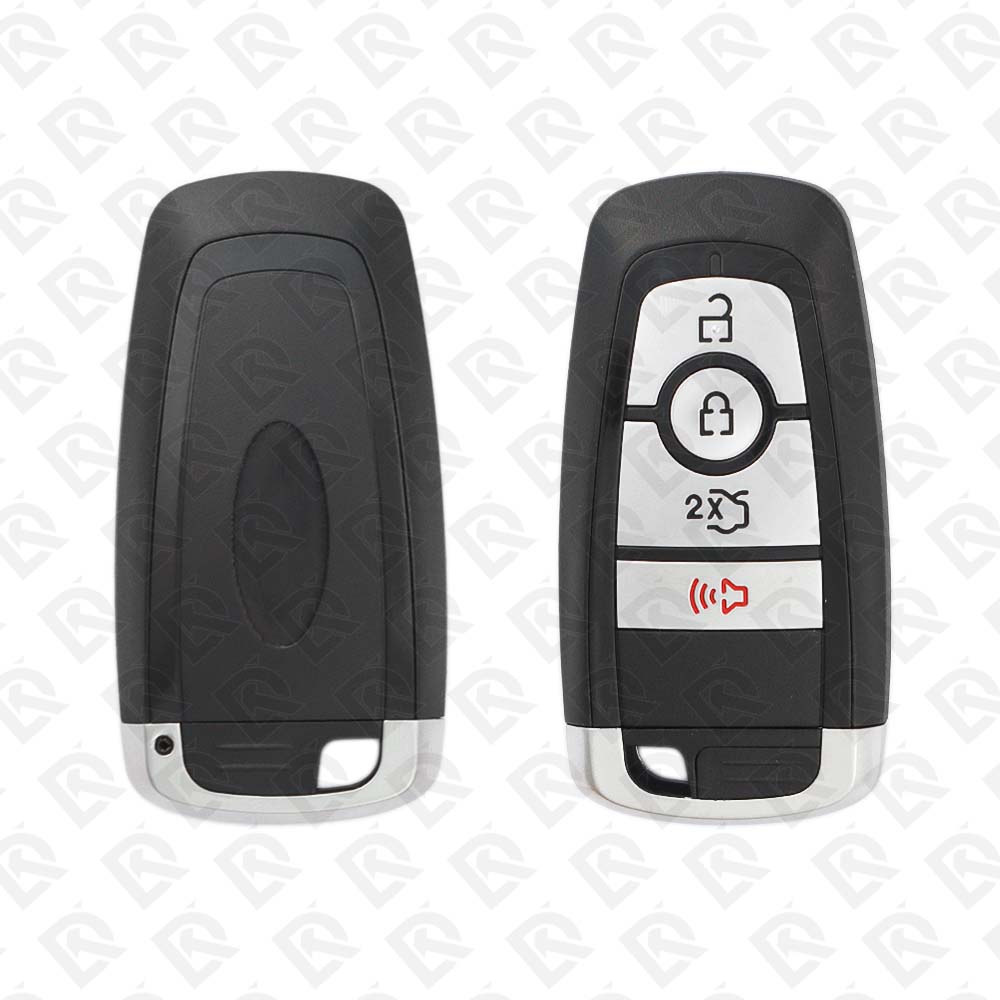
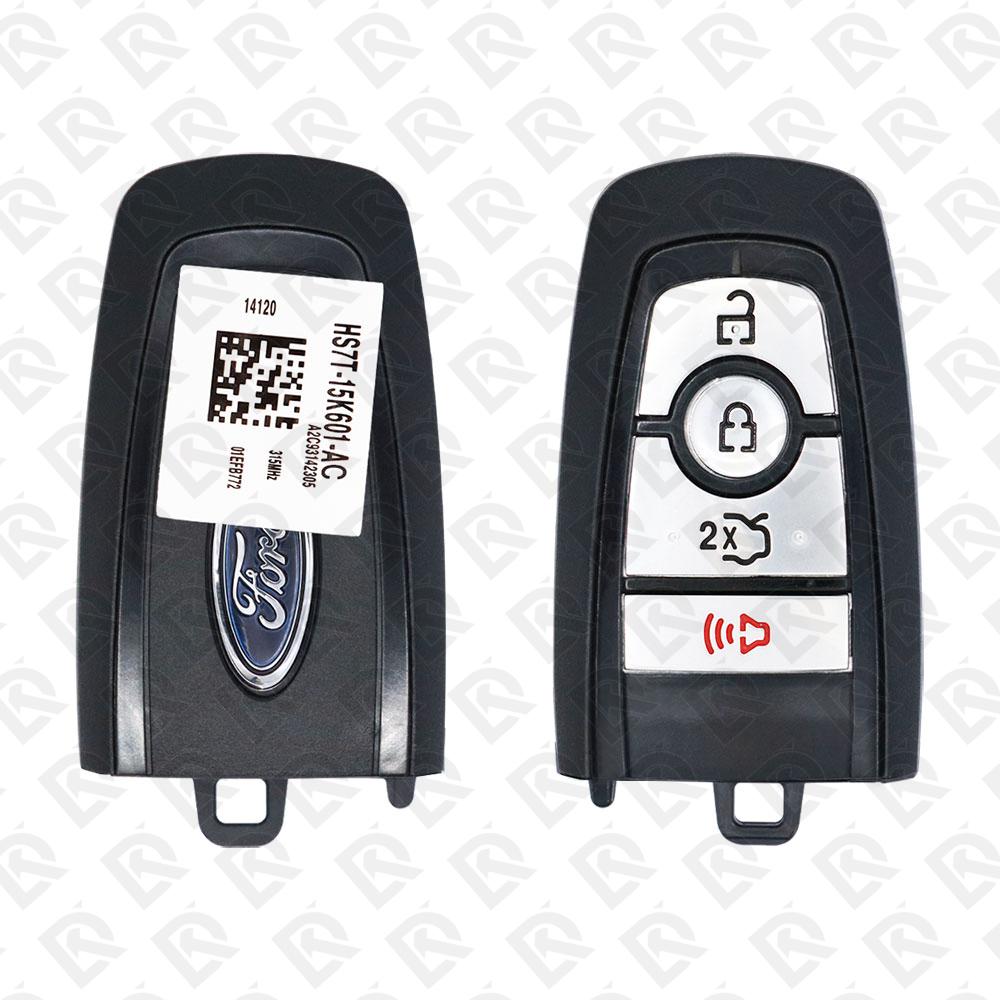
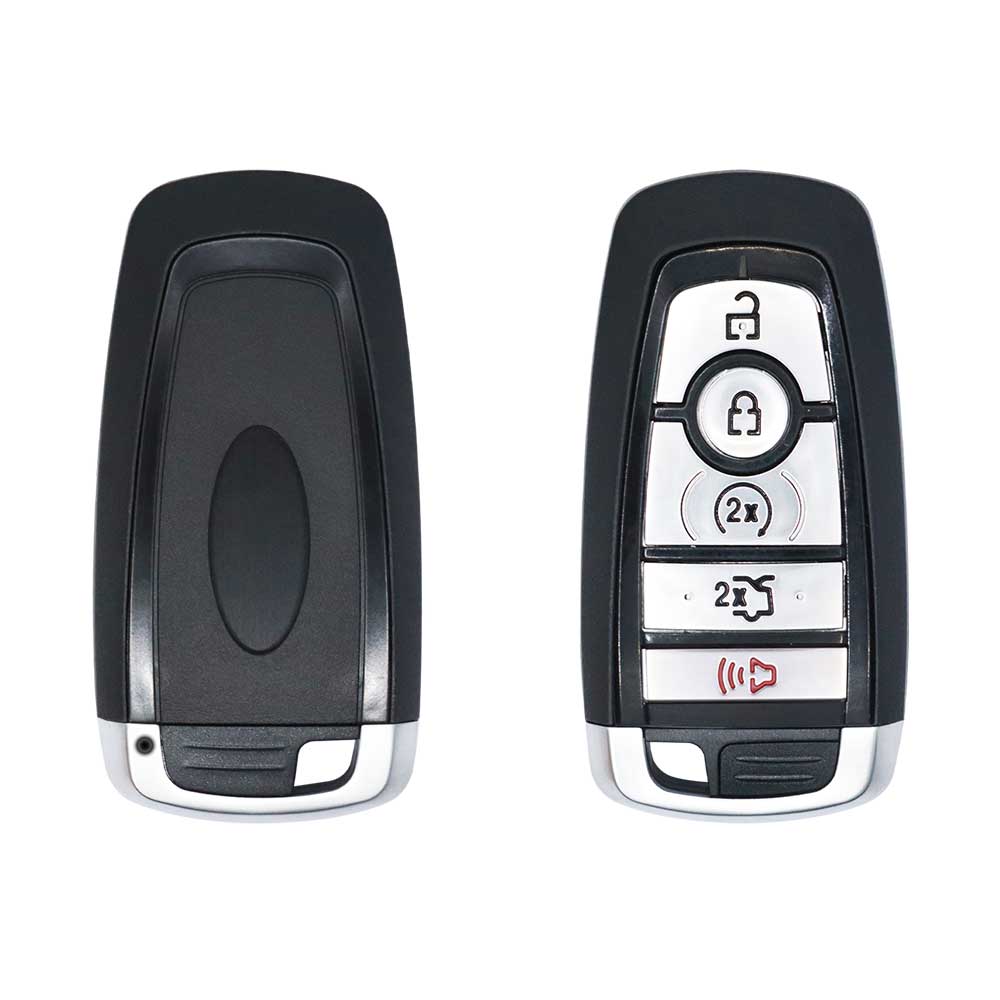
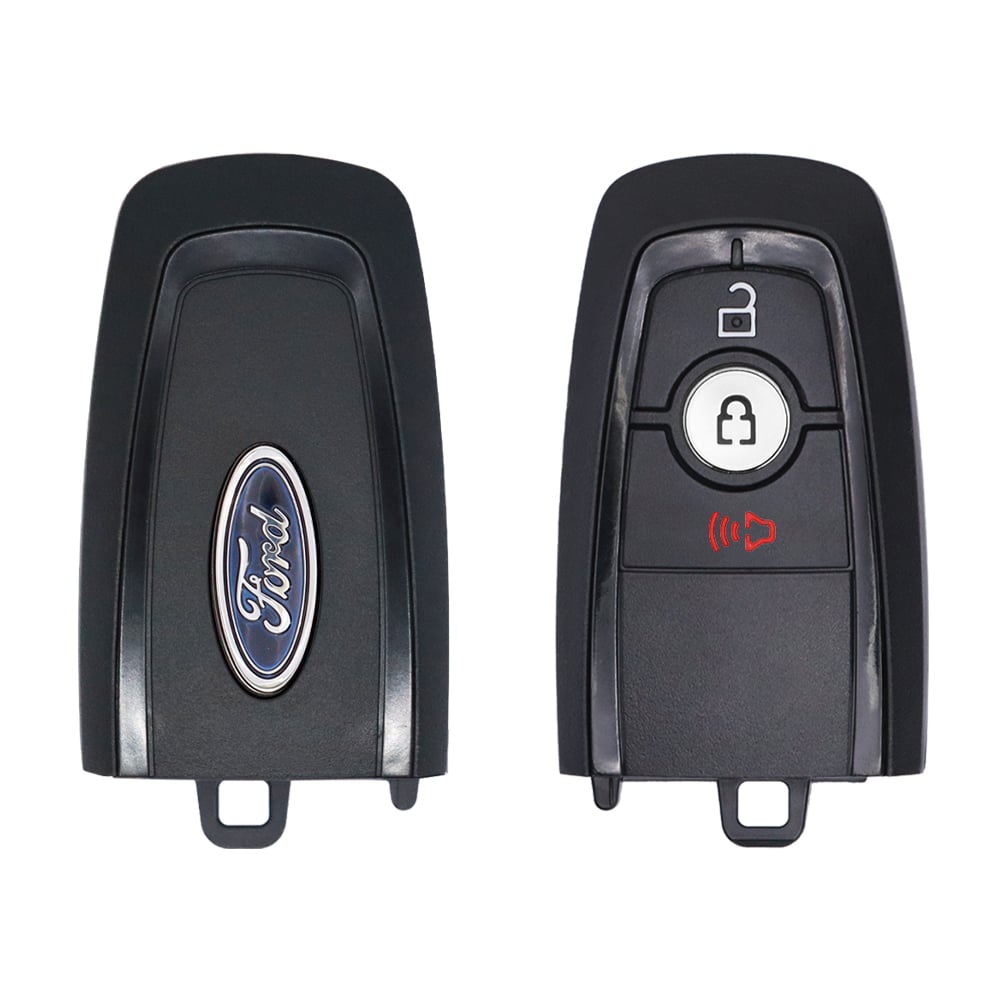
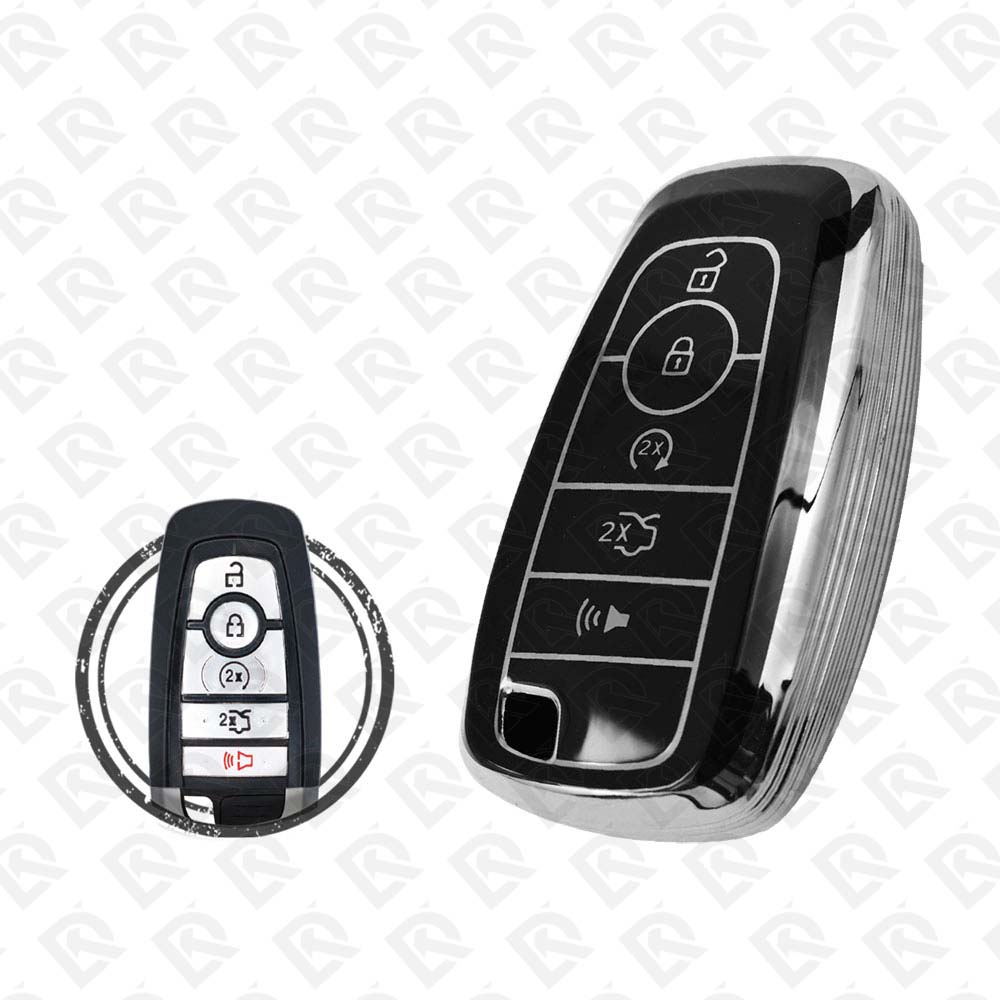
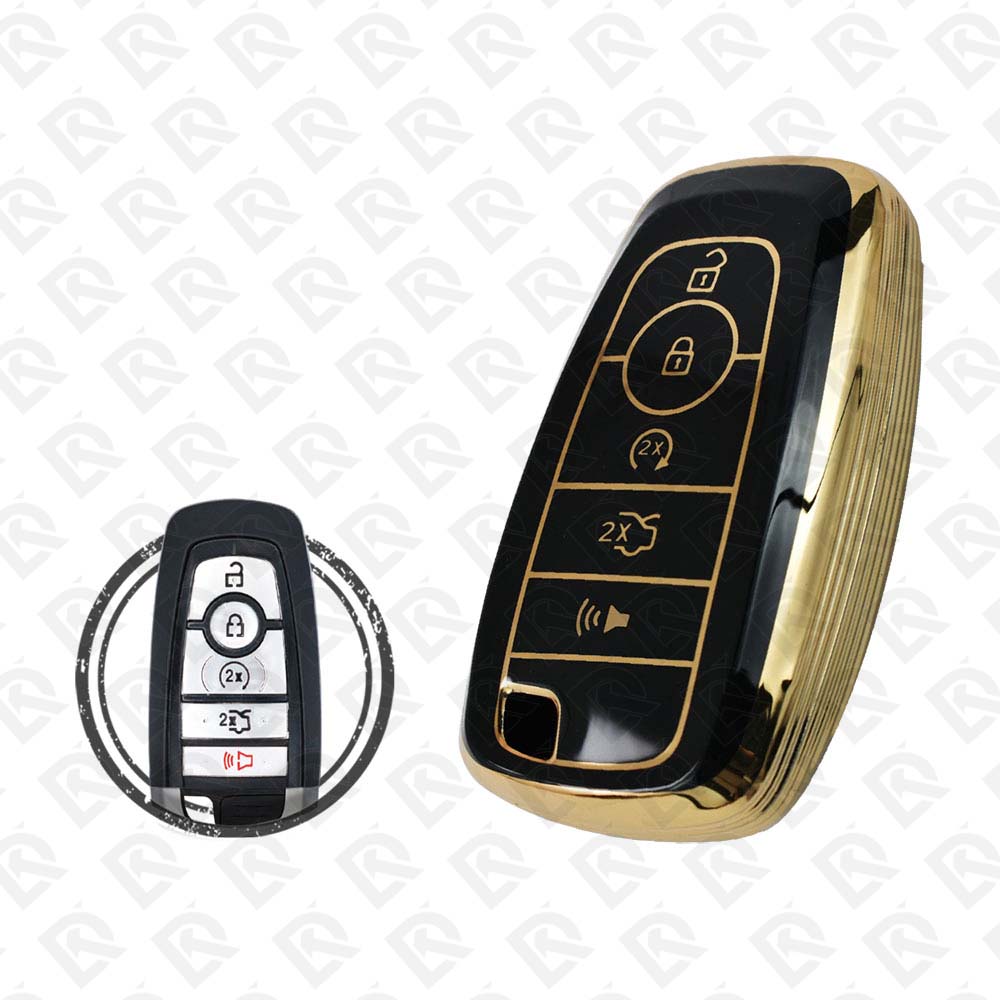
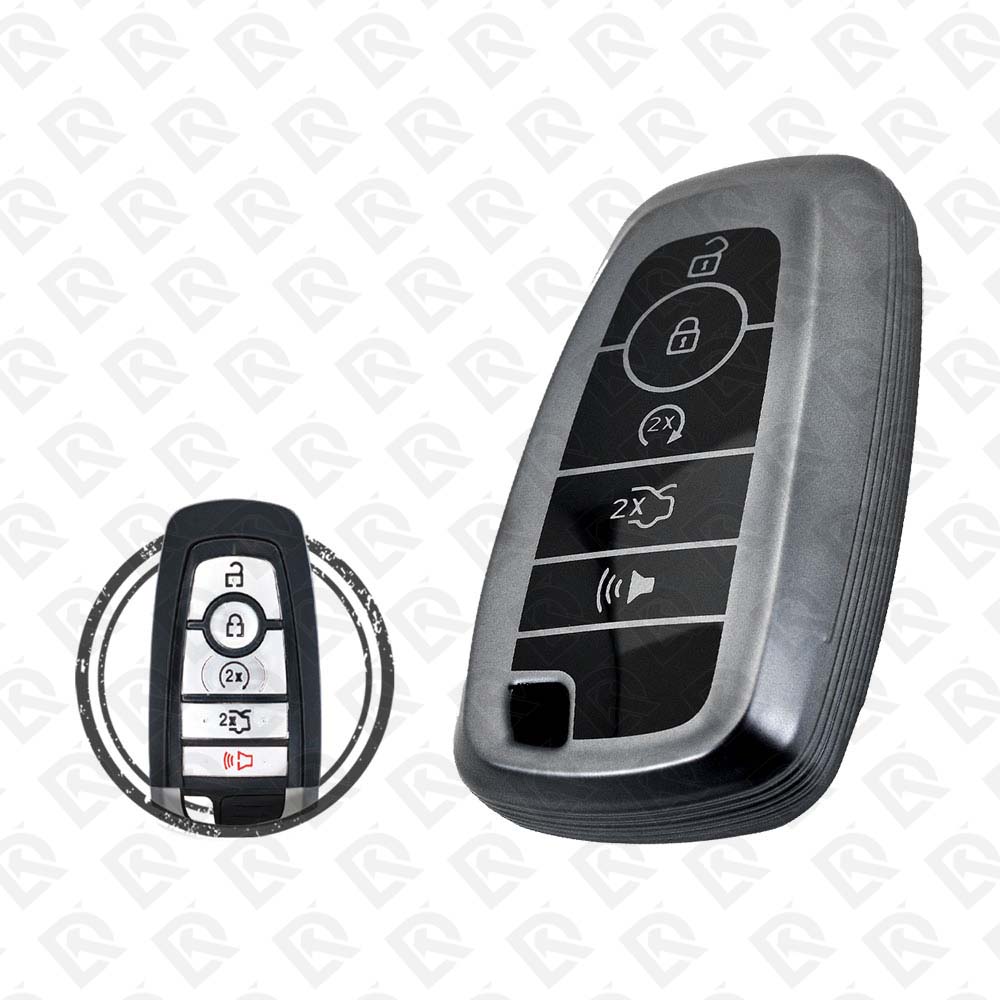
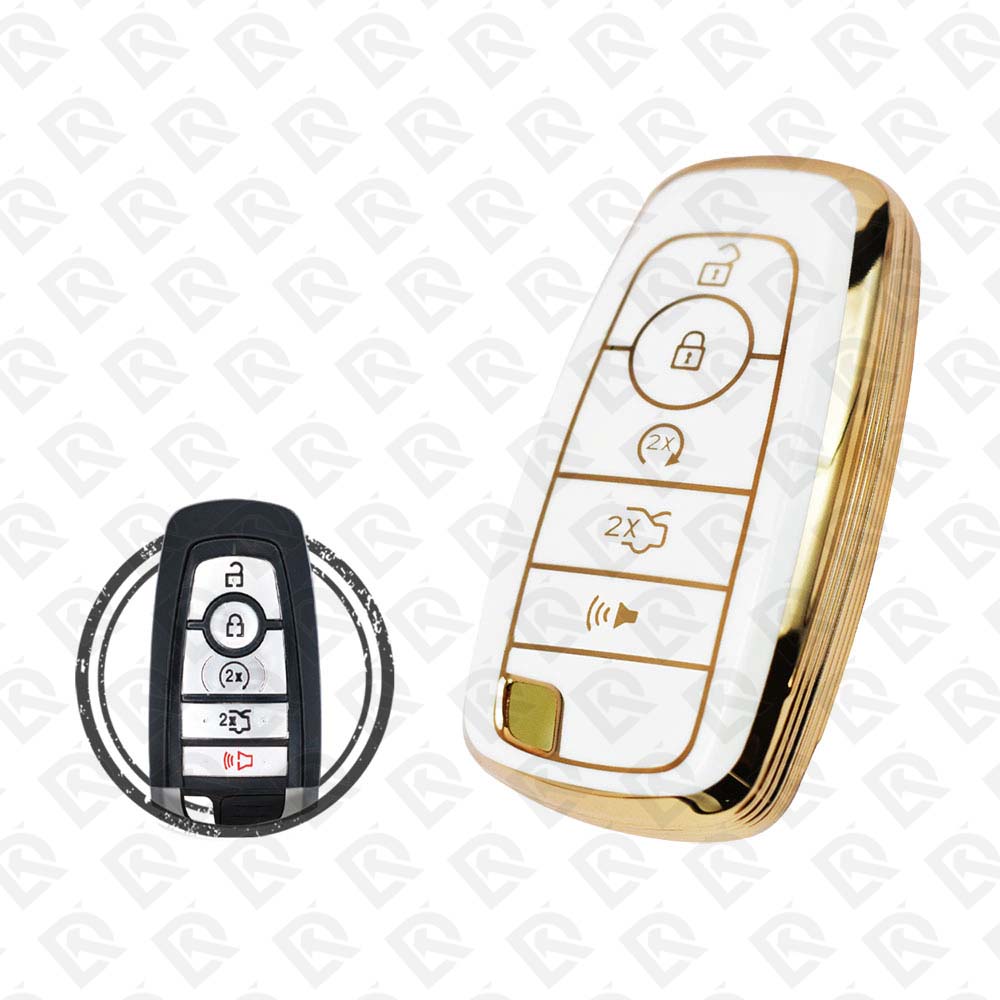
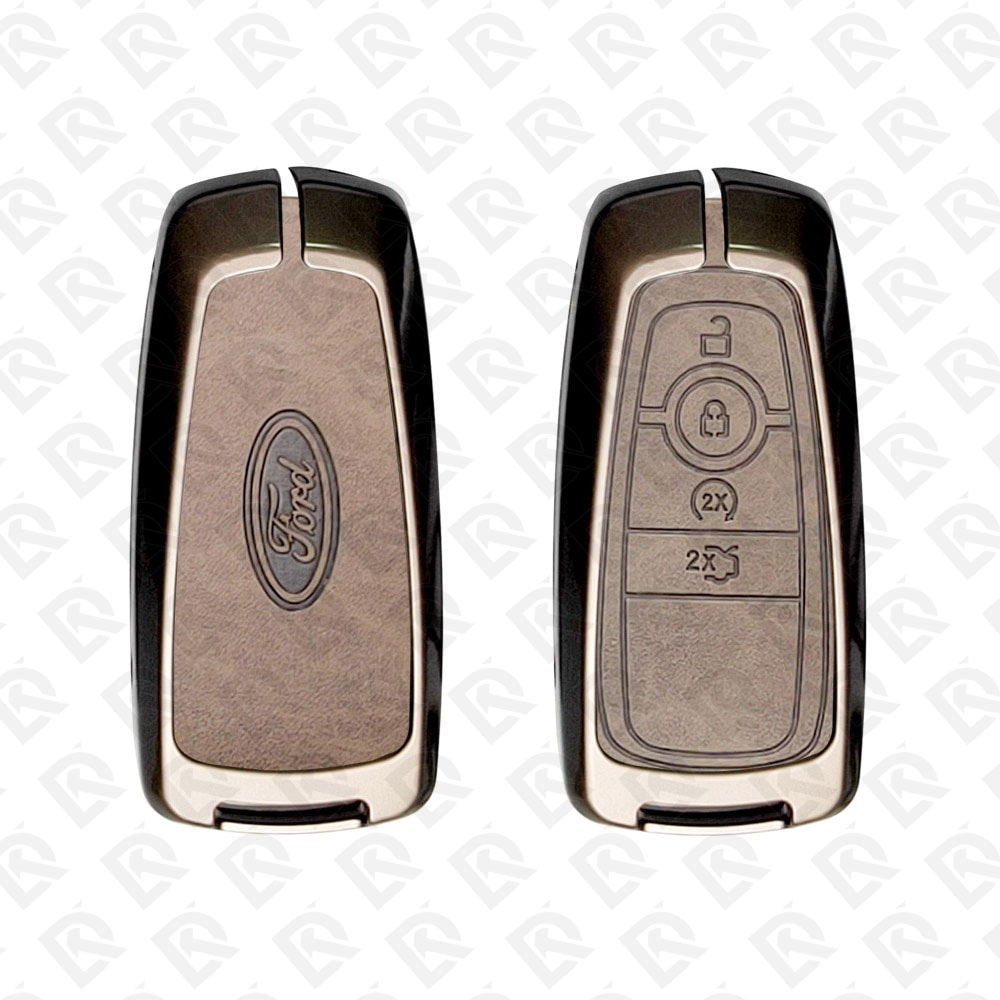
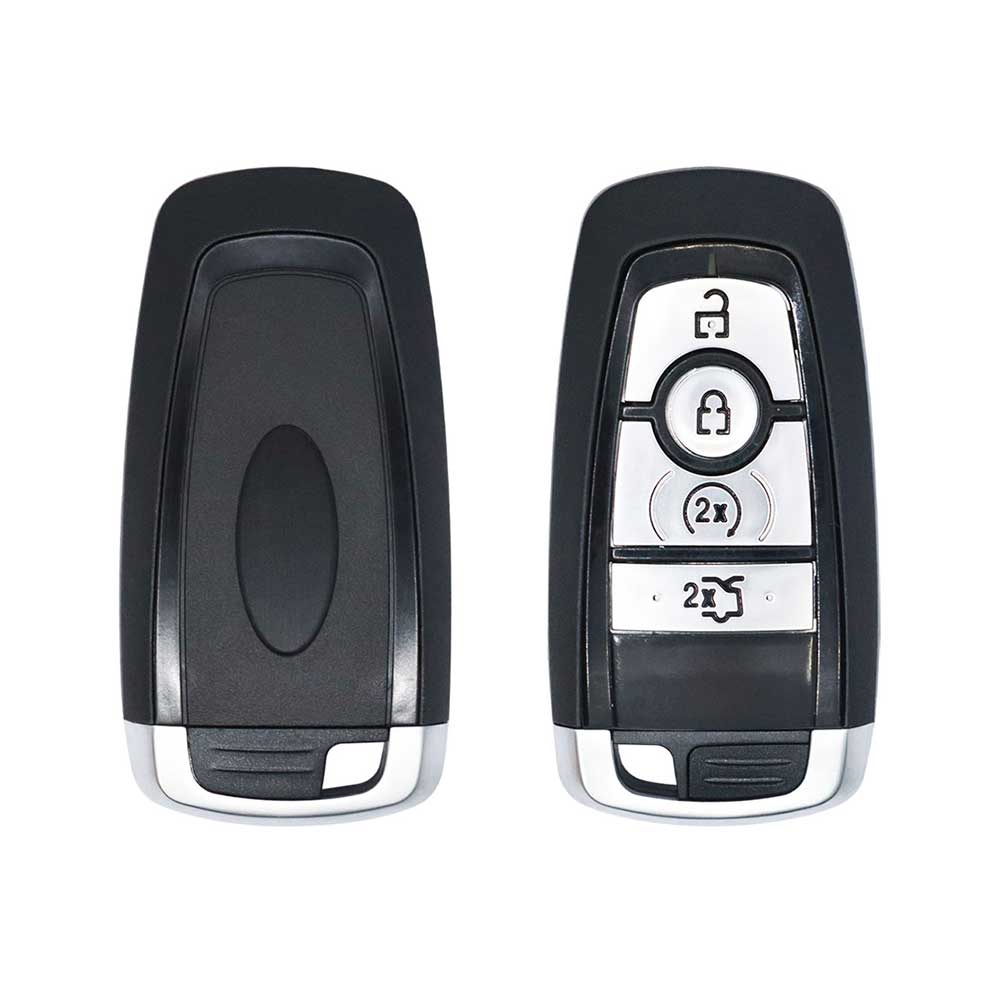
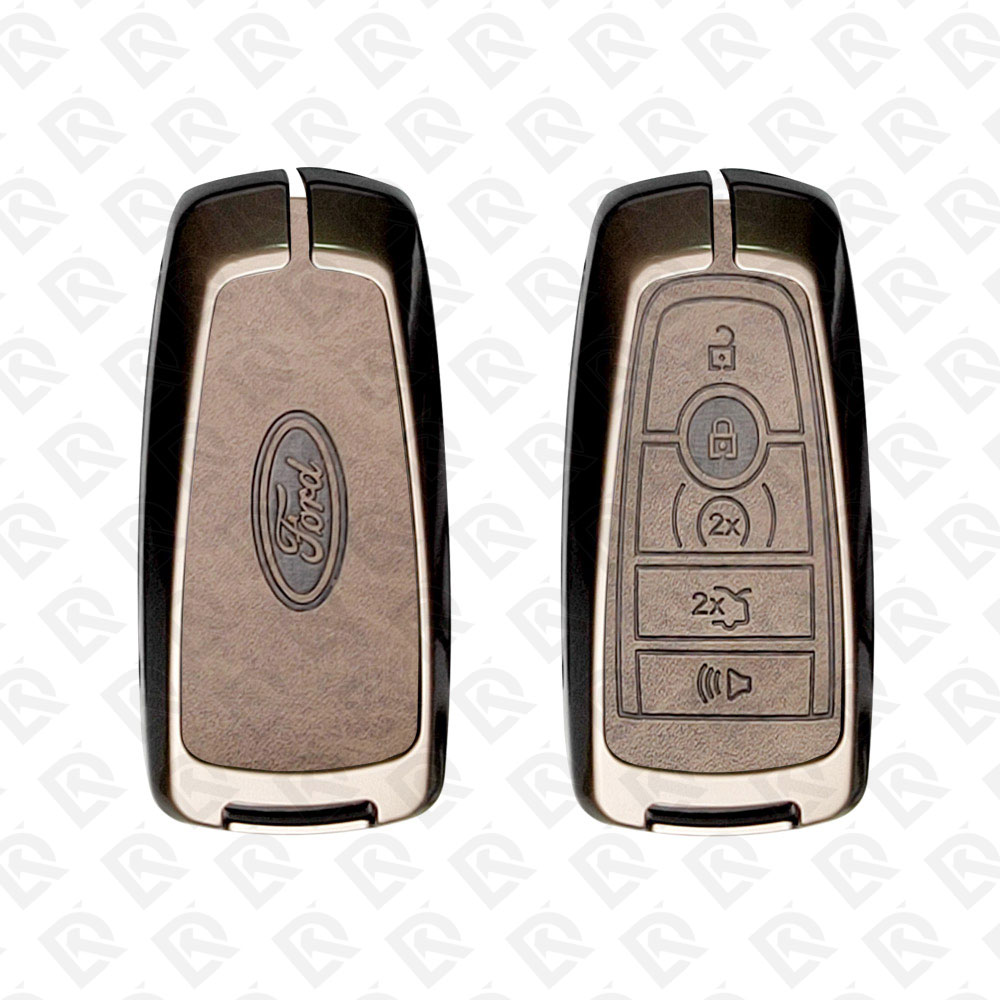
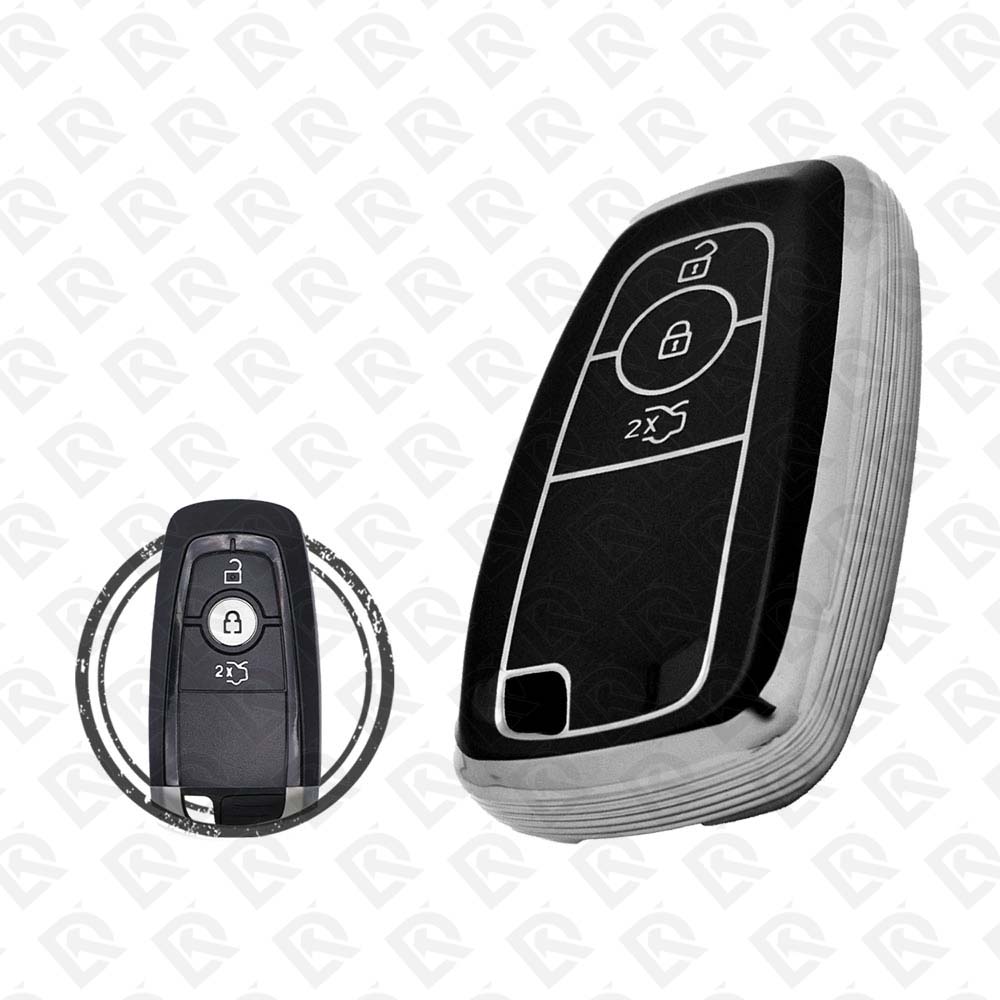
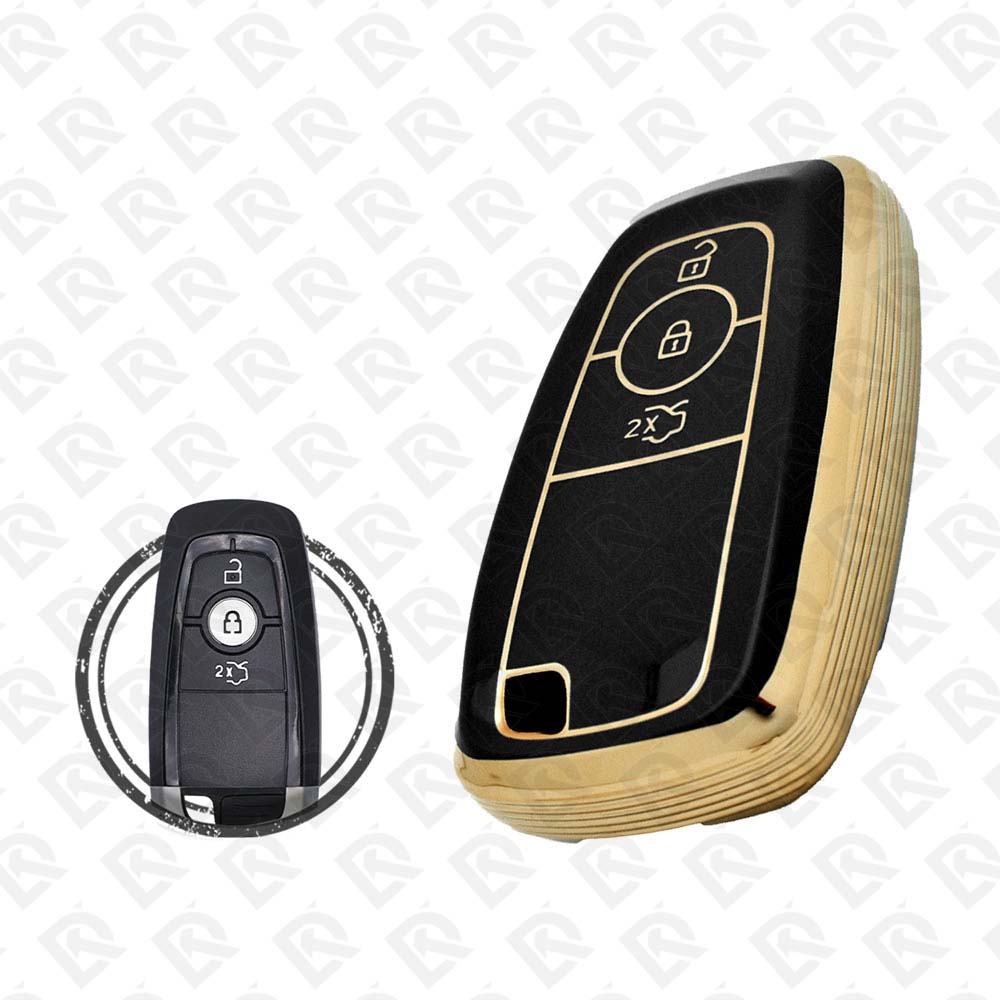
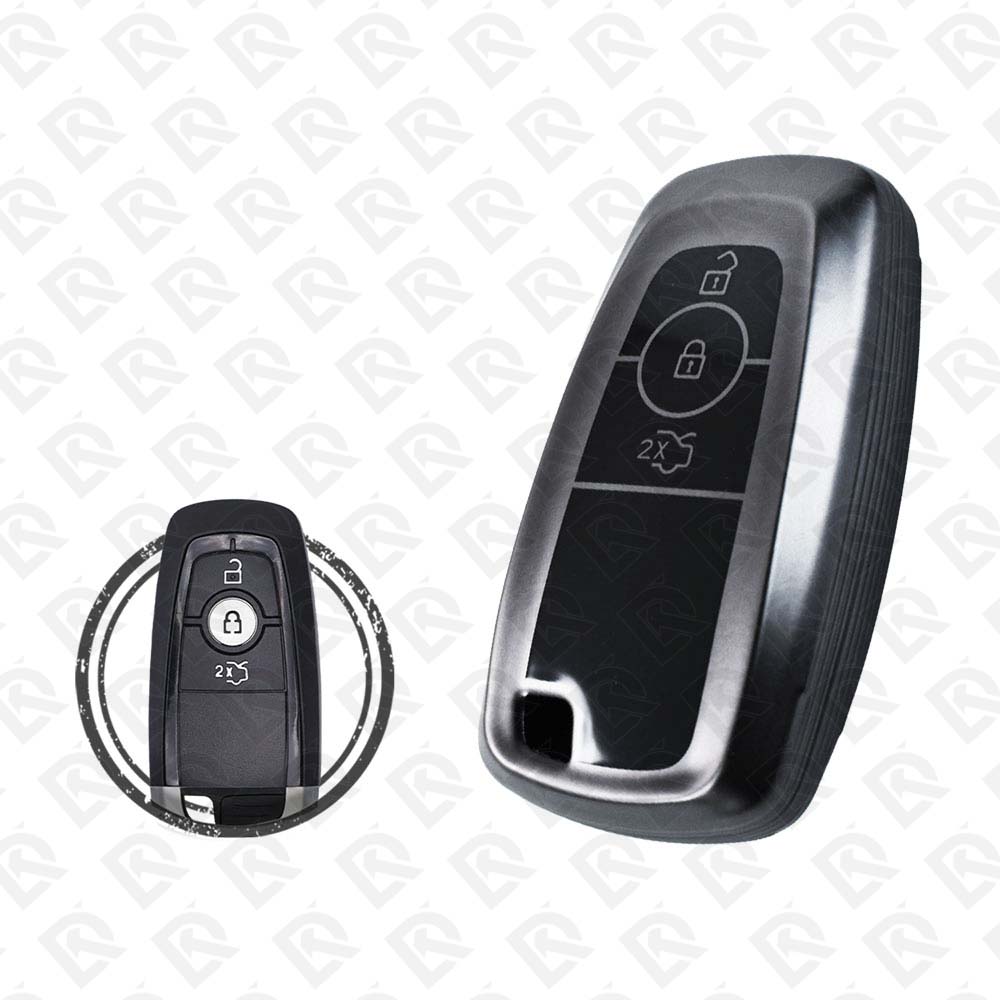
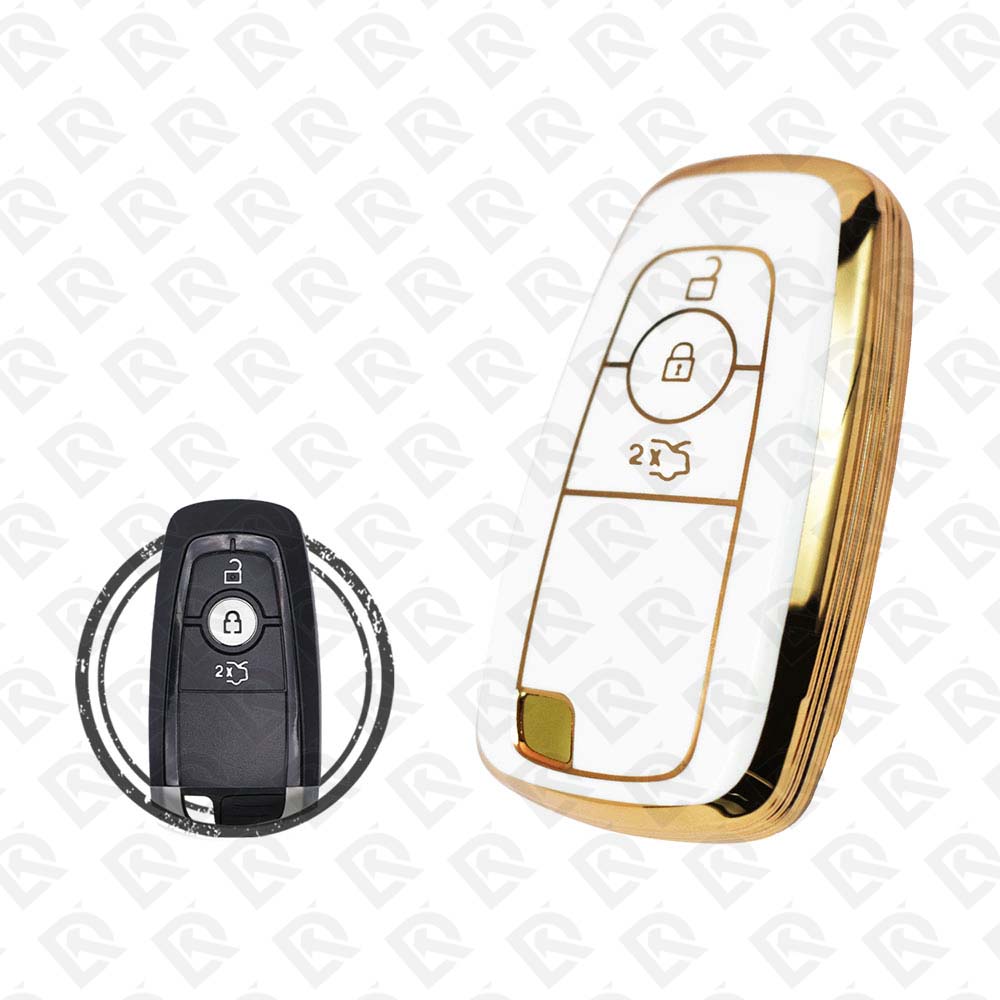
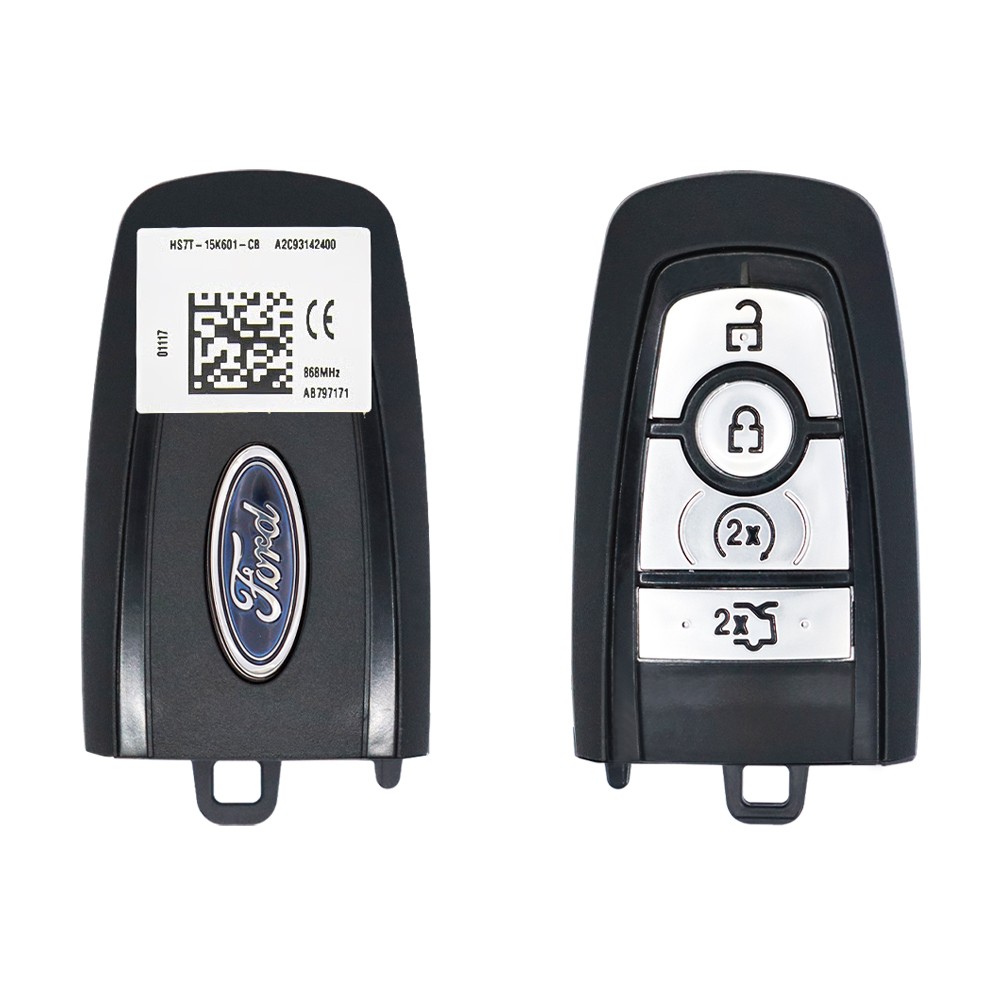
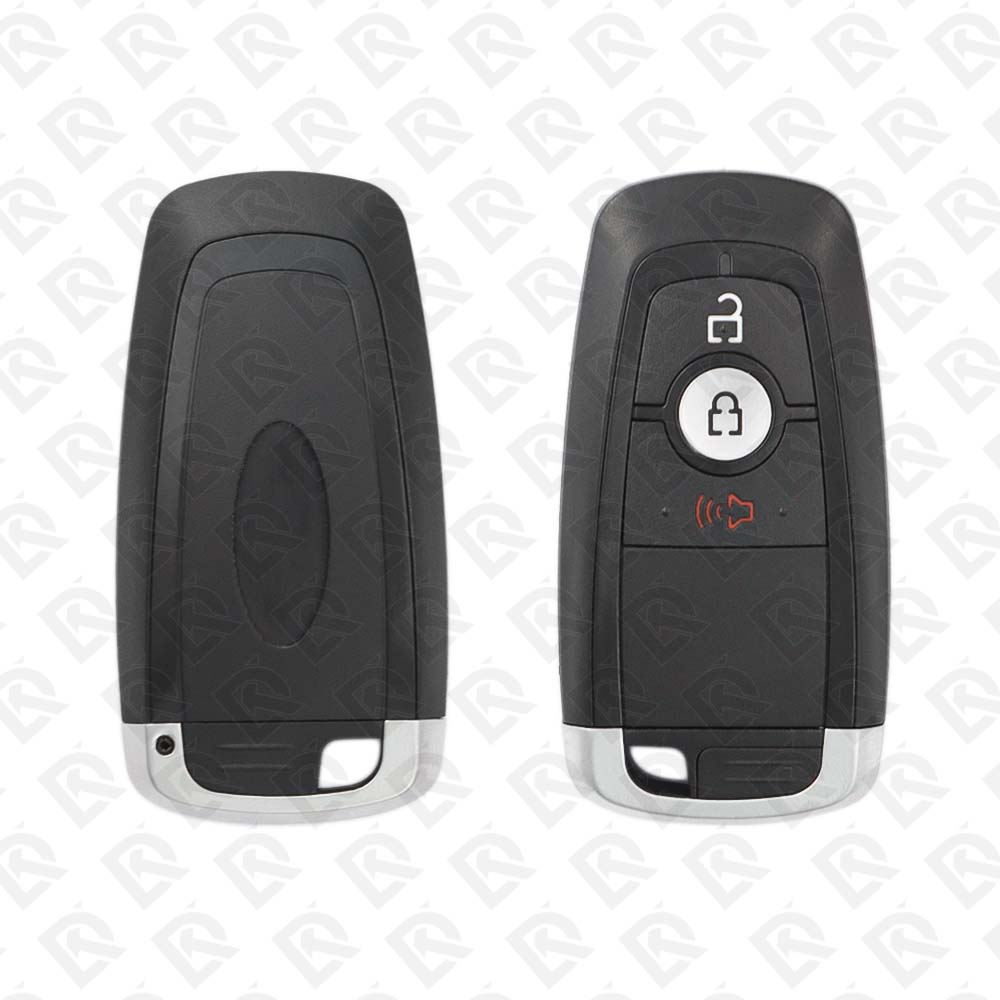
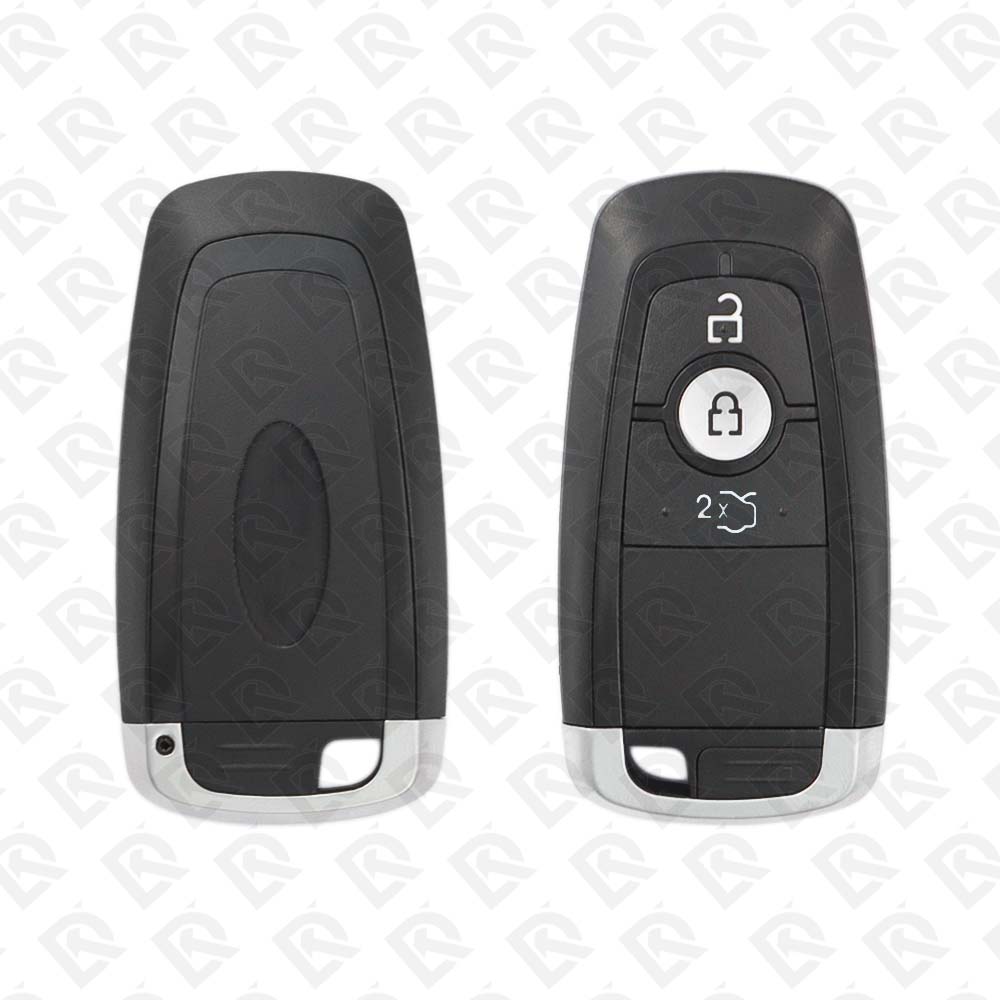
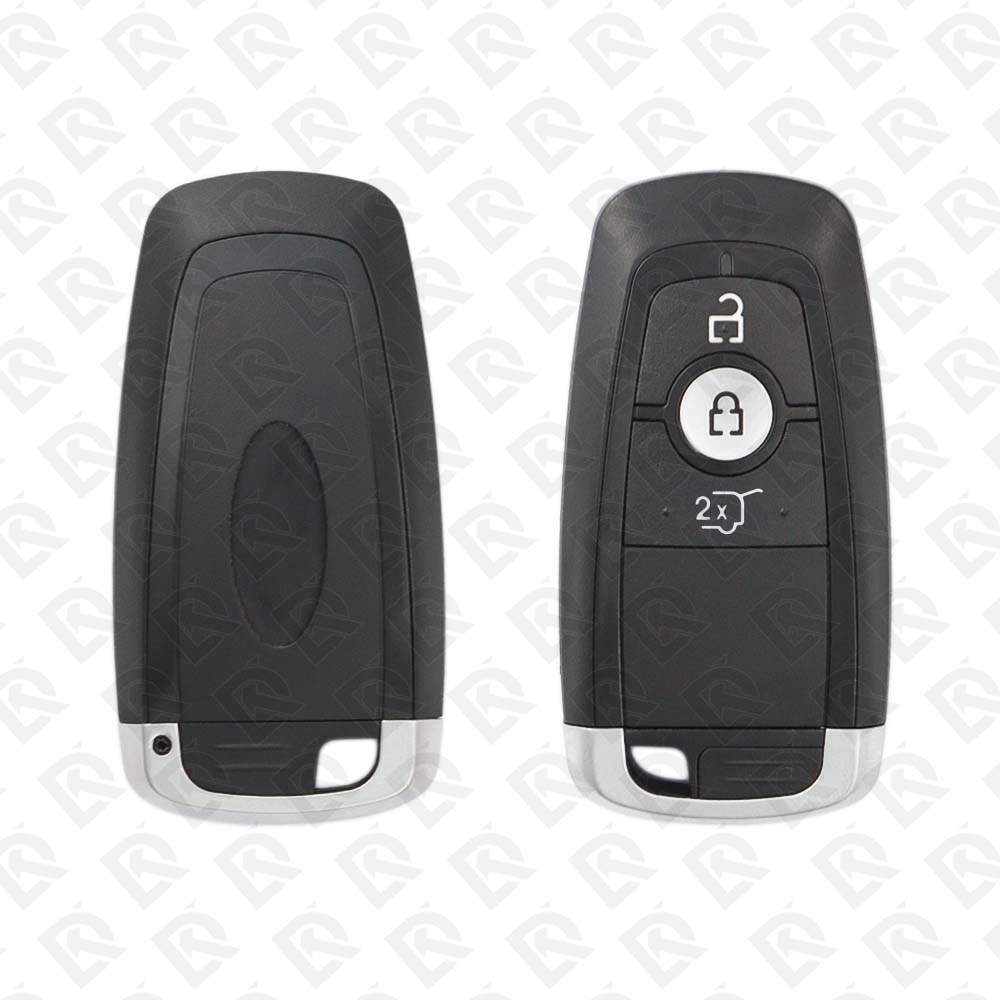
Keys that fit the 2018–2020 Ford Fusion: smart keys and transponder keys, 3, 4 or 5 buttons, FCC ID M3NA2C93142300, M3NA2C931426 or M3NA2C93142400, ID49 (HITAG Pro) or PCF7939FA chip, 315 MHz, 868 MHz or 902 MHz. 29 compatible keys, remotes & shells (genuine and aftermarket) available for the 2018 Ford Fusion.

Last updated: 17 November 2026

Key specifications for the Ford Fusion 2018–2020

Key types
smart keys, transponder keys, key shells and key blanks
Frequency
315 MHz, 868 MHz and 902 MHz
Buttons
3-, 4- and 5-button
Transponder chip
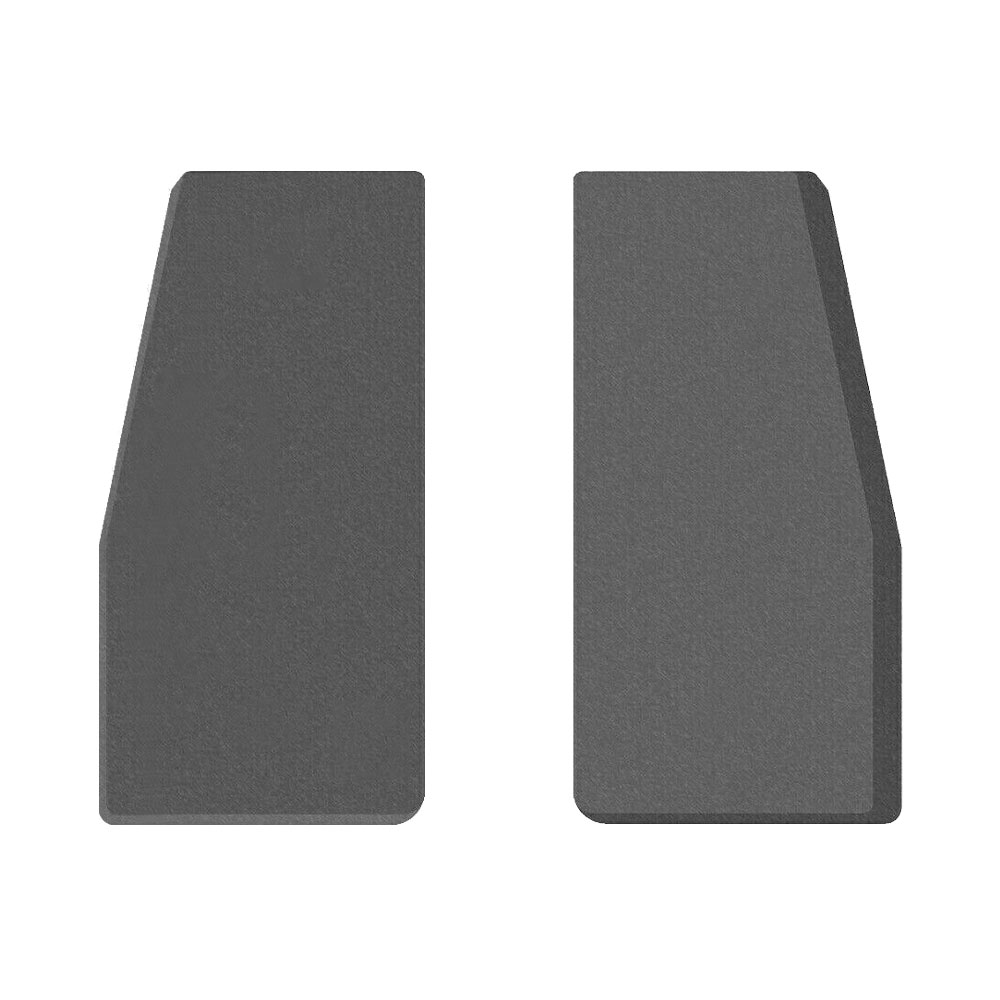
ID49 (HITAG Pro) · PCF7939FA
Blade profile
HU101
Part numbers
164-R8150 · HS7T-15K601-BD · 164-R8149 · HC3T-15K601-AB · HS7T-15K601-CB · PCF7939FA
Battery
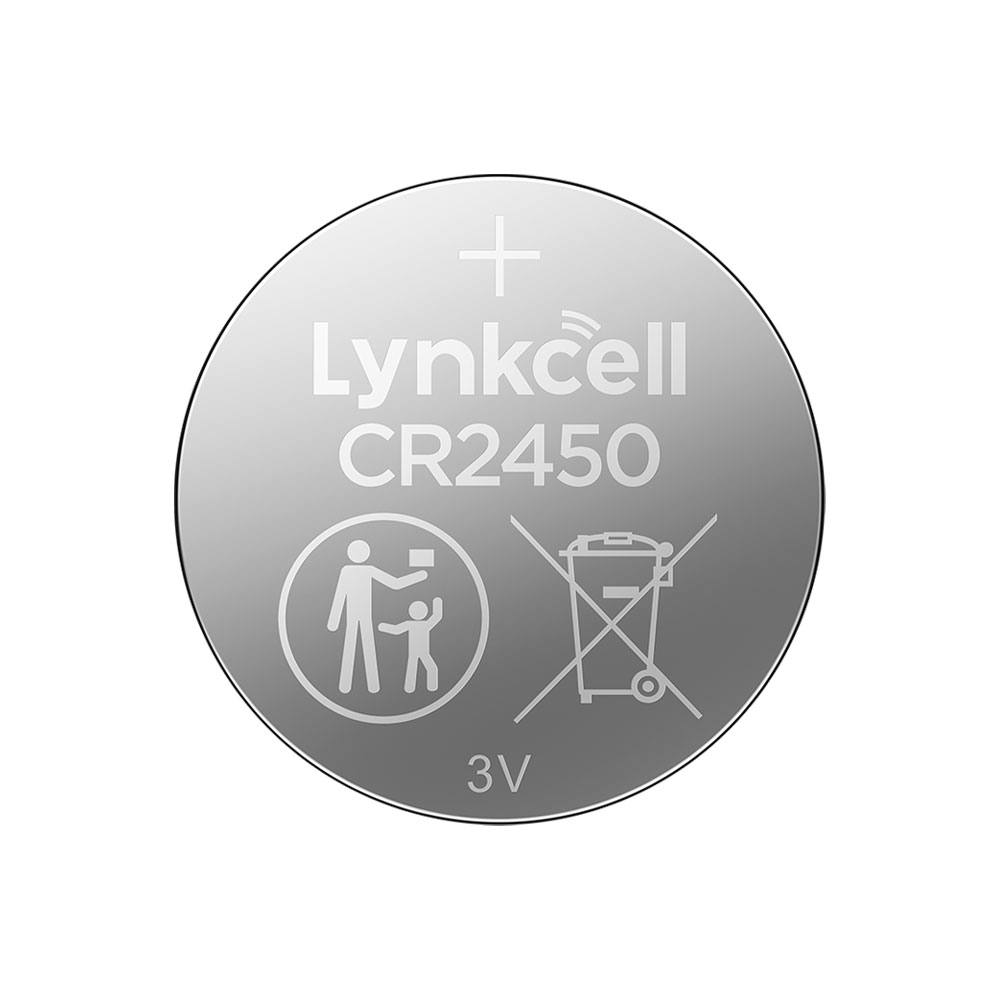
CR2450

To pick the right part, match the part number or FCC ID printed on your original remote, or listed in the Ford parts catalogue, with the specifications on each listing. The frequency depends on the market the car was sold in, so check 315 MHz, 868 MHz and 902 MHz against your original before ordering.

A new smart key or remote has to be programmed to the car with a key programmer, and when every key is lost the programming is still done through the diagnostic port. We ship the key worldwide from the UAE by DHL and FedEx; any automotive locksmith or the dealer can cut and program it.
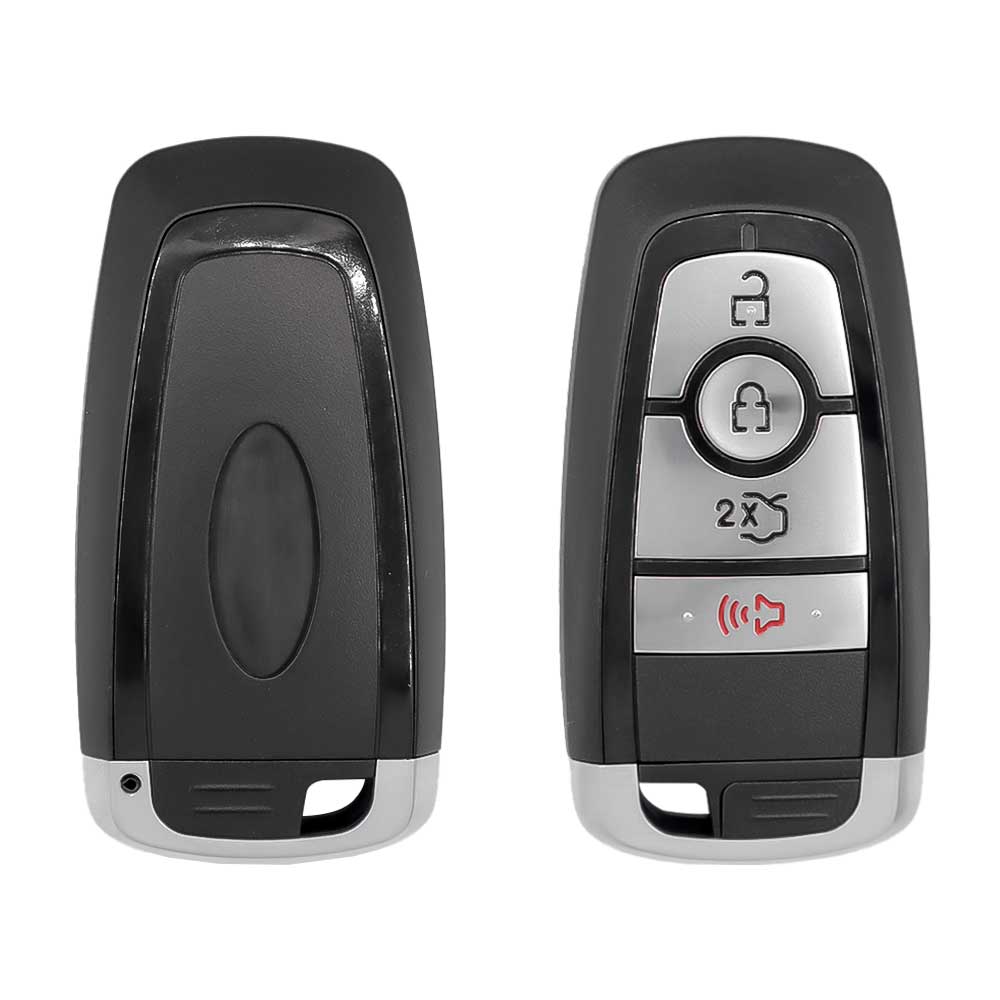
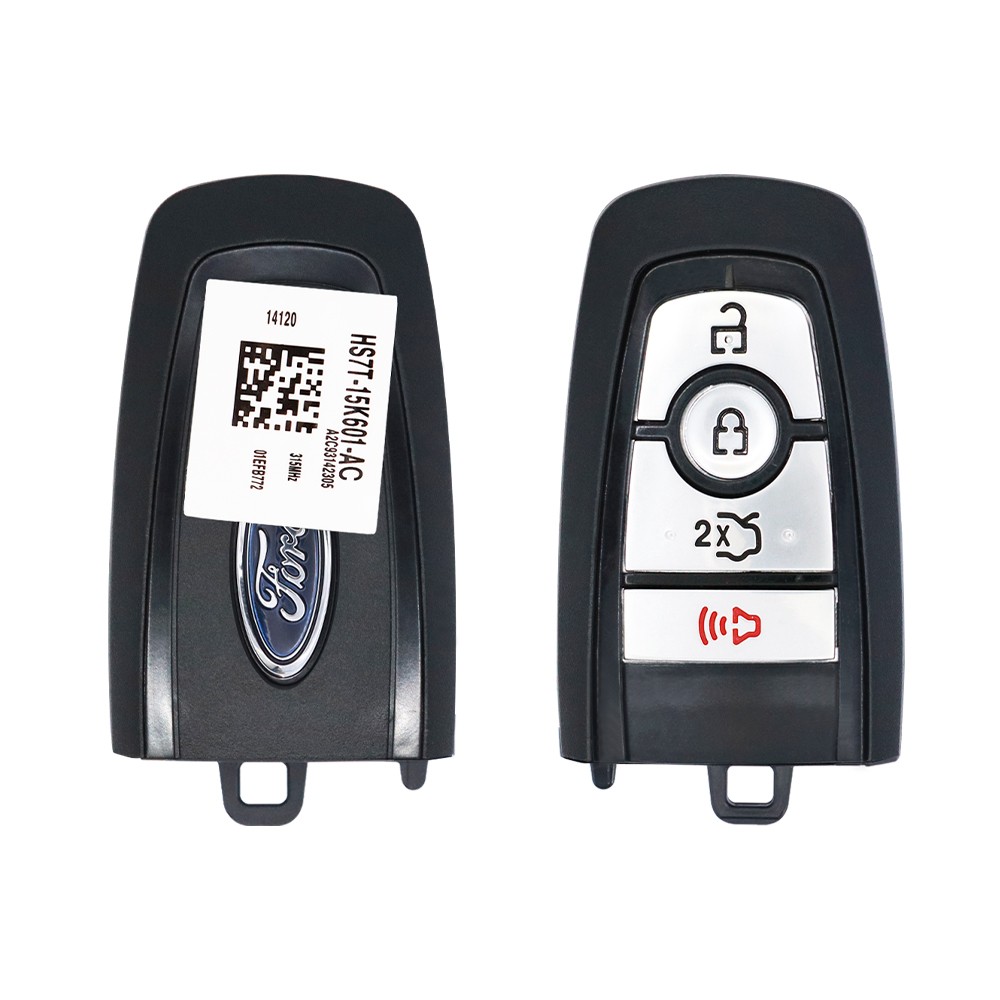
Programming the Ford Fusion 2018 key

Smart key (push to start)

2 tools list this key. 1 of them list all keys lost.

Programming steps

Add key - on the car(US / Canada cars)

Needs: two working Intelligent Access keys, new Intelligent Access key

  1. Make sure the vehicle is off and find the backup slot (the slot or pad where a key is placed to start with a flat fob battery).
  2. Put the first working key in the backup slot and press START/STOP; wait five seconds and press START/STOP again.
  3. Remove the key; within 10 seconds put the second working key in the slot and press START/STOP.
  4. Wait five seconds, press START/STOP again and remove the key.
  5. Wait five seconds, then put the new key in the backup slot and press START/STOP.
  6. Check the remote buttons and that the new key starts the engine; if it failed, wait 10 seconds and repeat from step 2.
Watch out: Maximum four Intelligent Access keys. Do the whole sequence within about 30 seconds; out of order, wait one minute and restart.
Add key - on the car(US / Canada cars)

Needs: Smart key (push-button start) cars, two programmed smart keys inside the car, the new smart key

  1. Take the key blade out of the smart key. Remove the rubber mat from the cup holder and put the first programmed smart key in the backup slot, buttons up and the UNLOCK button toward the front.
  2. Press the START/STOP button, wait 5 seconds, then press it again.
  3. Take the key out. Within 10 seconds, put the second programmed smart key in the backup slot.
  4. Press START/STOP, wait 5 seconds, then press it again. Take the key out.
  5. Wait 5 seconds, put the new smart key in the backup slot and press START/STOP.
  6. Check that the remote buttons work and that the new key starts the car.
Watch out: The car must be off and all doors closed before you start, and the doors must stay closed throughout. Finish every step within 30 seconds of starting; if a step is done out of order, stop and wait at least 1 minute before trying again. Only 4 keys can be stored. If it fails, wait 10 seconds and repeat the sequence.

Key with a blade (regular or flip)

One tool lists this key.

  • OBDSTAR Key Master G3
    • Add key
    • All keys lost
    • Remote
    no PIN needed

Key type not stated by the list

One tool lists this key.

  • Launch X-431 IMMO
    • Add key
    • All keys lost

Without a tool

The remote is programmed on the car, without a tool. Up to 4 remotes.

When the key changed

Smart key (push to start)

  • 2013 - 2020This yearChip: ID49FCC: M3N-A2C31243800, M3N-A2C93142300Push-to-start trims. 315 and 902 MHz fobs exist: check the FCC id.

Key with a blade (regular or flip)

  • 2002 - 2012Chip: 4D-63(GCC / Europe cars)European Fusion (small car), not the US Fusion sedan.
  • 2006 - 2012Chip: 4D-63Blade: H75(US / Canada cars)2011-2012 cars can be 40-bit or 80-bit: check the key.
  • 2013 - 2020This yearChip: ID49315 MHzBlade: HU101FCC: N5F-A08TAA(US / Canada cars)Flip key, key-start trims.

Check coverage first: support depends on the tool's software version and the exact model. A tool that is not shown here may still cover this car.

Frequently asked questions

Which keys fit the Ford Fusion 2018–2020?

29 listings fit the Ford Fusion 2018–2020: smart keys, transponder keys, key shells and key blanks, in 3-, 4- and 5-button versions. Match the part number or FCC ID printed on your original key with the specifications on each listing.

What frequency does the Ford Fusion 2018–2020 remote use?

Listings for the Ford Fusion 2018–2020 come in 315 MHz, 868 MHz and 902 MHz: the frequency depends on the market the car was sold in, so check it against your original remote before ordering.

Which transponder chip does the Ford Fusion 2018–2020 key use?

The listings for this car carry: ID49 (HITAG Pro) · PCF7939FA. Check the chip in each listing's specifications.

Which FCC IDs do Ford Fusion 2018–2020 remotes carry?

The remotes listed for this car carry FCC ID M3NA2C93142300, M3NA2C93142400, M3NA2C931426 and M3NA2C93142600. Match it with the FCC ID printed on your original remote.

Which blade profile does the Ford Fusion 2018–2020 key use?

The blades listed for this car: HU101.

Which tools program a Ford Fusion 2018–2020 key?

The tool makers' coverage lists name OBDSTAR Key Master G3, Autel KM100 (IKEY universal smart key) and Launch X-431 IMMO for this car; 2 of them list all keys lost. Check your tool's latest coverage list before the job.

Can the Ford Fusion 2018–2020 remote be programmed without a tool?

The remote is programmed on the car, without a tool. Up to 4 remotes.