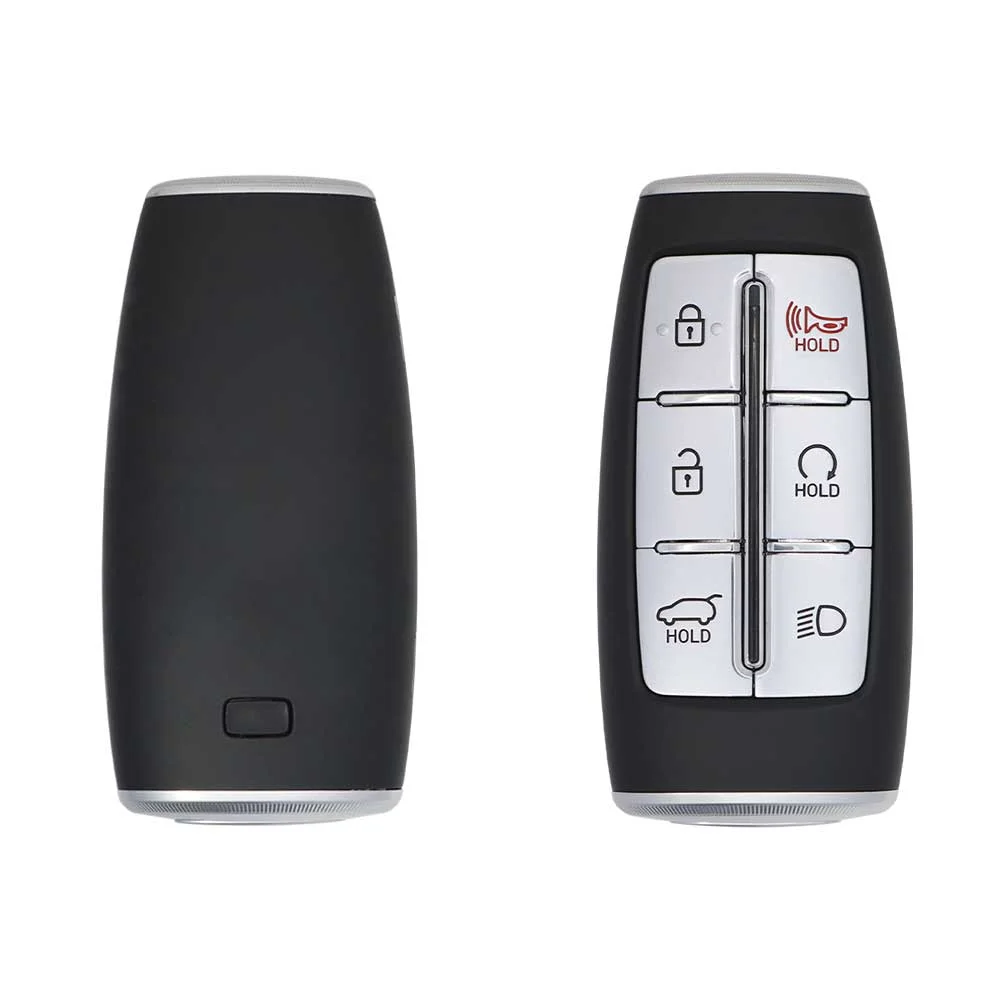
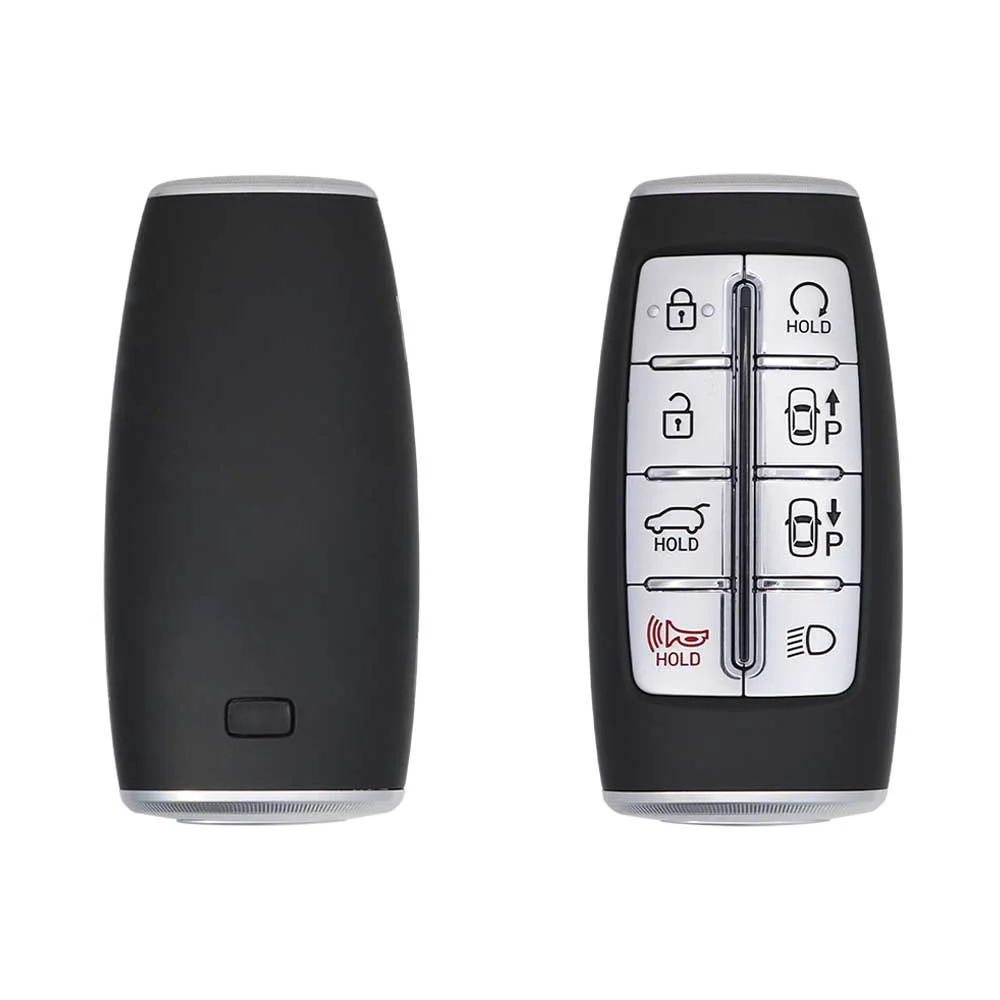
Hyundai GV80 2020 Key Fob & Car Keys
Keys that fit the 2020 Hyundai GV80: smart keys, 5, 6 or 7 buttons, FCC ID TQ8F0B4F35, ID47 (HITAG 3) chip, 433 MHz. 3 compatible keys, remotes & shells (genuine and aftermarket) available for the 2020 Hyundai GV80.
Last updated: 16 November 2026
Key specifications for the Hyundai GV80 2020
- Key types
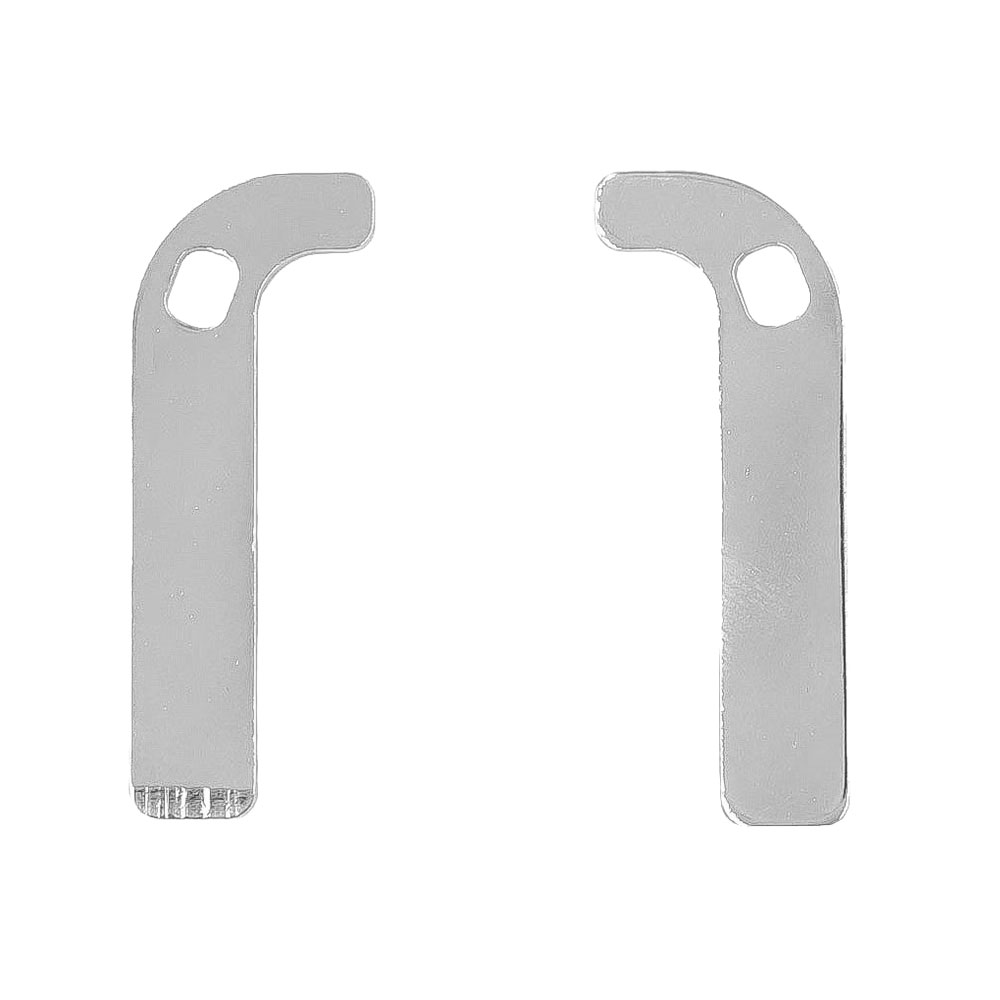
- smart keys, emergency blades and key blanks
- Frequency
- 433 MHz
- Buttons
- 5-, 6-, 7- and 8-button
- Transponder chip
- ID47 (HITAG 3)
- Blade profile
- KK12
- Battery
- CR2032
- Compatible FCC IDs
To pick the right part, match the part number or FCC ID printed on your original remote, or listed in the Hyundai parts catalogue, with the specifications on each listing. Every remote listed for the Hyundai GV80 2020 transmits on 433 MHz.
A new smart key or remote has to be programmed to the car with a key programmer, and when every key is lost the programming is still done through the diagnostic port. We ship the key worldwide from the UAE by DHL and FedEx; any automotive locksmith or the dealer can cut and program it.
- $1.40In Stock
- Hyundai Genesis GV80 2020-2021 Smart Key 5+1-button 433 MHz ID47 - 95440-T6100 - Aftermarket
SKU: B03987
$26.69In Stock
Programming the Hyundai GV80 2020 key
Smart key (push to start)
5 tools list this key. 5 of them list all keys lost.
- OBDSTAR Key Master G3
- Add key
- All keys lost
- Remote
reads the PIN by OBD - Add key
- All keys lost
- Add key
- All keys lost
PIN read function- XTOOL X100 PAD3 / X100 MAX
- Add key
- All keys lost
reads the PIN by OBD - Advanced Diagnostics Smart Pro
- All keys lost
- Remote
Needs: AD ADC2000 cable
Programming steps
Add key - Autel MaxiIM IM608
Needs: every fob the customer keeps (all are erased and learned again), new, never-learned smart key with the right chip and frequency, 6-digit PIN: tool PIN read where the tool list offers it for this car and chip, otherwise by VIN from the dealer
- Connect the IM608 by OBD, identify the car (VIN, or model and year) and open the Smart key system.
- Get the PIN: the tool's PIN function for the key type, or by VIN from the dealer.
- Start Smart key learning and accept the warning that all fobs will be erased.
- Ignition OFF, then enter the PIN when the tool asks.
- Press OK, then within 5 seconds press the start button with the first fob until the tool confirms (cars with a fob slot or holder: put the fob in it).
- Repeat for every fob, the old ones included; stop after the last one.
- Check that each fob locks, unlocks and starts the car.
Add key - Lonsdor K518
Needs: every fob the customer keeps (all are erased and learned again), new, never-learned smart key with the right chip and frequency, 6-digit PIN: tool PIN read where the tool list offers it for this car and chip, otherwise by VIN from the dealer
- Connect the K518 by OBD, identify the car (VIN, or model and year) and open the Smart key system.
- Get the PIN: the tool's PIN function for the key type, or by VIN from the dealer.
- Start Smart key learning and accept the warning that all fobs will be erased.
- Ignition OFF, then enter the PIN when the tool asks.
- Press OK, then within 5 seconds press the start button with the first fob until the tool confirms (cars with a fob slot or holder: put the fob in it).
- Repeat for every fob, the old ones included; stop after the last one.
- Check that each fob locks, unlocks and starts the car.
All keys lost - Advanced Diagnostics Smart Pro
Needs: ADS2280 or ADS2321 software, ADC2000 cable, new keys (blade: cut to the lock), internet only for ADS2331 PIN reading
- Connect the Smart Pro by OBD with the ADC2000 cable and choose the car in the Hyundai-Kia software.
- Let the software read the PIN (no working key needed on the listed cars); if it reports PIN read not supported, get the PIN from the dealer.
- Accept the erase of all keys and remotes.
- Smart: press the start button with each new fob as prompted (transponder and remote are learned together).
- Test start and lock / unlock with every key.
All keys lost - Autel MaxiIM IM608
Needs: two new, never-learned smart keys with the right chip and frequency, PIN by VIN from the dealer, emergency blade cut to the door lock
- Open the car with the emergency blade cut to the door lock.
- Connect the IM608 by OBD and enter the VIN by hand (auto VIN can fail with no fob in the car).
- Get the PIN by VIN from the dealer.
- Start Smart key learning and accept the erase warning.
- Ignition OFF, then enter the PIN when the tool asks.
- Press OK, then within 5 seconds press the start button with the first new fob until the tool confirms.
- Repeat for the second fob, then test lock, unlock and start with each.
All keys lost - Lonsdor K518
Needs: two new, never-learned smart keys with the right chip and frequency, PIN by VIN from the dealer, emergency blade cut to the door lock
- Open the car with the emergency blade cut to the door lock.
- Connect the K518 by OBD and enter the VIN by hand (auto VIN can fail with no fob in the car).
- Get the PIN by VIN from the dealer.
- Start Smart key learning and accept the erase warning.
- Ignition OFF, then enter the PIN when the tool asks.
- Press OK, then within 5 seconds press the start button with the first new fob until the tool confirms.
- Repeat for the second fob, then test lock, unlock and start with each.
Key type not stated by the list
One tool lists this key.
- Launch X-431 IMMO
- Add key
When the key changed
Smart key (push to start)
- 2020 - 2024This yearChip: ID47433 MHzFCC: TQ8-FOB-4F35, TQ8-FOB-4F36Genesis GV80 (JX1); US cars from the 2021 model year.
- from 2024Chip: 4A433 MHzFCC: TQ8-FOB-4F75M44, TQ8-FOB-4F75U44Facelift: Korea 2024 model year, US 2025; also the GV80 Coupe.
Check coverage first: support depends on the tool's software version and the exact model. A tool that is not shown here may still cover this car.
Frequently asked questions
Which keys fit the Hyundai GV80 2020?
3 listings fit the Hyundai GV80 2020: smart keys, emergency blades and key blanks, in 5-, 6-, 7- and 8-button versions. Match the part number or FCC ID printed on your original key with the specifications on each listing.
What frequency does the Hyundai GV80 2020 remote use?
Every remote listed for the Hyundai GV80 2020 transmits on 433 MHz.
Which transponder chip does the Hyundai GV80 2020 key use?
The listings for this car carry: ID47 (HITAG 3). Check the chip in each listing's specifications.
Which FCC IDs do Hyundai GV80 2020 remotes carry?
The remotes listed for this car carry FCC ID TQ8F0B4F35. Match it with the FCC ID printed on your original remote.
Which blade profile does the Hyundai GV80 2020 key use?
The blades listed for this car: KK12.
Which tools program a Hyundai GV80 2020 key?
The tool makers' coverage lists name OBDSTAR Key Master G3, Autel IM608 II / IM608 Pro II, Lonsdor K518, XTOOL X100 PAD3 / X100 MAX, Advanced Diagnostics Smart Pro and Launch X-431 IMMO for this car; 5 of them list all keys lost. Check your tool's latest coverage list before the job.