Skip to content

Infiniti EX37 2013 Car Keys & Remotes

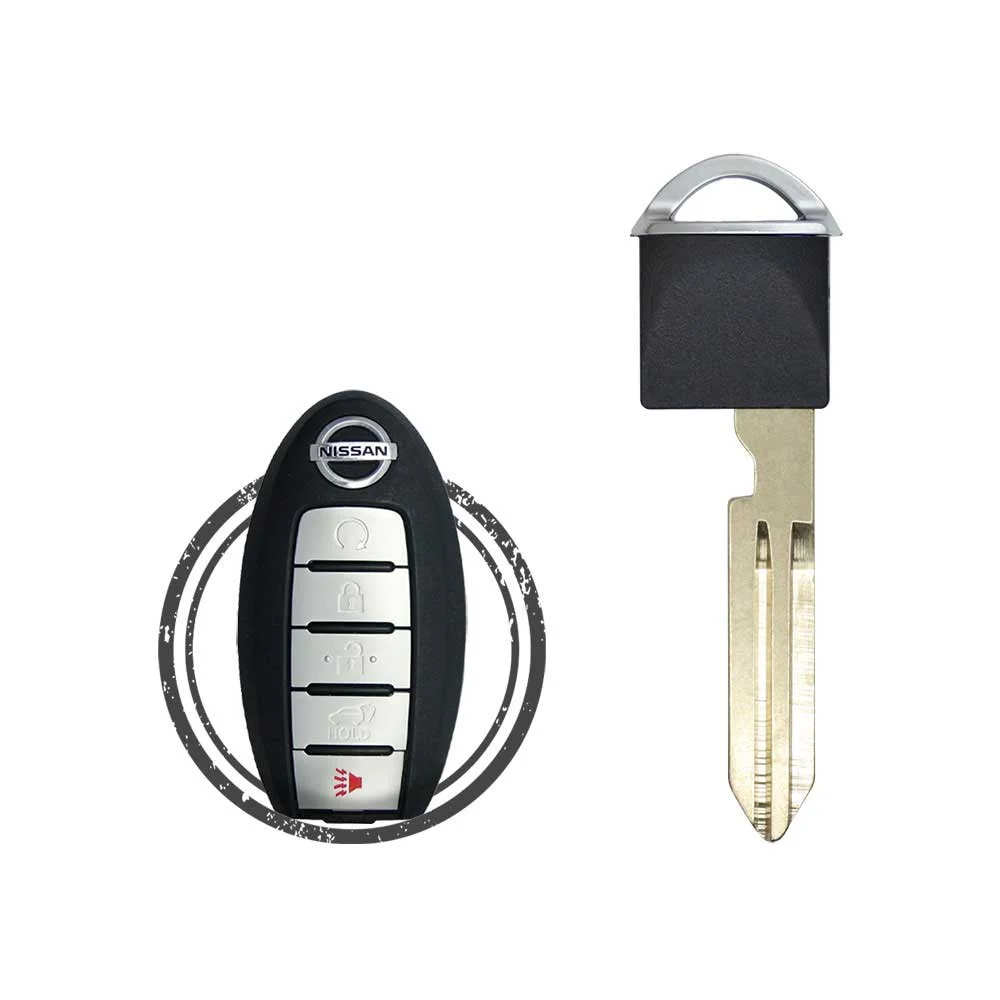
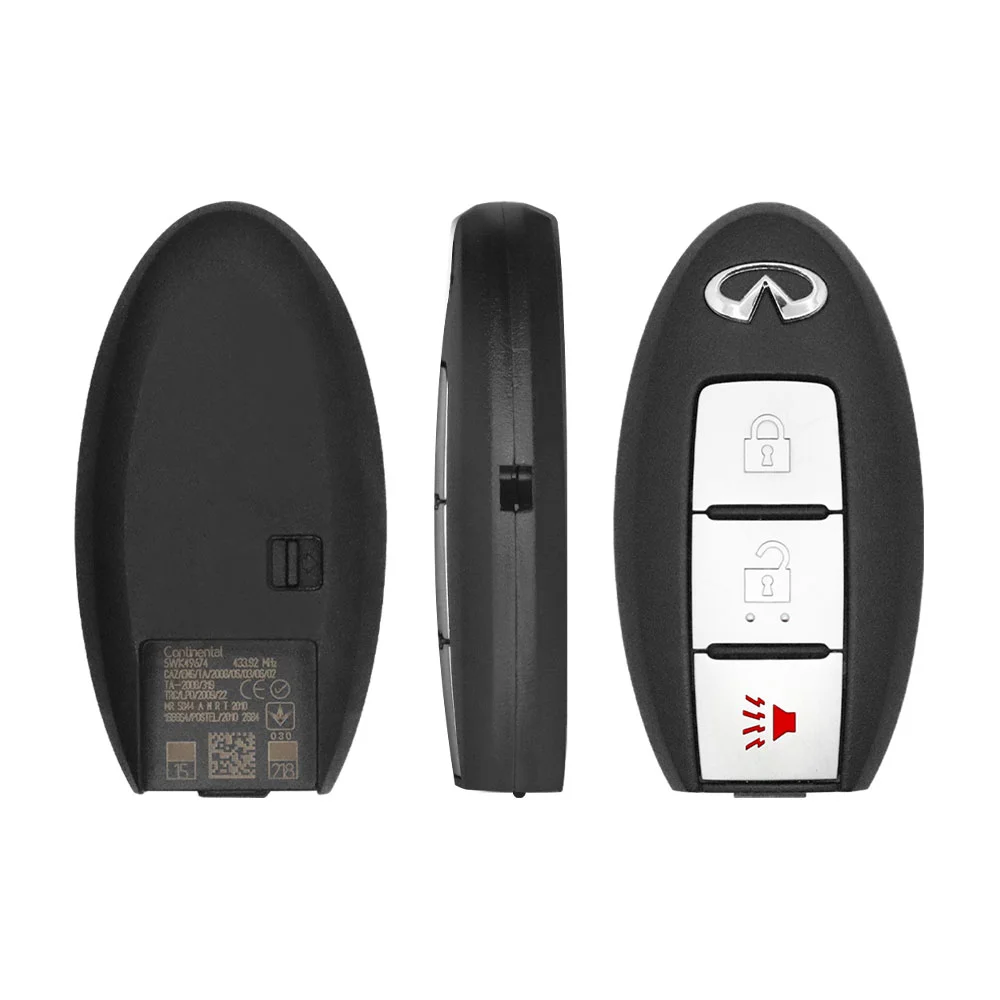
4 compatible keys, remotes & shells (genuine and aftermarket) available for the 2013 Infiniti EX37.

Key specifications for the Infiniti EX37 2013

Key types
smart keys, emergency blades and key blanks
Frequency
315 MHz and 433 MHz
Buttons
3-button
Transponder chip
ID46 (HITAG 2)
Blade profile
NSN14
Battery
CR2032
Compatible FCC IDs

To pick the right part, match the part number or FCC ID printed on your original remote, or listed in the Infiniti parts catalogue, with the specifications on each listing. The frequency depends on the market the car was sold in, so check 315 MHz and 433 MHz against your original before ordering.

A new smart key or remote has to be programmed to the car with a key programmer, and when every key is lost the programming is still done through the diagnostic port. We ship the key worldwide from the UAE by DHL and FedEx; any automotive locksmith or the dealer can cut and program it.
Programming the Infiniti EX37 2013 key

Smart key (push to start)

One tool lists this key.

  • OBDSTAR Key Master G3
    • Add key
    • All keys lost
    • Remote
    reads the PIN by OBD

Programming steps

Add key - Autel MaxiSys / MaxiIM (Nissan NATS menu)(US / Canada cars)

Needs: every Intelligent Key the customer keeps, PIN read by OBD (BCM code converted to 4-digit PIN)

  1. Turn the hazard lamps on and keep them on for the whole job (stops the BCM sleeping).
  2. Select EX37 (2013; EX35 in older menus) and read the BCM code; the tool converts it to the 4-digit PIN (use the 2009-on conversion).
  3. Insert an Intelligent Key into the in-dash Intelligent Key port and run steering-lock release; the tool warns that keys not presented will be deleted.
  4. Run Intelligent Key registration (C/U initialisation), enter the PIN, and follow the prompts: key in slot, ignition ON, then OFF and remove.
  5. Repeat for each key, old and new, up to 4.
  6. Run the remote (RKE) step if the tool offers it, then brake and press start with the first key to close the session.
  7. Test start, lock and unlock with every key.
Watch out: Steering-lock release / registration deletes every key not registered in the session. Maximum 4 Intelligent Keys. If initialisation is greyed out with the ignition OFF, leave the NATS menu and re-enter with the ignition ON. If no key is accepted (even an OEM key), check the steering lock unit before blaming the key.
All keys lost - Autel MaxiSys / MaxiIM (Nissan NATS menu)(US / Canada cars)

Needs: new Intelligent Key(s), emergency blade cut to the door lock to get in, PIN read by OBD (BCM code converted to 4-digit PIN)

  1. Turn the hazard lamps on and keep them on for the whole job (stops the BCM sleeping).
  2. Select EX37 (2013; EX35 in older menus) and read the BCM code; the tool converts it to the 4-digit PIN (use the 2009-on conversion).
  3. Insert an Intelligent Key into the in-dash Intelligent Key port and run steering-lock release; the tool warns that keys not presented will be deleted.
  4. Run Intelligent Key registration (C/U initialisation), enter the PIN, and follow the prompts: key in slot, ignition ON, then OFF and remove.
  5. Repeat for each key, old and new, up to 4.
  6. Run the remote (RKE) step if the tool offers it, then brake and press start with the first key to close the session.
  7. Test start, lock and unlock with every key.
Watch out: Steering-lock release / registration deletes every key not registered in the session. Maximum 4 Intelligent Keys. If initialisation is greyed out with the ignition OFF, leave the NATS menu and re-enter with the ignition ON. If no key is accepted (even an OEM key), check the steering lock unit before blaming the key.

Without a tool

The remote is not programmed on the car by hand: it needs a tool or a dealer.

When the key changed

Smart key (push to start)

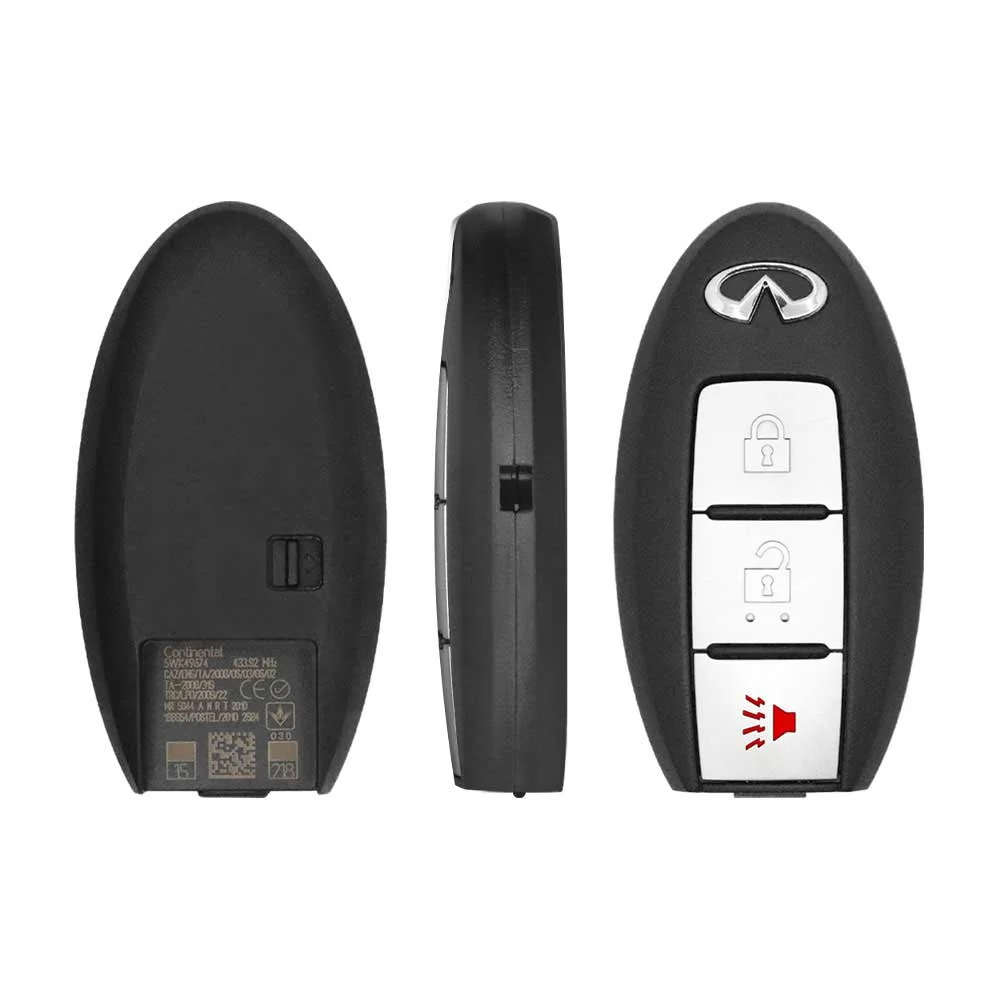
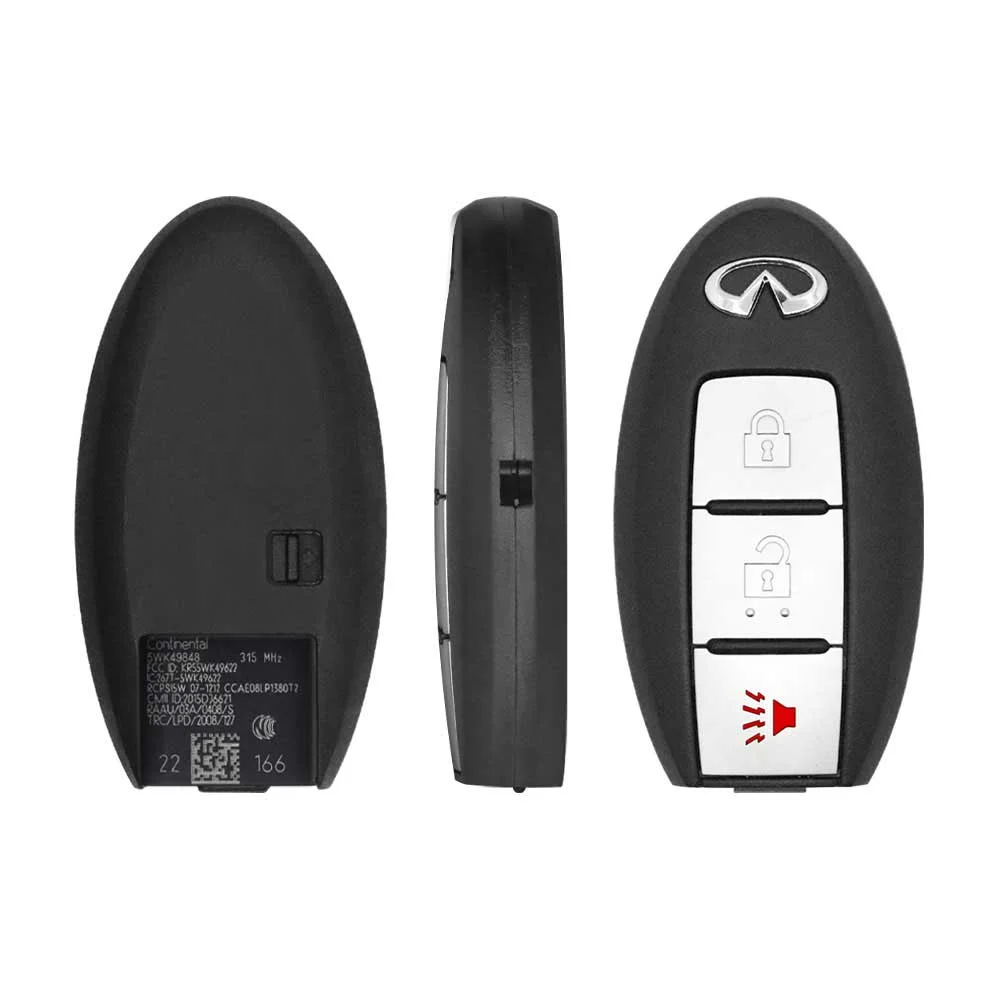
  • 2009 - 2013This yearChip: ID46433 MHzFCC: 5WK49674(GCC / Europe cars)GCC / Europe key 285E3-1BF7A, same as the EX35
  • 2013This yearChip: ID46315 MHzFCC: KR55WK49622(US / Canada cars)J50 key 285E3-1BA7A; EX37 was the 2013 US name of the EX35

Check coverage first: support depends on the tool's software version and the exact model. A tool that is not shown here may still cover this car.

Frequently asked questions

Which keys fit the Infiniti EX37 2013?

4 listings fit the Infiniti EX37 2013: smart keys, emergency blades and key blanks, in 3-button versions. Match the part number or FCC ID printed on your original key with the specifications on each listing.

What frequency does the Infiniti EX37 2013 remote use?

Listings for the Infiniti EX37 2013 come in 315 MHz and 433 MHz: the frequency depends on the market the car was sold in, so check it against your original remote before ordering.

Which transponder chip does the Infiniti EX37 2013 key use?

The listings for this car carry: ID46 (HITAG 2). Check the chip in each listing's specifications.

Which FCC IDs do Infiniti EX37 2013 remotes carry?

The remotes listed for this car carry FCC ID 5WK49674 and KR55WK49622. Match it with the FCC ID printed on your original remote.

Which blade profile does the Infiniti EX37 2013 key use?

The blades listed for this car: NSN14.

Which tools program a Infiniti EX37 2013 key?

The tool makers' coverage lists name OBDSTAR Key Master G3 for this car; 1 of them lists all keys lost. Check your tool's latest coverage list before the job.

Can the Infiniti EX37 2013 remote be programmed without a tool?

The remote is not programmed on the car by hand: it needs a tool or a dealer.