Skip to content

Mercedes-Benz E-class 2016 Key Fob & Car Keys

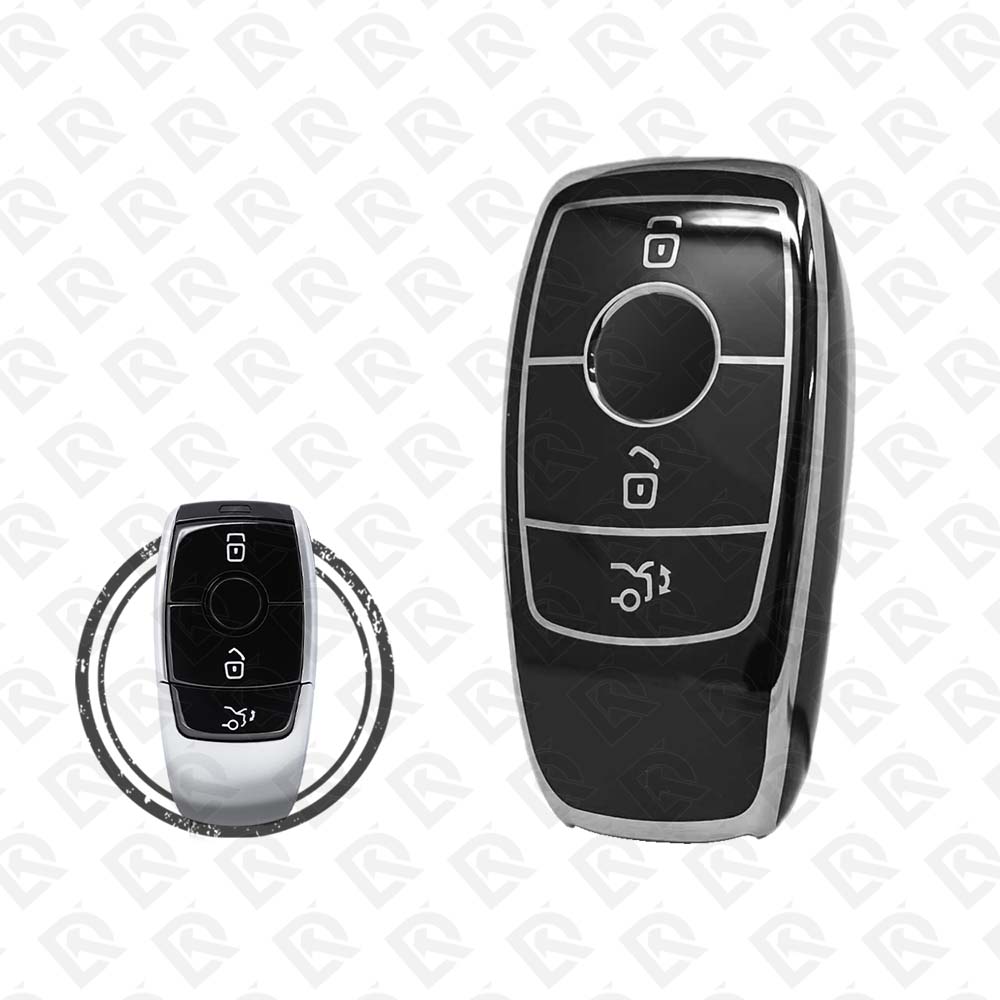
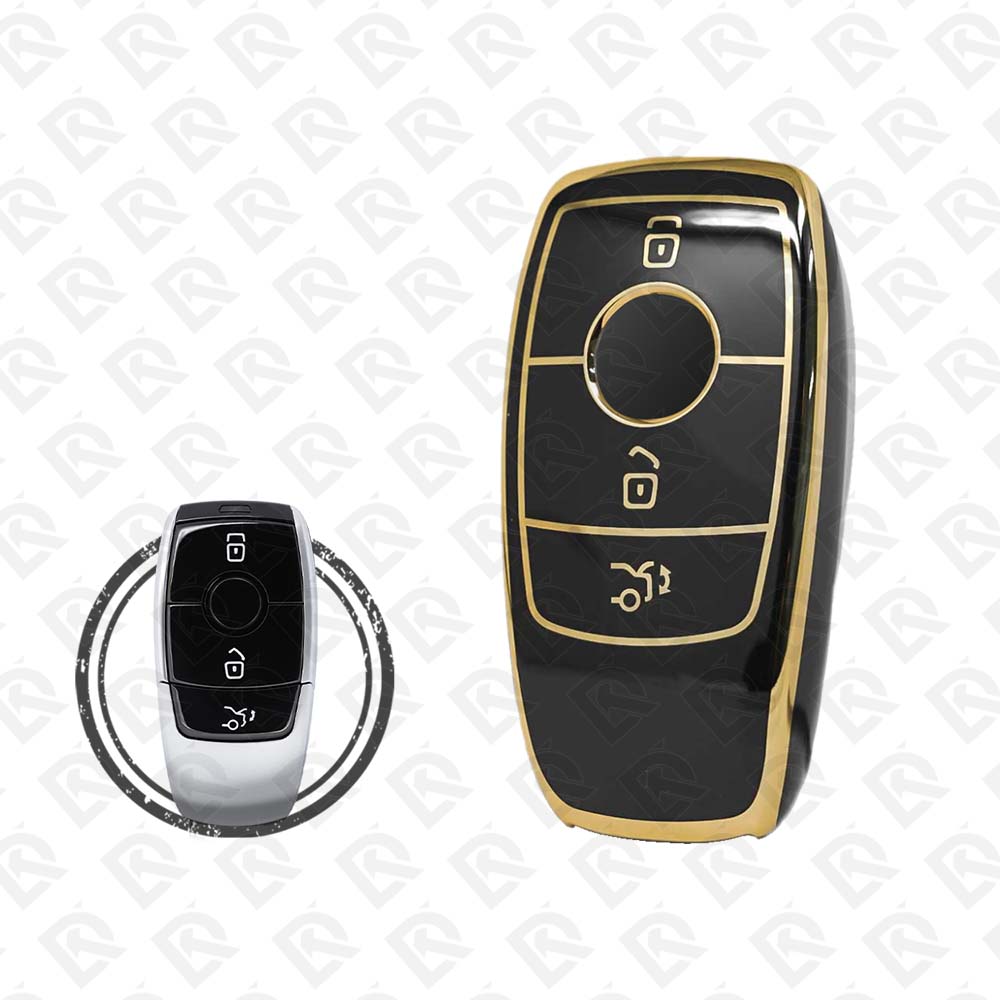
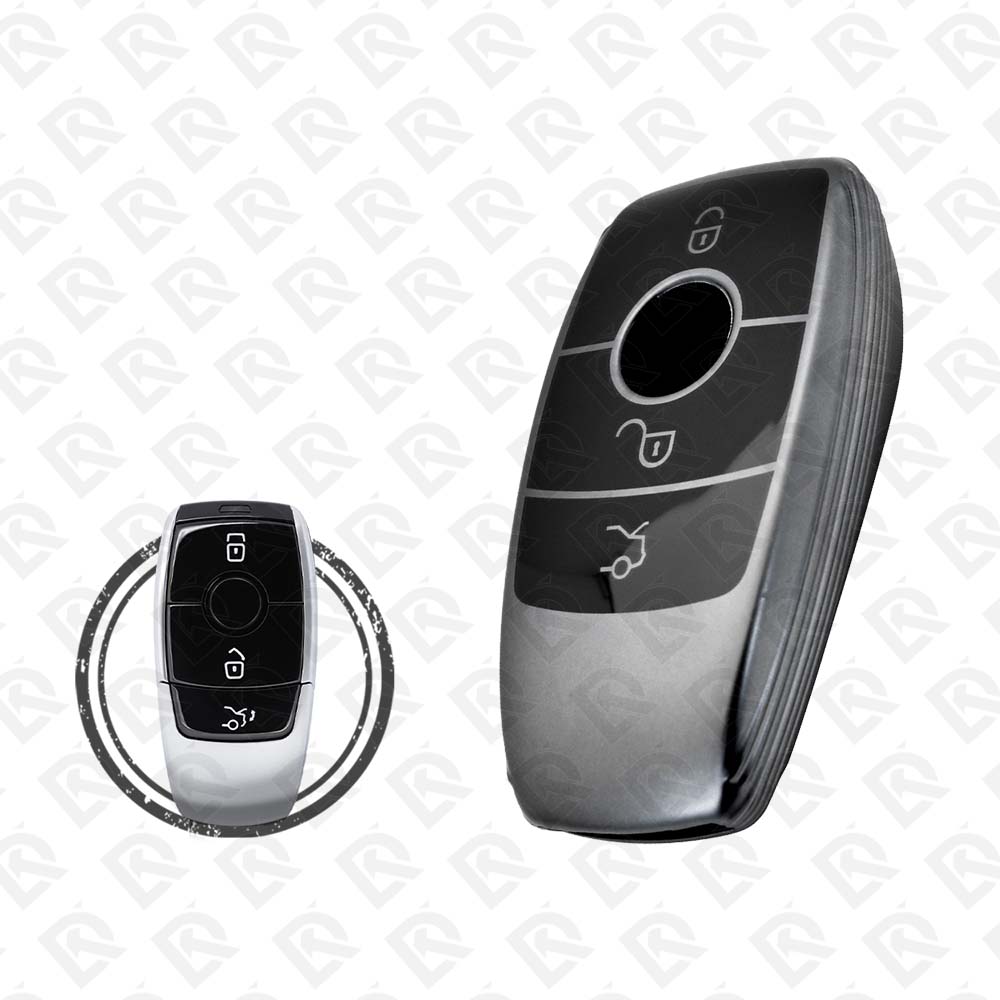
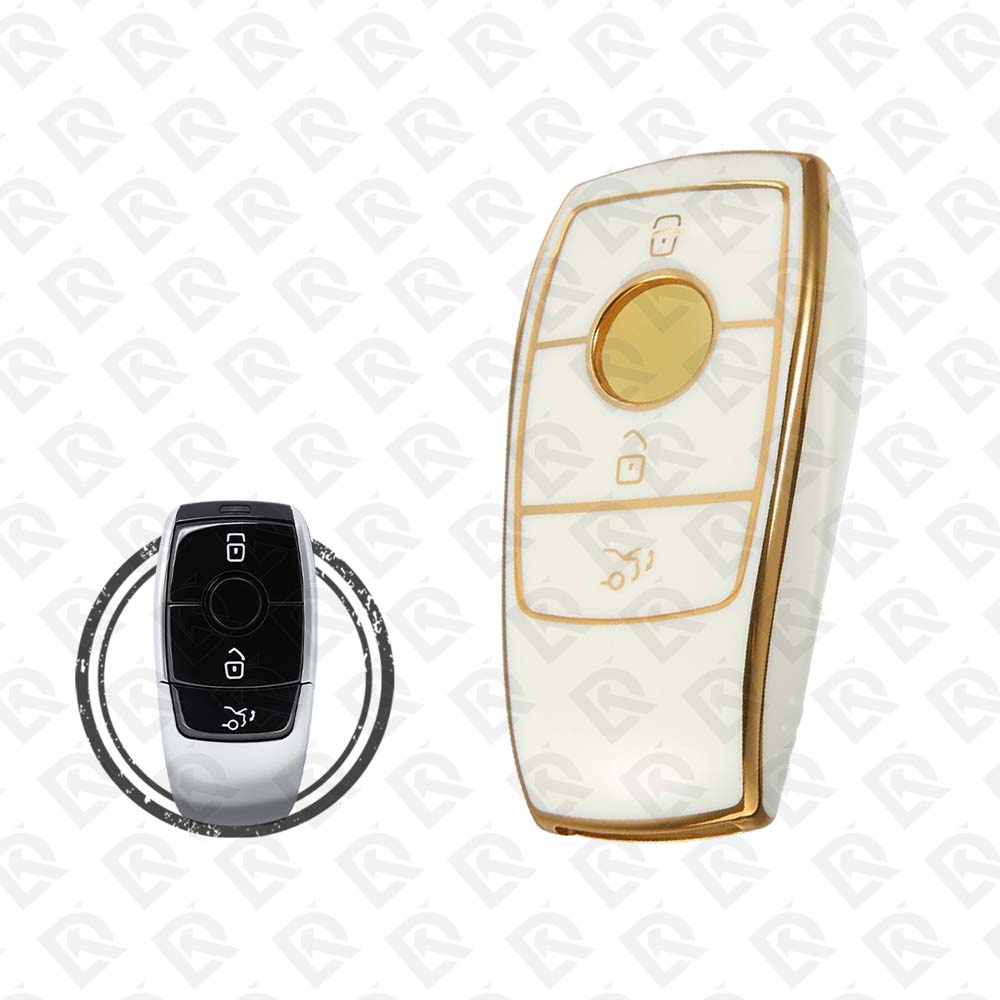
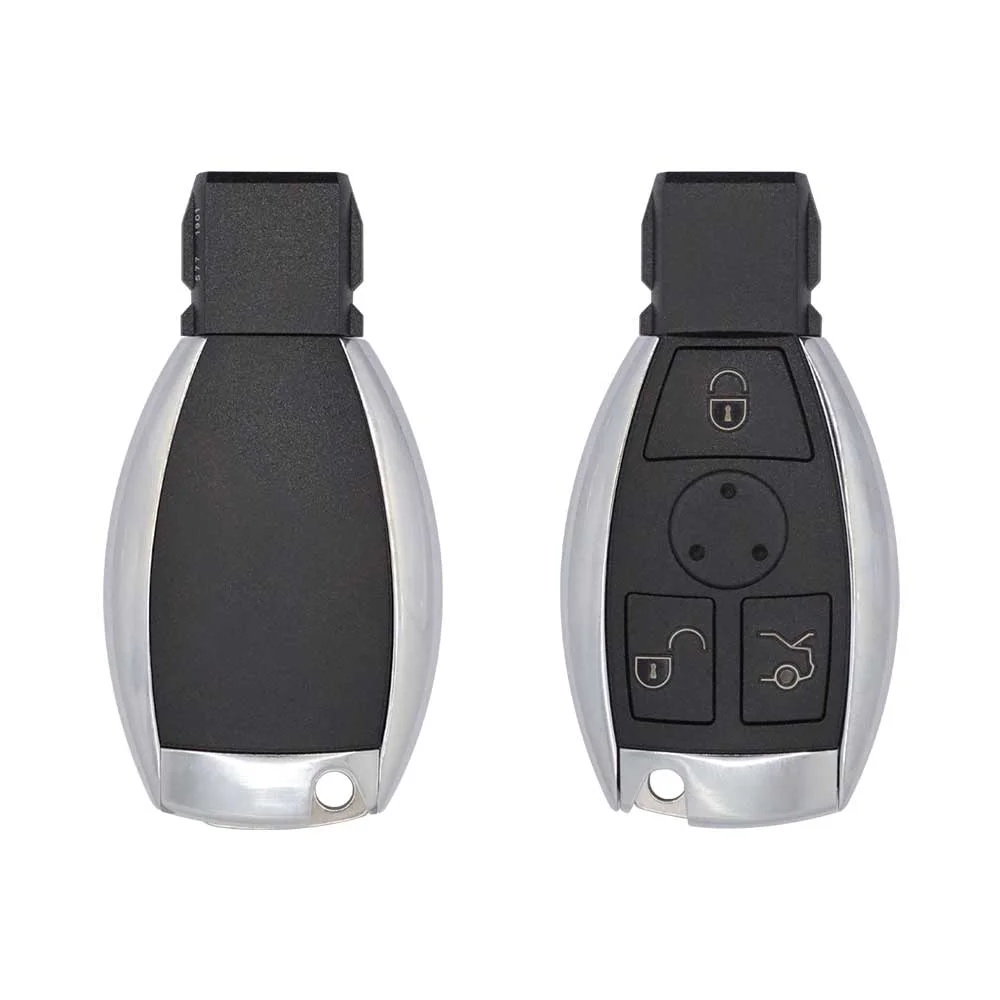
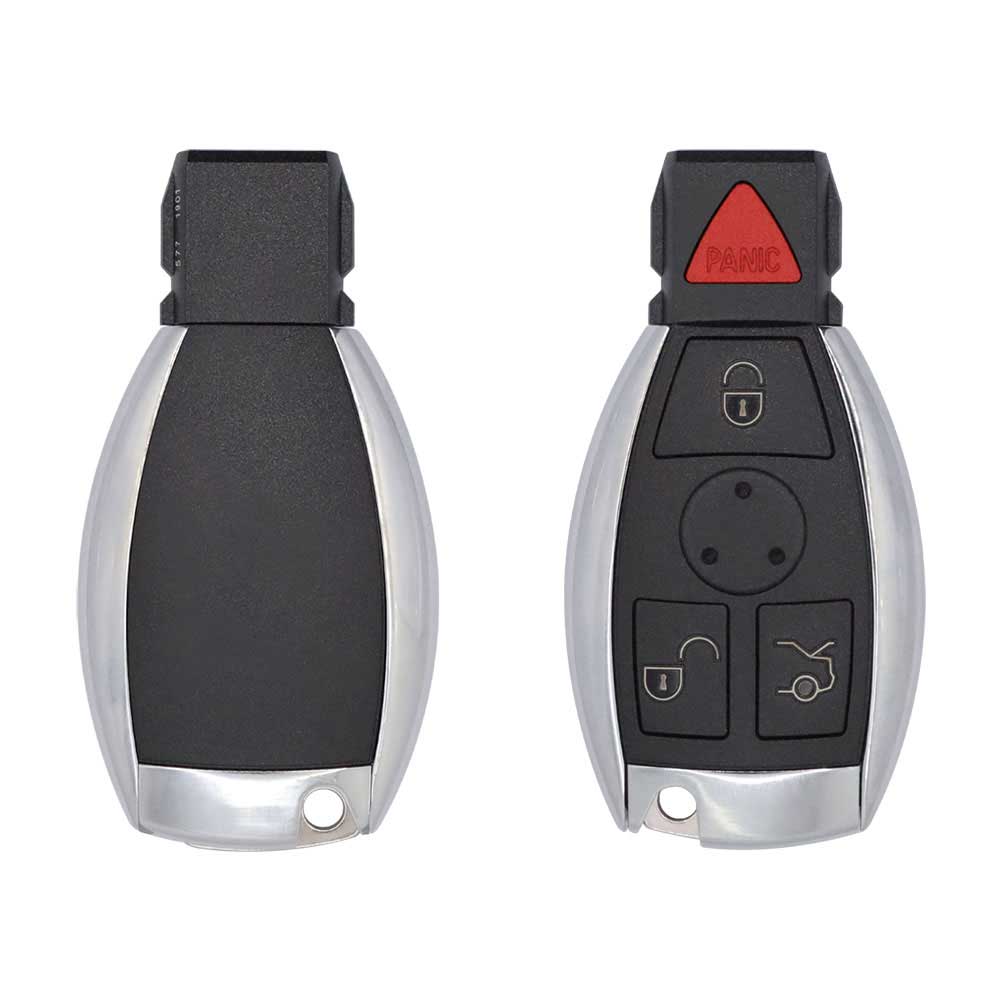
Keys that fit the 2016 Mercedes-Benz E-class: smart keys, 3 or 4 buttons, FCC ID NBGDM3, 433 MHz. 11 compatible keys, remotes & shells (genuine and aftermarket) available for the 2016 Mercedes-Benz E-class.

Last updated: 11 November 2026

Key specifications for the Mercedes-Benz E-class 2016

Key types
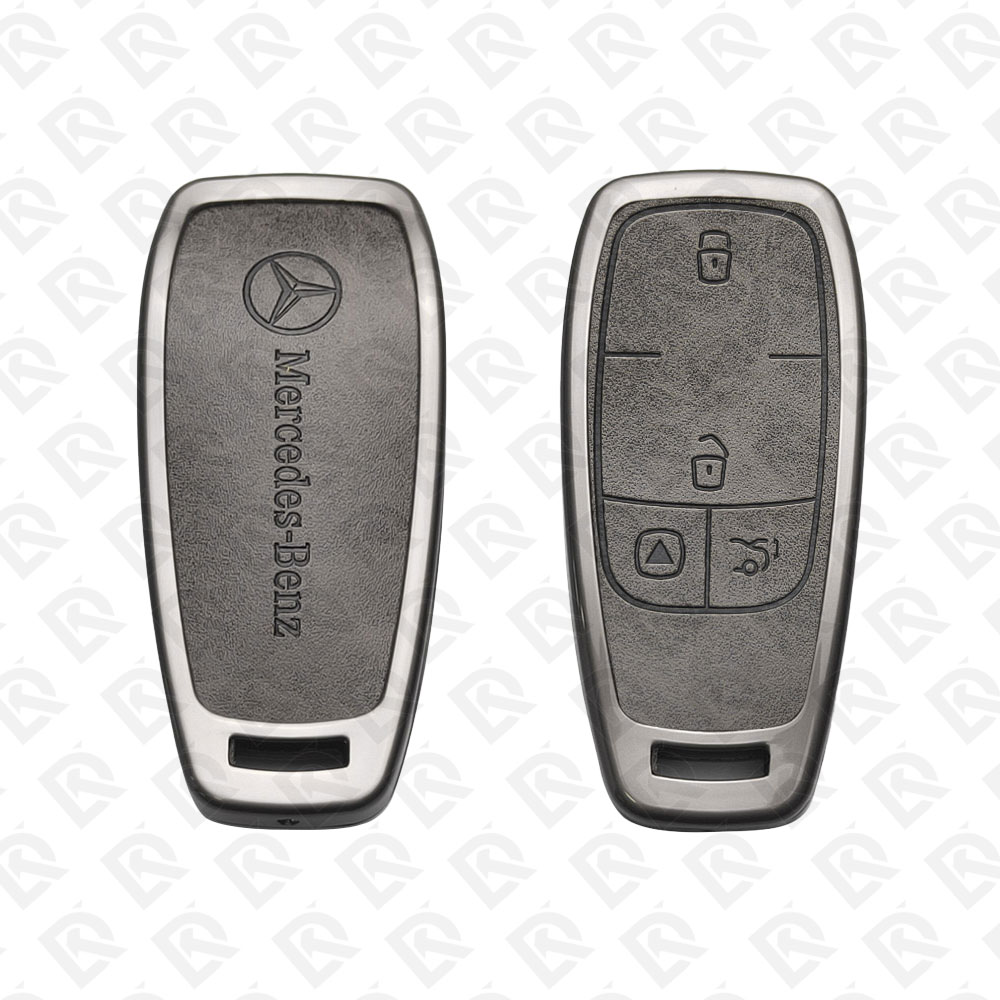
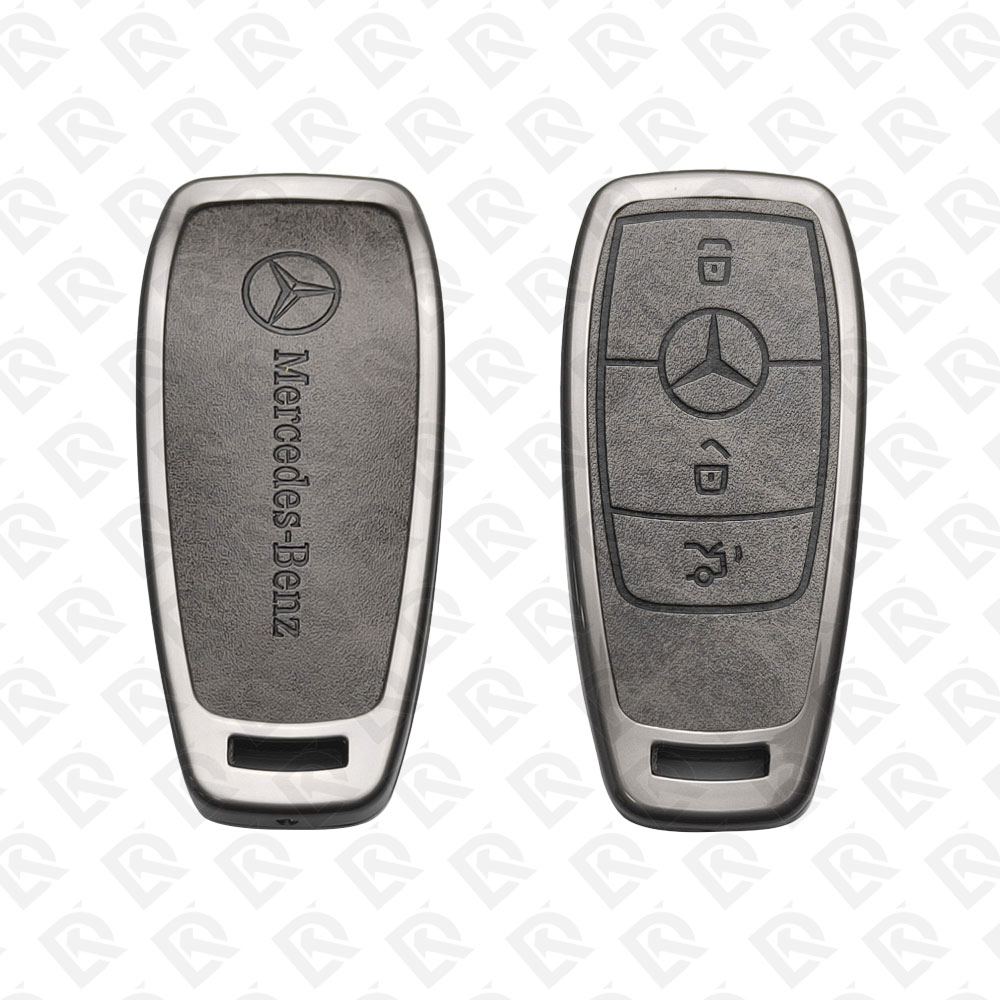
smart keys, key shells and emergency blades
Frequency
433 MHz
Buttons
3- and 4-button
Blade profile
HU64
Battery
CR2025
Compatible FCC IDs

To pick the right part, match the part number or FCC ID printed on your original remote, or listed in the Mercedes-Benz parts catalogue, with the specifications on each listing. Every remote listed for the Mercedes-Benz E-class 2016 transmits on 433 MHz.

A new smart key or remote has to be programmed to the car with a key programmer, and when every key is lost the programming is still done through the diagnostic port. We ship the key worldwide from the UAE by DHL and FedEx; any automotive locksmith or the dealer can cut and program it.
Programming the Mercedes-Benz E-class 2016 key

Smart key (push to start)

5 tools list this key. 3 of them list all keys lost.

All keys lost is listed by Autel IM508S, Autel IM608 II / IM608 Pro II and Xhorse VVDI MB Tool. Xhorse VVDI Key Tool Max and Xhorse VVDI Key Tool Plus list add key only.

Programming steps

Add key - Autel MaxiIM IM608 / IM508S + XP400 Pro

Needs: working key, blank BE / NEC infrared key matching the car, internet connection (online password calculation)

  1. Connect the tablet to the OBD port and the XP400 Pro by USB; open IMMO, Mercedes-Benz and let the tool identify the EIS (W212).
  2. Read the EIS data and save the file before anything else.
  3. Choose Add key, then hold the working key at the XP400 Pro so the tool detects its frequency.
  4. Run the password calculation with the working key: insert and remove it in the EIS when asked, then put it in the XP400 Pro infrared slot so the tool collects data. The server works out the key password (allow 10 to 30 minutes).
  5. Generate the key file for an unused key position.
  6. Put the blank key in the XP400 Pro infrared slot and write the key file.
  7. Insert the new key in the EIS: the red LED on the key lights and goes out when the EIS has learned it. If it stays lit, take the key out and put it back a few times.
  8. Test start and remote lock / unlock with the new key and the old keys.
Watch out: Power the car from a battery support unit; the data collection keeps the ignition on for a long time. Use a key version that matches the EIS (BE or NEC type); the tool shows the key type before writing.
Add key - Xhorse VVDI MB Tool

Needs: working key, blank BE / NEC infrared key, internet connection

  1. Connect VVDI MB to the OBD port (or to the EIS with the IR adapter on the bench for K-line EIS) and read the EIS data; save it.
  2. Put the working key in the VVDI MB infrared reader and identify it. A BE-version key gives its password directly by infrared, with no calculation.
  3. Otherwise open Password Calculation, working-key mode, select the chassis group and run Data Acquisition, inserting the working key in the EIS when told (do not switch the ignition on unless asked).
  4. Upload the data, wait for the server result, paste the key password into the EIS data and save the file again.
  5. Open Prepare Key File, load the EIS file with password and generate the file for a free key position.
  6. Put the blank key in the infrared reader, load the key file and write it.
  7. Insert the new key in the EIS so it learns the key, read the EIS again to confirm the position now shows as used, then test start and remote.
Watch out: Keep the battery voltage up during data acquisition. A position already used by a lost key can be disabled from EIS Tools once the new key works.
All keys lost - Autel MaxiIM IM608 / IM508S + XP400 Pro + G-BOX3

Needs: G-BOX3 adapter, blank BE / NEC infrared key, 12 V power supply, internet connection (online password calculation)

  1. Remove the EIS and connect it to the G-BOX3 with the DB15 cable; power the G-BOX3 from a 12 V adapter and connect it and the XP400 Pro to the tablet.
  2. Open IMMO, Mercedes-Benz, Expert mode, Password Calculation, All keys lost (fast), on bench, and select EIS W212; follow the connection diagram shown.
  3. Start the data collection and let the tool calculate the password online; save the EIS data with the password.
  4. Generate the key file for an unused position and choose the key type you will write.
  5. Put the blank key in the XP400 Pro infrared slot and write the key file.
  6. Refit the EIS, insert the new key: the red LED lights and goes out when it is learned. Switch on and start.
  7. Test the remote and every key the customer keeps.
Watch out: Battery support on the car (or a stable 12 V bench supply); a voltage drop during data collection means starting again. Write down which key positions are used before generating the new key.
All keys lost - Xhorse VVDI MB Tool

Needs: blank BE / NEC infrared key, internet connection, calculation tokens, EEPROM programmer for some older EIS

  1. Read the EIS data by OBD (or on the bench with the infrared adapter) and save it.
  2. Open Password Calculation, tick the box for all keys lost, choose the chassis group with W212 and start Data Acquisition; follow the prompts. A VVDI MB power adapter on the EIS shortens the wait on W204 / W207 types.
  3. Upload the data, wait for the server result and paste the key password into the EIS data; save the file again.
  4. Open Prepare Key File, load the EIS file with password and generate the file for a free key position.
  5. Put the blank key in the infrared reader, load the key file and write it.
  6. Insert the new key in the EIS so it learns the key, then test start and remote.
Watch out: Keep the voltage stable through data acquisition. Do not renew or replace the EIS unless the job needs it; a renewed EIS also needs the steering lock (ELV / ESL) adapted.

Key type not stated by the list

One tool lists this key.

  • OBDSTAR Key Master G3
    • Add key
    • All keys lost
    reads the PIN by OBD

When the key changed

Smart key (push to start)

  • 1998 - 2002Chip: Infrared (FBS3)W210, infrared key in the EIS; 1996-1997 cars use an older key
  • 2003 - 2009Chip: Infrared (FBS3)W211, infrared key in the EIS
  • 2010 - 2013Chip: Infrared (FBS3)W212 early builds; confirm FBS3 on the EIS before work
  • 2014 - 2016This yearChip: FBS4W212 late builds; some cars of these years are still FBS3
  • 2017 - 2023Chip: FBS4W213
  • 2024 - 2025Chip: FBS4W214 (MRA2); no separate EIS, aftermarket key tools limited so far

Check coverage first: support depends on the tool's software version and the exact model. A tool that is not shown here may still cover this car.

Frequently asked questions

Which keys fit the Mercedes-Benz E-class 2016?

11 listings fit the Mercedes-Benz E-class 2016: smart keys, key shells and emergency blades, in 3- and 4-button versions. Match the part number or FCC ID printed on your original key with the specifications on each listing.

What frequency does the Mercedes-Benz E-class 2016 remote use?

Every remote listed for the Mercedes-Benz E-class 2016 transmits on 433 MHz.

Which FCC IDs do Mercedes-Benz E-class 2016 remotes carry?

The remotes listed for this car carry FCC ID NBGDM3. Match it with the FCC ID printed on your original remote.

Which blade profile does the Mercedes-Benz E-class 2016 key use?

The blades listed for this car: HU64.

Which tools program a Mercedes-Benz E-class 2016 key?

The tool makers' coverage lists name Autel IM508S, Autel IM608 II / IM608 Pro II, Xhorse VVDI MB Tool, Xhorse VVDI Key Tool Max, Xhorse VVDI Key Tool Plus and OBDSTAR Key Master G3 for this car; 4 of them list all keys lost. Check your tool's latest coverage list before the job.