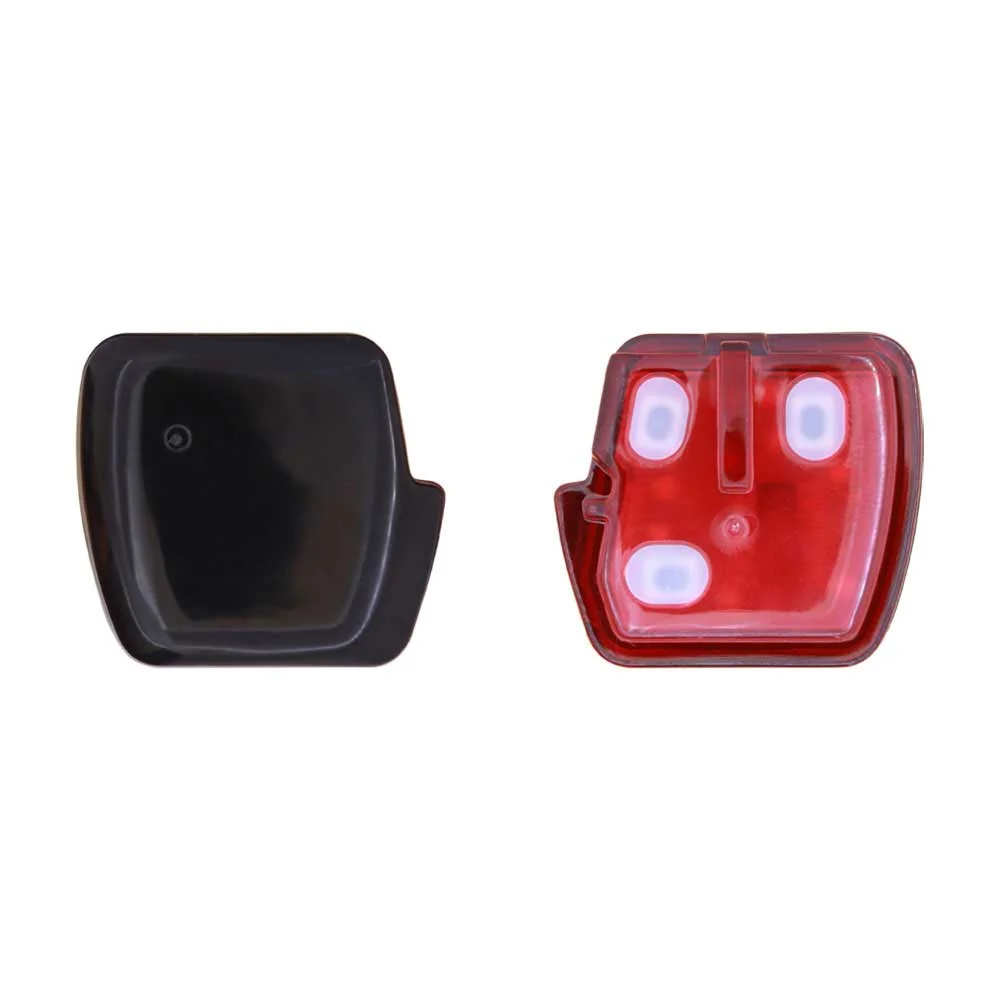
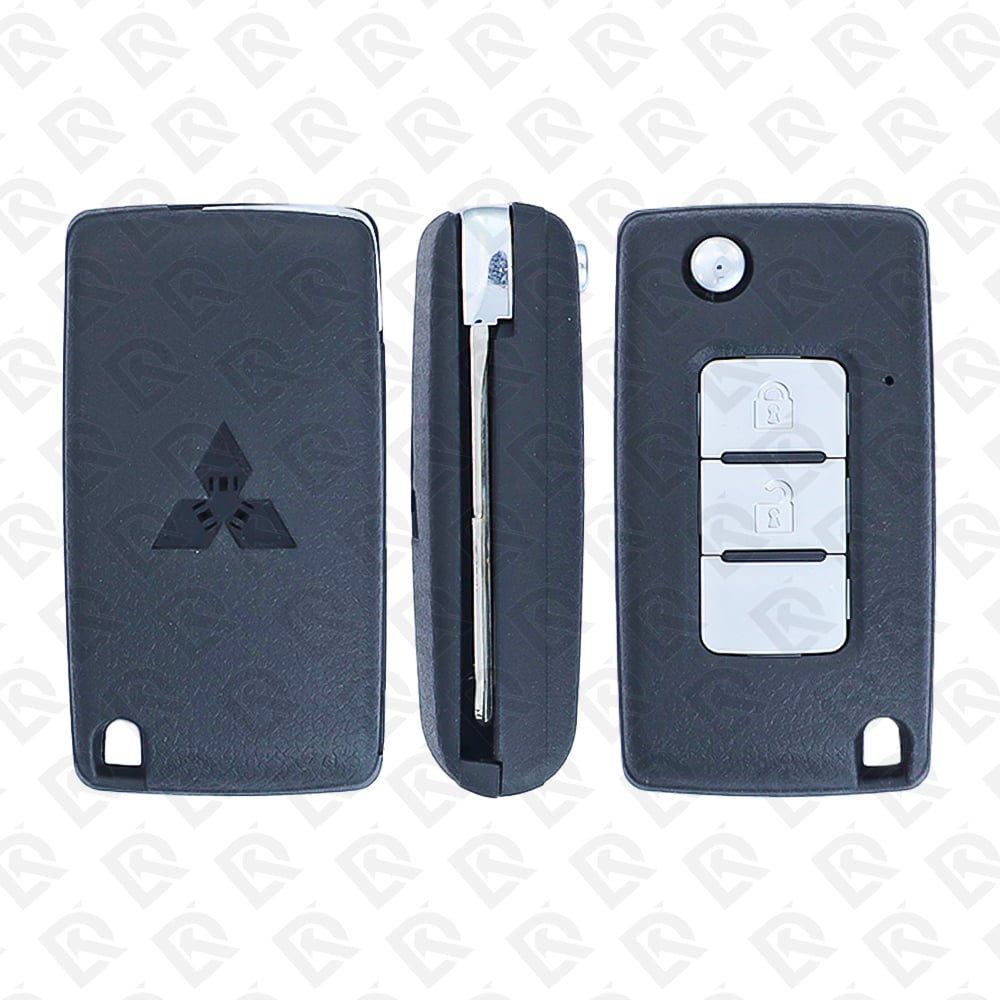
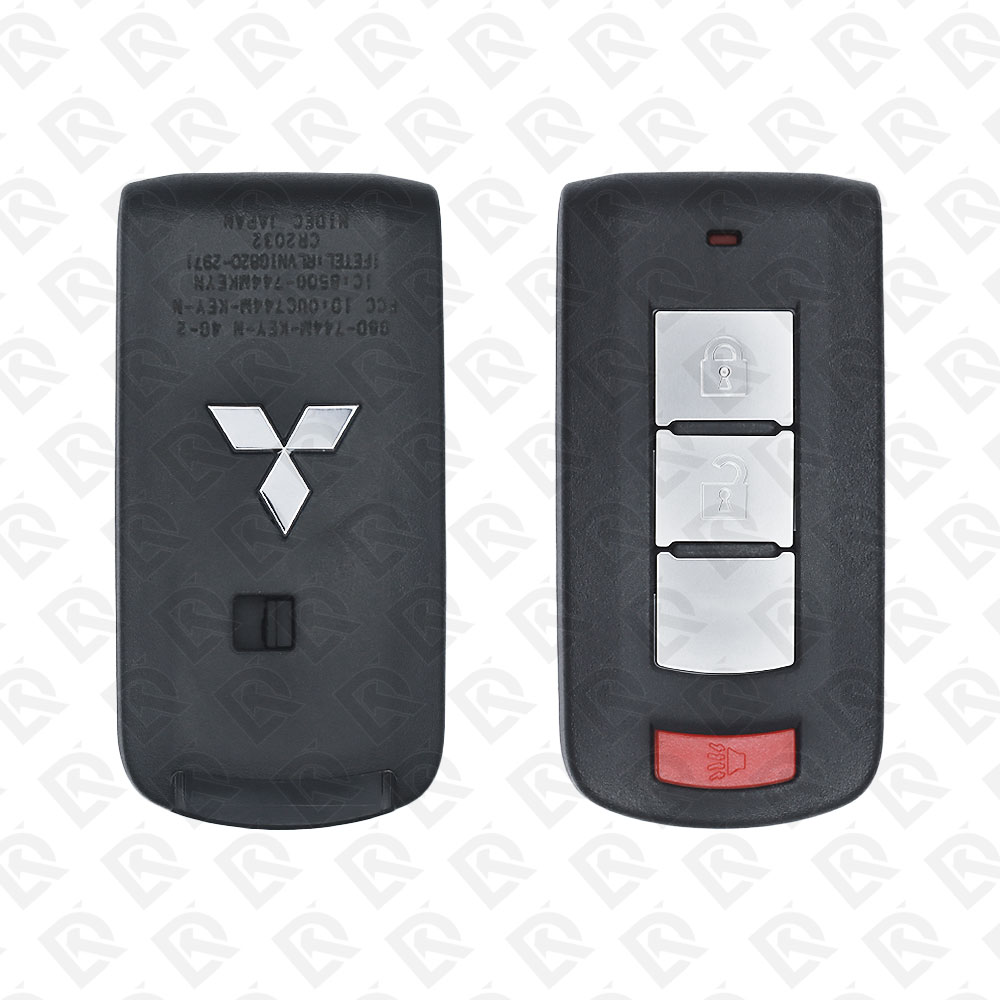
Mitsubishi Lancer 2012 Key Fob & Car Keys
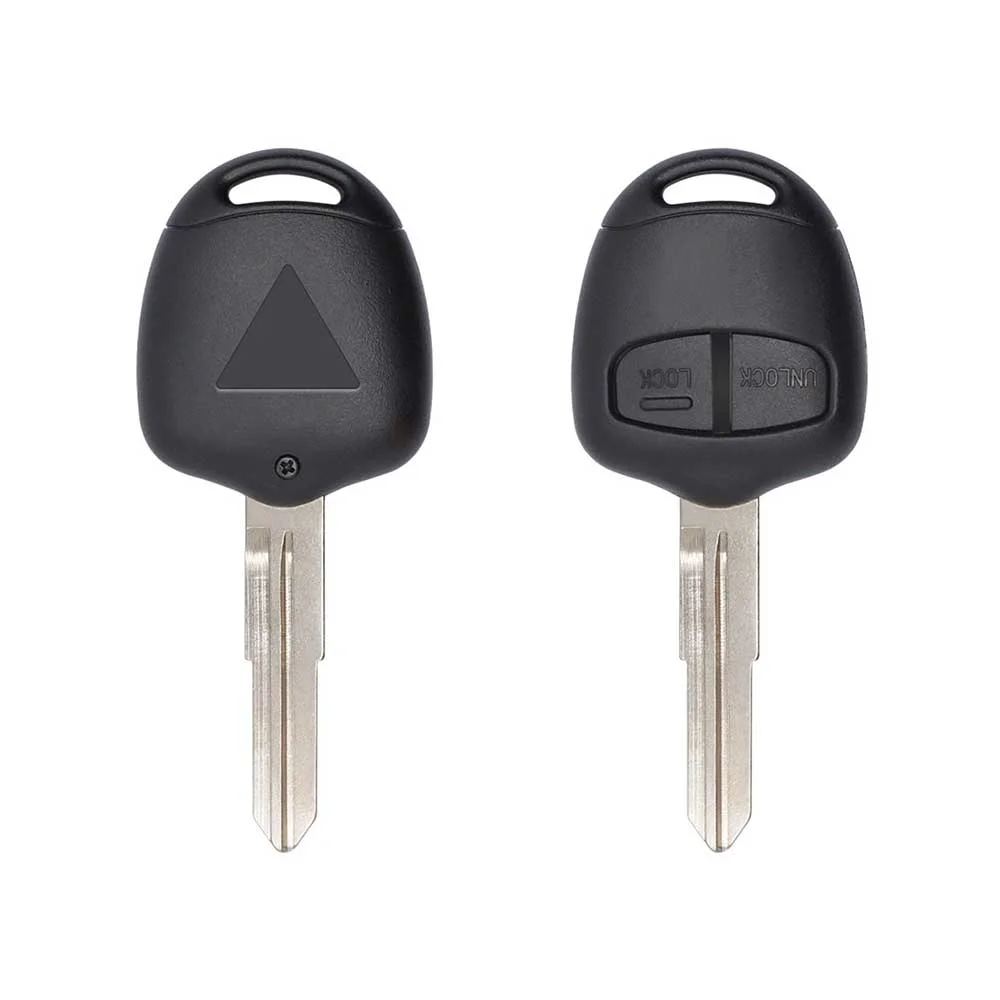
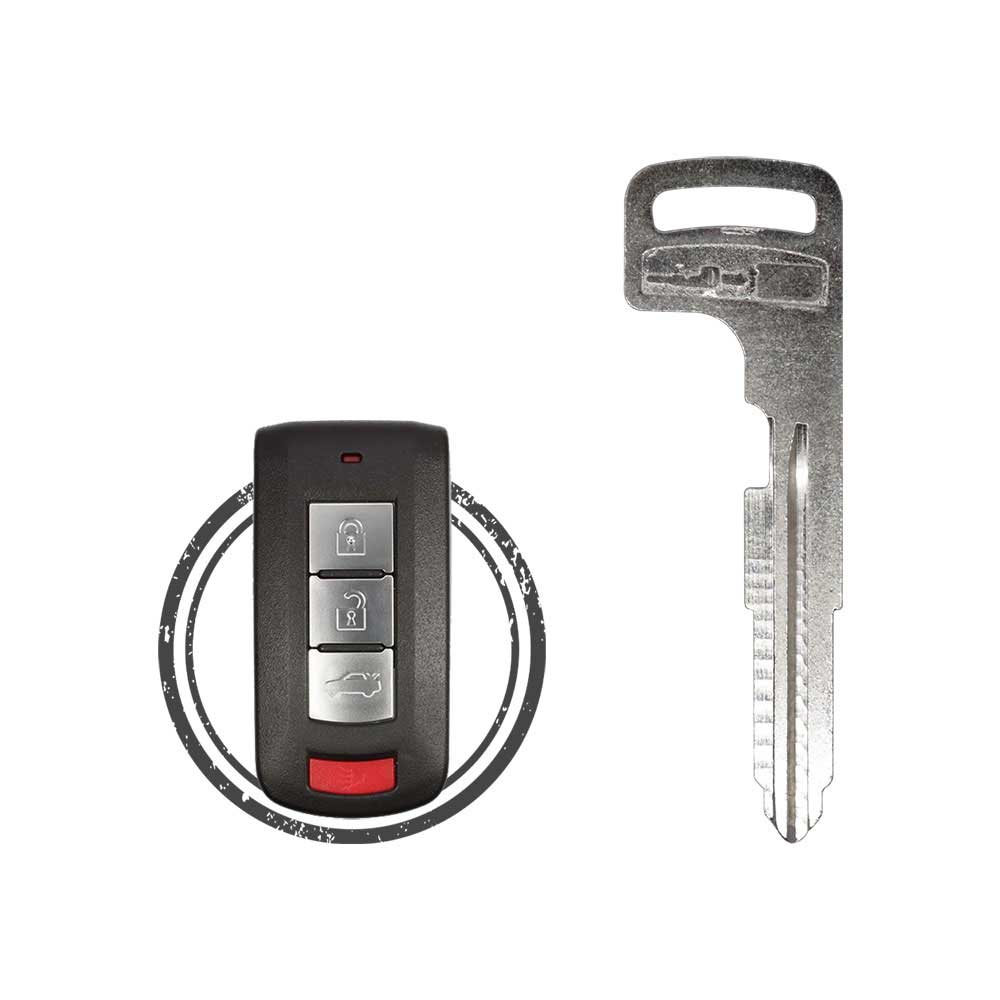
Keys that fit the 2012 Mitsubishi Lancer: smart keys, flip keys and remote keys, 2, 3 or 4 buttons, FCC ID G8D576MA, G8D644MKEYE or GHRM003, ID46 (HITAG 2) or ID47 (HITAG 3) chip, 315 MHz or 433 MHz. 28 compatible keys, remotes & shells (genuine and aftermarket) available for the 2012 Mitsubishi Lancer.
Last updated: 16 November 2026
Key specifications for the Mitsubishi Lancer 2012
- Key types
- smart keys, flip keys, remote keys, transponder keys, key shells, emergency blades and key blanks
- Frequency
- 315 MHz and 433 MHz
- Buttons
- 2-, 3- and 4-button
- Transponder chip
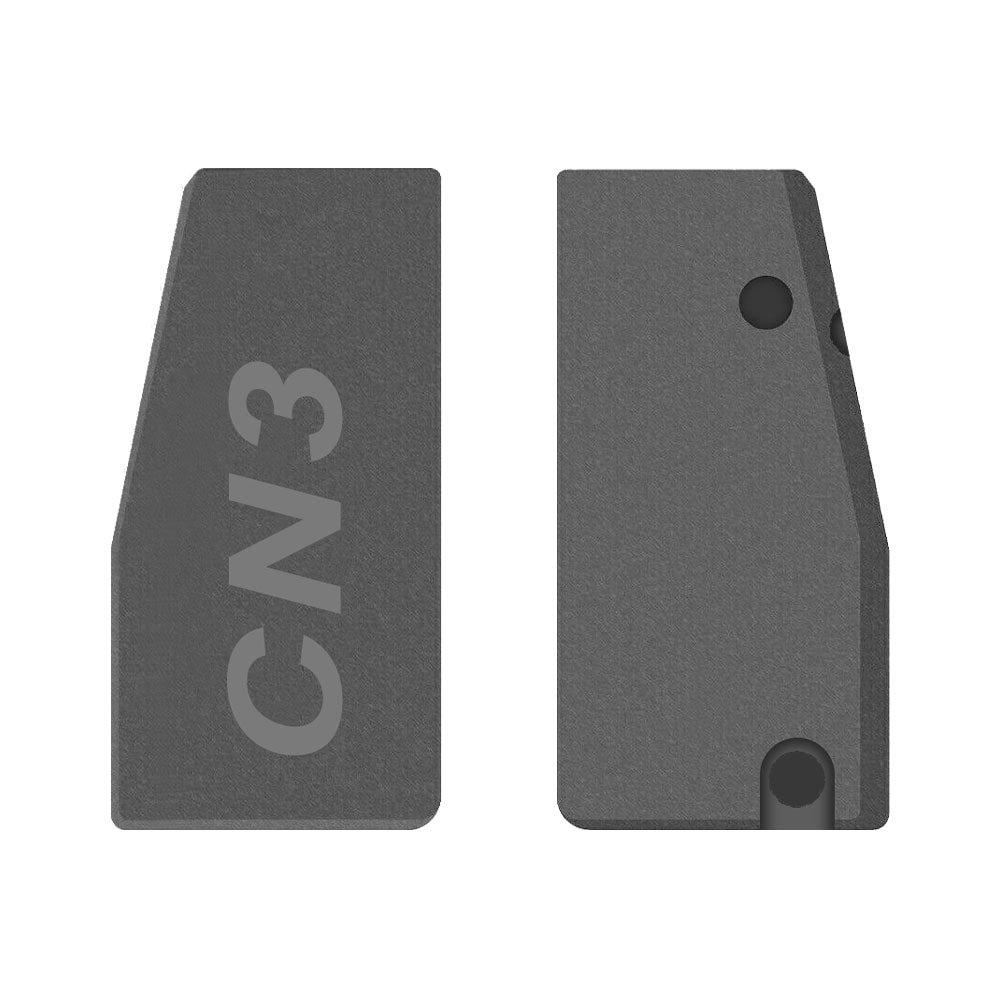
- ID46 (HITAG 2) · ID47 (HITAG 3) · CN3 cloning chip
- Blade profile
- MIT11R · MIT3
- Part numbers
- 6370A480 · 6370A619 · 8637A663 · 8637A228 · 6370A770 · 8637B107 · 6370B941 · 8637A316
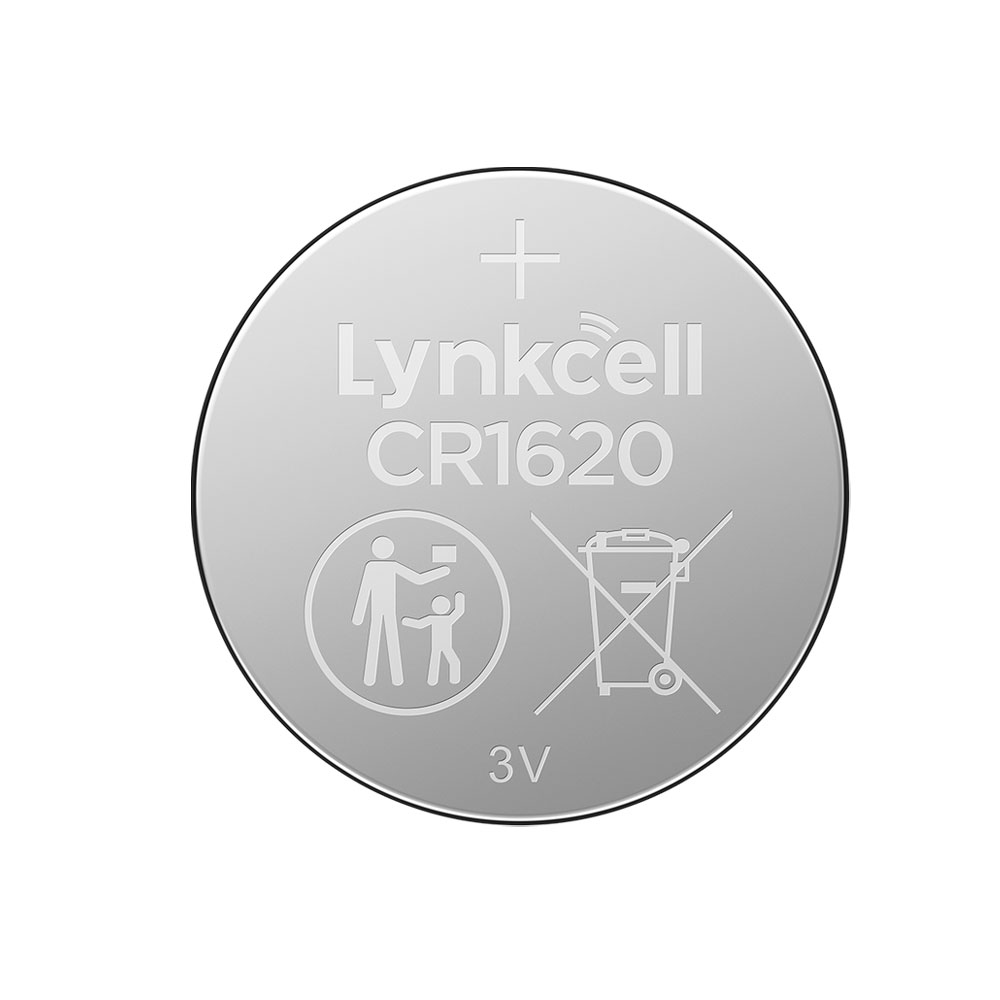
- Battery
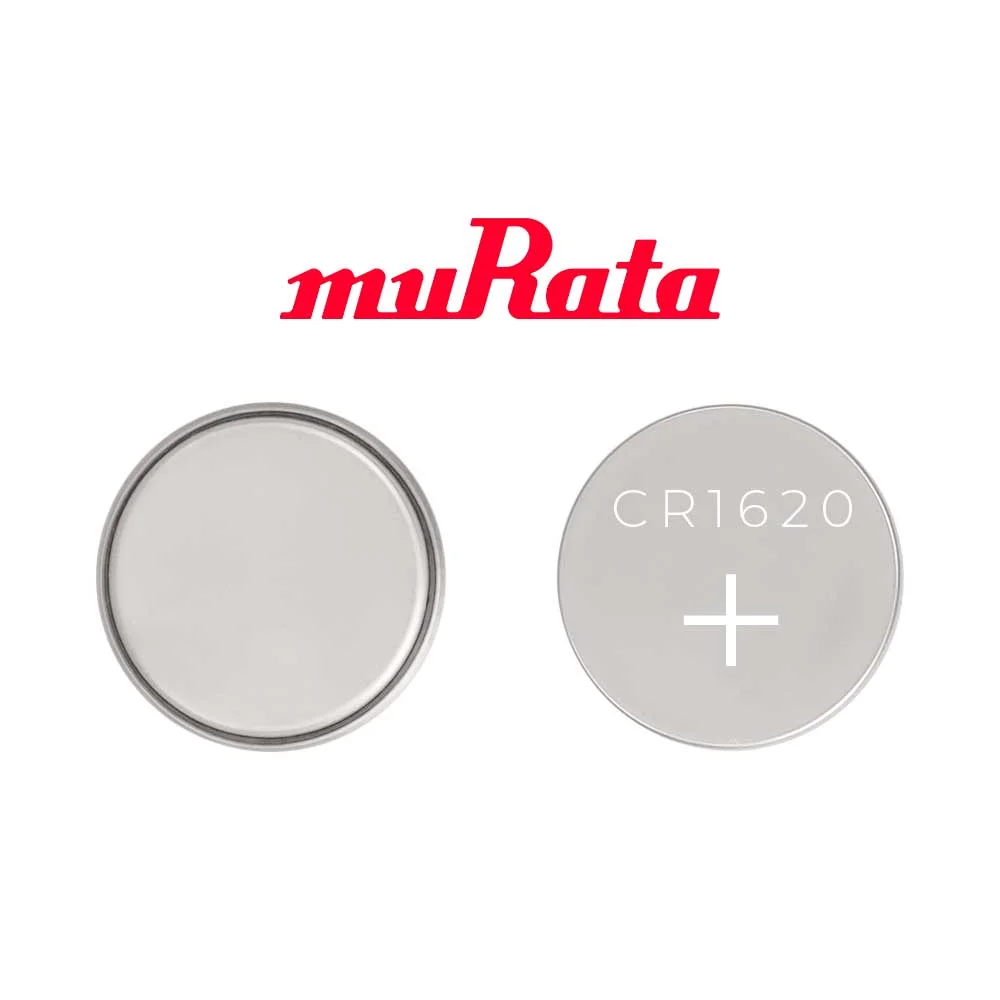
- CR2032
- Compatible FCC IDs
To pick the right part, match the part number or FCC ID printed on your original remote, or listed in the Mitsubishi parts catalogue, with the specifications on each listing. The frequency depends on the market the car was sold in, so check 315 MHz and 433 MHz against your original before ordering.
A new smart key or remote has to be programmed to the car with a key programmer, and when every key is lost the programming is still done through the diagnostic port. We ship the key worldwide from the UAE by DHL and FedEx; any automotive locksmith or the dealer can cut and program it.
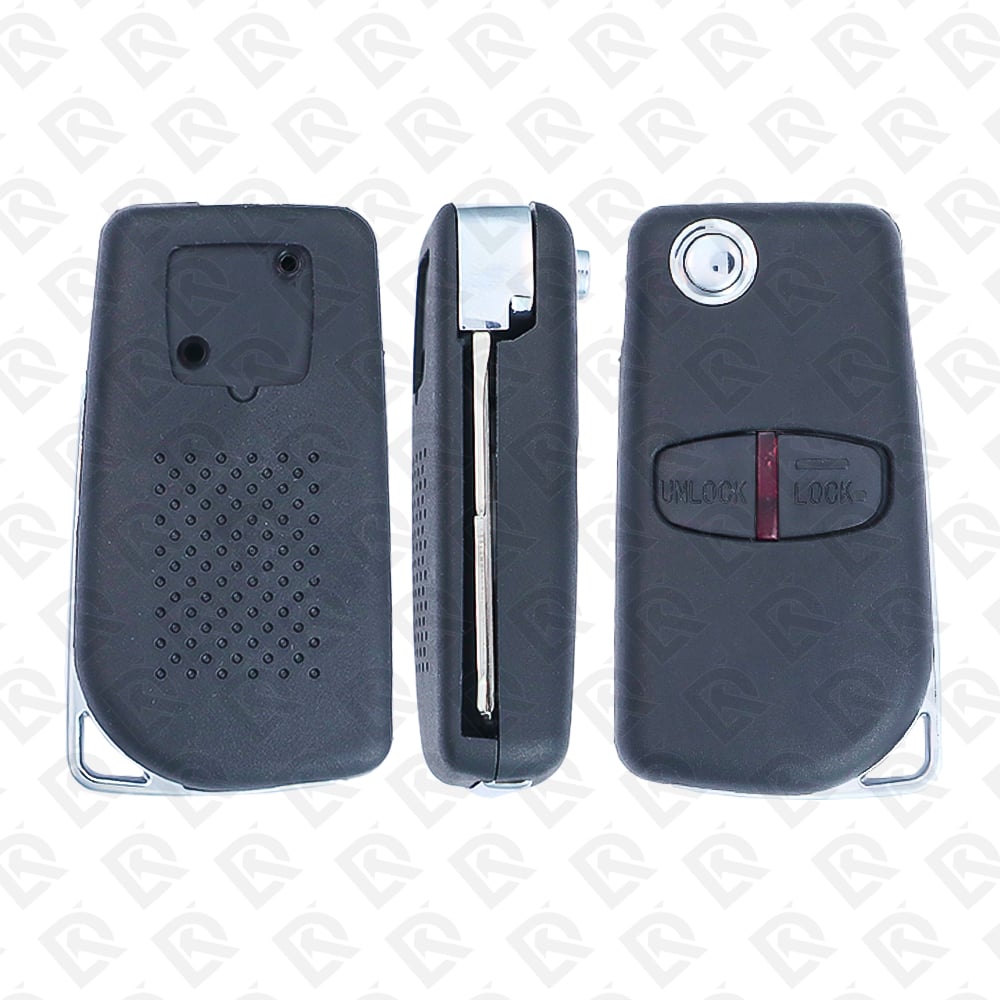
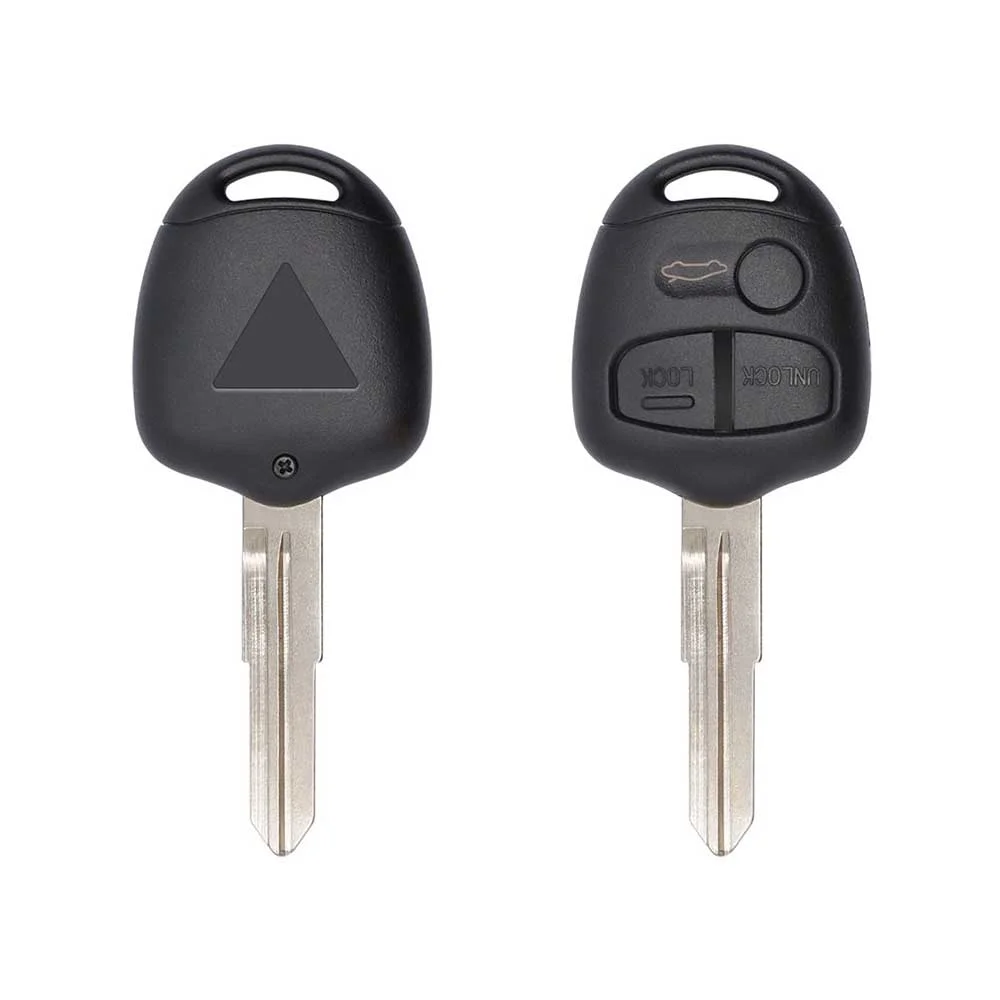
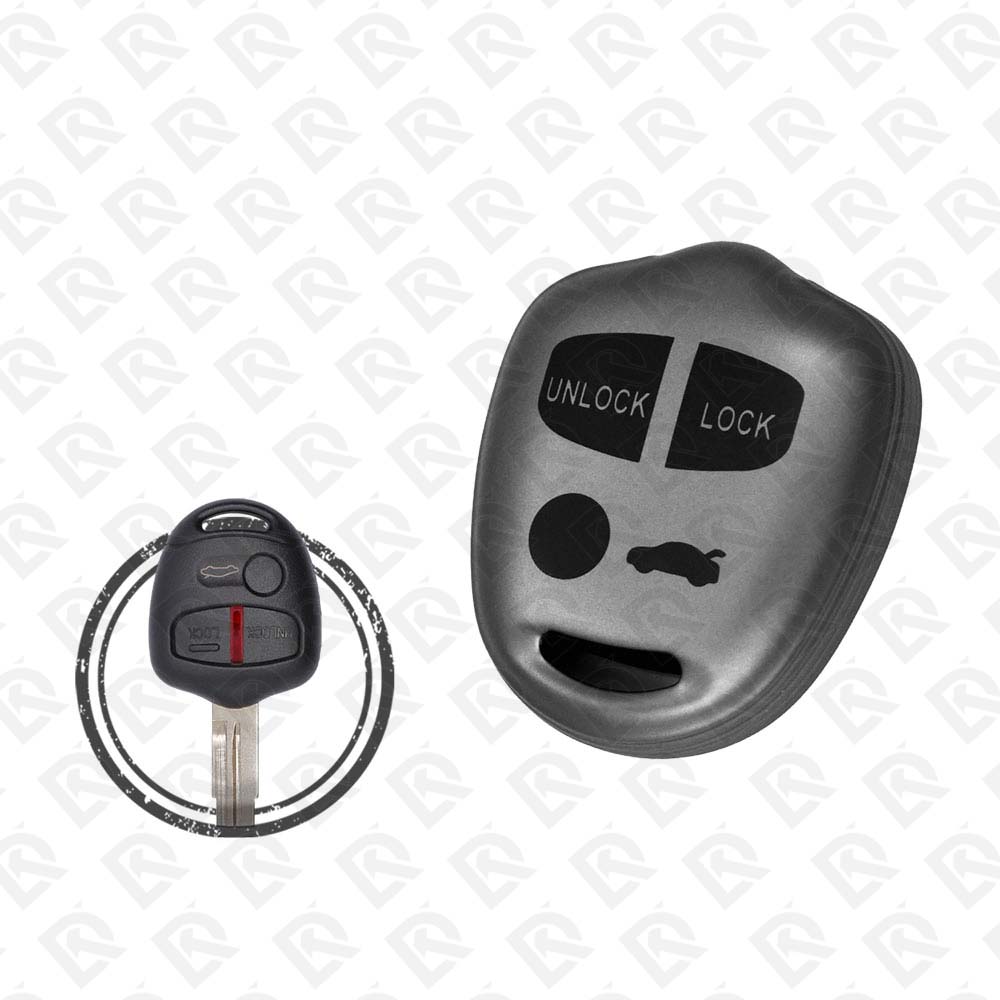
- Mitsubishi 2006–2012 Lancer Remote Head Key Shell - 2-button · PN 6370A480 - Aftermarket · New
SKU: B02825
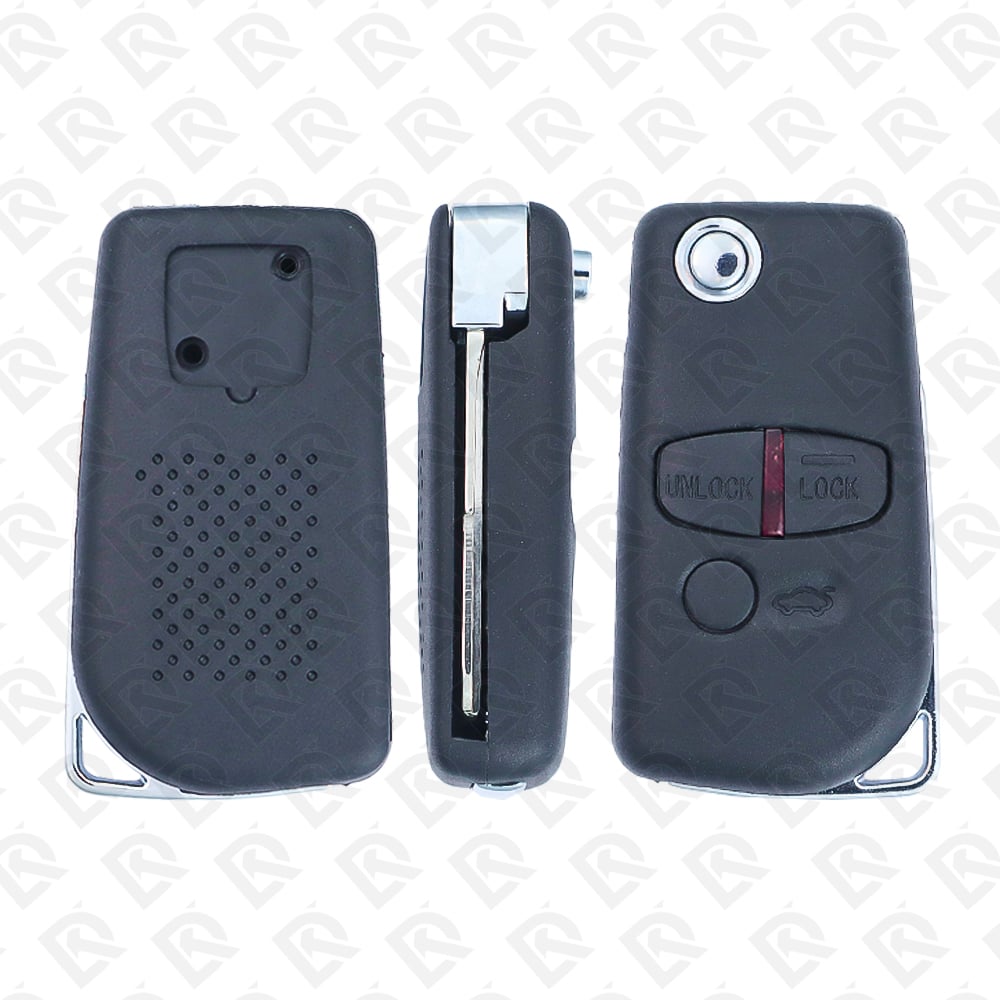
$2.24In Stock - Mitsubishi 2006–2012 Lancer Remote Head Key Shell - 3-button · PN 6370A619 - Aftermarket · New
SKU: B02826
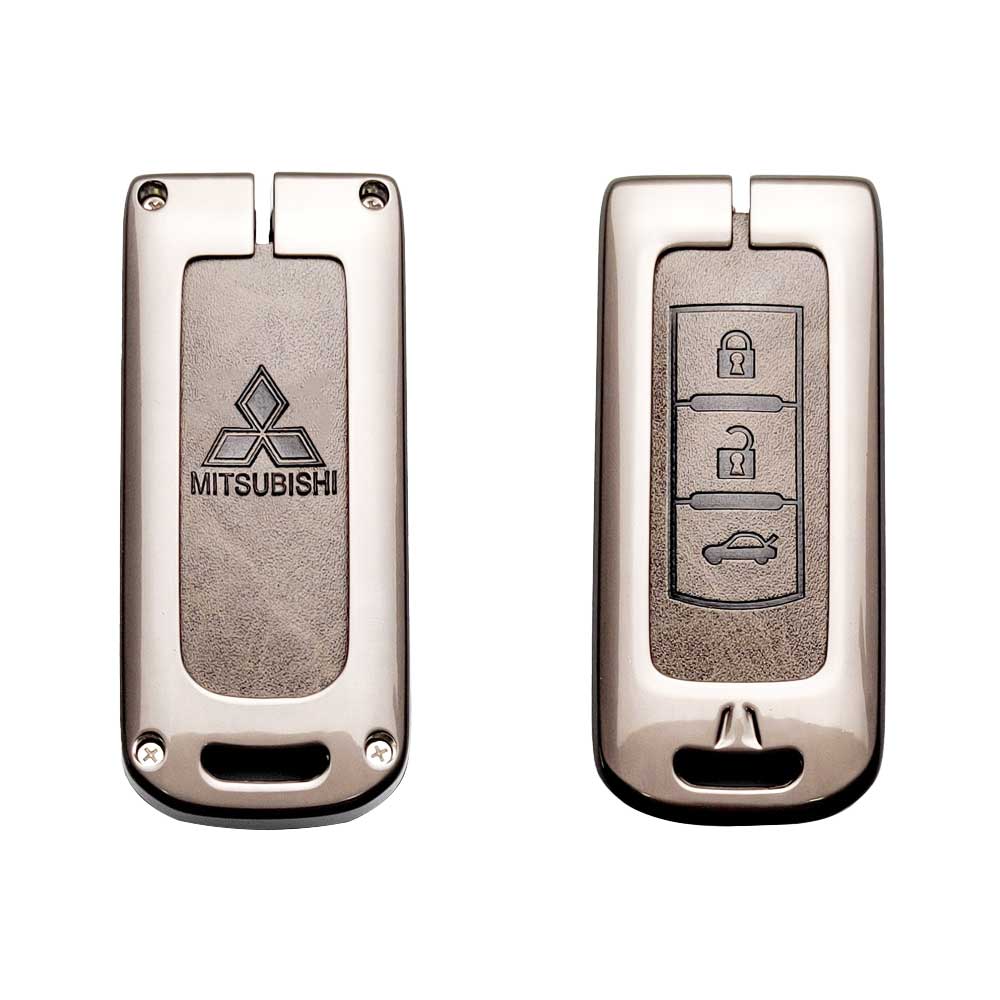
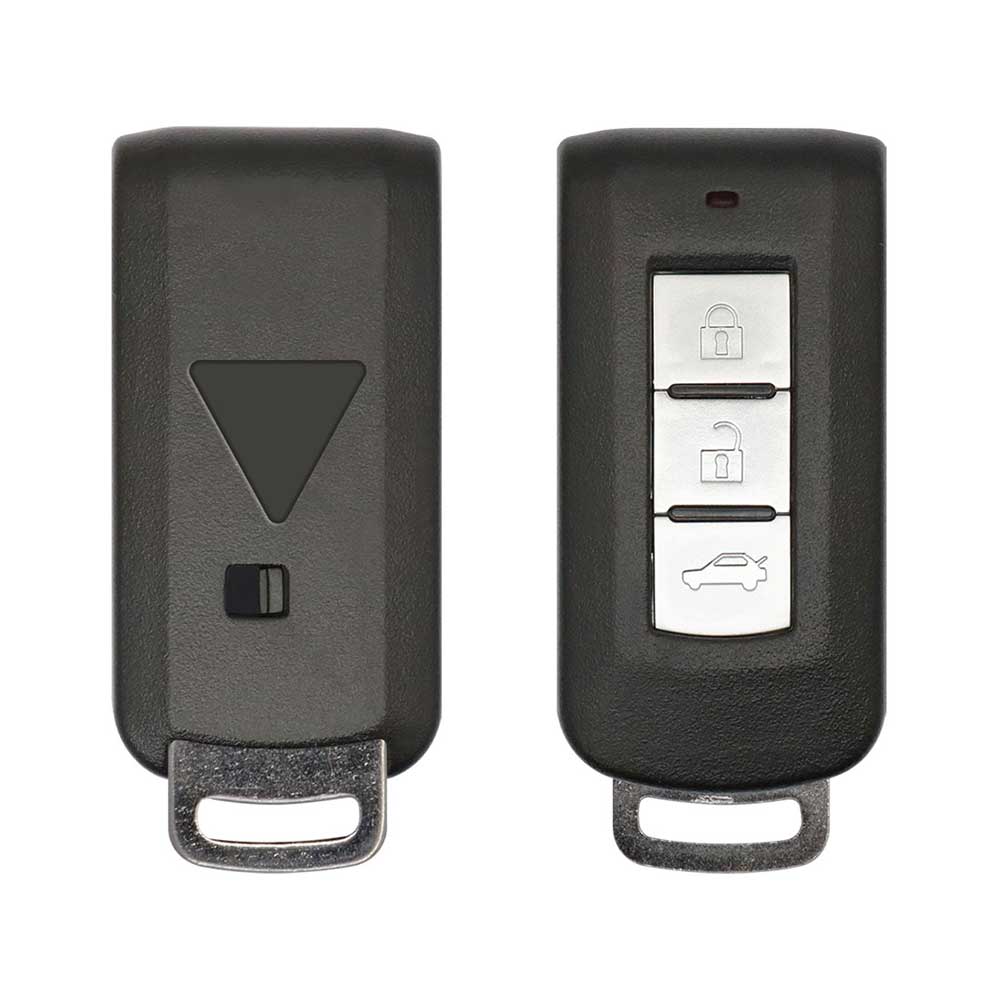
$2.24In Stock - Mitsubishi Lancer 2008-2015 Smart Key Zinc Alloy Leather Key Case 3-button - Fits Key 8637A663
SKU: B09005
$6.19In Stock - $154.49In Stock
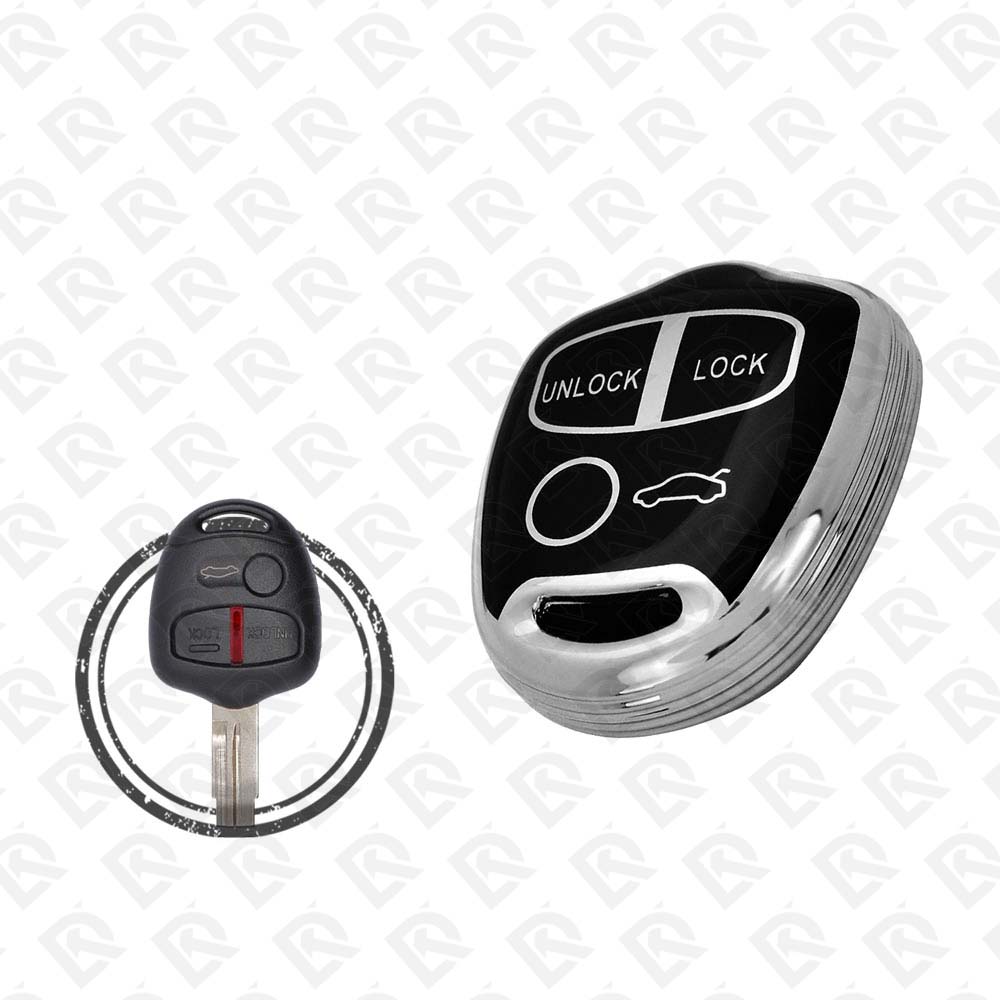
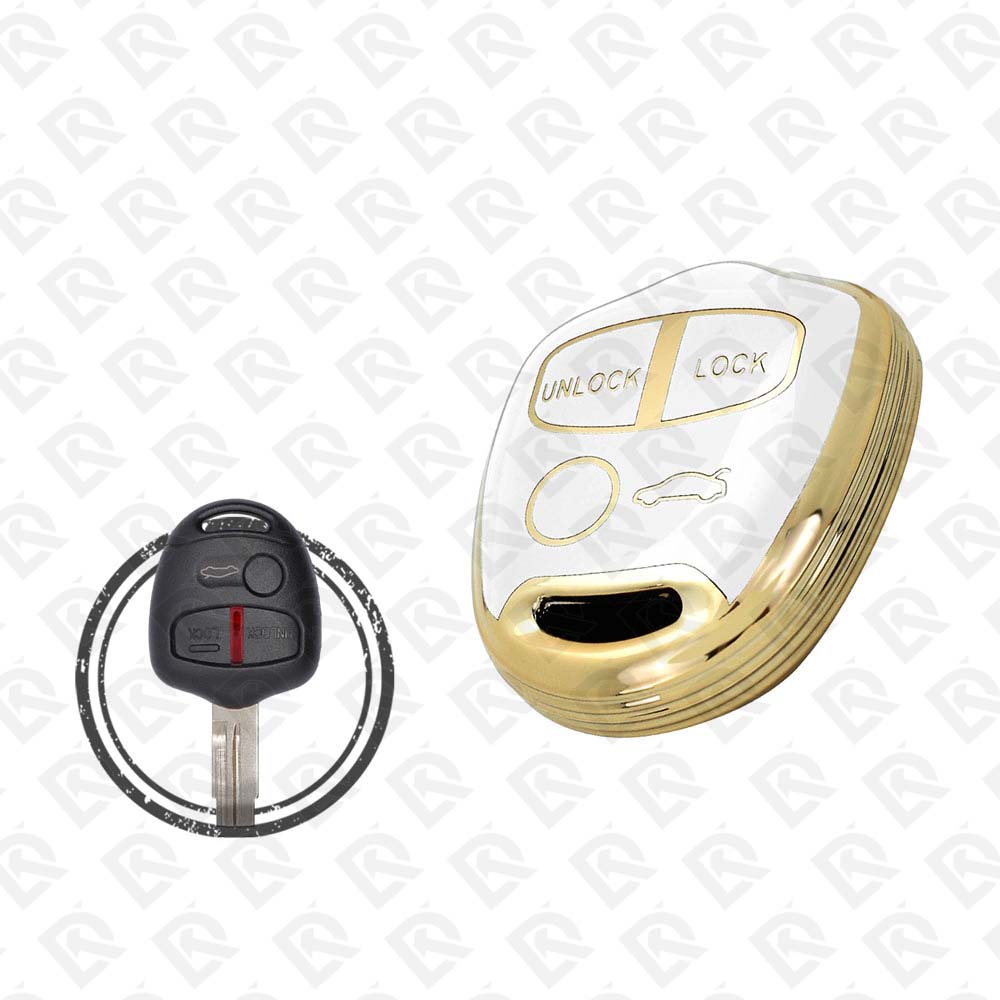
- Mitsubishi Lancer 2009-2013 Remote Key TPU Cover 3-button Black Chrome - Fits Key 6370A480
SKU: B07756
$1.96In Stock - $1.96In Stock
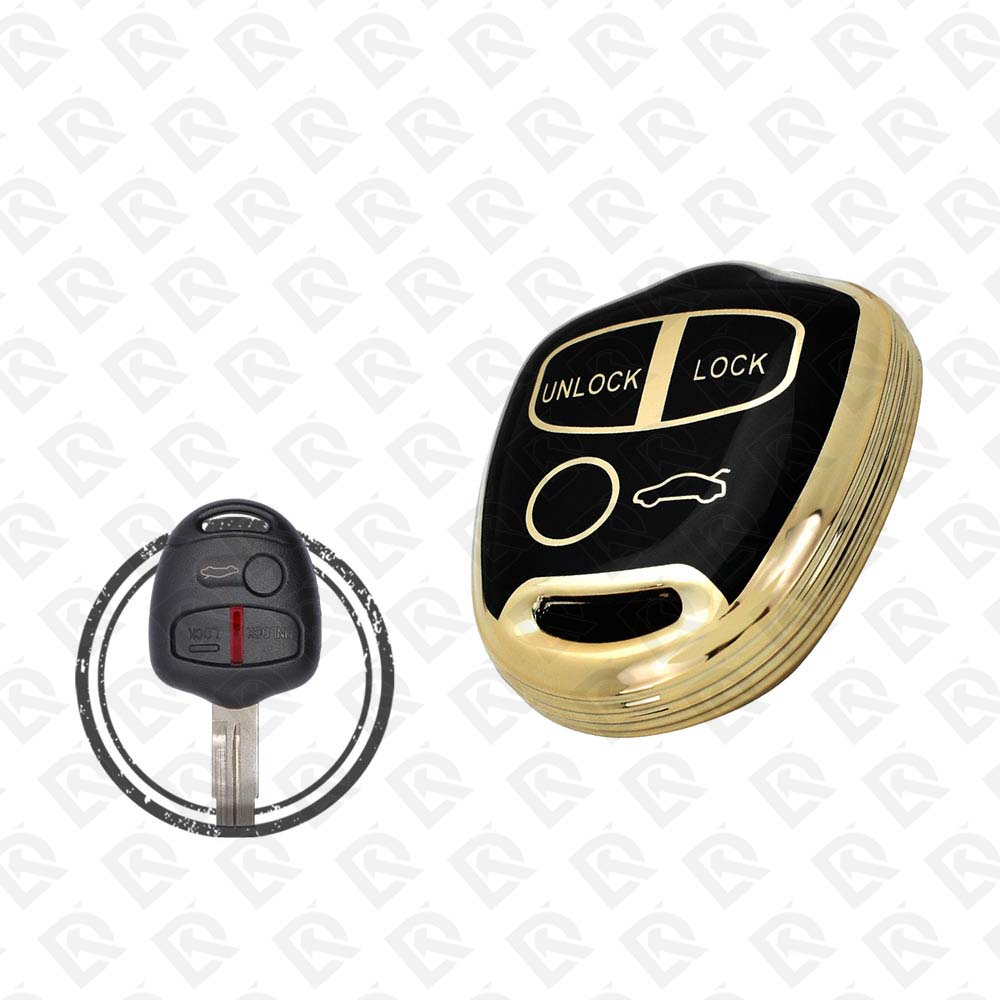
- Mitsubishi Lancer 2009-2013 Remote Key TPU Cover 3-button Black Metal - Fits Key 6370A480
SKU: B07759
$1.96In Stock - $1.96In Stock
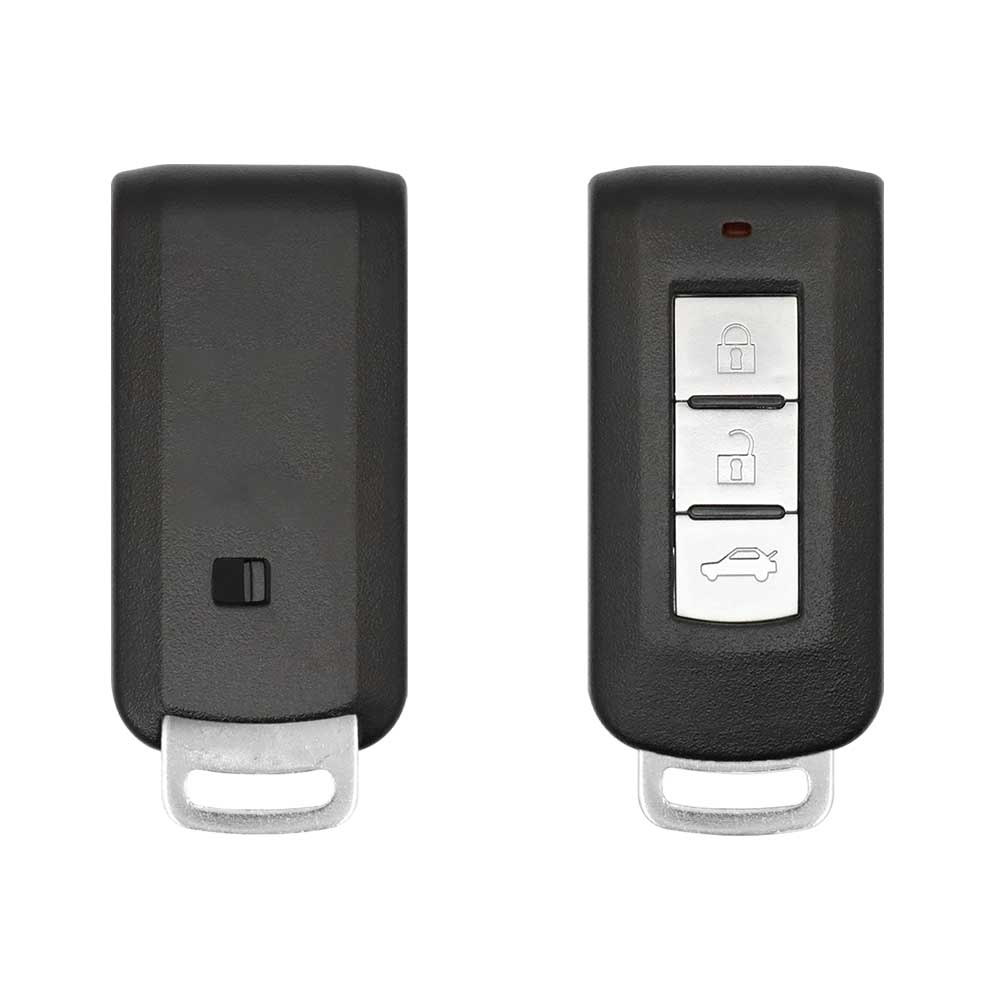
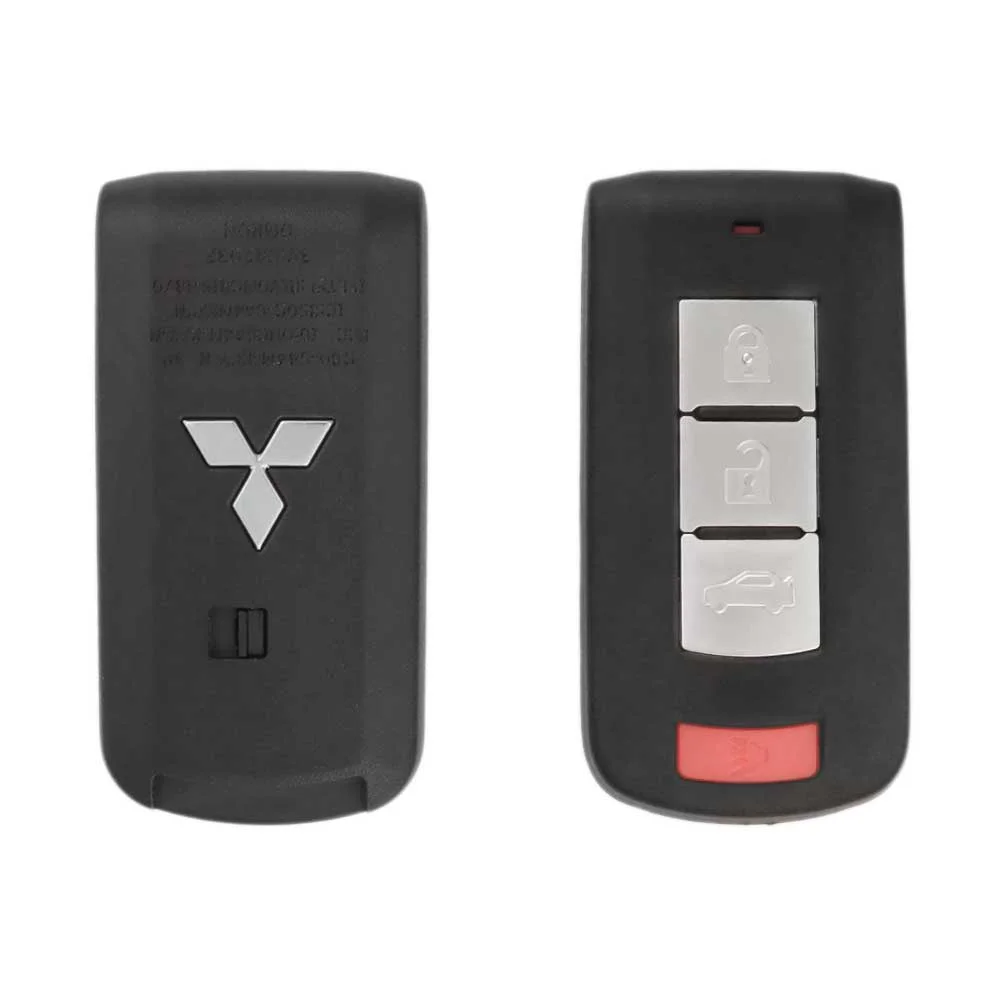
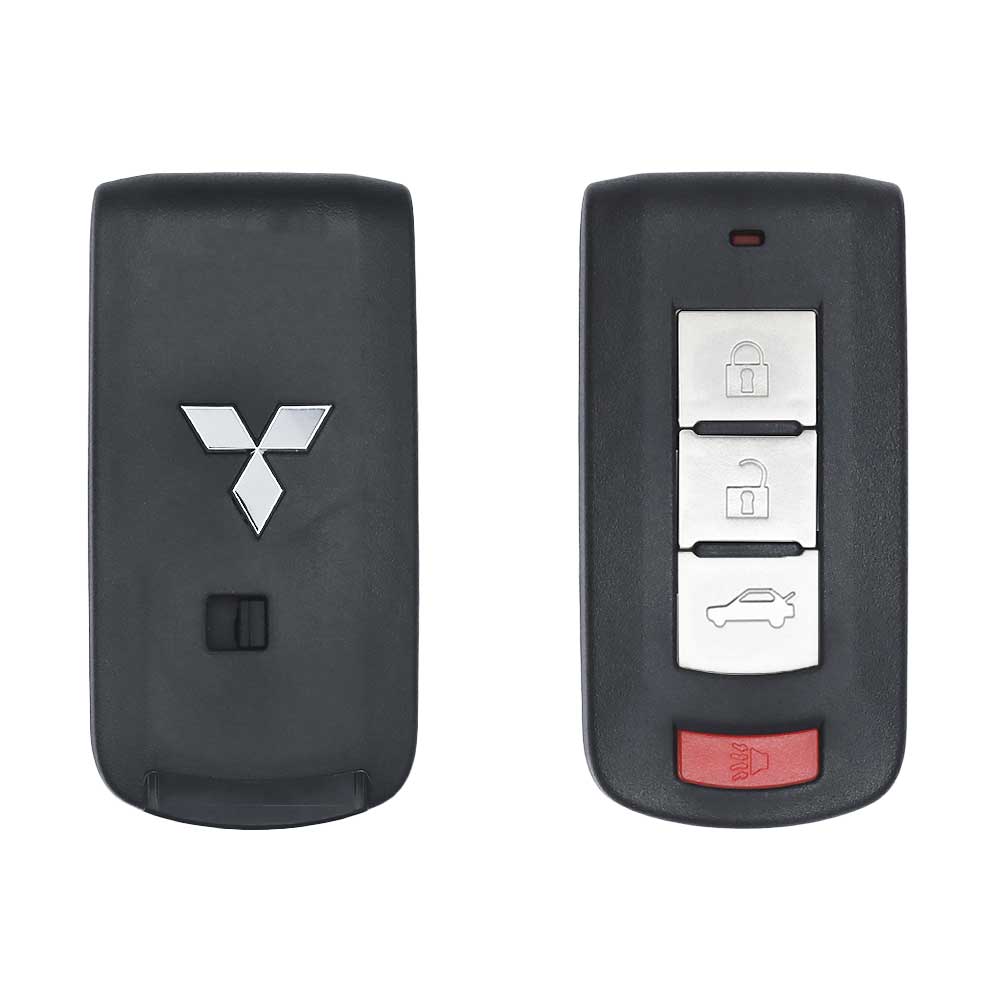
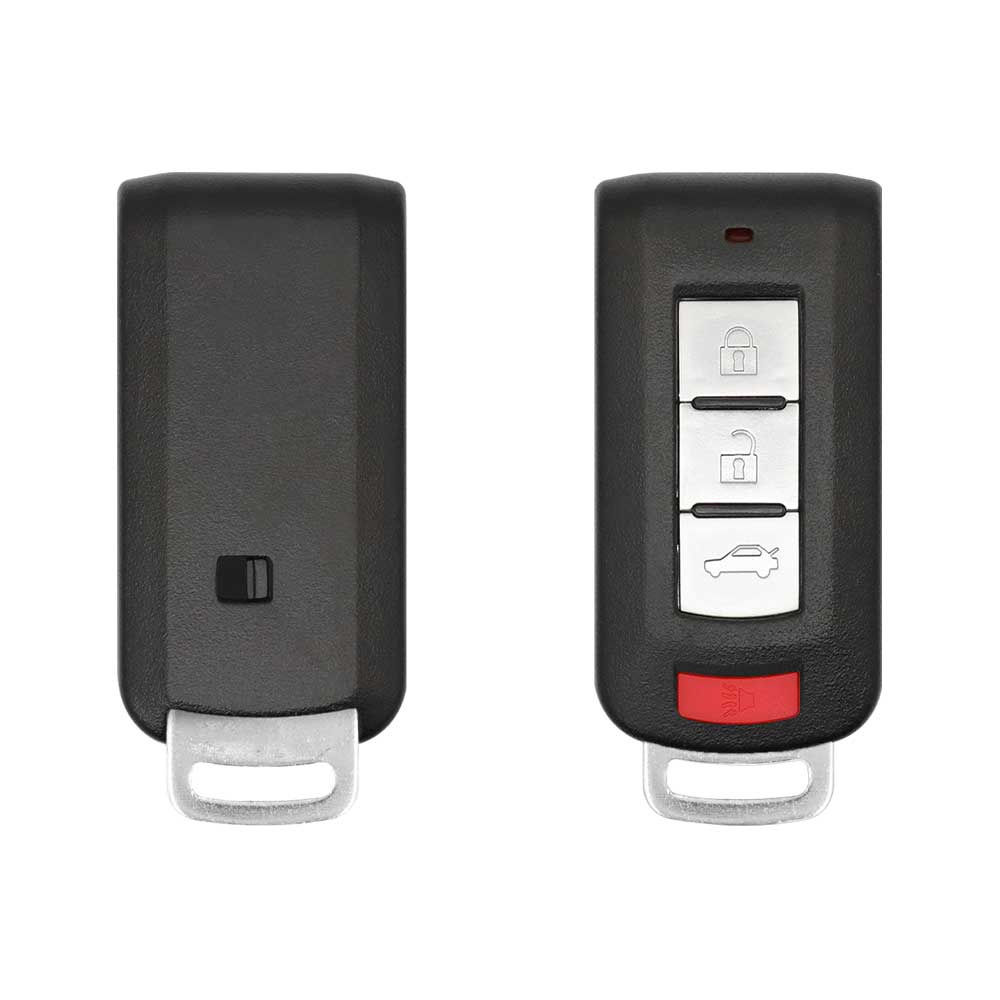
- Mitsubishi Lancer Outlander 2008-2017 Smart Key 4-button 315MHz - 8637A228 Blade Included
SKU: B02857
$18.26In Stock - $1.40In Stock
- $1.12In Stock
- $9.83In Stock
- $5.62Out of Stock
- $1.69Out of Stock
Programming the Mitsubishi Lancer 2012 key
Smart key (push to start)
3 tools list this key. 2 of them list all keys lost.
- OBDSTAR Key Master G3
- Add key
- All keys lost
- Remote
- Add key
- All keys lost
PIN read function- Universal key
Key with a blade (regular or flip)
2 tools list this key. 1 of them list all keys lost.
- OBDSTAR Key Master G3
- Add key
- All keys lost
- Remote
- Add key
- Remote
All keys lost is listed by OBDSTAR Key Master G3. Lonsdor K518 lists add key only.
Programming steps
Add key - on the car(US / Canada cars)
Needs: Remote head key, key part (transponder), two working keys, the new key, cut to the car first
- Insert the first working key, turn ON without cranking for 5 seconds, then turn OFF and remove it.
- Within 10 seconds, insert the second working key and turn ON. The security light flashes twice. Turn OFF and remove it.
- Within 10 seconds, insert the new key and turn ON. The security light stays on for 3 seconds: the key is programmed.
- Turn OFF and remove the new key. For more keys, repeat the previous step with each one.
- To leave programming mode, leave the ignition ON for more than 30 seconds.
Key type not stated by the list
One tool lists this key.
- Launch X-431 IMMO
- Add key
- Remote
PIN read function
Without a tool
The remote is programmed on the car, without a tool. Up to 4 remotes.
Programming steps
Program the remote without a tool(US / Canada cars)
Needs: Remote head key, remote part, every remote to be programmed, a jumper wire for the data port
- Find the data port under the driver's side dash, usually to the right of the steering column.
- Insert the key and leave the ignition at OFF.
- Check that terminals 1 and 4 have metal pins, then bridge terminals 1 and 4 with a jumper wire. Leave it connected until the end.
- Within 10 seconds of connecting the wire, press the hazard switch 6 times. The locks lock and unlock once: programming mode is on.
- Press LOCK on the remote 3 times within 10 seconds. The locks lock and unlock once to confirm.
- Repeat the LOCK presses on each extra remote within 1 minute, up to 4 remotes including existing ones. The locks lock and unlock once after each.
- Disconnect the jumper wire and remove the key.
Program the remote without a tool(US / Canada cars)
Needs: F.A.S.T.-key (keyless operation) cars, with two working F.A.S.T.-keys, two working F.A.S.T.-keys, the new F.A.S.T.-key
- Take the emergency key out of a working F.A.S.T.-key. Press the lock release buttons and remove the ignition switch cover.
- Insert the emergency key into the ignition switch and the first working F.A.S.T.-key into the emergency key.
- Turn the emergency key with the F.A.S.T.-key to ON, then remove the F.A.S.T.-key. Do the next steps within 30 seconds.
- On the first working F.A.S.T.-key, hold UNLOCK for 4 to 10 seconds and press LOCK during that time. Release LOCK then UNLOCK within 10 seconds of pressing LOCK.
- Within 30 seconds, on the second working F.A.S.T.-key hold UNLOCK for 4 to 10 seconds, press LOCK during that time, then release LOCK then UNLOCK within 10 seconds. The immobilizer display blinks in the multi-information display.
- Within 60 seconds, press LOCK twice on the new F.A.S.T.-key. The immobilizer display stays on for 30 seconds: registration is done.
When the key changed
Smart key (push to start)
- 2008 - 2017This yearChip: ID46433 MHzFCC: G8D-644M-KEY-E(GCC / Europe cars)GCC / Europe Lancer EX F.A.S.T.-key (8637A663)
- 2008 - 2017This yearChip: ID46315 MHzFCC: OUC644M-KEY-N(US / Canada cars)F.A.S.T.-key 8637A228 / 8637B885
Key with a blade (regular or flip)
- 2008 - 2017This yearChip: ID46315 MHzFCC: OUCG8D-625M-A, OUCJ166N(US / Canada cars)CY Lancer key ignition: MIT17 key or remote head key
- 2019 - 2023Chip: ID46433 MHzFCC: J166E(GCC / Europe cars)GCC remote head key 6370B943
Check coverage first: support depends on the tool's software version and the exact model. A tool that is not shown here may still cover this car.
Frequently asked questions
Which keys fit the Mitsubishi Lancer 2012?
28 listings fit the Mitsubishi Lancer 2012: smart keys, flip keys, remote keys, transponder keys, key shells, emergency blades and key blanks, in 2-, 3- and 4-button versions. Match the part number or FCC ID printed on your original key with the specifications on each listing.
What frequency does the Mitsubishi Lancer 2012 remote use?
Listings for the Mitsubishi Lancer 2012 come in 315 MHz and 433 MHz: the frequency depends on the market the car was sold in, so check it against your original remote before ordering.
Which transponder chip does the Mitsubishi Lancer 2012 key use?
The listings for this car carry: ID46 (HITAG 2) · ID47 (HITAG 3) · CN3 cloning chip. Check the chip in each listing's specifications.
Which FCC IDs do Mitsubishi Lancer 2012 remotes carry?
The remotes listed for this car carry FCC ID 0UC003M, 0UCG8D576MA, 0UCG8D620MA, G8D576MA, G8D644MKEYE, GHRM003 and GHRM004. Match it with the FCC ID printed on your original remote.
Which blade profile does the Mitsubishi Lancer 2012 key use?
The blades listed for this car: MIT11R · MIT3.
Which tools program a Mitsubishi Lancer 2012 key?
The tool makers' coverage lists name OBDSTAR Key Master G3, Lonsdor K518, Autel KM100 (IKEY universal smart key) and Launch X-431 IMMO for this car; 2 of them list all keys lost. Check your tool's latest coverage list before the job.
Can the Mitsubishi Lancer 2012 remote be programmed without a tool?
The remote is programmed on the car, without a tool. Up to 4 remotes.