Mitsubishi Outlander 2013–2014 Key Fob & Car Keys
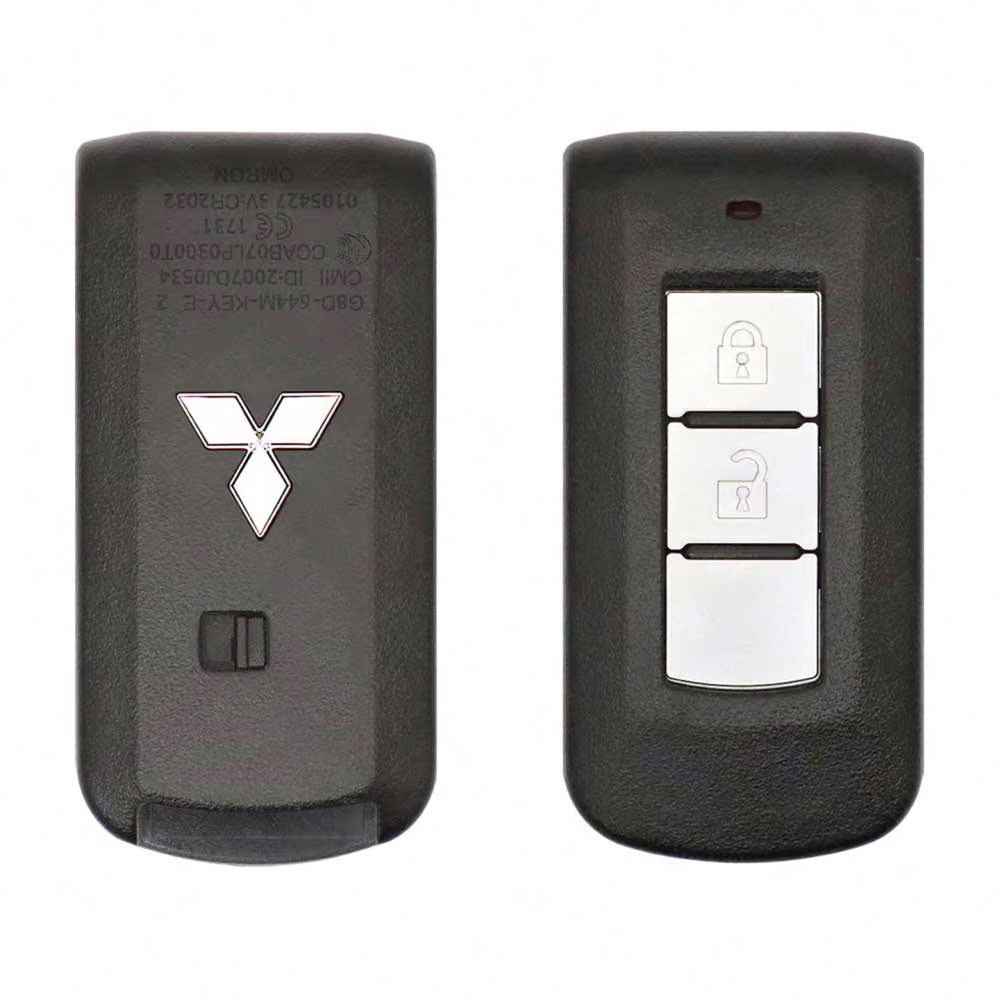
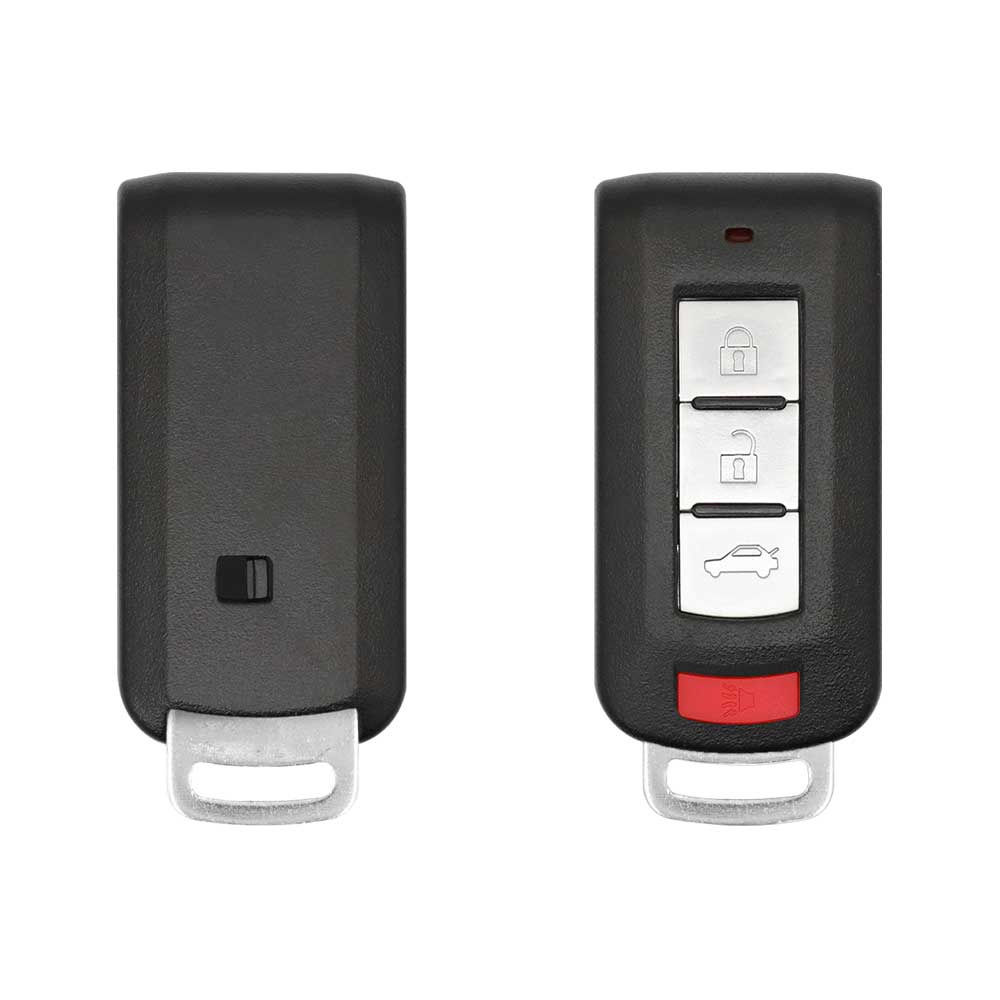
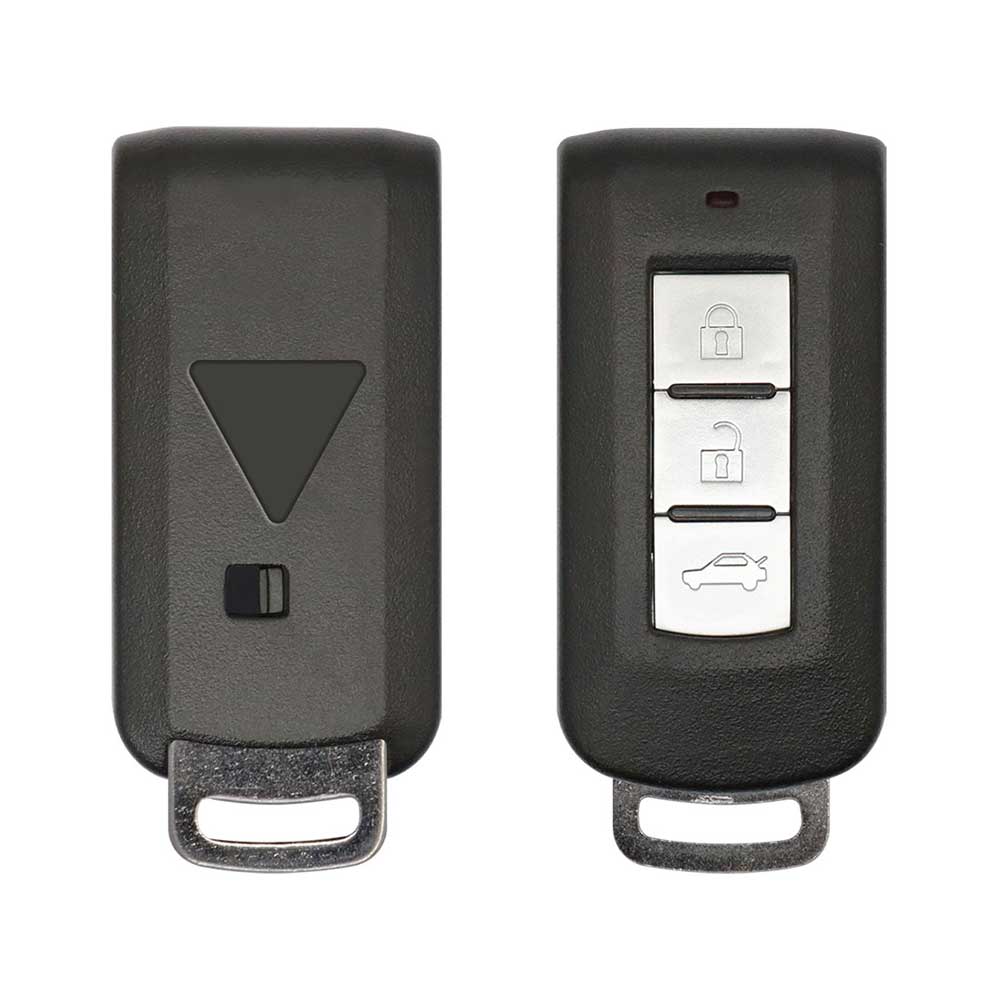
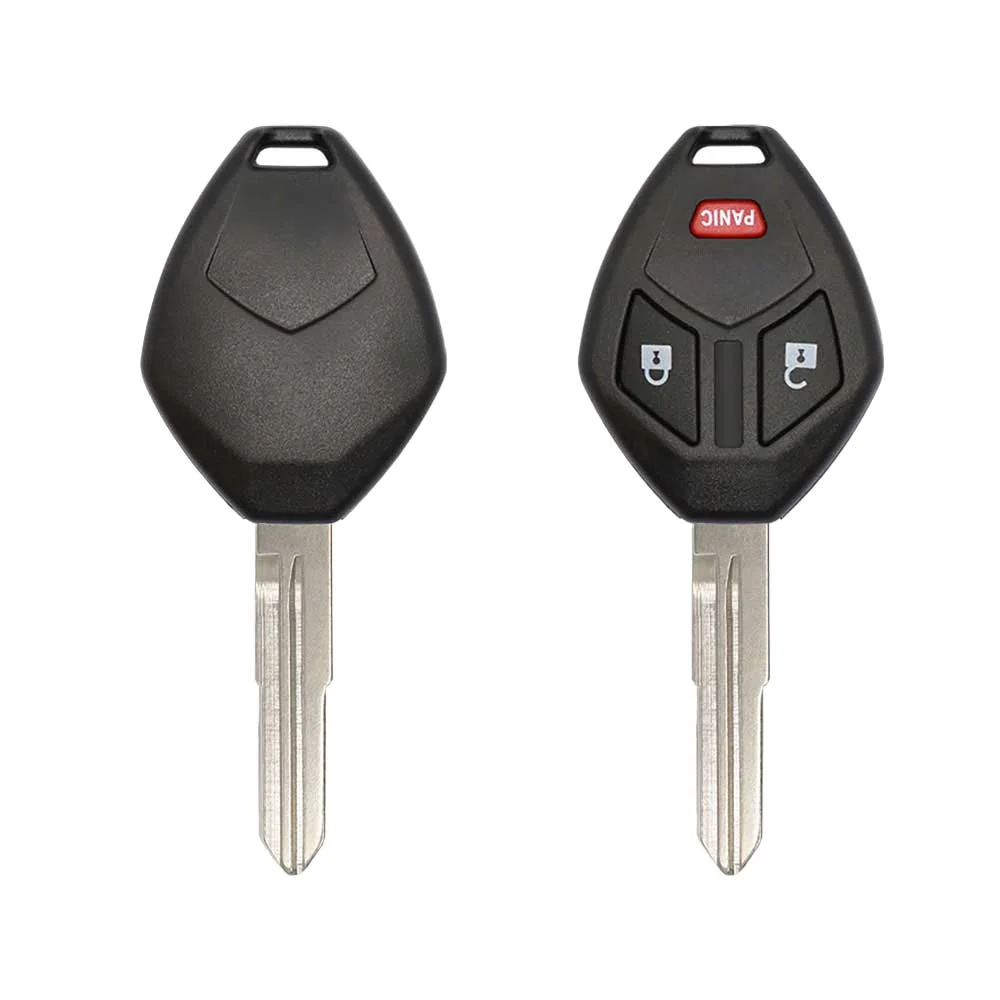
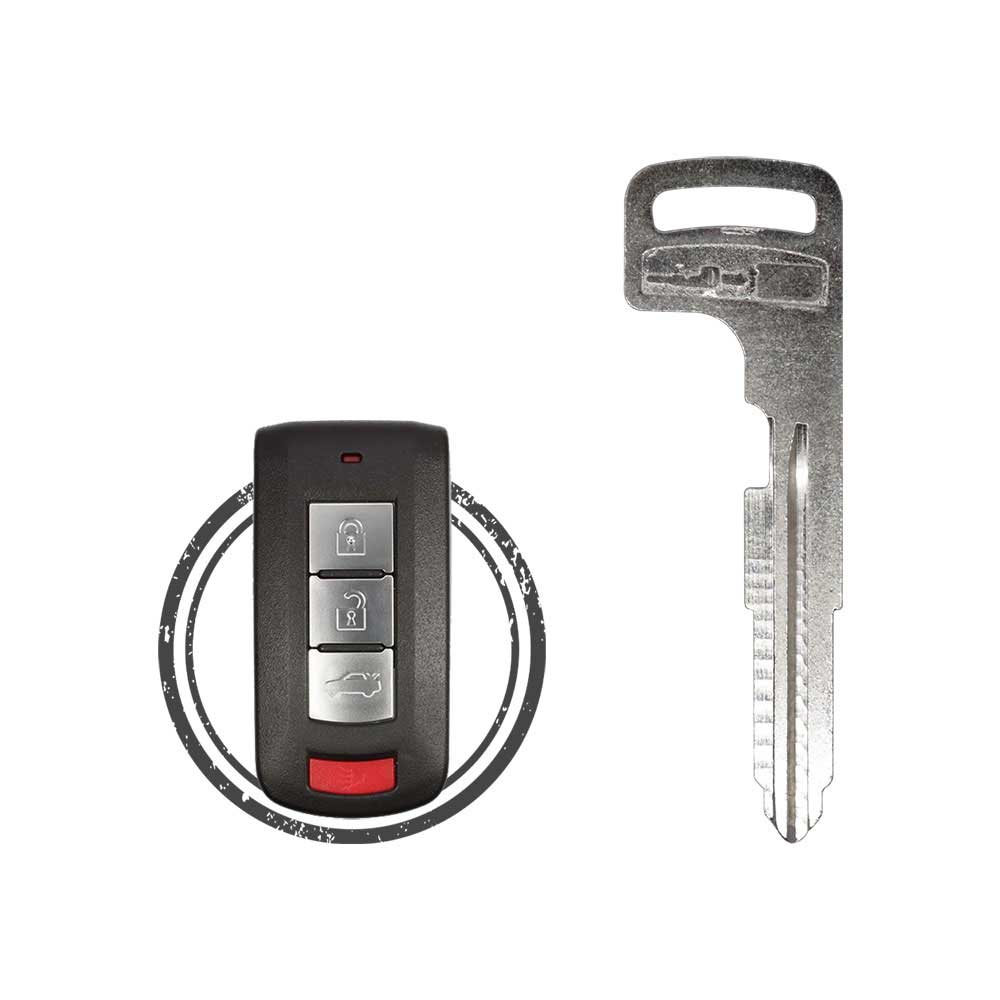
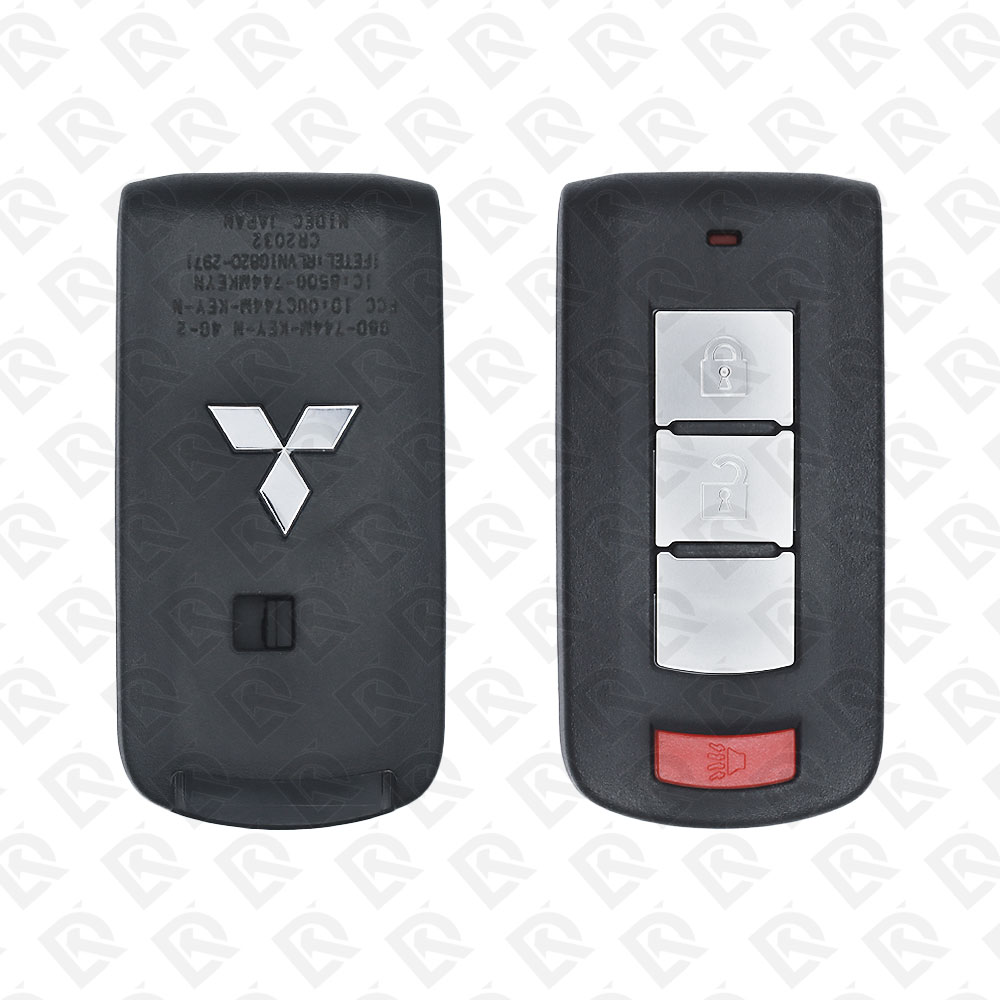
Keys that fit the 2013–2014 Mitsubishi Outlander: smart keys and remote keys, 2, 3 or 4 buttons, FCC ID G8D644MKEYE, GHRM003 or 0UC003M, ID46 (HITAG 2) or ID47 (HITAG 3) chip, 315 MHz or 433 MHz. 15 compatible keys, remotes & shells (genuine and aftermarket) available for the 2013 Mitsubishi Outlander.
Last updated: 15 November 2026
Key specifications for the Mitsubishi Outlander 2013–2014
- Key types
- smart keys, remote keys, key shells, emergency blades and key blanks
- Frequency
- 315 MHz and 433 MHz
- Buttons
- 2-, 3- and 4-button
- Transponder chip
- ID46 (HITAG 2) · ID47 (HITAG 3)
- Blade profile
- MIT11R · MIT3
- Part numbers
- 8637A662 · 6370B944 · 8637A228 · 6370A770 · 8637B107 · 8637A316
- Battery
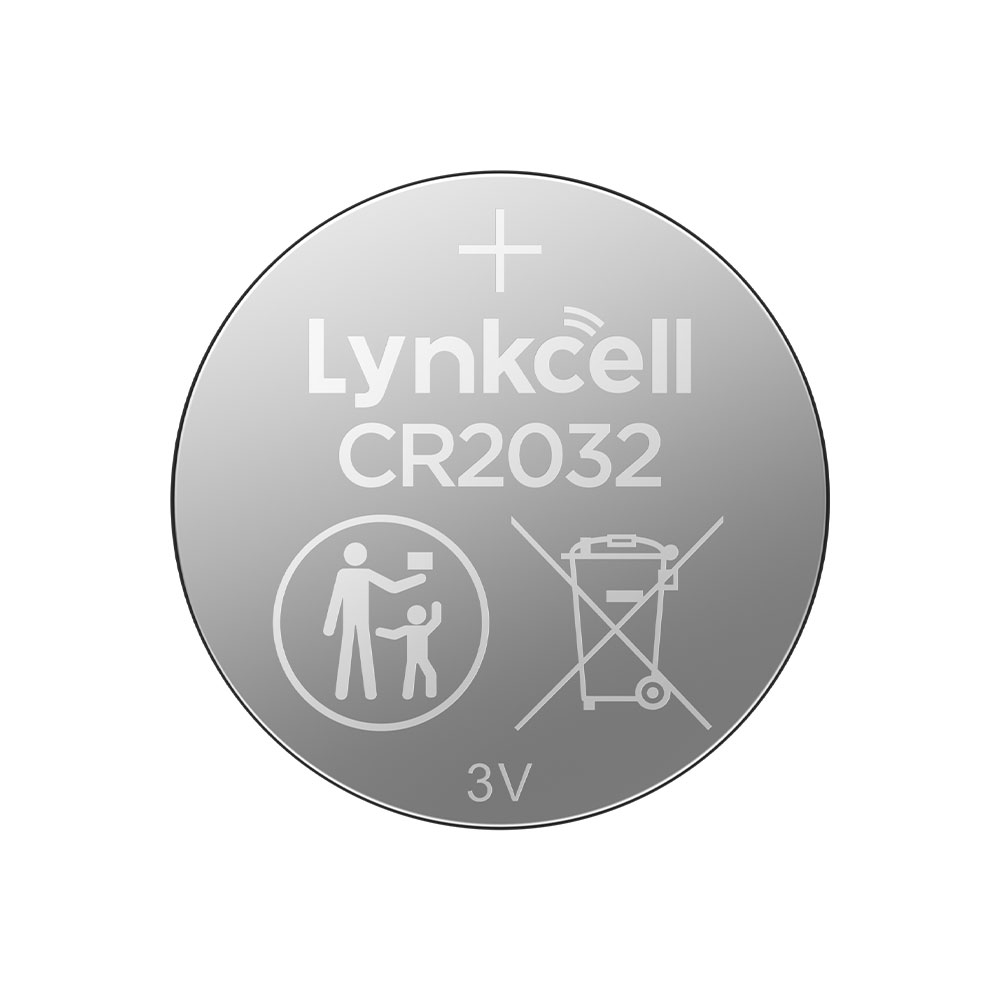
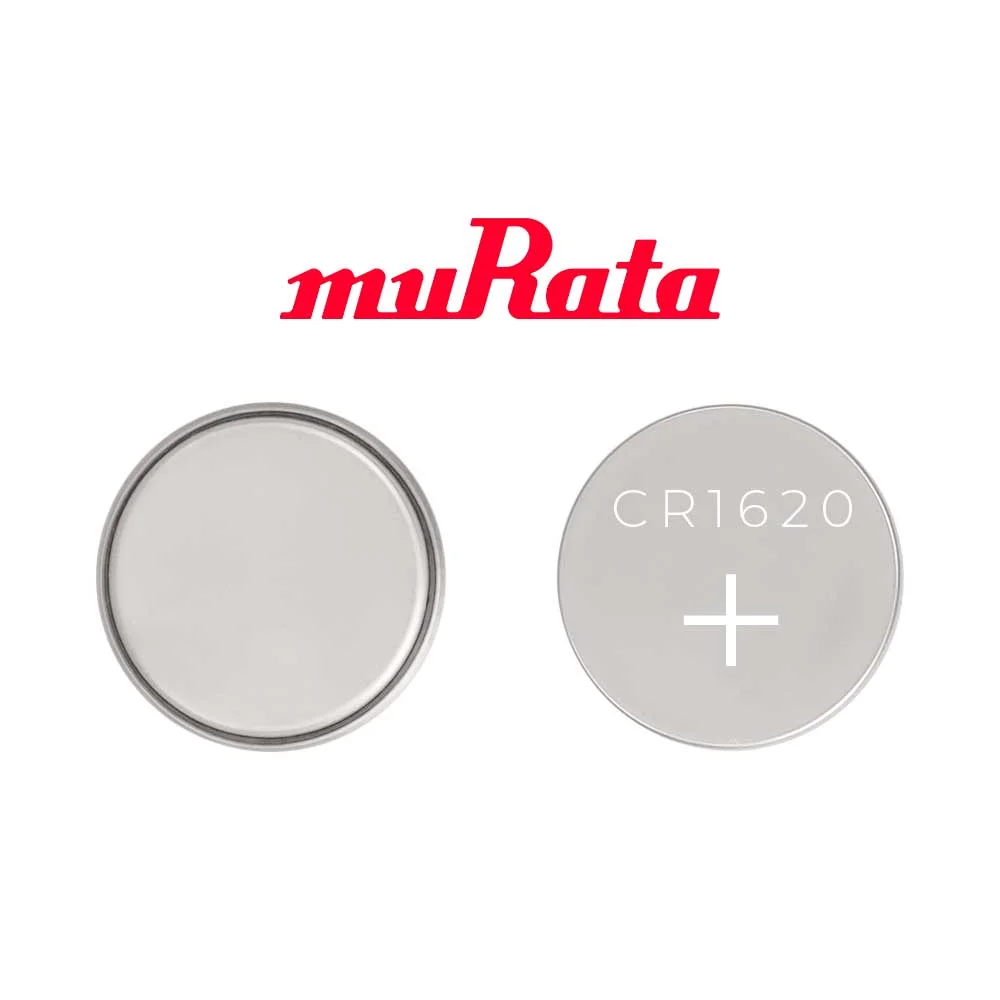
- CR2032
- Compatible FCC IDs
To pick the right part, match the part number or FCC ID printed on your original remote, or listed in the Mitsubishi parts catalogue, with the specifications on each listing. The frequency depends on the market the car was sold in, so check 315 MHz and 433 MHz against your original before ordering.
A new smart key or remote has to be programmed to the car with a key programmer, and when every key is lost the programming is still done through the diagnostic port. We ship the key worldwide from the UAE by DHL and FedEx; any automotive locksmith or the dealer can cut and program it.
- Mitsubishi Lancer Outlander 2008-2017 Smart Key 4-button 315MHz - 8637A228 Blade Included
SKU: B02857
$18.26In Stock - Mitsubishi Outlander Endeavor Mirage i-MiEV 2007-2017 Remote Key Shell 3-Button MIT3 Blade
SKU: B02840
$2.81In Stock - $1.12In Stock
- $2.81In Stock
- $9.83In Stock
Programming the Mitsubishi Outlander 2013 key
Smart key (push to start)
5 tools list this key. 2 of them list all keys lost.
- Add key
- All keys lost
- Remote
PIN read function- OBDSTAR Key Master G3
- Add key
- All keys lost
- Remote
- Universal key
- Universal key
- Universal key
Programming steps
Add key - on the car(US / Canada cars)
Needs: Smart key cars (except Canada), step 1: starting, two working Smart Keys, a properly cut emergency key, the new Smart Key
- Remove the emergency key from the back of a Smart Key. Press the lock release buttons and remove the ignition switch cover.
- Insert the emergency key into the ignition switch and the first working Smart Key into the emergency key.
- Turn to ON for 5 seconds, then to LOCK.
- Within 30 seconds, swap in the second working Smart Key and turn to ON. After about 10 seconds the immobilizer light starts to blink.
- When it blinks, turn to LOCK and remove the second Smart Key. Within 30 seconds of the blinking start, insert the new Smart Key and turn to ON.
- The immobilizer light comes on for 3 seconds then goes off: done. If it goes off during the procedure, there was an error. For another key, start again from step 1.
Key with a blade (regular or flip)
2 tools list this key. 1 of them list all keys lost.
- OBDSTAR Key Master G3
- Add key
- All keys lost
- Remote
- Add key
- Remote
All keys lost is listed by OBDSTAR Key Master G3. Lonsdor K518 lists add key only.
Programming steps
Add key - on the car(US / Canada cars)
Needs: Regular key or remote head key (except cars sold in Canada), two working registered keys, a new immobilizer key cut to the car
- Insert the first working key and turn it to ON for 5 seconds.
- Turn it to LOCK and remove it.
- Within 30 seconds, insert the second working key and turn it to ON. After about 10 seconds the immobilizer light starts to blink.
- When the light blinks, turn the second key to LOCK and remove it.
- Within 30 seconds of the light starting to blink, insert the new key and turn it to ON.
- The immobilizer light comes on for 3 seconds then goes off: the key is registered. If the light goes off during the procedure, there was an error.
- For another key, start again from step 1.
Key type not stated by the list
One tool lists this key.
- Launch X-431 IMMO
- Add key
- Remote
PIN read function
Without a tool
The remote is programmed on the car, without a tool.
Programming steps
Program the remote without a tool(US / Canada cars)
Needs: Remote head key, remote part, with one working remote, one working registered remote, every remote the customer keeps
- Gather all current and new remotes.
- With a working remote, hold UNLOCK for 4 to 10 seconds, then press and hold LOCK as well.
- Within 10 seconds of pressing LOCK, release LOCK then UNLOCK. The locks lock and unlock: programming mode is on.
- Within 60 seconds, on the next remote press LOCK and UNLOCK together for 2 seconds, release both for 1 second, then press UNLOCK. The locks lock and unlock to confirm.
- Repeat the previous step within 60 seconds for each extra remote.
- If no remote is programmed for 60 seconds, the car leaves programming mode. Test all remotes.
Program the remote without a tool(US / Canada cars)
Needs: Smart key cars (except Canada), step 2: key buttons, two working Smart Keys, the new Smart Key, a properly cut emergency key
- Take the emergency key out of a working Smart Key. Press the lock release buttons and remove the ignition switch cover.
- Insert the emergency key into the ignition switch and the first working Smart Key into the emergency key.
- Turn the emergency key with the Smart Key to ON, then remove the Smart Key. Do the next steps within 30 seconds.
- On the first working Smart Key, press UNLOCK and LOCK together for 4 to 10 seconds. Release LOCK then UNLOCK within 10 seconds of pressing LOCK.
- Within 30 seconds, on the second working Smart Key hold UNLOCK for 4 to 10 seconds, press LOCK during that time, then release LOCK then UNLOCK within 10 seconds. The immobilizer display blinks in the multi-information display.
- Within 60 seconds, press LOCK twice on the new Smart Key. The immobilizer display stays on for 30 seconds: registration is done.
When the key changed
Smart key (push to start)
- 2007 - 2020This yearChip: ID46315 MHzFCC: OUC644M-KEY-N(US / Canada cars)F.A.S.T.-key; 2007 fob is OUCG8D-640M-KEY-N
- 2008 - 2015This yearChip: ID46433 MHzFCC: G8D-644M-KEY-E(GCC / Europe cars)GCC / Europe F.A.S.T.-key 8637A662
- from 2022Chip: 4A433 MHzFCC: KR5MTXN1GM Outlander (Rogue T33 platform); BCM route like the Rogue
Key with a blade (regular or flip)
- 2004 - 2006Chip: ID46(US / Canada cars)First-generation CU; 2003 trucks used a plain key
- 2007 - 2020This yearChip: ID46315 MHzFCC: OUCG8D-625M-A, OUCJ166N(US / Canada cars)CW and GF Outlander keyed ignition (MIT17 key or remote head key)
- 2016 - 2020Chip: ID46433 MHzFCC: J166E(GCC / Europe cars)GCC remote head key 6370B941
Check coverage first: support depends on the tool's software version and the exact model. A tool that is not shown here may still cover this car.
Frequently asked questions
Which keys fit the Mitsubishi Outlander 2013–2014?
15 listings fit the Mitsubishi Outlander 2013–2014: smart keys, remote keys, key shells, emergency blades and key blanks, in 2-, 3- and 4-button versions. Match the part number or FCC ID printed on your original key with the specifications on each listing.
What frequency does the Mitsubishi Outlander 2013–2014 remote use?
Listings for the Mitsubishi Outlander 2013–2014 come in 315 MHz and 433 MHz: the frequency depends on the market the car was sold in, so check it against your original remote before ordering.
Which transponder chip does the Mitsubishi Outlander 2013–2014 key use?
The listings for this car carry: ID46 (HITAG 2) · ID47 (HITAG 3). Check the chip in each listing's specifications.
Which FCC IDs do Mitsubishi Outlander 2013–2014 remotes carry?
The remotes listed for this car carry FCC ID 0UC003M, 0UCG8D625MA, 0UCJ166N, G8D644MKEYE, GHRM003 and GHRM004. Match it with the FCC ID printed on your original remote.
Which blade profile does the Mitsubishi Outlander 2013–2014 key use?
The blades listed for this car: MIT11R · MIT3.
Which tools program a Mitsubishi Outlander 2013–2014 key?
The tool makers' coverage lists name Lonsdor K518, OBDSTAR Key Master G3, Autel KM100 (IKEY universal smart key), Xhorse VVDI Key Tool Max, Xhorse VVDI Key Tool Plus and Launch X-431 IMMO for this car; 2 of them list all keys lost. Check your tool's latest coverage list before the job.
Can the Mitsubishi Outlander 2013–2014 remote be programmed without a tool?
The remote is programmed on the car, without a tool.