Skip to content

Mitsubishi Pajero 2008–2009 Key Fob & Car Keys

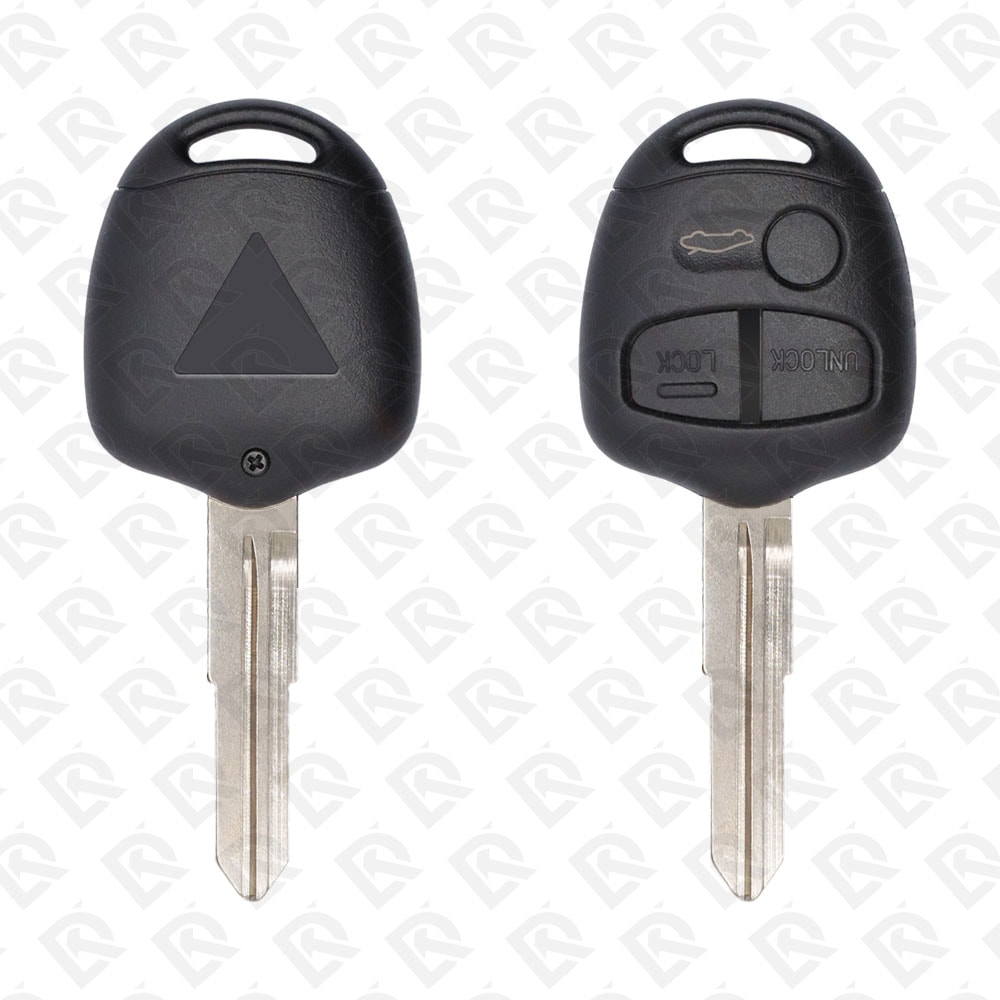
Keys that fit the 2008–2009 Mitsubishi Pajero: flip keys, remote keys and transponder keys, 2 or 3 buttons, FCC ID G8D571MA, 433 MHz. 6 compatible keys, remotes & shells (genuine and aftermarket) available for the 2008 Mitsubishi Pajero.

Last updated: 18 November 2026

Key specifications for the Mitsubishi Pajero 2008–2009

Key types
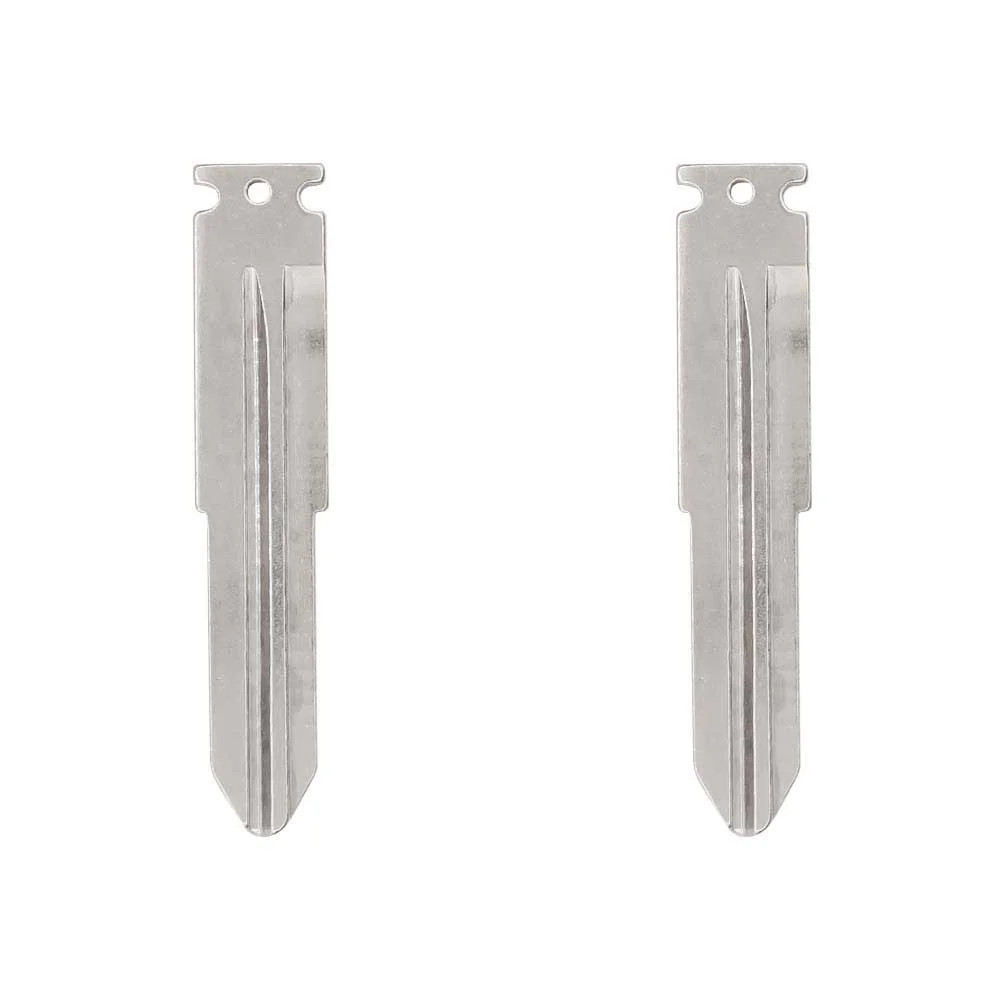
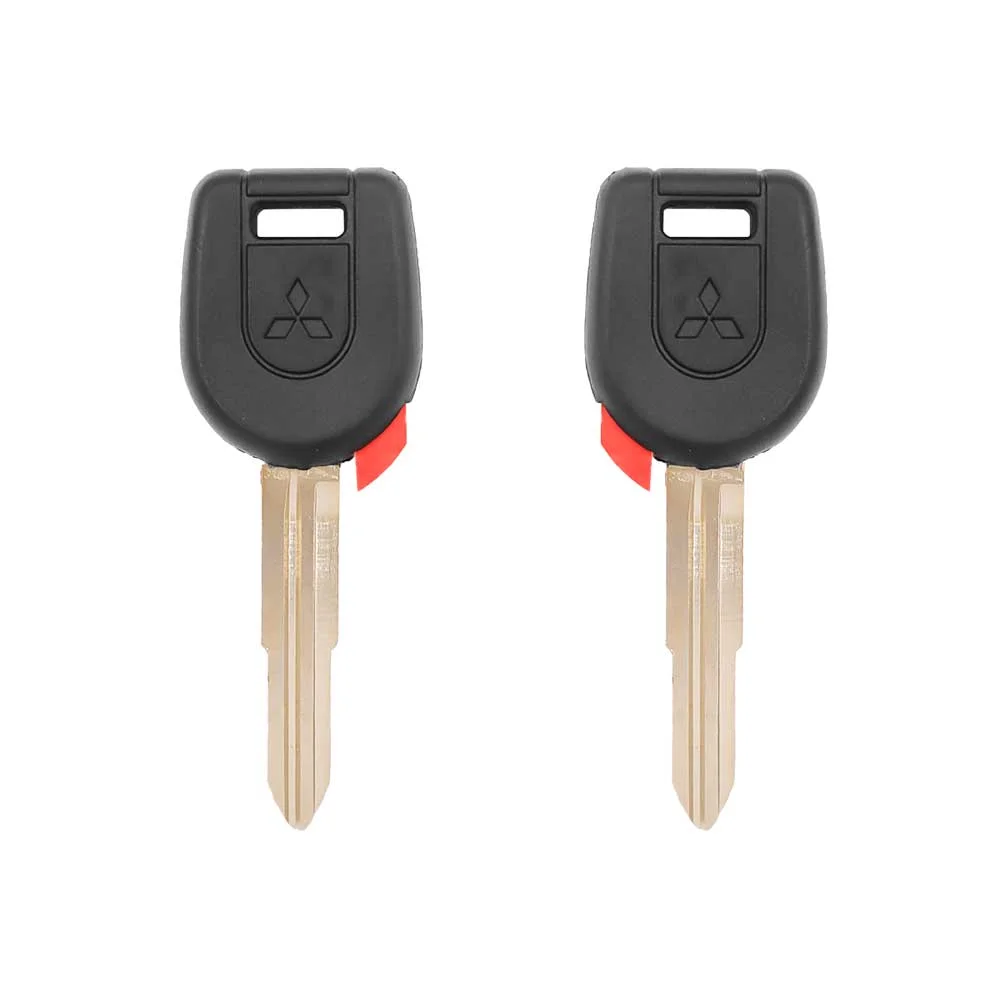
flip keys, remote keys, transponder keys, key shells, emergency blades and key blanks
Frequency
433 MHz
Buttons
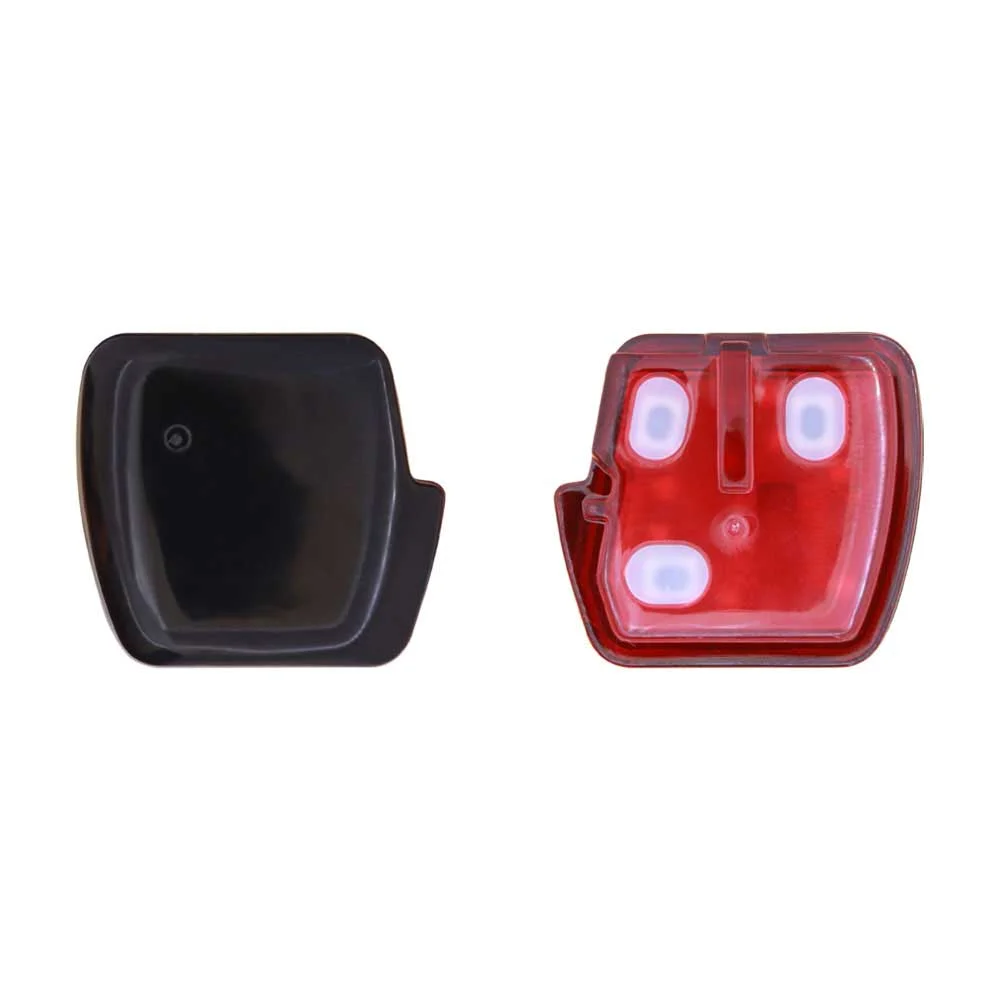
2- and 3-button
Blade profile
MIT8
Part numbers
6370A619
Compatible FCC IDs

To pick the right part, match the part number or FCC ID printed on your original remote, or listed in the Mitsubishi parts catalogue, with the specifications on each listing. Every remote listed for the Mitsubishi Pajero 2008–2009 transmits on 433 MHz.

A new smart key or remote has to be programmed to the car with a key programmer, and when every key is lost the programming is still done through the diagnostic port. We ship the key worldwide from the UAE by DHL and FedEx; any automotive locksmith or the dealer can cut and program it.
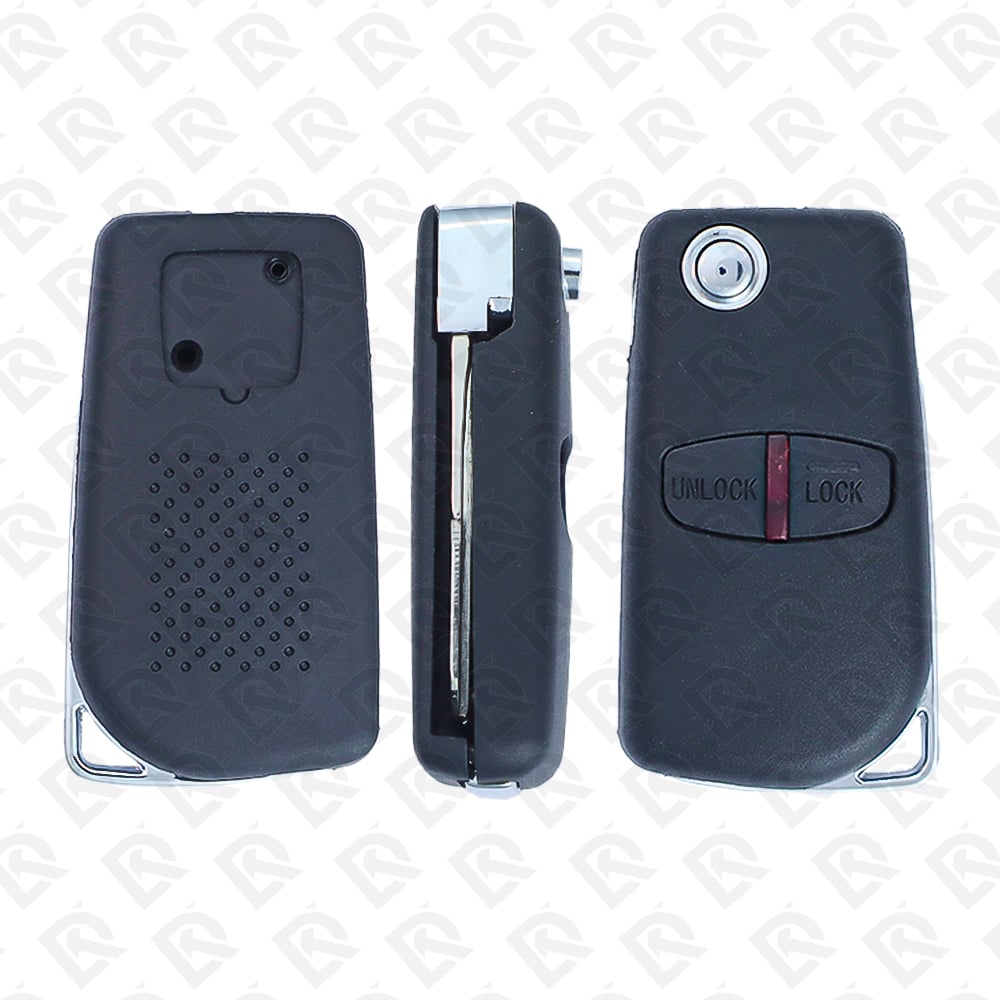
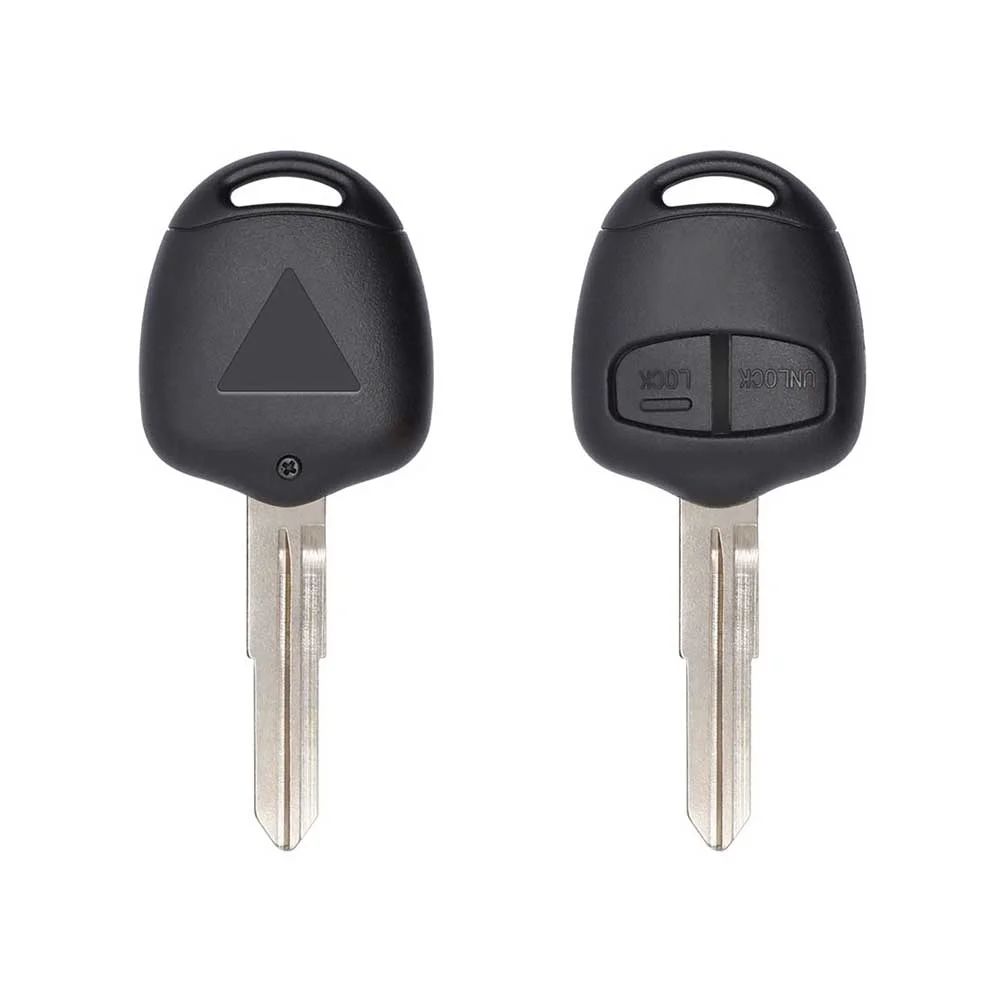
Programming the Mitsubishi Pajero 2008 key

Key with a blade (regular or flip)

3 tools list this key. 2 of them list all keys lost.

  • OBDSTAR Key Master G3
    • Add key
    • All keys lost
    • Remote
  • Abrites AVDI
    • Add key
    • All keys lost
    • Add key

All keys lost is listed by OBDSTAR Key Master G3 and Abrites AVDI. Lonsdor K518 lists add key only.

Programming steps

Add key - Abrites AVDI (Mitsubishi) / Advanced Diagnostics

Needs: working key, every key the customer keeps, PIN from the tool's Mitsubishi model database

  1. Cut the key(s) first, but do NOT switch the ignition ON then OFF with an unprogrammed key before the tool asks (that locks the immobiliser).
  2. Connect by OBD, switch ON with a working key (add key) or leave the new key in at ON (all keys lost), and select Mitsubishi > Pajero (2007-) immobiliser.
  3. Gain security access: the tool supplies the model PIN from its database; stop after a rejected PIN (3 wrong tries lock the immobiliser).
  4. Choose program keys and accept that all keys will be cleared.
  5. When prompted, switch OFF; then within 30 seconds insert each key in turn, ignition ON then OFF, and remove it.
  6. Let the session end (it times out by itself), then clear any fault codes.
  7. Program the remotes with the tool's erase / re-program remotes function: press LOCK on each remote within 1 minute.
  8. Start the engine with every key and test the remotes.
Watch out: All keys are cleared and must be registered again in the same session (up to 8 immobiliser keys). Theft mode: if the system locks (engine lamp flashes, code 54), leave the ignition ON 25-35 minutes, then program. Use an ID46 (Hitag2 PCF7936) key in the correct mode; wrong logic gives an 'error' message.
All keys lost - Abrites AVDI (Mitsubishi) / Advanced Diagnostics

Needs: new keys cut to the lock, PIN from the tool's Mitsubishi model database (or Abrites 'simplified key registration' with ProTag when no PIN)

  1. Cut the key(s) first, but do NOT switch the ignition ON then OFF with an unprogrammed key before the tool asks (that locks the immobiliser).
  2. Connect by OBD, switch ON with a working key (add key) or leave the new key in at ON (all keys lost), and select Mitsubishi > Pajero (2007-) immobiliser.
  3. Gain security access: the tool supplies the model PIN from its database; stop after a rejected PIN (3 wrong tries lock the immobiliser).
  4. Choose program keys and accept that all keys will be cleared.
  5. When prompted, switch OFF; then within 30 seconds insert each key in turn, ignition ON then OFF, and remove it.
  6. Let the session end (it times out by itself), then clear any fault codes.
  7. Program the remotes with the tool's erase / re-program remotes function: press LOCK on each remote within 1 minute.
  8. Start the engine with every key and test the remotes.
Watch out: All keys are cleared and must be registered again in the same session (up to 8 immobiliser keys). Theft mode: if the system locks (engine lamp flashes, code 54), leave the ignition ON 25-35 minutes, then program. Use an ID46 (Hitag2 PCF7936) key in the correct mode; wrong logic gives an 'error' message.

Key type not stated by the list

One tool lists this key.

  • Launch X-431 IMMO
    • Add key
    PIN read function

When the key changed

Key with a blade (regular or flip)

  • 2001 - 2006Chip: 4D-61Blade: MIT12(US / Canada cars)US Montero transponder key
  • 2007 - 2021This yearChip: ID46(GCC / Europe cars)Pajero V80 / V90 remote key

Check coverage first: support depends on the tool's software version and the exact model. A tool that is not shown here may still cover this car.

Frequently asked questions

Which keys fit the Mitsubishi Pajero 2008–2009?

6 listings fit the Mitsubishi Pajero 2008–2009: flip keys, remote keys, transponder keys, key shells, emergency blades and key blanks, in 2- and 3-button versions. Match the part number or FCC ID printed on your original key with the specifications on each listing.

What frequency does the Mitsubishi Pajero 2008–2009 remote use?

Every remote listed for the Mitsubishi Pajero 2008–2009 transmits on 433 MHz.

Which FCC IDs do Mitsubishi Pajero 2008–2009 remotes carry?

The remotes listed for this car carry FCC ID G8D571MA. Match it with the FCC ID printed on your original remote.

Which blade profile does the Mitsubishi Pajero 2008–2009 key use?

The blades listed for this car: MIT8.

Which tools program a Mitsubishi Pajero 2008–2009 key?

The tool makers' coverage lists name OBDSTAR Key Master G3, Abrites AVDI, Lonsdor K518 and Launch X-431 IMMO for this car; 2 of them list all keys lost. Check your tool's latest coverage list before the job.