Nissan Armada 2020 Key Fob & Car Keys
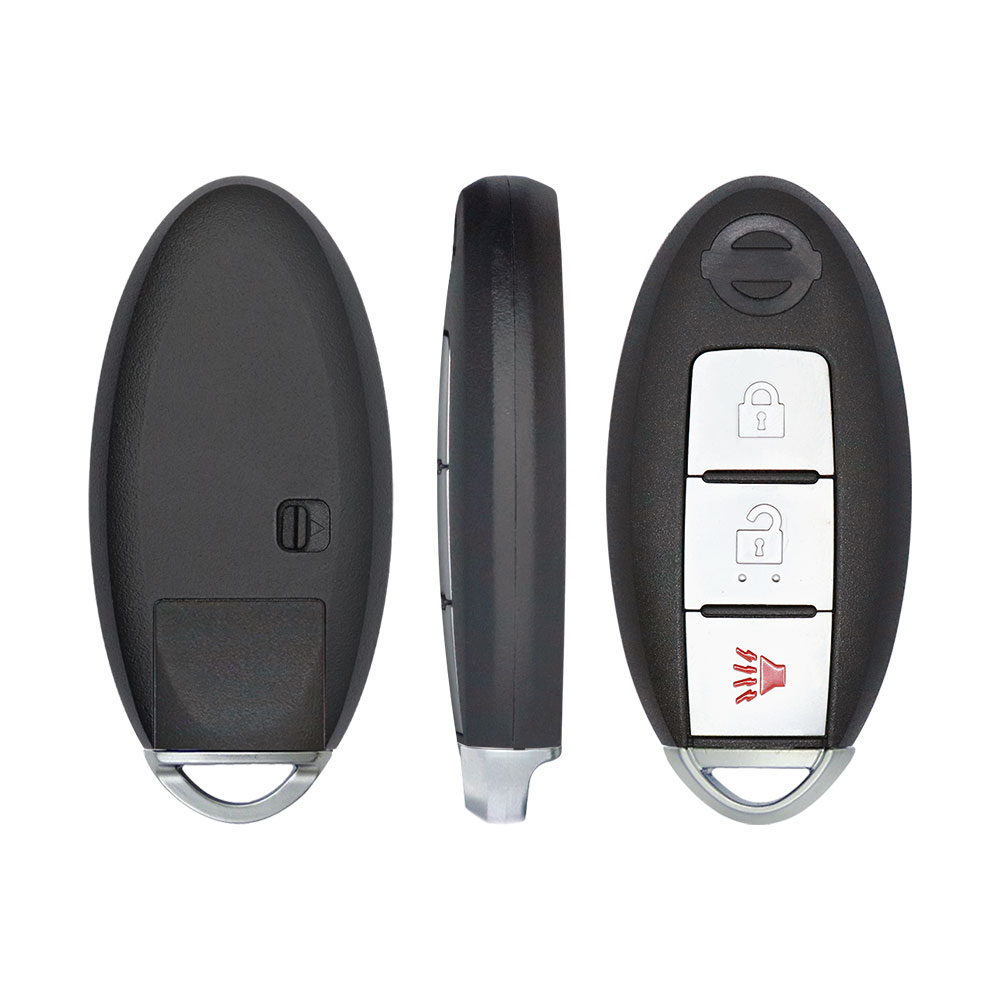
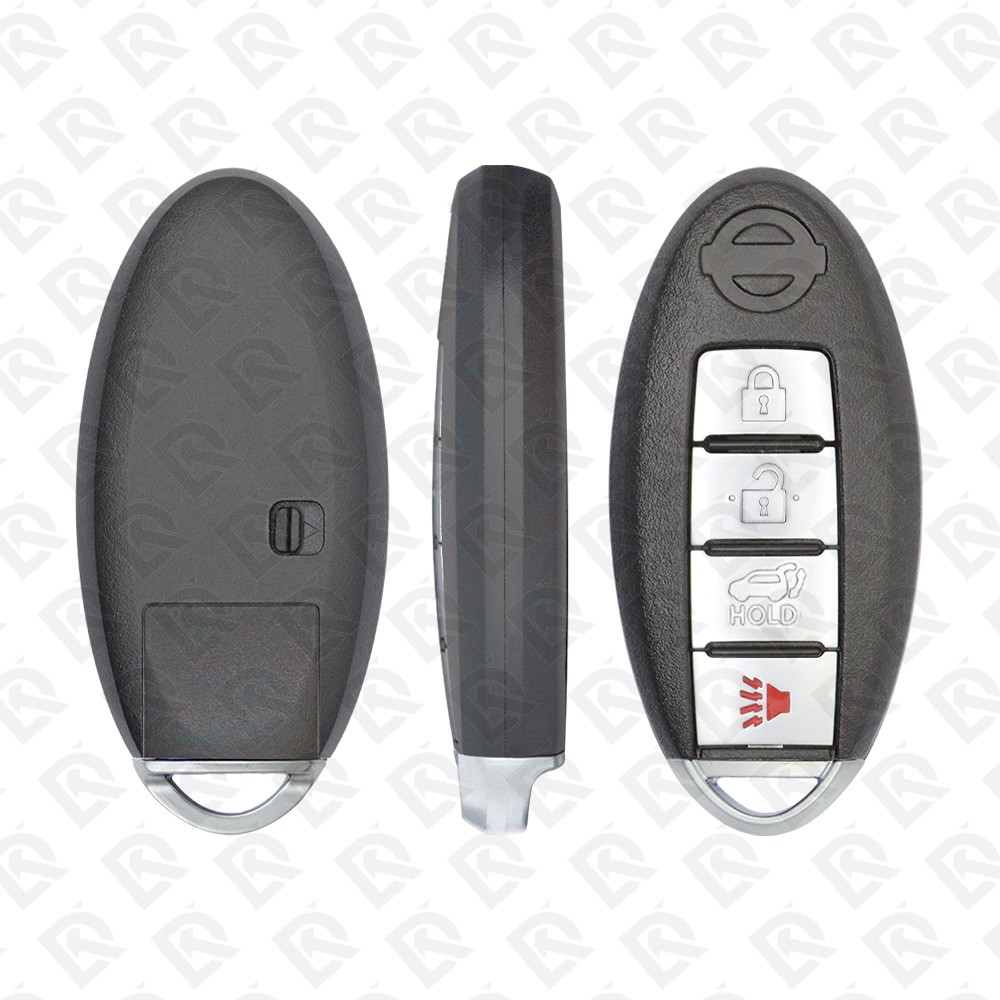
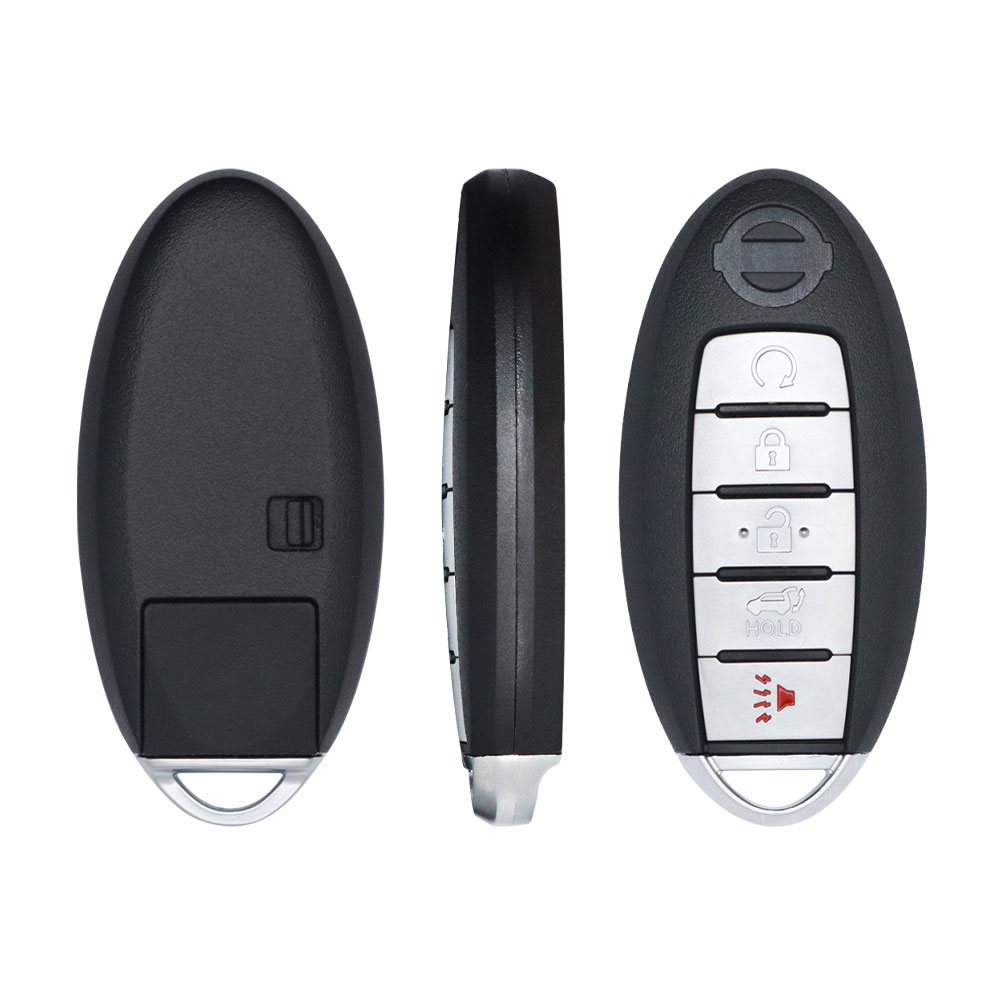
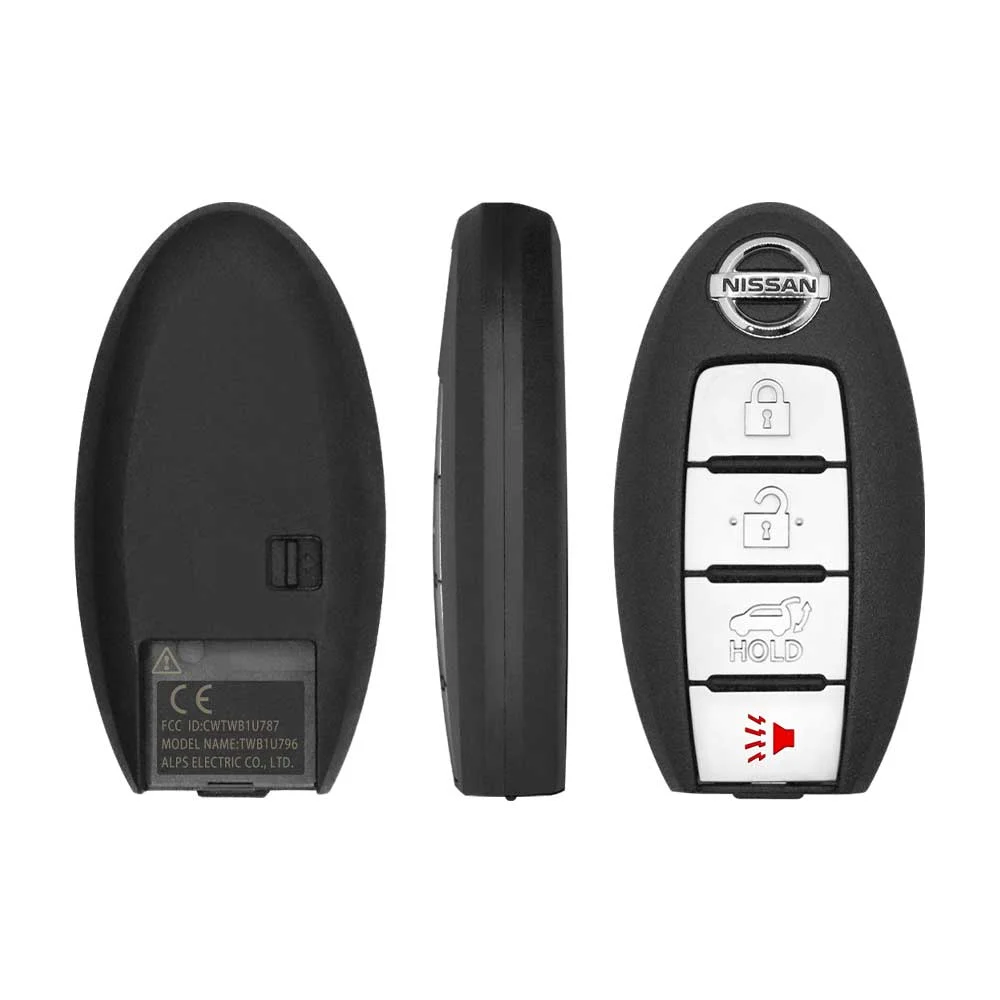
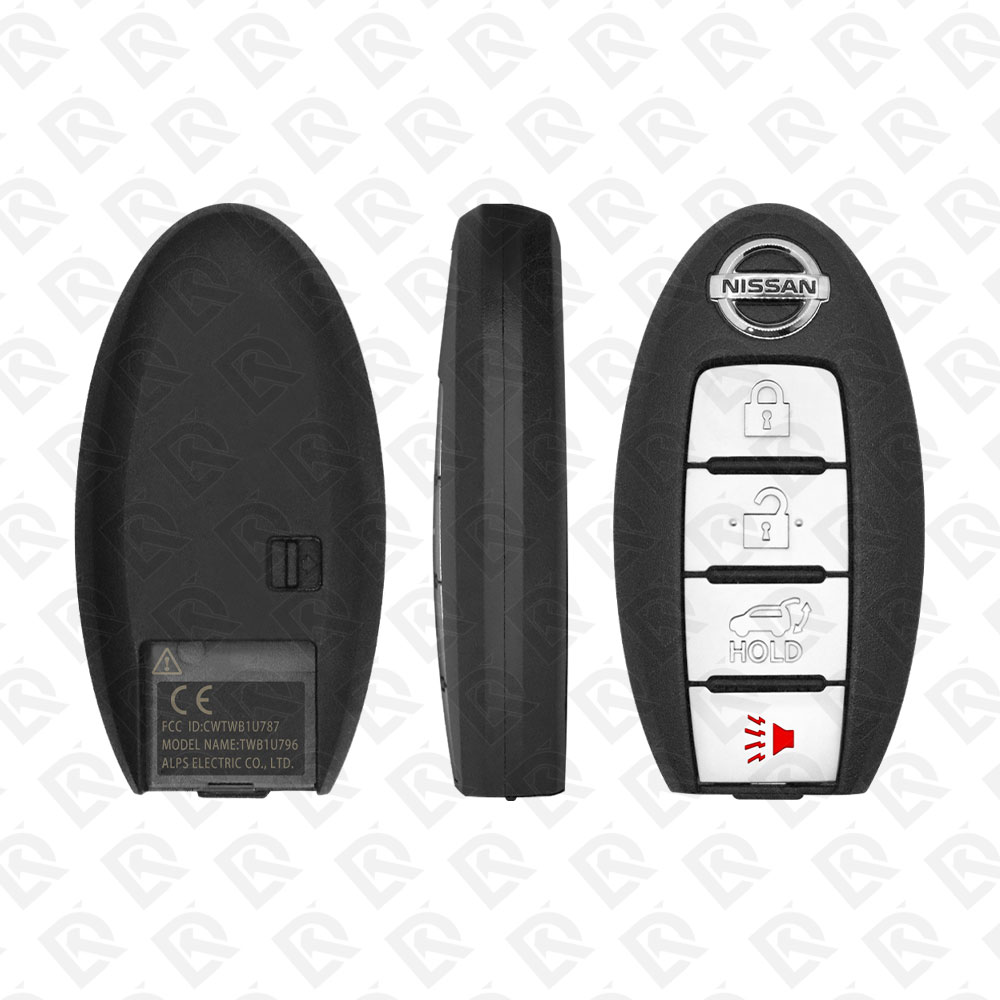
Keys that fit the 2020 Nissan Armada: smart keys, 2, 3 or 4 buttons, FCC ID CWTWB1U787, CWTWB1G744 or CWTWB1U825, ID46 (HITAG 2) chip, 433 MHz. 14 compatible keys, remotes & shells (genuine and aftermarket) available for the 2020 Nissan Armada.
Last updated: 15 November 2026
Key specifications for the Nissan Armada 2020
- Key types
- smart keys, key shells and emergency blades
- Frequency
- 433 MHz
- Buttons
- 2-, 3-, 4- and 5-button
- Transponder chip
- ID46 (HITAG 2)
- Blade profile
- NSN14
- Battery
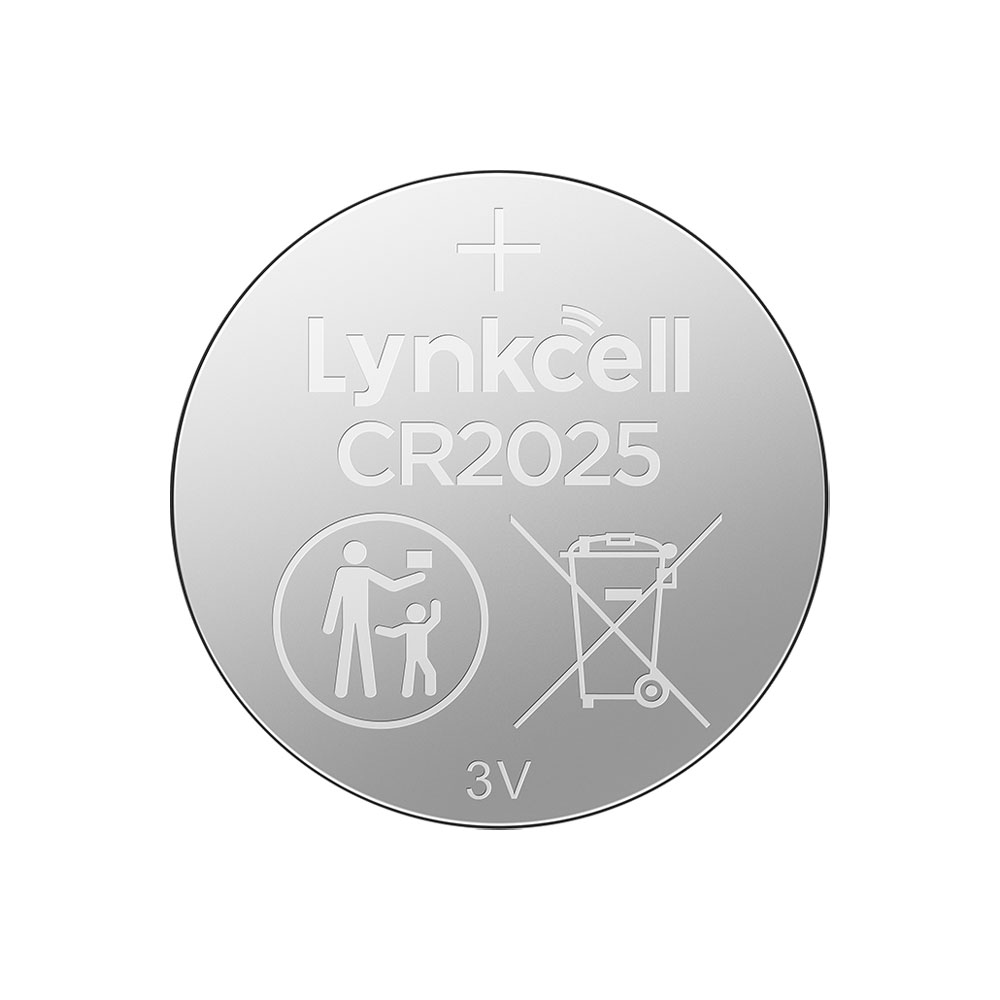
- CR2032
- Compatible FCC IDs
To pick the right part, match the part number or FCC ID printed on your original remote, or listed in the Nissan parts catalogue, with the specifications on each listing. Every remote listed for the Nissan Armada 2020 transmits on 433 MHz.
A new smart key or remote has to be programmed to the car with a key programmer, and when every key is lost the programming is still done through the diagnostic port. We ship the key worldwide from the UAE by DHL and FedEx; any automotive locksmith or the dealer can cut and program it.
- Nissan Armada Patrol 2014-2024 Smart Key 5-button 433MHz - 285E3-1LB5A - Aftermarket · New
SKU: B03004
$14.04In Stock - Nissan Cube Armada Patrol Juke 2009-2020 Smart Key 3-button 433MHz - 285E3-1LK0D - Aftermarket · New
SKU: B04633
$16.85In Stock - $2.81In Stock
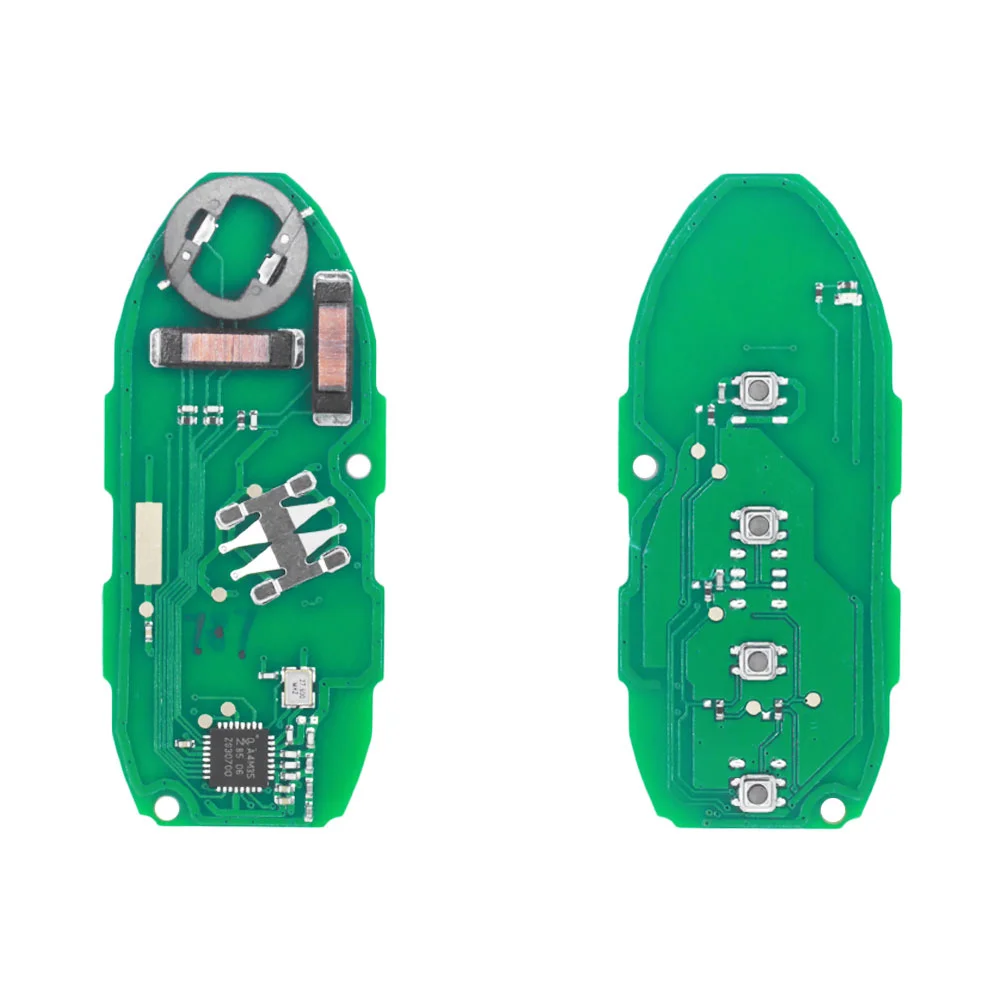
- Nissan Patrol Armada 2010-2020 Smart Key PCB Board 4-Button 433MHz - 285E3-1LP0C - Aftermarket · New
SKU: B03017
$11.24In Stock - Nissan Armada Patrol 2014-2024 Smart Key 5-button 433MHz - 285E3-1LB5A - Genuine · OEM · New
SKU: B00072
$75.84Out of Stock - Nissan Patrol Armada 2010-2020 Smart Key 4-button 433MHz - 285E3-1LP0C - Genuine · OEM · New
SKU: B00081
$75.84Out of Stock - Nissan Patrol Armada 2010-2020 Smart Key 4-button 433MHz - 285E3-1LP0C - Genuine · OEM · Used
SKU: B06780
$33.71Out of Stock
Programming the Nissan Armada 2020 key
Smart key (push to start)
3 tools list this key. 2 of them list all keys lost.
- OBDSTAR X300 DP Plus
- Add key
- All keys lost
- XTOOL X100 PAD3 / X100 MAX
- Add key
- All keys lost
reads the PIN by OBD - Universal key
Programming steps
Add key - OBDSTAR X300 DP Plus
Needs: every smart key the customer keeps, PIN read by OBD (BCM code converted to 4-digit PIN by the tool), new smart key (OEM or tool-generated universal key)
- Select Nissan > Armada (Y62, proximity / smart key) > program smart keys; accept the warning that all keys are erased.
- Take every smart key out of the car, press the start button once (ignition ON) and turn the hazard lamps on.
- Open and close the driver's door when the tool asks.
- Let the tool read the 5-character BCM code by OBD and convert it to the 4-digit PIN; on these years choose the 'new' PIN type if asked.
- Hold the back (logo side) of the first key against the start button and press start; wait until the security lamp goes out, then switch OFF.
- Repeat with each key, existing and new, up to 4.
- Close the session: touch the start button with the first programmed key (or brake and press start twice with it), switch OFF, open/close the driver's door, press unlock on a key.
- Test unlock, lock and start with every key.
All keys lost - OBDSTAR X300 DP Plus
Needs: PIN read by OBD (BCM code converted to 4-digit PIN by the tool), at least two new smart keys (OEM or tool-generated universal keys), emergency blade cut to the door lock
- Select Nissan > Armada (Y62, proximity / smart key) > program smart keys; accept the warning that all keys are erased.
- Take every smart key out of the car, press the start button once (ignition ON) and turn the hazard lamps on.
- Open and close the driver's door when the tool asks.
- Let the tool read the 5-character BCM code by OBD and convert it to the 4-digit PIN; on these years choose the 'new' PIN type if asked.
- Hold the back (logo side) of the first key against the start button and press start; wait until the security lamp goes out, then switch OFF.
- Repeat with each key, existing and new, up to 4.
- Close the session: touch the start button with the first programmed key (or brake and press start twice with it), switch OFF, open/close the driver's door, press unlock on a key.
- Test unlock, lock and start with every key.
When the key changed
Smart key (push to start)
- 2008 - 2015Chip: ID46315 MHzFCC: CWTWBU624(US / Canada cars)Intelligent Key 285E3-ZQ30A / ZQ31A (WA60)
- 2017 - 2024This yearChip: ID46433 MHzFCC: CWTWB1U787, CWTWB1G744Y62 Armada (Patrol twin); US keys are 433 MHz too
Key with a blade (regular or flip)
- 2004 - 2015Chip: ID46(US / Canada cars)Keyed-ignition WA60 Armada (plain key or remote head key)
Check coverage first: support depends on the tool's software version and the exact model. A tool that is not shown here may still cover this car.
Frequently asked questions
Which keys fit the Nissan Armada 2020?
14 listings fit the Nissan Armada 2020: smart keys, key shells and emergency blades, in 2-, 3-, 4- and 5-button versions. Match the part number or FCC ID printed on your original key with the specifications on each listing.
What frequency does the Nissan Armada 2020 remote use?
Every remote listed for the Nissan Armada 2020 transmits on 433 MHz.
Which transponder chip does the Nissan Armada 2020 key use?
The listings for this car carry: ID46 (HITAG 2). Check the chip in each listing's specifications.
Which FCC IDs do Nissan Armada 2020 remotes carry?
The remotes listed for this car carry FCC ID CWTWB1G744, CWTWB1U773, CWTWB1U787, CWTWB1U825 and TWB1U796. Match it with the FCC ID printed on your original remote.
Which blade profile does the Nissan Armada 2020 key use?
The blades listed for this car: NSN14.
Which tools program a Nissan Armada 2020 key?
The tool makers' coverage lists name OBDSTAR X300 DP Plus, XTOOL X100 PAD3 / X100 MAX and Autel KM100 (IKEY universal smart key) for this car; 2 of them list all keys lost. Check your tool's latest coverage list before the job.