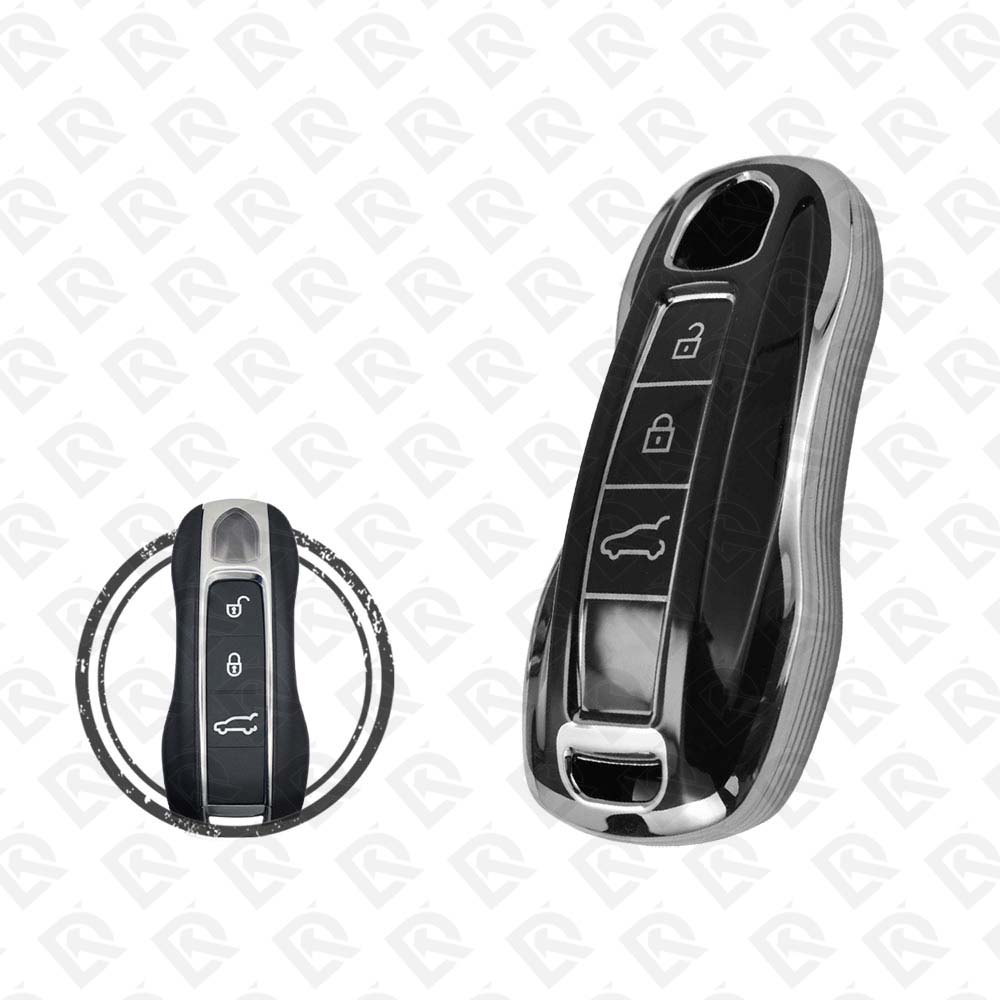
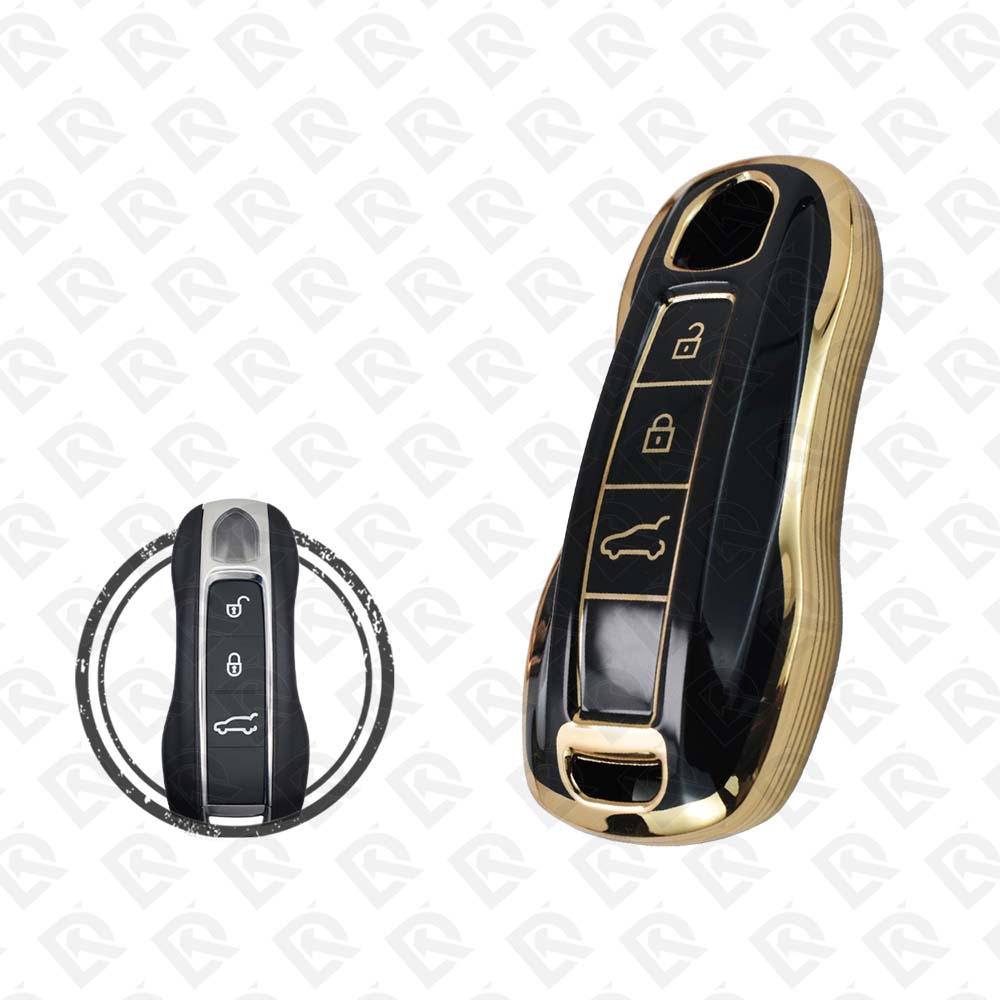
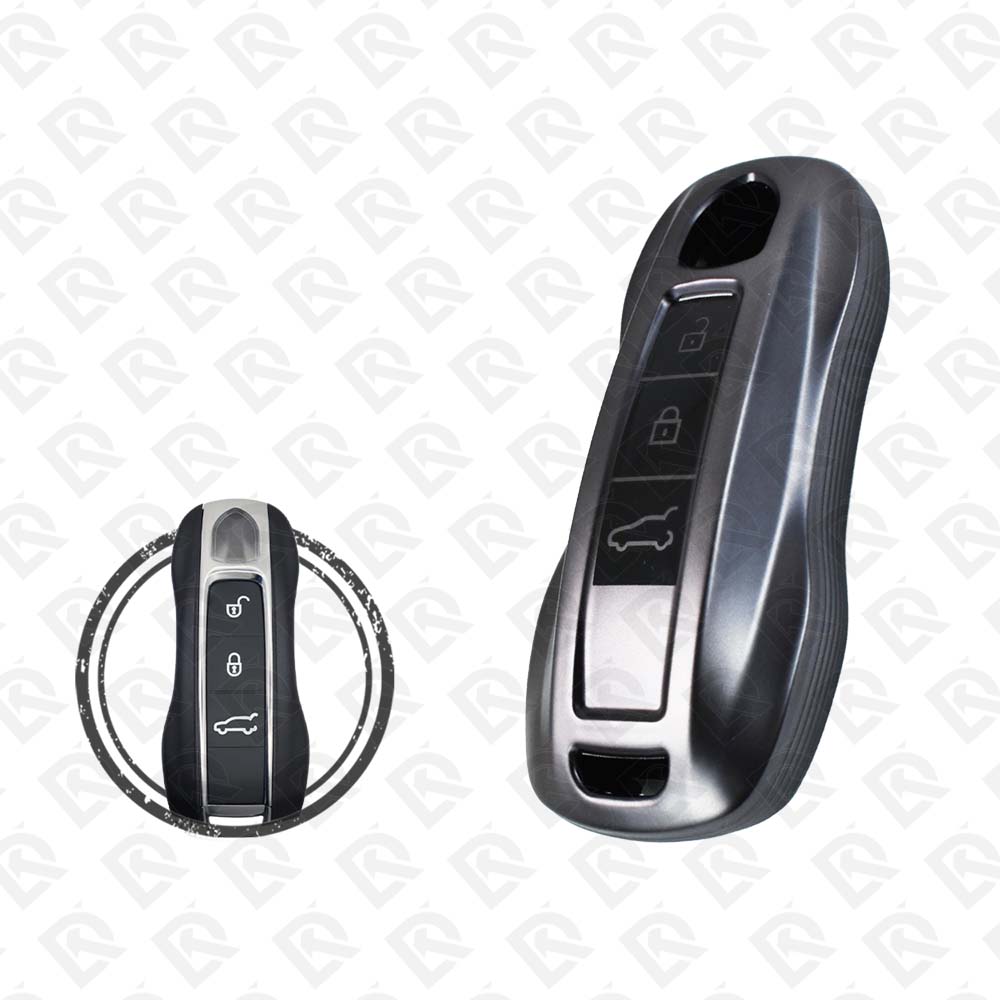
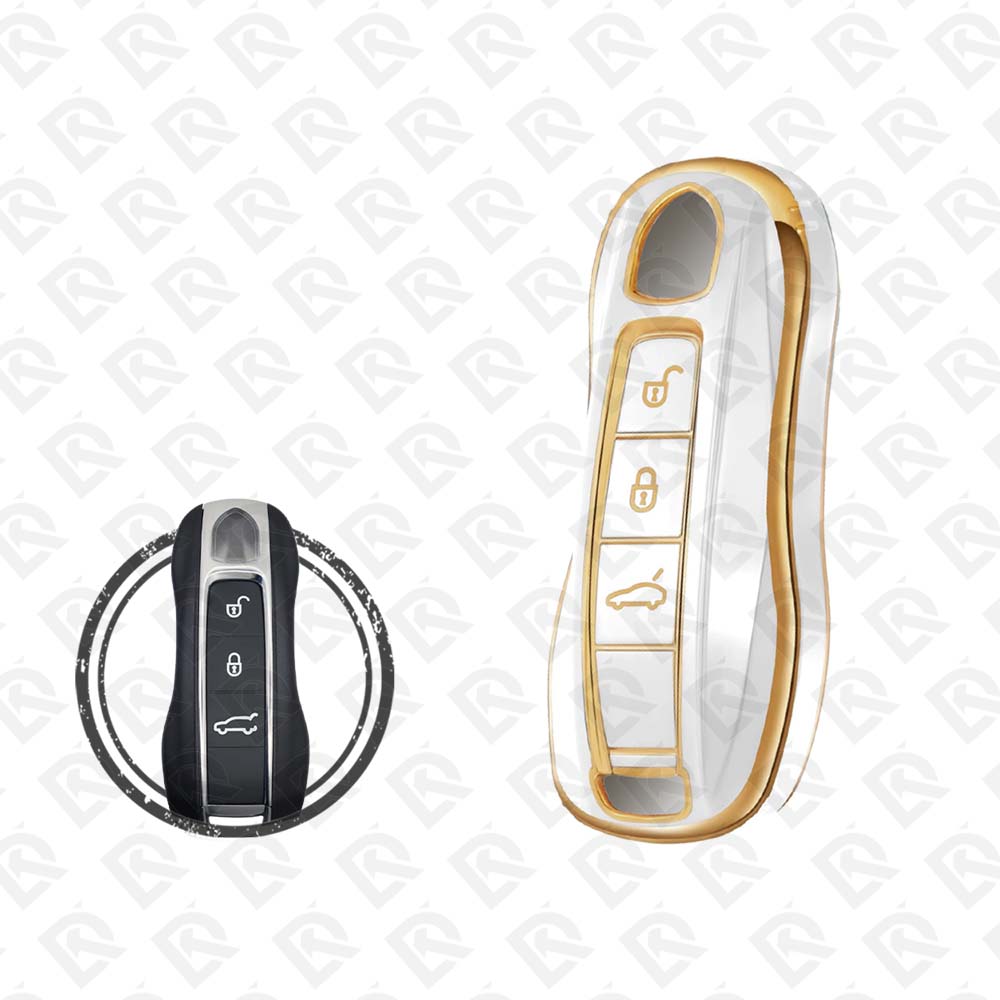
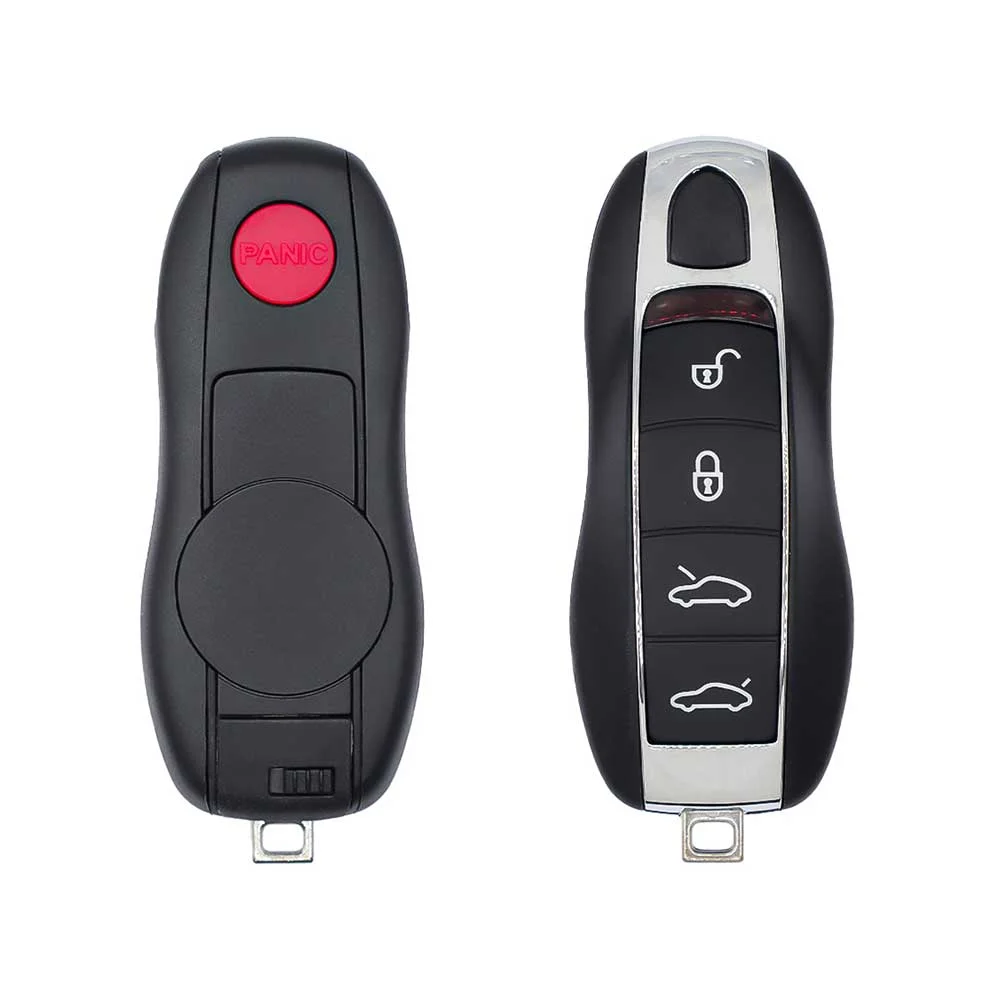
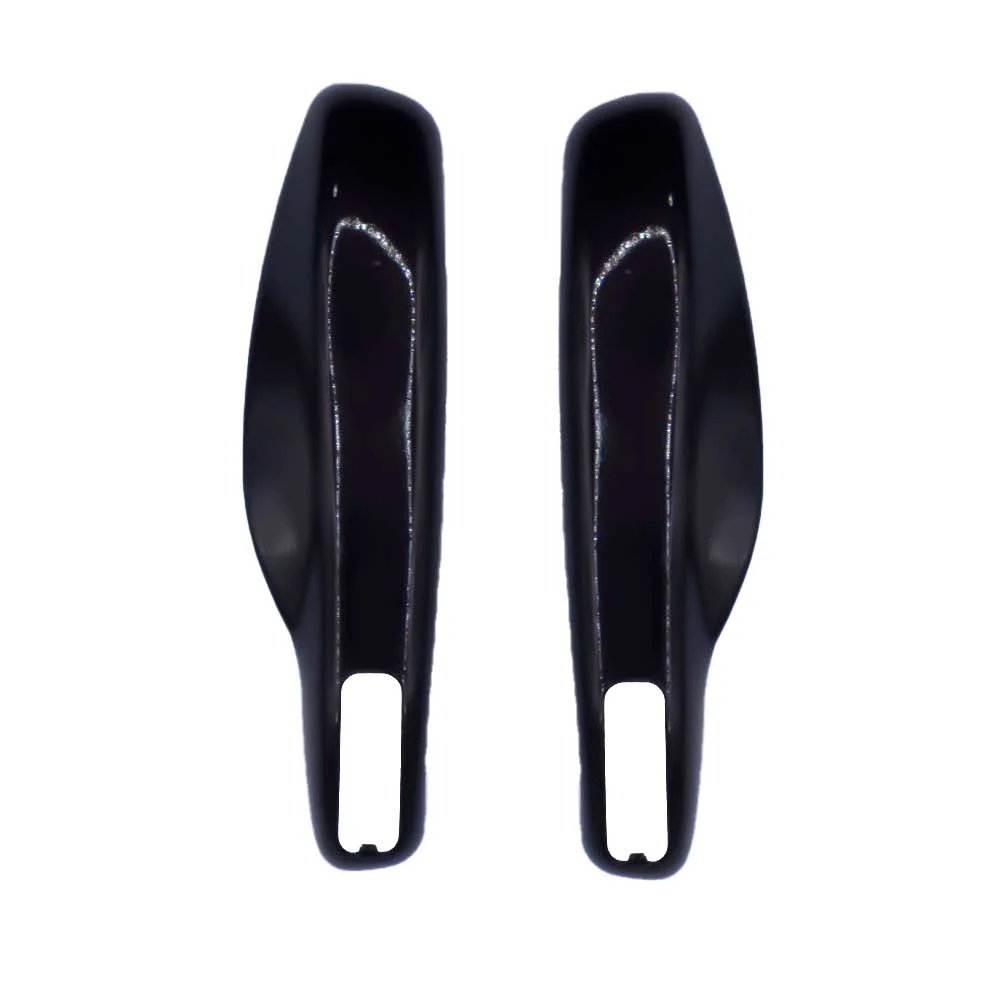
SKU: B03226
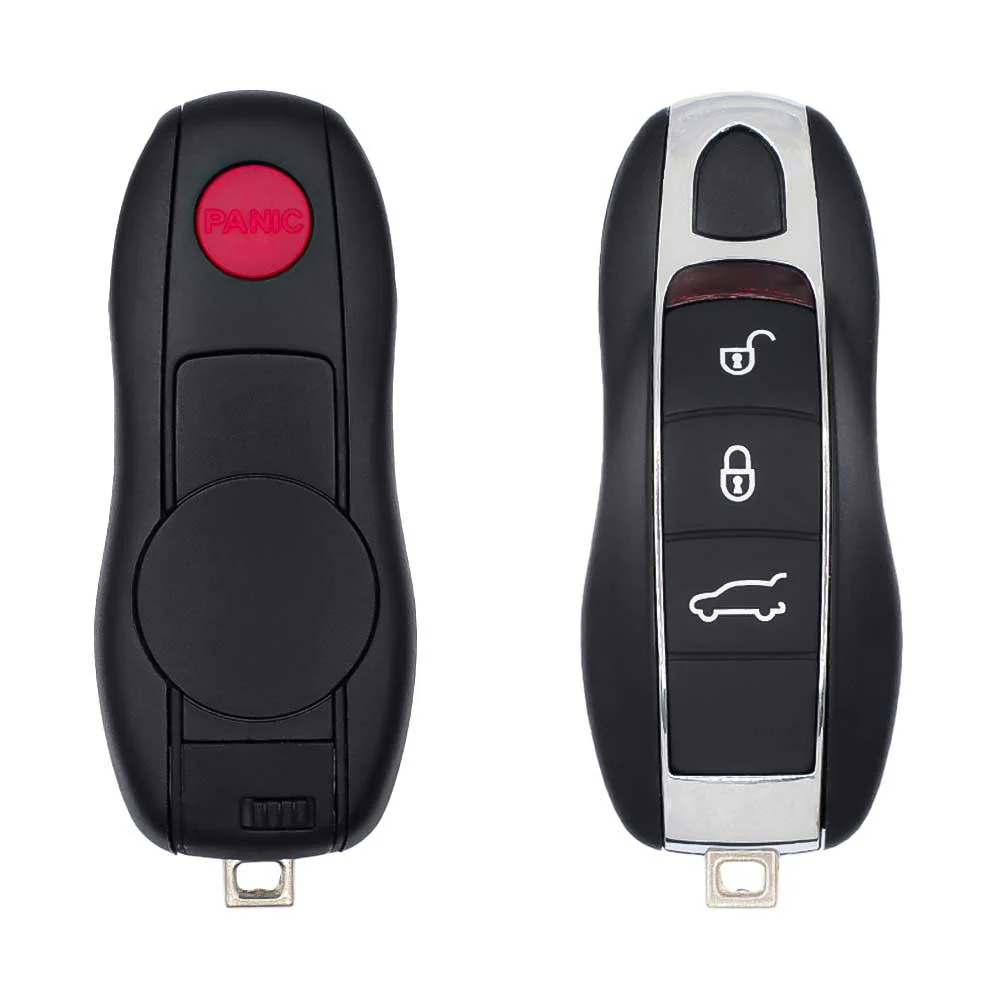
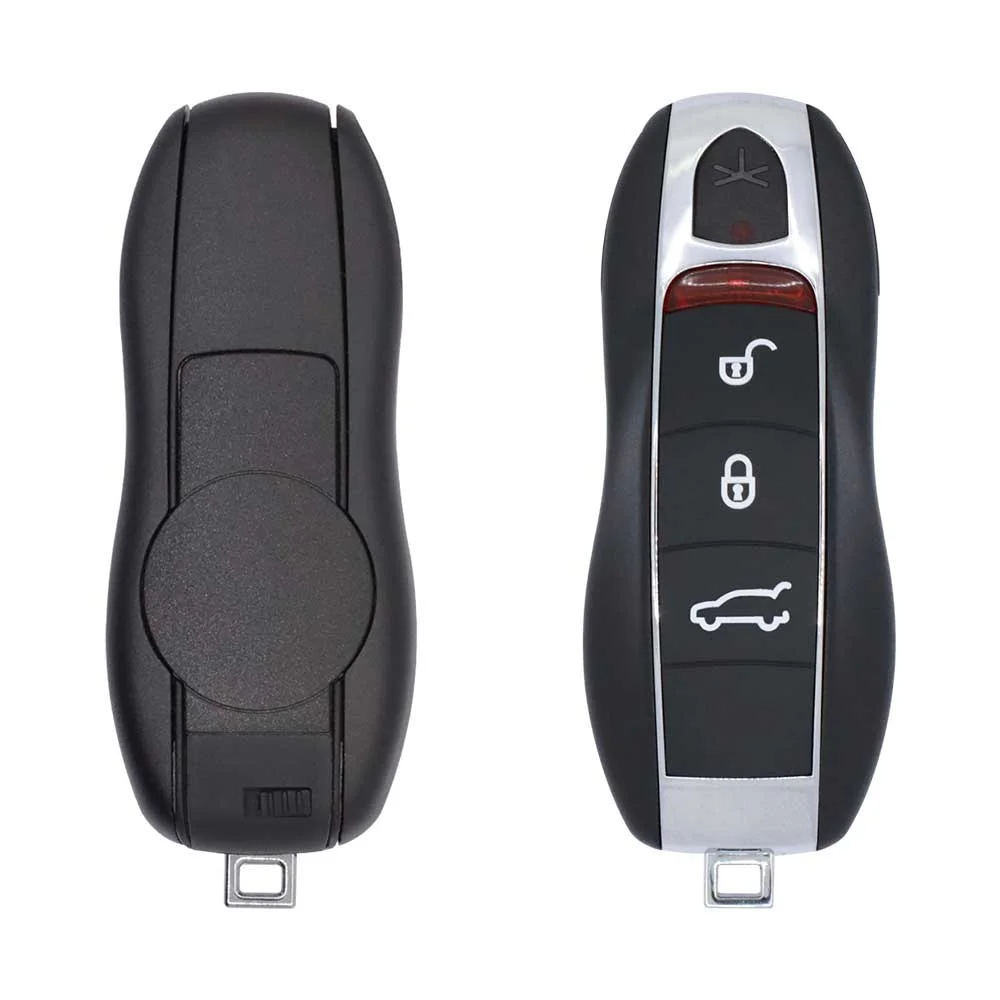
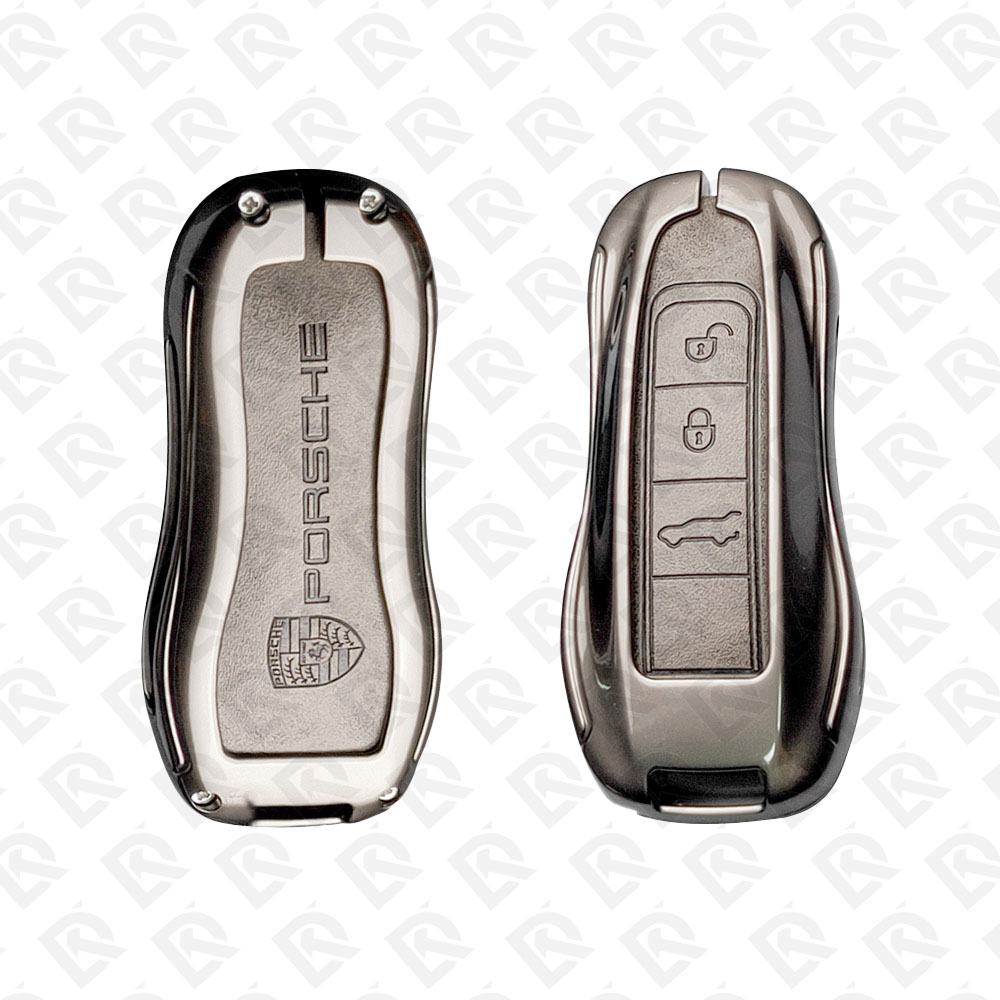
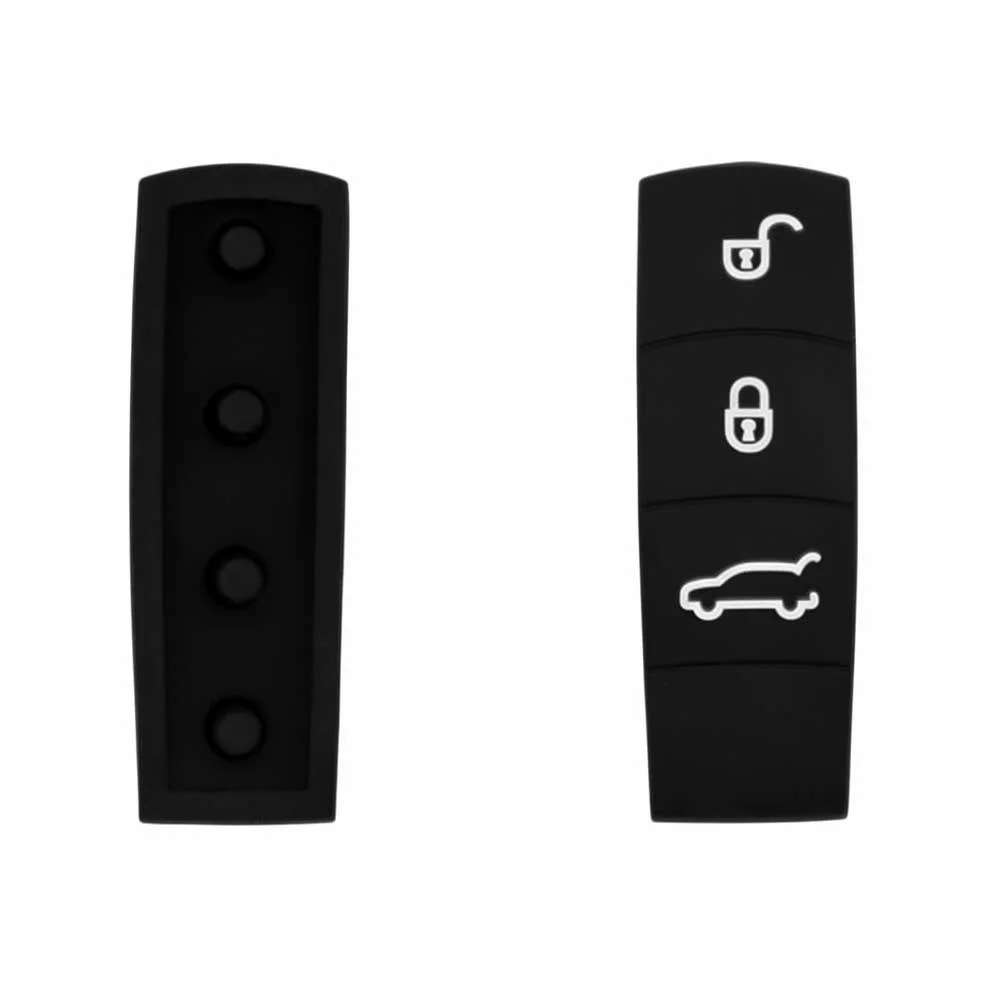
Porsche Cayenne 2011–2013 Key Fob & Car Keys
Keys that fit the 2011–2013 Porsche Cayenne: smart keys, 3 or 4 buttons, FCC ID KR55WK50138, 315 MHz. 11 compatible keys, remotes & shells (genuine and aftermarket) available for the 2011 Porsche Cayenne.
Last updated: 17 November 2026
Key specifications for the Porsche Cayenne 2011–2013
- Key types
- smart keys, key shells and emergency blades
- Frequency
- 315 MHz
- Buttons
- 3- and 4-button
- Blade profile
- HU66
- Compatible FCC IDs
To pick the right part, match the part number or FCC ID printed on your original remote, or listed in the Porsche parts catalogue, with the specifications on each listing. Every remote listed for the Porsche Cayenne 2011–2013 transmits on 315 MHz.
A new smart key or remote has to be programmed to the car with a key programmer, and when every key is lost the programming is still done through the diagnostic port. We ship the key worldwide from the UAE by DHL and FedEx; any automotive locksmith or the dealer can cut and program it.
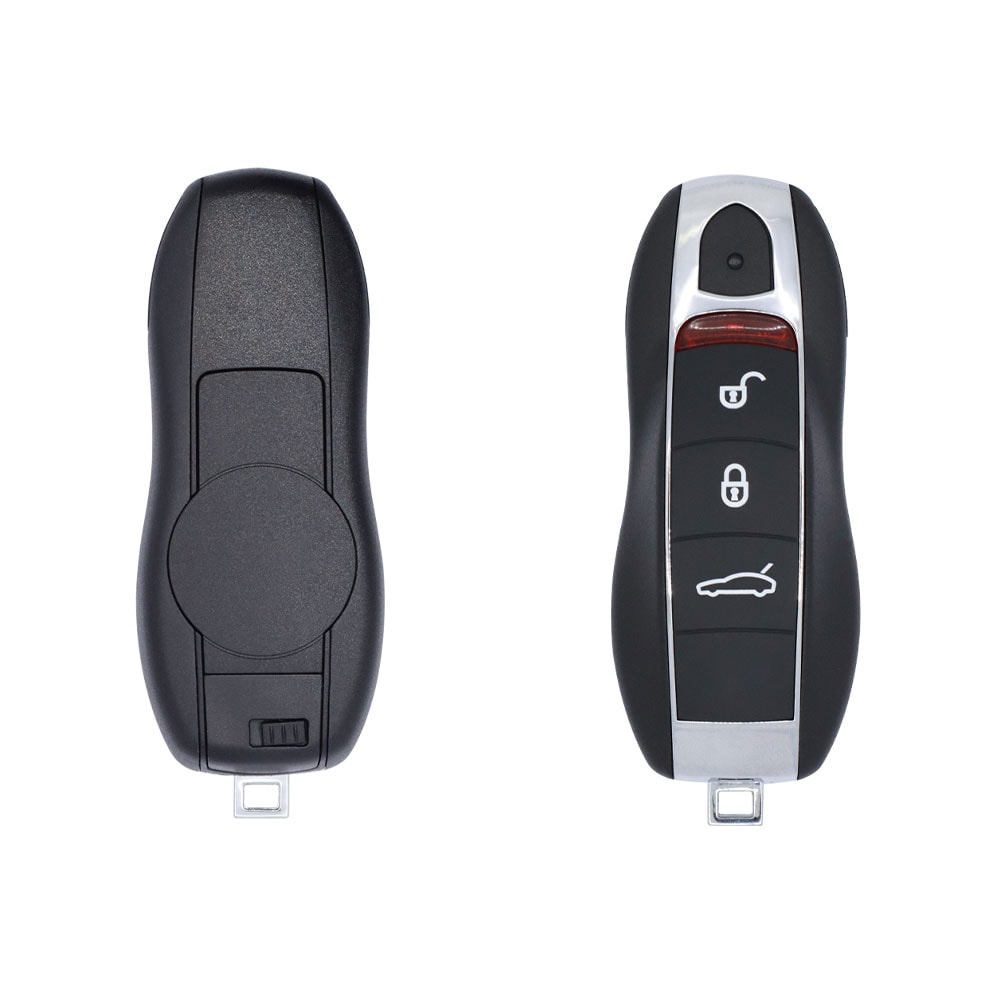
Programming the Porsche Cayenne 2011 key
Smart key (push to start)
One tool lists this key.
- Launch X-431 IMMO
- Add key
- All keys lost
Programming steps
Add key - Launch X431 IMMO Elite / IMMO Plus + G3
Needs: working keys (they are learned again), Launch G3 immobilizer programmer, blank Porsche smart key
- Remove the front-end module (BCM) above the accelerator pedal.
- Open Porsche, Anti-theft key matching, Cayenne 2011-2017, Read immobilizer data, pick 5M48H and wire the module to the G3 as the diagram shows.
- Back up the EEPROM / D-flash data and save the file under a name you will find again.
- Choose Generate dealer keys, load the saved file, pick a blank position (ID FFFFFFFF), put the new key in the G3 and write it.
- Refit the module, then choose Key learning: every key is learned again, the originals included.
- Turn on the hazard lights, load the same file, enter the number of keys and switch on with each key in turn when told.
- Test start and remote with every key.
All keys lost - Launch X431 IMMO Elite / IMMO Plus + G3
Needs: Launch G3 immobilizer programmer, blank Porsche smart key, stable power for the module
- Remove the front-end module (BCM) above the accelerator pedal.
- Open Porsche, Anti-theft key matching, Cayenne 2011-2017, Read immobilizer data, pick 5M48H and wire the module to the G3 as the diagram shows.
- Back up the EEPROM / D-flash data and save the file under a name you will find again.
- Choose Generate dealer keys, load the saved file, pick a blank position (ID FFFFFFFF), put the new key in the G3 and write it.
- Refit the module, then choose Key learning: every key is learned again, the originals included.
- Turn on the hazard lights, load the same file, enter the number of keys and switch on with each key in turn when told.
- Test start and remote with every key.
When the key changed
Smart key (push to start)
- 2018 - 2024Chip: MLB9Y0, MLB smart key
Key with a blade (regular or flip)
- 2003 - 2010Chip: ID46Blade: HU66FCC: KR55WK45022955 / 957, Kessy flip key (keyless go versions too)
Check coverage first: support depends on the tool's software version and the exact model. A tool that is not shown here may still cover this car.
Frequently asked questions
Which keys fit the Porsche Cayenne 2011–2013?
11 listings fit the Porsche Cayenne 2011–2013: smart keys, key shells and emergency blades, in 3- and 4-button versions. Match the part number or FCC ID printed on your original key with the specifications on each listing.
What frequency does the Porsche Cayenne 2011–2013 remote use?
Every remote listed for the Porsche Cayenne 2011–2013 transmits on 315 MHz.
Which FCC IDs do Porsche Cayenne 2011–2013 remotes carry?
The remotes listed for this car carry FCC ID KR55WK50138. Match it with the FCC ID printed on your original remote.
Which blade profile does the Porsche Cayenne 2011–2013 key use?
The blades listed for this car: HU66.
Which tools program a Porsche Cayenne 2011–2013 key?
The tool makers' coverage lists name Launch X-431 IMMO for this car; 1 of them lists all keys lost. Check your tool's latest coverage list before the job.