
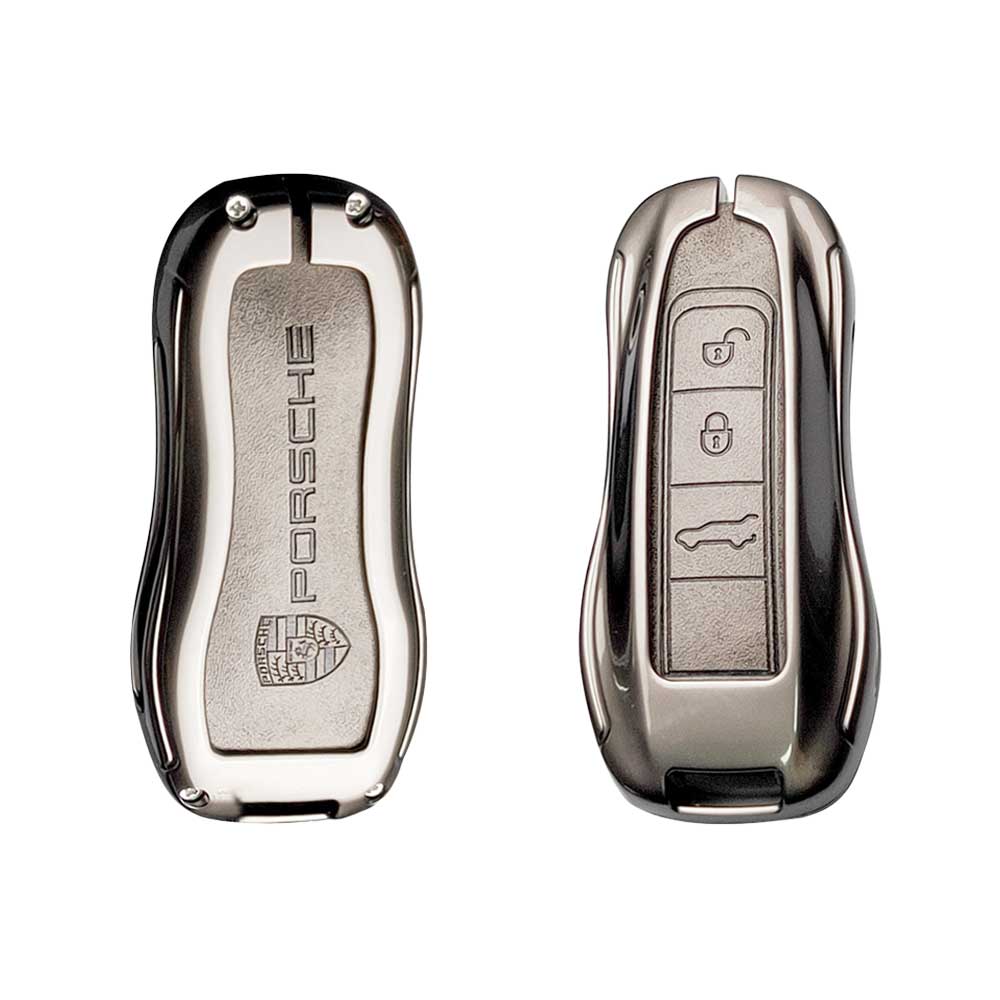
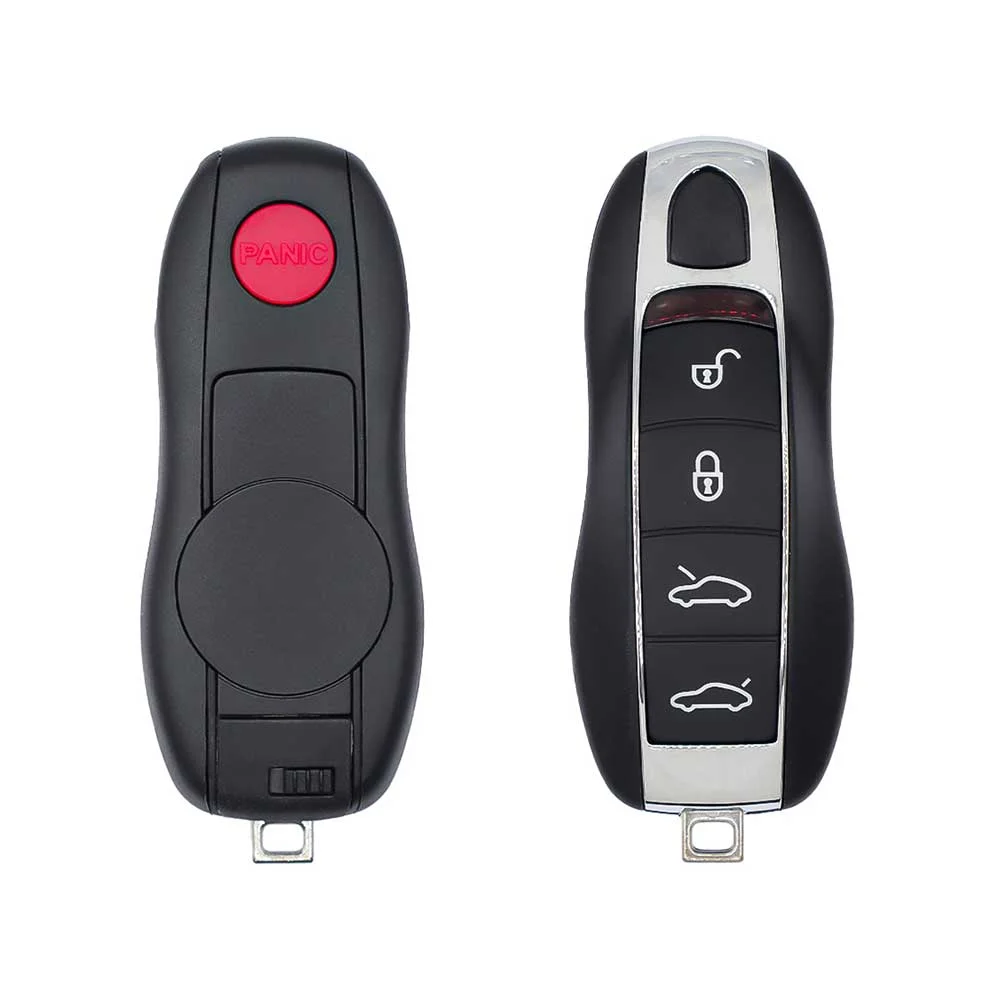
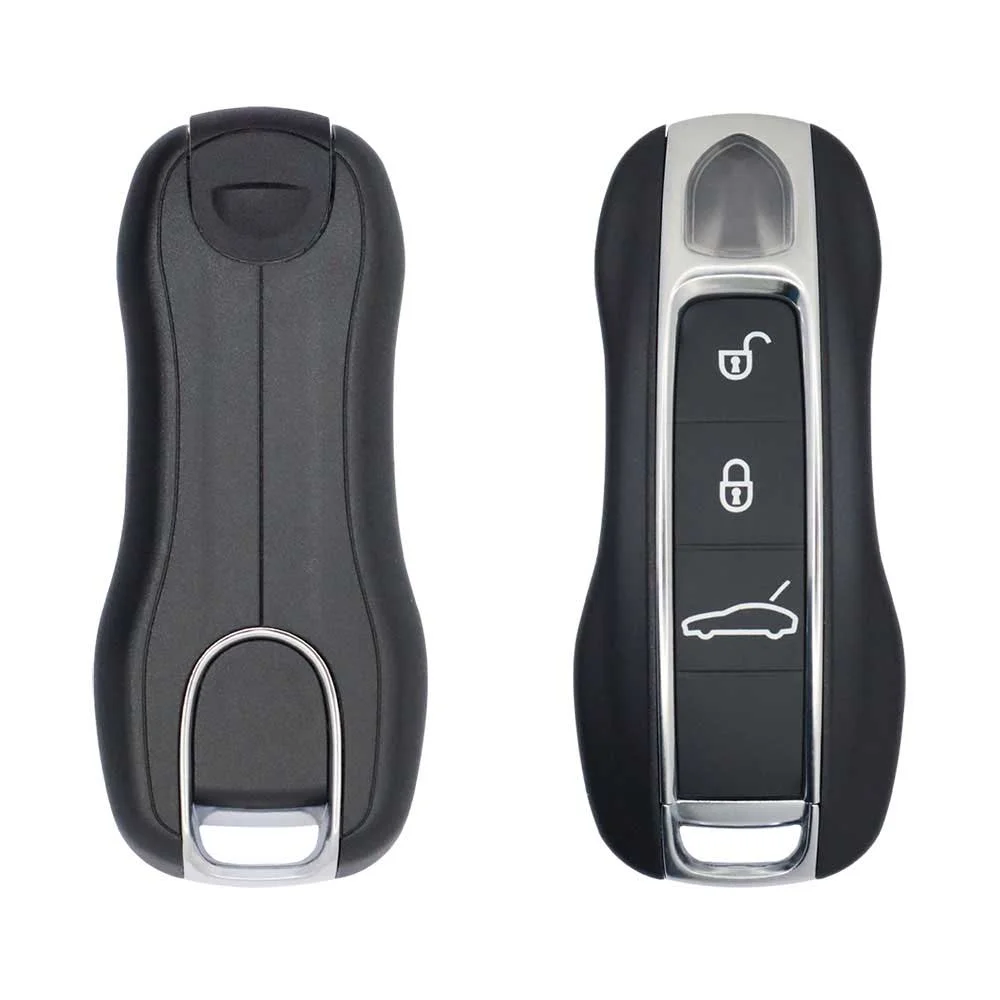
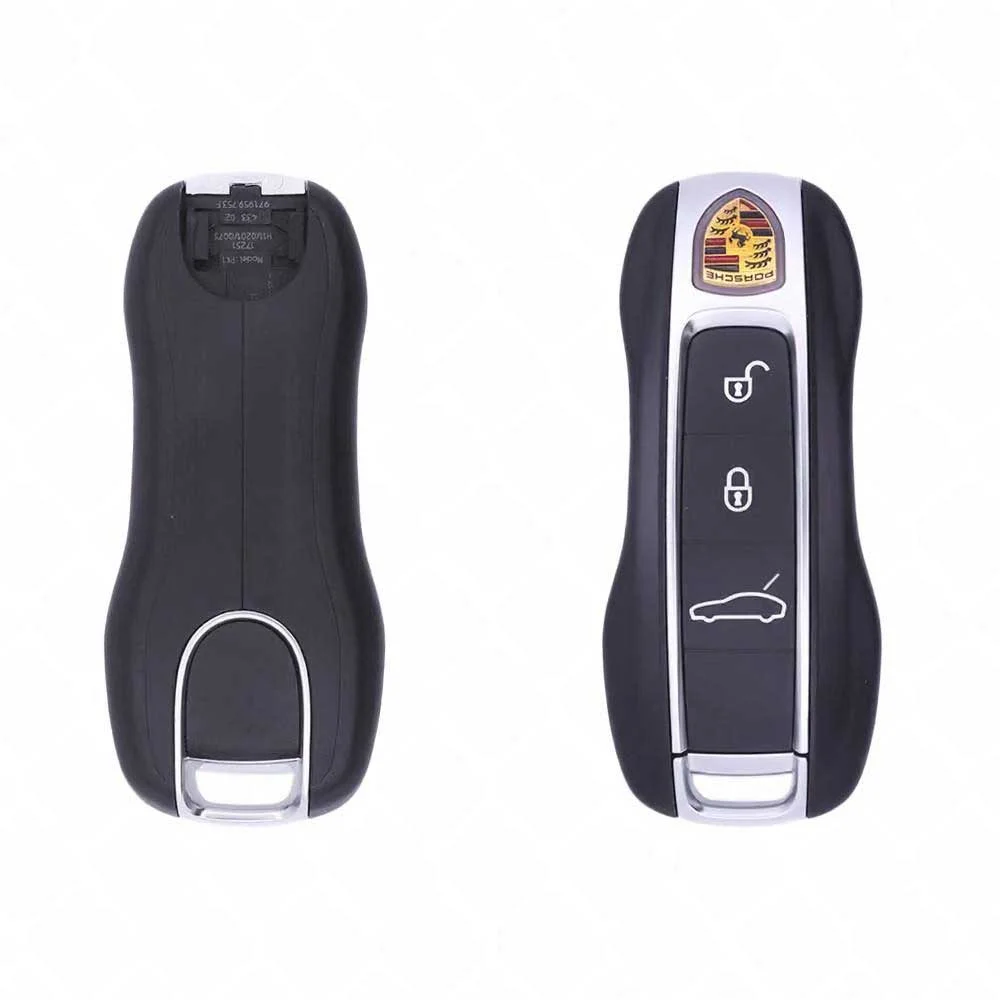
Porsche 2010-2018 Smart Key Shell - 3-button · Cayenne / Panamera / 911 / Macan - Aftermarket · New
SKU: B03226
$2.81
In Stock
Keys that fit the 2018 Porsche Panamera: smart keys, 3 or 4 buttons, FCC ID IYZPK1, IYZPK3 or KR55WK50138, Xhorse OEM chip solution, MLB chip, 315 MHz or 433 MHz. 13 compatible keys, remotes & shells (genuine and aftermarket) available for the 2018 Porsche Panamera.
Last updated: 17 November 2026
To pick the right part, match the part number or FCC ID printed on your original remote, or listed in the Porsche parts catalogue, with the specifications on each listing. The frequency depends on the market the car was sold in, so check 315 MHz and 433 MHz against your original before ordering.
A new smart key or remote has to be programmed to the car with a key programmer, and when every key is lost the programming is still done through the diagnostic port. We ship the key worldwide from the UAE by DHL and FedEx; any automotive locksmith or the dealer can cut and program it.
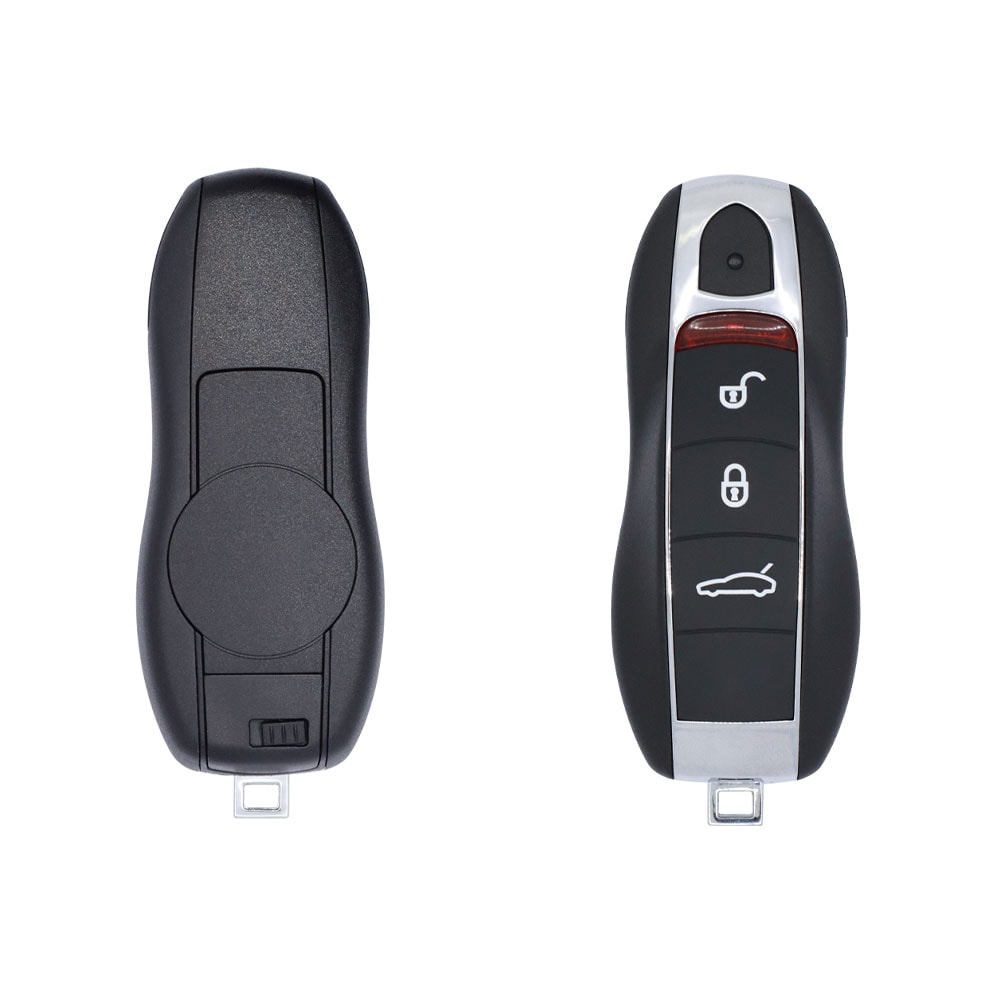
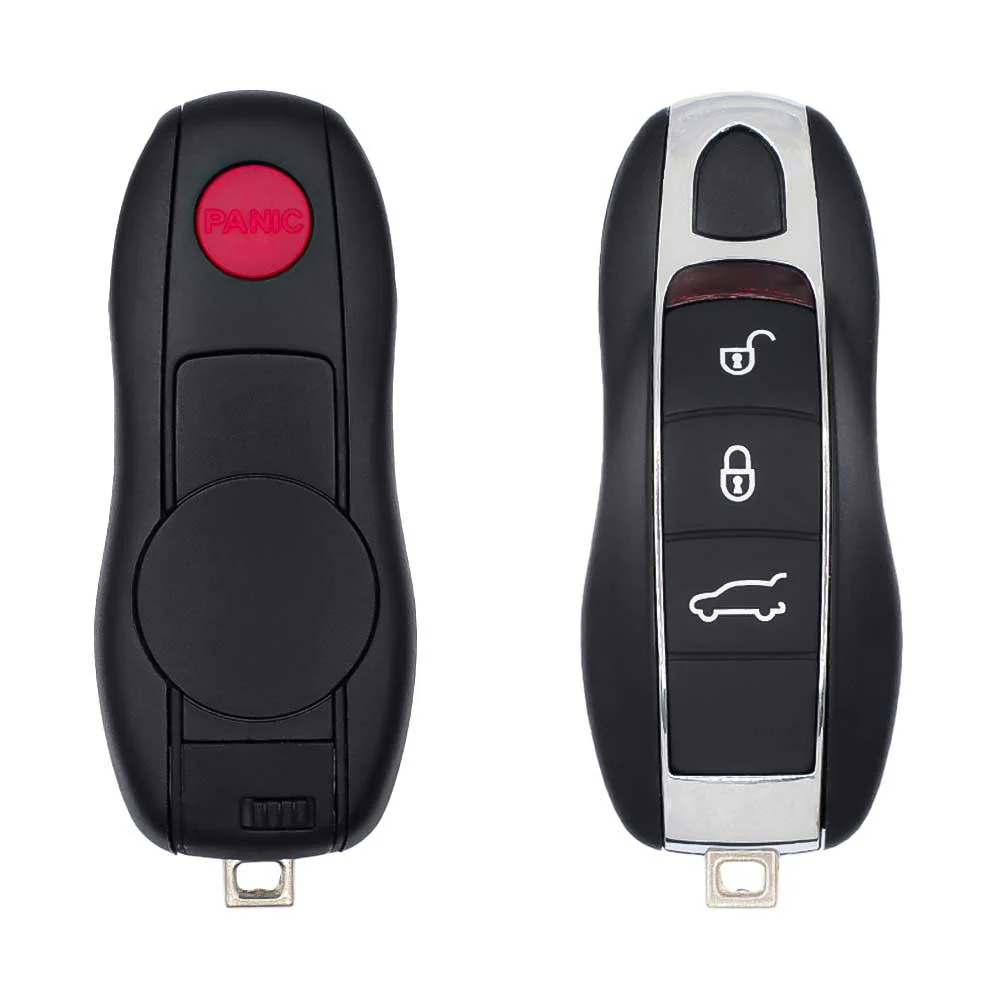
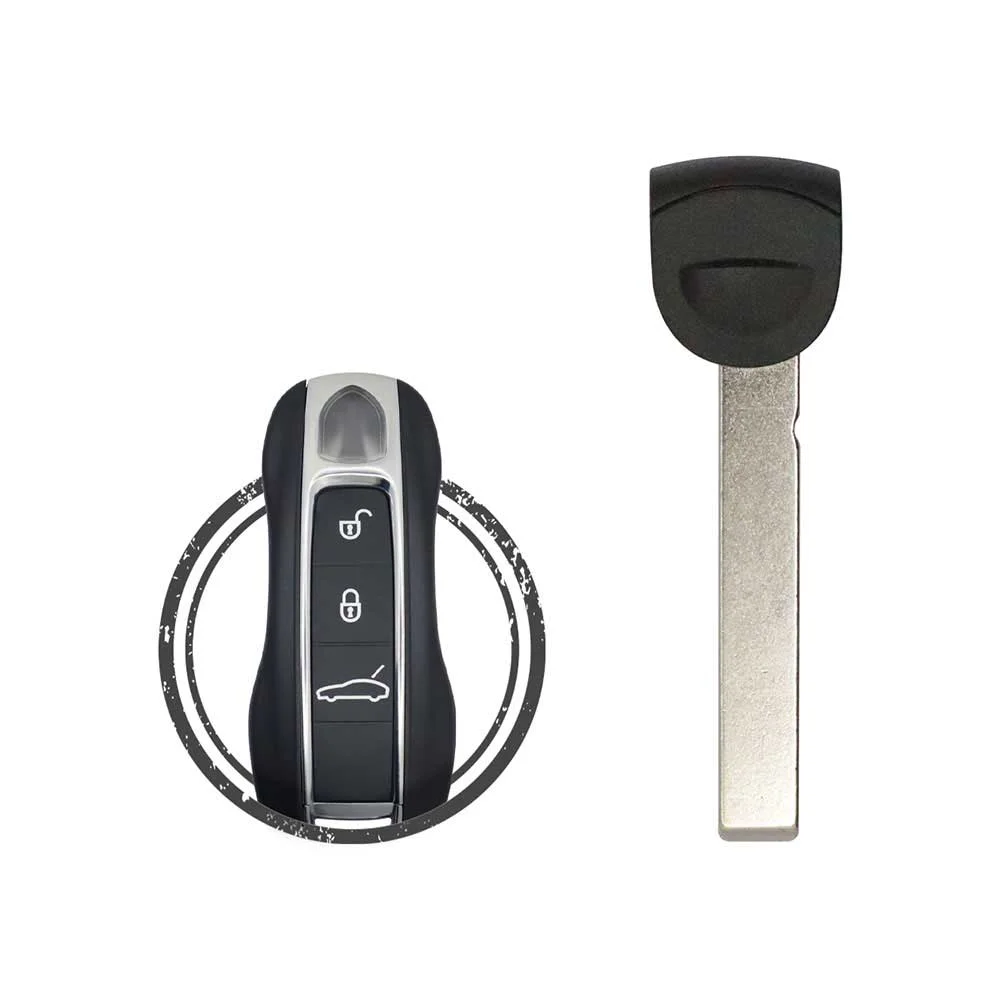
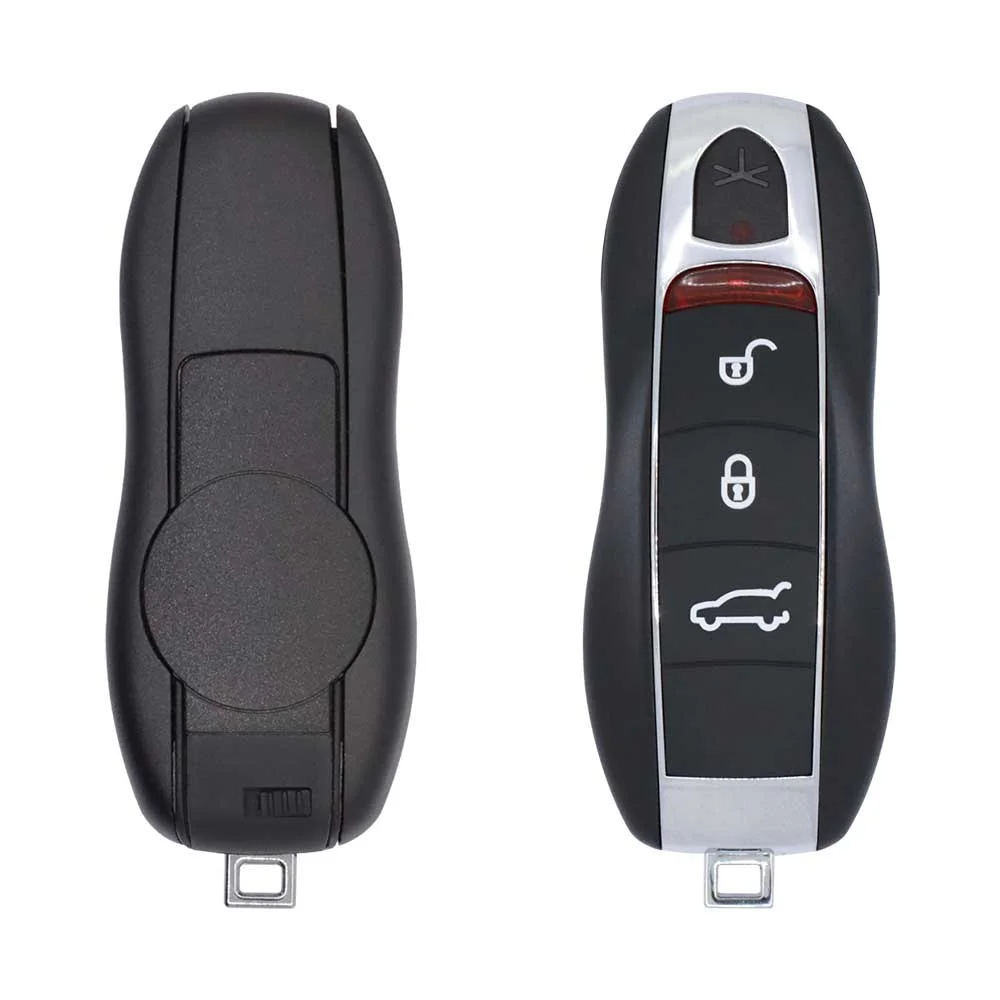
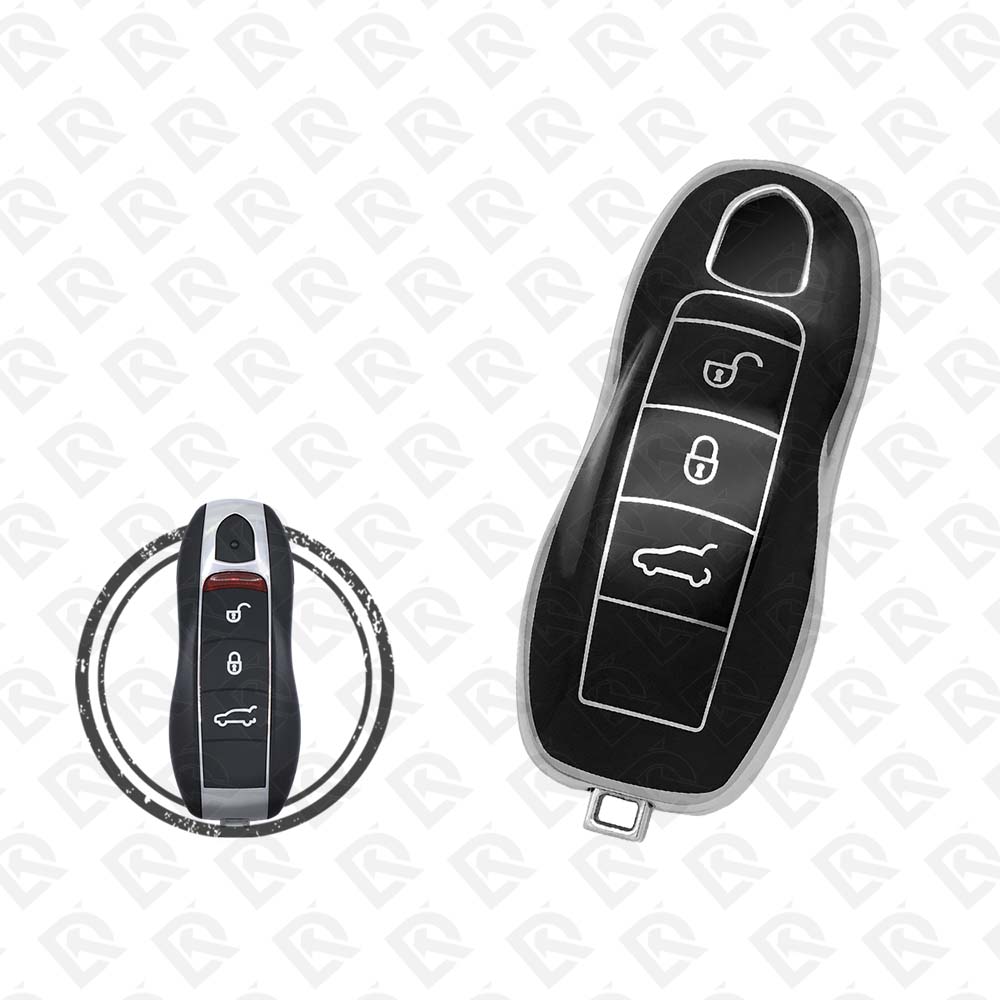
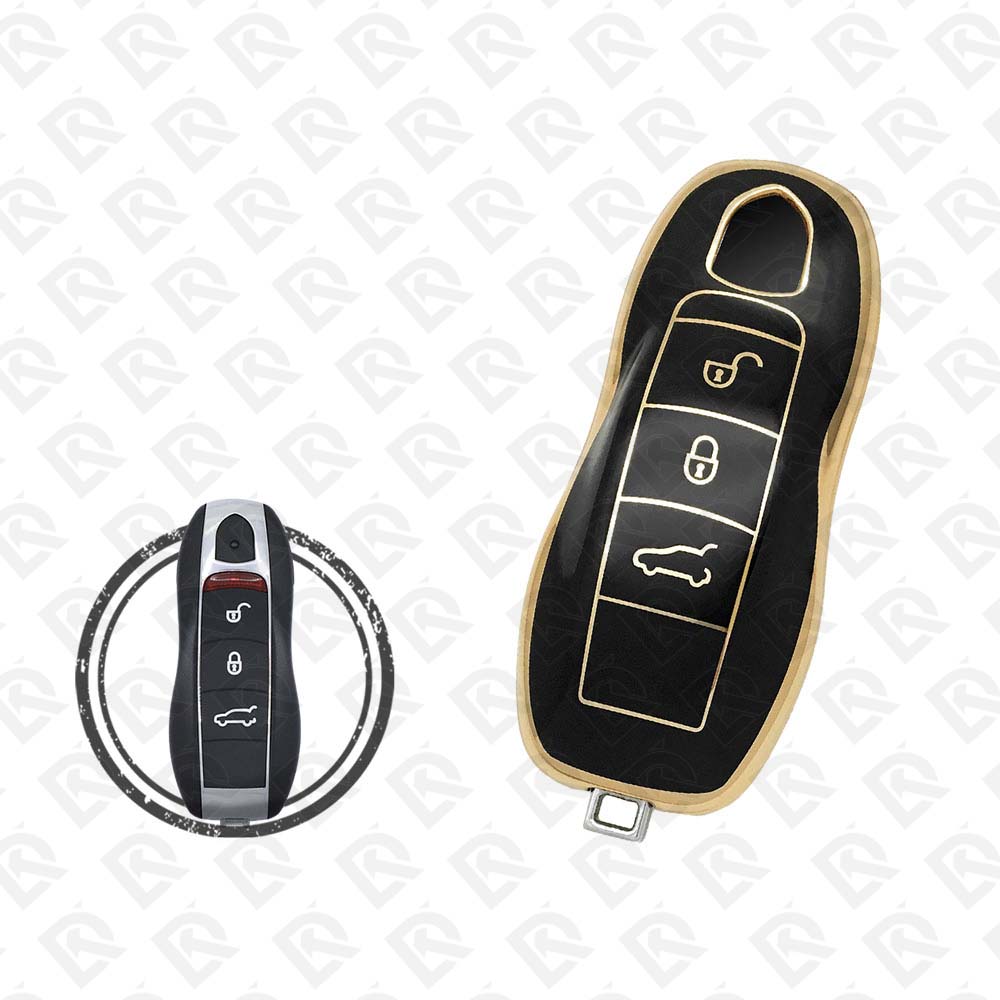
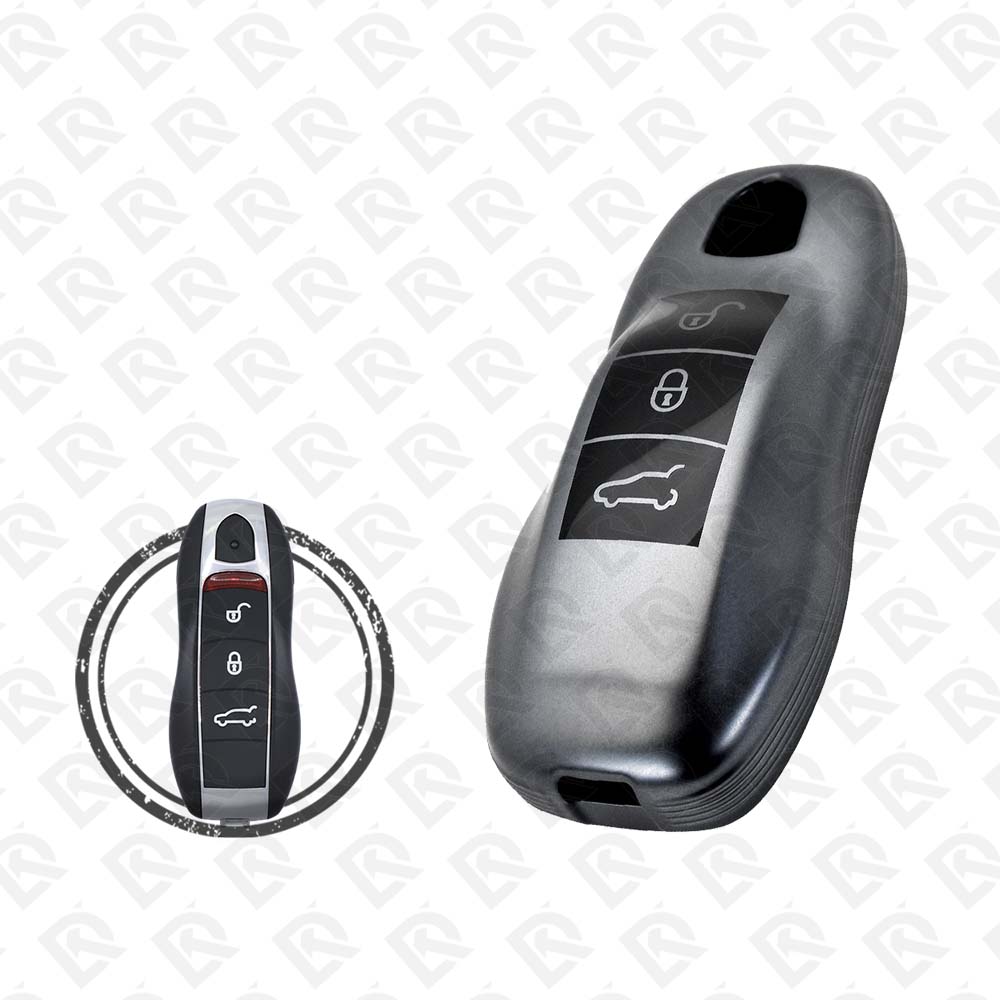
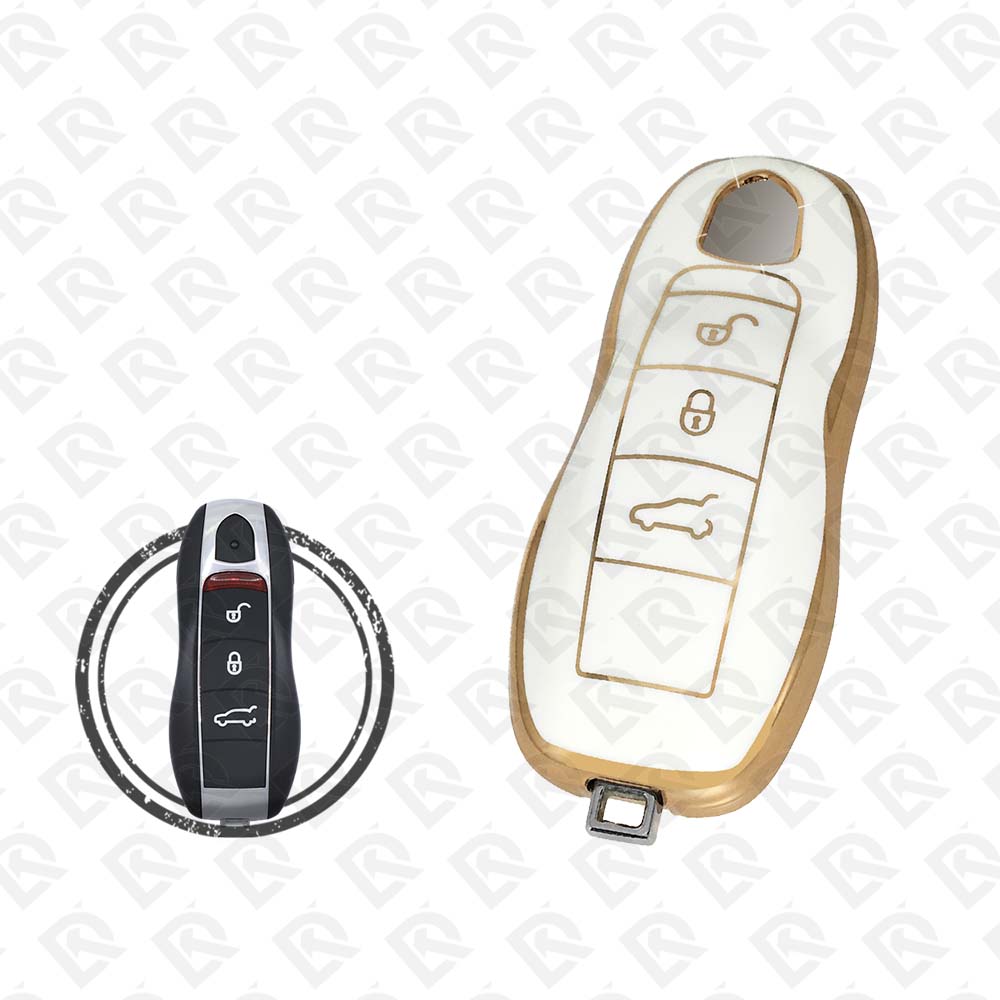

2 tools list this key. None of the lists names all keys lost for this year.
Needs: working key, Xhorse VVDI MLB Tool with the MLB function activated, new MLB key (OEM board or Xhorse MLB smart key), internet connection (online calculation)
Check coverage first: support depends on the tool's software version and the exact model. A tool that is not shown here may still cover this car.
13 listings fit the Porsche Panamera 2018: smart keys, key shells, emergency blades and key blanks, in 3- and 4-button versions. Match the part number or FCC ID printed on your original key with the specifications on each listing.
Listings for the Porsche Panamera 2018 come in 315 MHz and 433 MHz: the frequency depends on the market the car was sold in, so check it against your original remote before ordering.
The listings for this car carry: Xhorse OEM chip solution, MLB. Check the chip in each listing's specifications.
The remotes listed for this car carry FCC ID IYZPK1, IYZPK3 and KR55WK50138. Match it with the FCC ID printed on your original remote.
The blades listed for this car: HU66 · HU162 · HU162T.
The tool makers' coverage lists name Xhorse VVDI Key Tool Plus and Xhorse VVDI2 for this car; 0 of them list all keys lost. Check your tool's latest coverage list before the job.