Toyota Yaris 2006 Key Fob & Car Keys
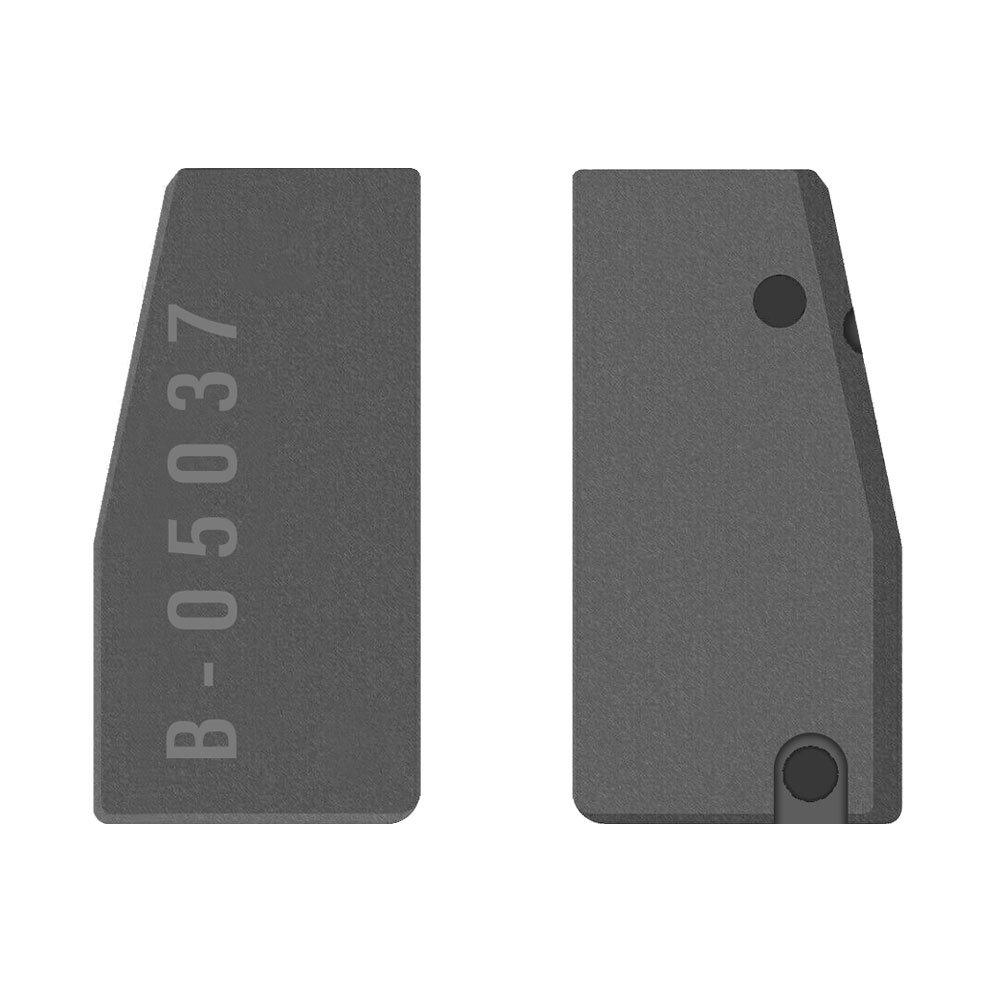
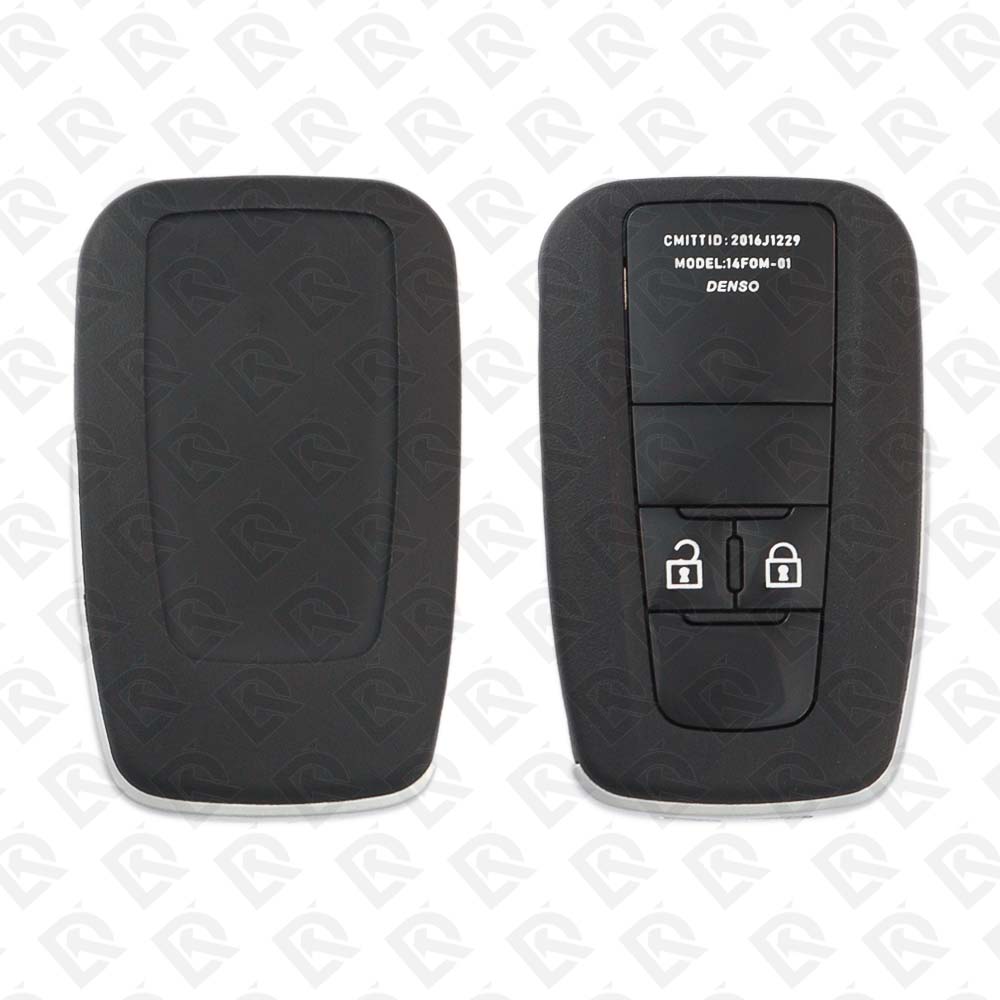
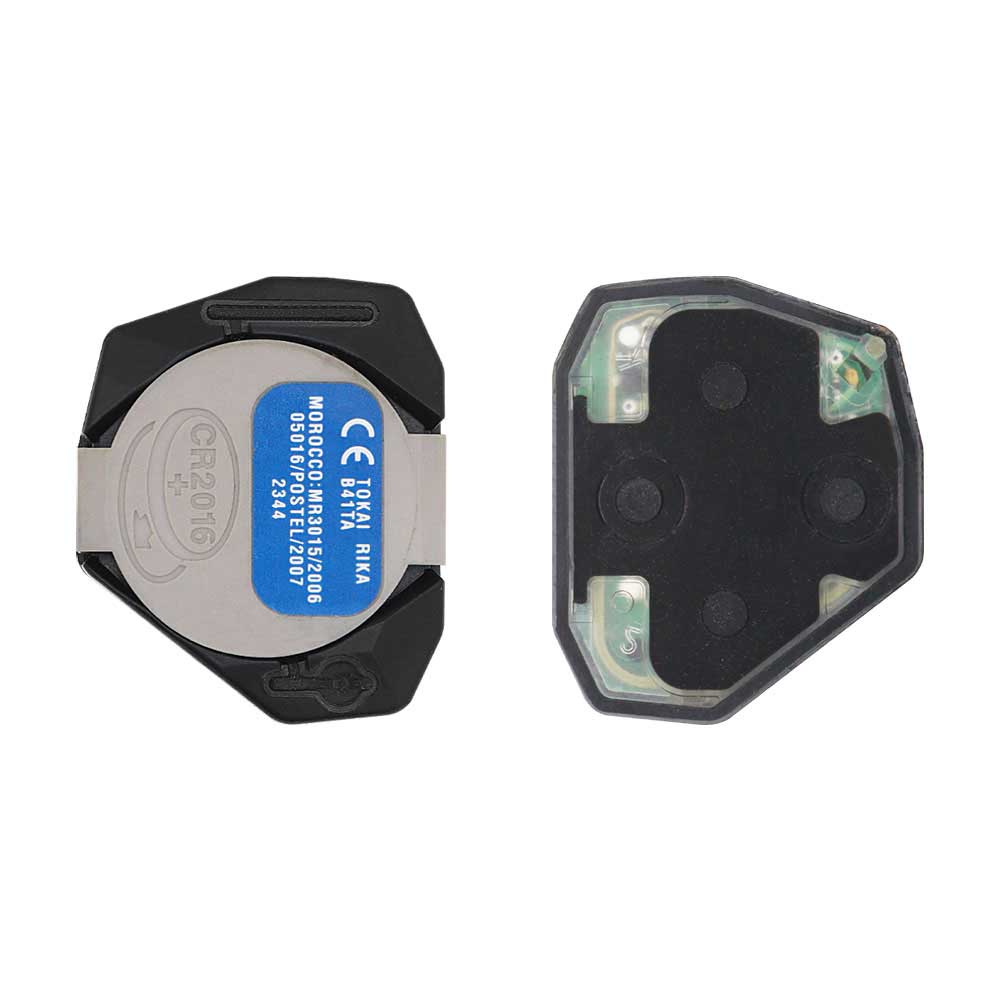
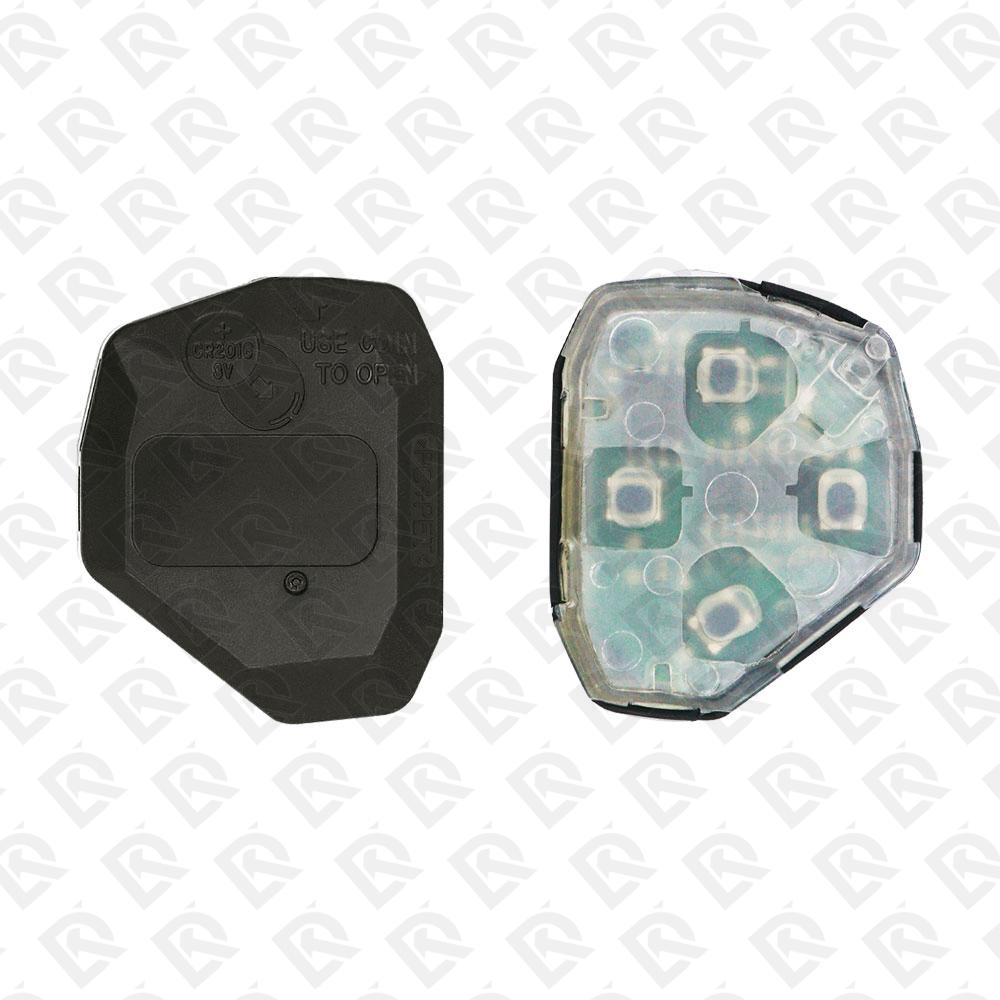
Keys that fit the 2006 Toyota Yaris: flip keys, remote keys and transponder keys, 2 buttons, FCC ID 12BBY or B41TA, 4D-67 chip, 433 MHz. 7 compatible keys, remotes & shells (genuine and aftermarket) available for the 2006 Toyota Yaris.
Last updated: 17 November 2026
Key specifications for the Toyota Yaris 2006
- Key types
- flip keys, remote keys, transponder keys, key shells, emergency blades and key blanks
- Frequency
- 433 MHz
- Buttons
- 2-button
- Transponder chip
- 4D-67
- Blade profile
- TOY43
- Part numbers
- 89070-52752 · 89071-71051 / 89071-71052
To pick the right part, match the part number or FCC ID printed on your original remote, or listed in the Toyota parts catalogue, with the specifications on each listing. Every remote listed for the Toyota Yaris 2006 transmits on 433 MHz.
A new smart key or remote has to be programmed to the car with a key programmer, and when every key is lost the programming is still done through the diagnostic port. We ship the key worldwide from the UAE by DHL and FedEx; any automotive locksmith or the dealer can cut and program it.
- $3.65In Stock
- $1.69In Stock
Programming the Toyota Yaris 2006 key
Key with a blade (regular or flip)
6 tools list this key. 5 of them list all keys lost.
- Launch X-431 IMMO
- Add key
- All keys lost
- Remote
- Add key
- All keys lost
- Remote
- OBDSTAR Key Master G3
- Add key
- All keys lost
- Remote
- XTOOL X100 PAD3 / X100 MAX
- Add key
- All keys lost
- Remote
- Add key
- All keys lost
- Lonsdor KH100
- Remote
Programming steps
Add key - Autel MaxiIM IM508 / IM608
Needs: working master key, new key cut to the car with the same chip family (4D, G or H / 8A)
- Check the customer's key is a master: in the ignition the security light stays off (a valet key lights it for about a second).
- Connect the VCI to the OBD port. IMMO > Toyota > select the model and year > Blade key > Immobilizer, then the key learning function.
- Insert the working master key and switch the ignition on when asked.
- Remove it, insert the new cut key and leave the ignition off (if learning fails, run it again with the ignition on).
- Wait for the security light to go out: the key is learned. Check it switches on and starts.
- Remote-head key: in the tool's remote menu choose remote learning, switch on, open the driver door, then within 30 s hold LOCK + UNLOCK together for about 2 s and press LOCK once; test the buttons.
Add key - Lonsdor K518ISE / K518S / K518 Pro
Needs: working master key, new key cut to the car with the same chip family (4D, G or H / 8A)
- Check the customer's key is a master: in the ignition the security light stays off (a valet key lights it for about a second).
- Connect the K518 by OBD. Immobilizer > Toyota > select the model and year (or the 4D-G type menu) > Mechanical key > Add key.
- Insert the master key and switch the ignition on.
- When asked, insert the new cut key and switch the ignition on and off as the tool prompts.
- Wait until the tool reports the key programmed, then test that it starts.
- Remote-head key: in the tool's remote menu choose remote learning, switch on, open the driver door, then within 30 s hold LOCK + UNLOCK together for about 2 s and press LOCK once; test the buttons.
All keys lost - Autel MaxiIM IM508 / IM608
Needs: new keys cut to the car with blank 4D-67/68 or G chips, no PIN entry (the tool resets by OBD)
- Cut the new keys first, with the chip family of the car (4D-67/68 or G).
- Connect the VCI to the OBD port. IMMO > Toyota > select the model and year > Blade key > Immobilizer > All keys lost (immobilizer reset).
- Answer how many keys you will register and keep the driver door open during learning.
- Follow the ignition prompts (off, on, off and remove the key, on again) while the tool resets the immobilizer.
- Within 120 s register the keys: insert a master key, switch on and wait 5 s; repeat for each further key; with only one or two keys, finish by switching the ignition on and off quickly 5 times.
- The security light goes out when programming is done. Test every key.
- Remote-head key: in the tool's remote menu choose remote learning, switch on, open the driver door, then within 30 s hold LOCK + UNLOCK together for about 2 s and press LOCK once; test the buttons.
All keys lost - Lonsdor K518ISE / K518S / K518 Pro
Needs: new keys cut to the car with blank 4D-67/68 or G chips, Lonsdor chip written as Toyota G (optional, G cars), no PIN entry (the tool resets by OBD)
- Cut the new keys first. For a G car the chip must be a Toyota G (80-bit); a Lonsdor blank can be written as Toyota G in the K518 (Generate key chip) before you start.
- Connect the K518 by OBD. Immobilizer > Toyota > select the model and year > Mechanical key (4D or G type) > Reset immobilizer (all keys lost).
- Follow the ignition prompts (off, on, off and remove the key, on again) while the tool resets and configures the immobilizer.
- Within 120 s register the keys: insert a master key, switch on and wait 5 s; repeat for each further key; with only one or two keys, finish by switching the ignition on and off quickly 5 times.
- The security light goes out when programming is done. Test every key.
- Add further keys later with the normal add-key routine and one of the new masters.
- Remote-head key: in the tool's remote menu choose remote learning, switch on, open the driver door, then within 30 s hold LOCK + UNLOCK together for about 2 s and press LOCK once; test the buttons. Remotes not learned in this step stop working.
Key type not stated by the list
2 tools list this key. 2 of them list all keys lost.
- Add key
- All keys lost
- Remote
- Universal key
- Add key
- All keys lost
Without a tool
The remote is not programmed on the car by hand: it needs a tool or a dealer.
When the key changed
Smart key (push to start)
- 2014 - 2018Chip: 8A433 MHz(GCC / Europe cars)Vios-based sedan sold as Yaris in the GCC
- 2017 - 2020Chip: ID49315 MHzFCC: WAZSKE13D01(US / Canada cars)Mazda-built Yaris iA and Yaris sedan; Mazda key system
- 2023 - 2024Chip: 4A433 MHz(GCC / Europe cars)
Key with a blade (regular or flip)
- 1999 - 2005Chip: 4CBlade: TOY41RSold as Echo in North America
- 2006 - 2010This yearChip: 4D-67(GCC / Europe cars)
- 2007 - 2011Chip: 4D-67Blade: TOY43(US / Canada cars)Overlap years may be 4D-67 or G; G is stamped on the blade
- 2011 - 2014Chip: G(GCC / Europe cars)
- 2012 - 2014Chip: GBlade: TOY43(US / Canada cars)
- 2015 - 2018Chip: H (8A)(US / Canada cars)Overlap years may be G or H; check the letter on the blade
- 2015 - 2020Chip: H (8A)(GCC / Europe cars)Overlap years may be G or H; check the letter on the blade
- 2023 - 2024Chip: 4A433 MHzBlade: TOY43(GCC / Europe cars)
Check coverage first: support depends on the tool's software version and the exact model. A tool that is not shown here may still cover this car.
Frequently asked questions
Which keys fit the Toyota Yaris 2006?
7 listings fit the Toyota Yaris 2006: flip keys, remote keys, transponder keys, key shells, emergency blades and key blanks, in 2-button versions. Match the part number or FCC ID printed on your original key with the specifications on each listing.
What frequency does the Toyota Yaris 2006 remote use?
Every remote listed for the Toyota Yaris 2006 transmits on 433 MHz.
Which transponder chip does the Toyota Yaris 2006 key use?
The listings for this car carry: 4D-67. Check the chip in each listing's specifications.
Which FCC IDs do Toyota Yaris 2006 remotes carry?
The remotes listed for this car carry FCC ID 12BBY and B41TA. Match it with the FCC ID printed on your original remote.
Which blade profile does the Toyota Yaris 2006 key use?
The blades listed for this car: TOY43.
Which tools program a Toyota Yaris 2006 key?
The tool makers' coverage lists name Launch X-431 IMMO, Lonsdor K518, OBDSTAR Key Master G3, XTOOL X100 PAD3 / X100 MAX, Autel IM608 II / IM608 Pro II and Lonsdor KH100 for this car; 5 of them list all keys lost. Check your tool's latest coverage list before the job.
Can the Toyota Yaris 2006 remote be programmed without a tool?
The remote is not programmed on the car by hand: it needs a tool or a dealer.