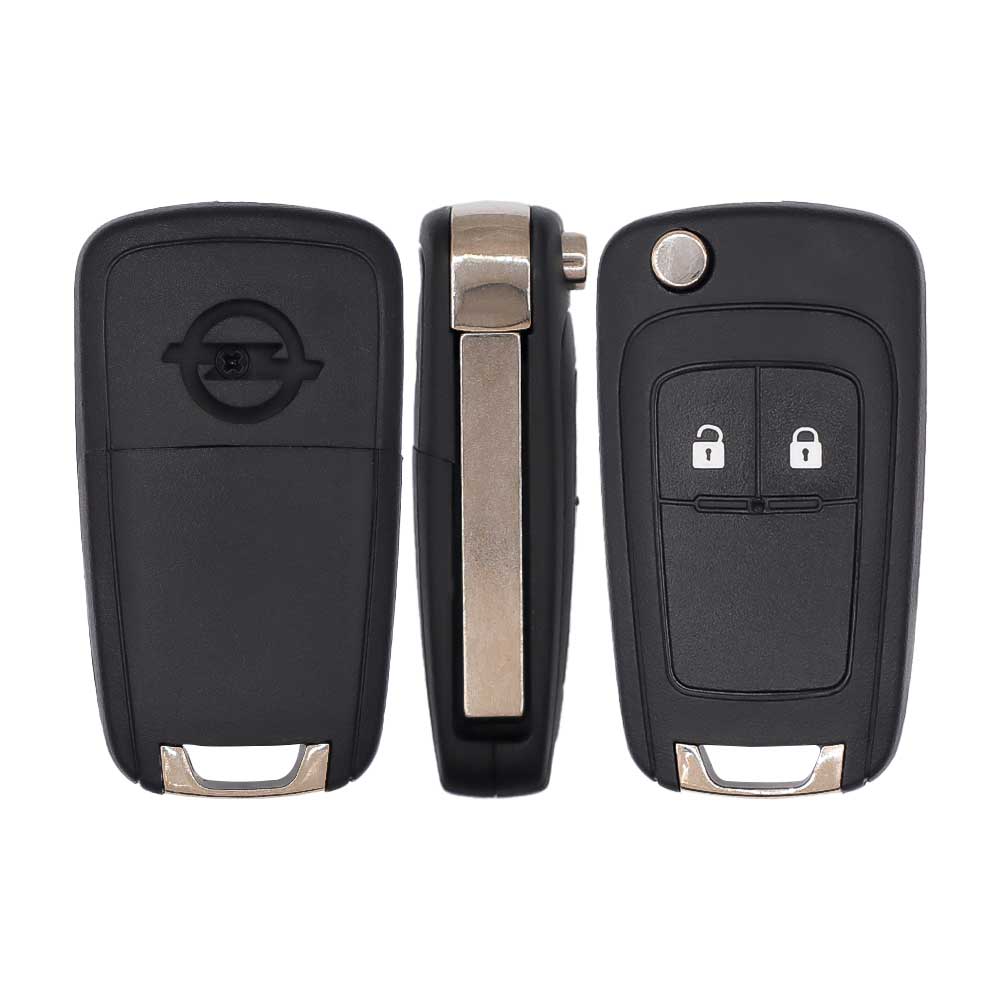
Vauxhall Astra 2014–2015 Key Fob & Car Keys
Keys that fit the 2014–2015 Vauxhall Astra: flip keys, remote keys and transponder keys, 2 buttons. 3 compatible keys, remotes & shells (genuine and aftermarket) available for the 2014 Vauxhall Astra.
Last updated: 12 November 2026
Key specifications for the Vauxhall Astra 2014–2015
- Key types
- flip keys, remote keys, transponder keys, key shells and emergency blades
- Buttons
- 2-button
- Blade profile
- HU100
To pick the right part, match the part number or FCC ID printed on your original remote, or listed in the Vauxhall parts catalogue, with the specifications on each listing.
A new smart key or remote has to be programmed to the car with a key programmer, and when every key is lost the programming is still done through the diagnostic port. We ship the key worldwide from the UAE by DHL and FedEx; any automotive locksmith or the dealer can cut and program it.
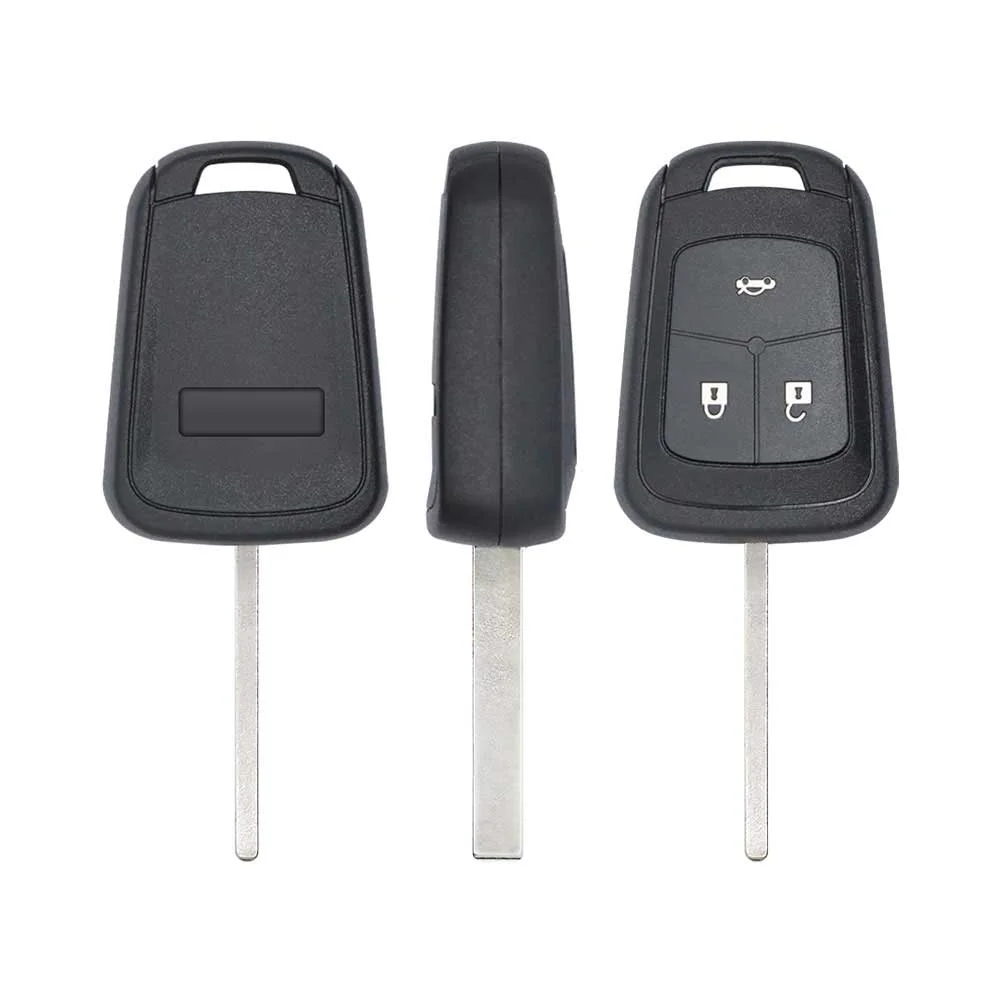
Programming the Vauxhall Astra 2014 key
Key with a blade (regular or flip)
Programming steps
Add key - OBD key programmer with the Opel / Vauxhall Astra J BCM menu (OBDSTAR, Lonsdor K518, Autel IM608, Abrites AVDI) or Opcom with the Car Pass code(GCC / Europe cars)
Needs: working key, new ID46 (PCF7937E) remote key cut to the car (HU100), 4-digit security code from the Car Pass, or PIN read by OBD, every key the customer keeps
- Connect the tool at the OBD port in the driver's footwell above the pedals.
- Open Opel / Vauxhall, Astra J, body control module (BCM), immobiliser programming.
- Enter the 4-digit security code from the Car Pass, or let the tool read it from the BCM by OBD.
- Start transponder key programming, insert the new key and switch the ignition on when asked; the remote pairs in the same routine.
- Switch the ignition off and on again, then clear the fault codes.
- Test start, lock and unlock with the new key and with every old key.
Without a tool
The owner's manual describes a resync on the car after a battery change; adding a remote needs a tool.
Programming steps
Program the remote without a tool(GCC / Europe cars)
Needs: the remote key itself (already coded to the car)
- Unlock the driver's door with the key blade in the door lock.
- Switch the ignition on: the remote synchronises.
- Switch off and test lock and unlock with the remote.
When the key changed
Smart key (push to start)
- 2016 - 2021Chip: ID46 Hitag2 Extended433 MHz(GCC / Europe cars)Astra K keyless entry and start key
Key with a blade (regular or flip)
- 1998 - 2004Chip: ID40(GCC / Europe cars)Astra G transponder key or remote key; 1994-1997 cars: read the key
- 2004 - 2010Chip: ID46433 MHzBlade: HU100(GCC / Europe cars)Astra H flip or remote key, CIM immobiliser
- 2010 - 2015This yearChip: ID46 Hitag2 Extended433 MHzBlade: HU100(GCC / Europe cars)Astra J flip key, Delphi BCM, PCF7937E
- 2015 - 2021Chip: ID46 Hitag2 Extended433 MHzBlade: HU100(GCC / Europe cars)Astra K flip key; security code from the BCM or GM server
Check coverage first: support depends on the tool's software version and the exact model. A tool that is not shown here may still cover this car.
Frequently asked questions
Which keys fit the Vauxhall Astra 2014–2015?
3 listings fit the Vauxhall Astra 2014–2015: flip keys, remote keys, transponder keys, key shells and emergency blades, in 2-button versions. Match the part number or FCC ID printed on your original key with the specifications on each listing.
Which blade profile does the Vauxhall Astra 2014–2015 key use?
The blades listed for this car: HU100.
Can the Vauxhall Astra 2014–2015 remote be programmed without a tool?
The owner's manual describes a resync on the car after a battery change; adding a remote needs a tool.