Skip to content
  1. Home
  2. Keys and Remotes
  3. Smart Keys
  4. Lonsdor FO30-04 Universal Smart Key Ford Style 3-button - Adjustable Frequency - Generated on the Tool - Aftermarket · New
Lonsdor FO30-04 Universal Smart Key Ford Style 3-button - Adjustable Frequency - Generated on the Tool - Aftermarket · New

Lonsdor FO30-04 Universal Smart Key Ford Style 3-button - Adjustable Frequency - Generated on the Tool - Aftermarket · New

Aftermarket

SKU: B03568

$17.98
AED  64.00
  • 315 / 433 MHzFrequency
  • 3-buttonButtons

In Stock

Specifications

Lonsdor FO30-04 universal smart key, Ford style, 3-button, ID46 and ID49, generated on a Lonsdor programmer. Blade included, no battery.

Money-back protection:
Claim a refund if your order doesn't ship, is missing, or arrives with product issues
Lonsdor · New

Lonsdor FO30-04 Universal Smart Key Ford Style 3-Button

generated on the tool · ID46 and ID49 · shell fitted, blade included · no battery supplied

3-Button
Button count
Adjustable
Frequency
FO30-04
Lonsdor model
ID46
Chip family

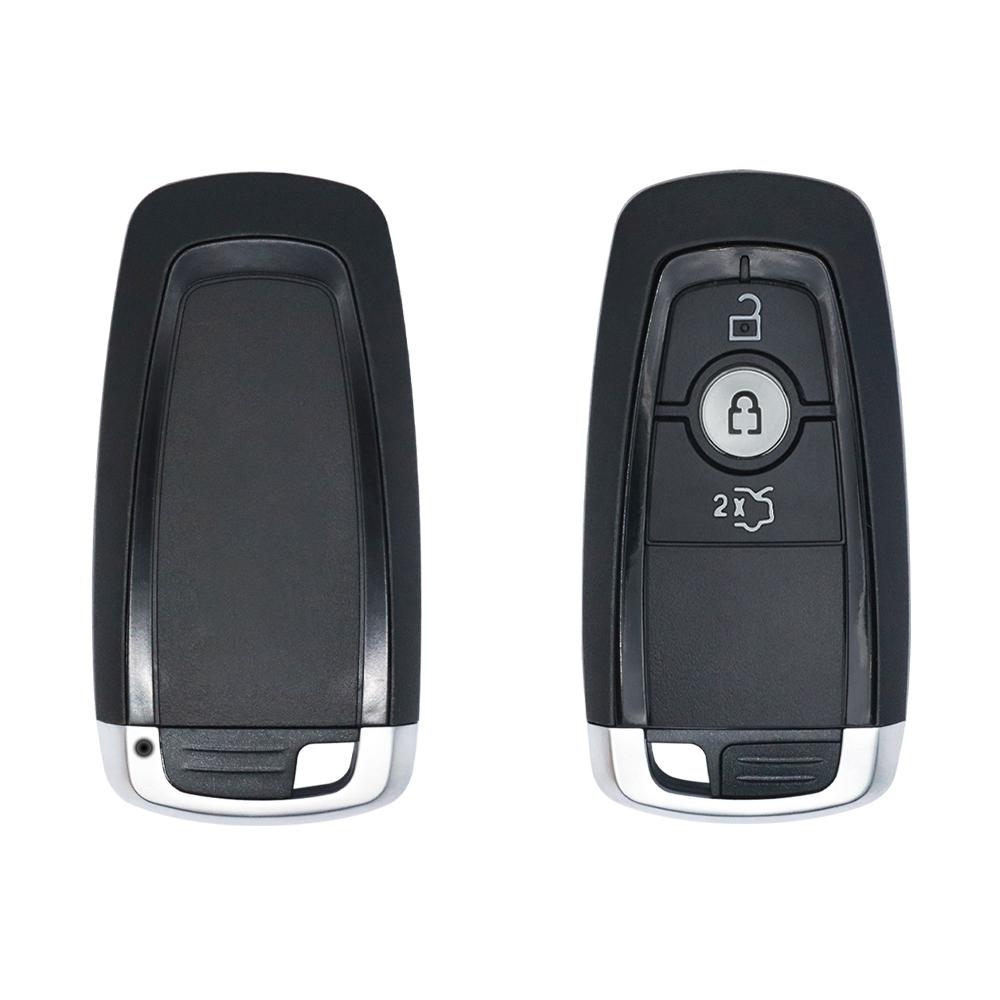
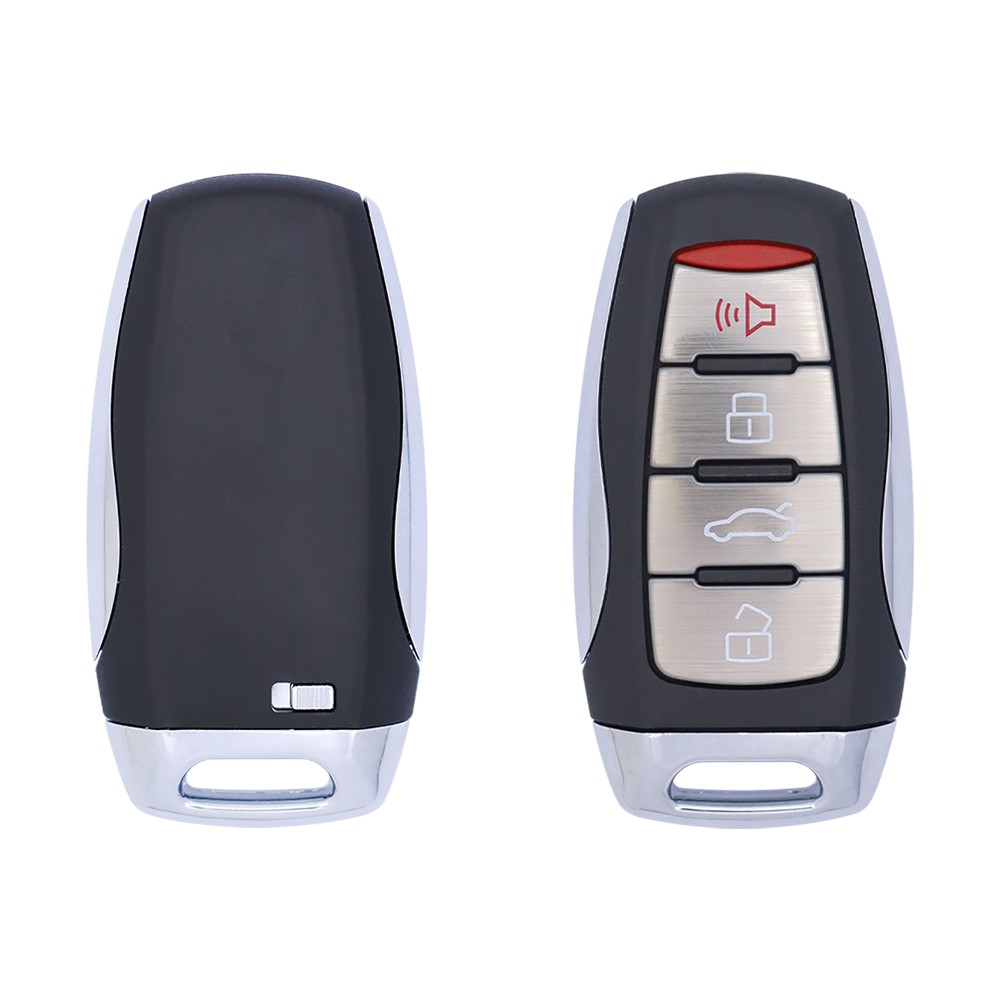
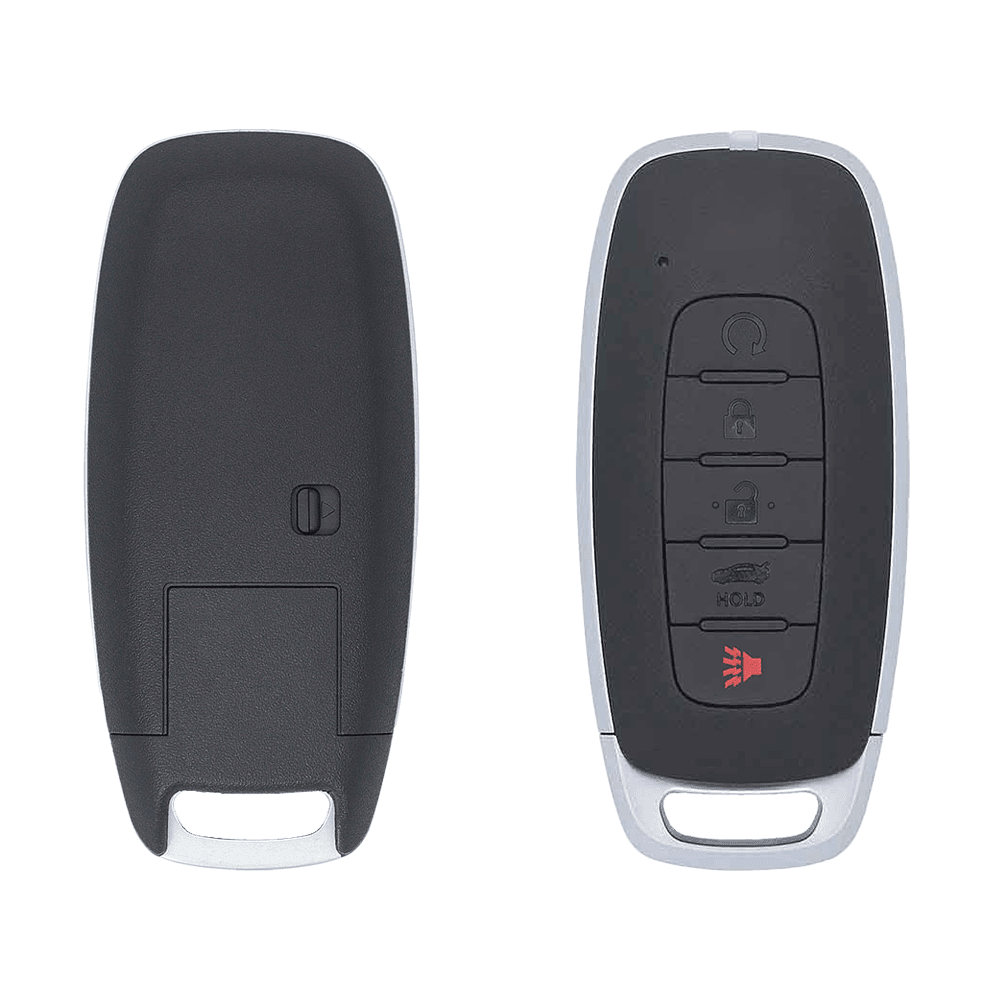
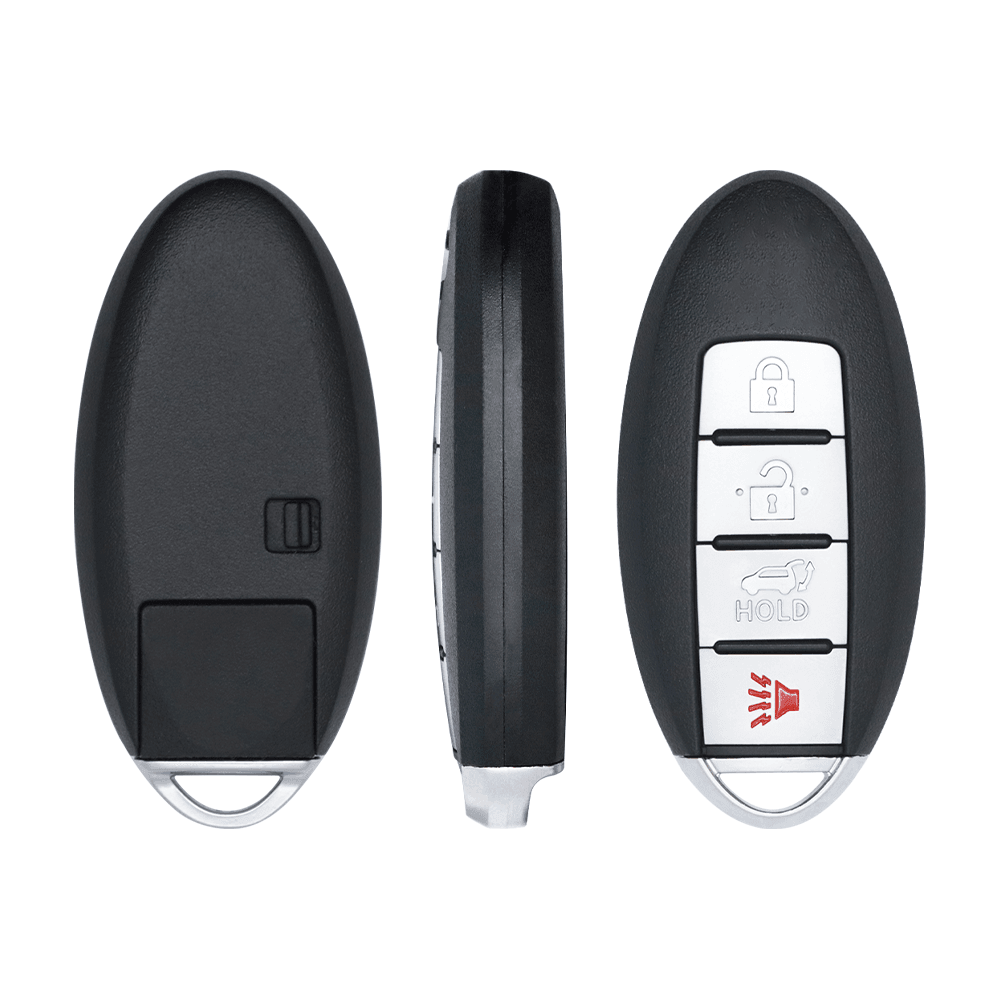
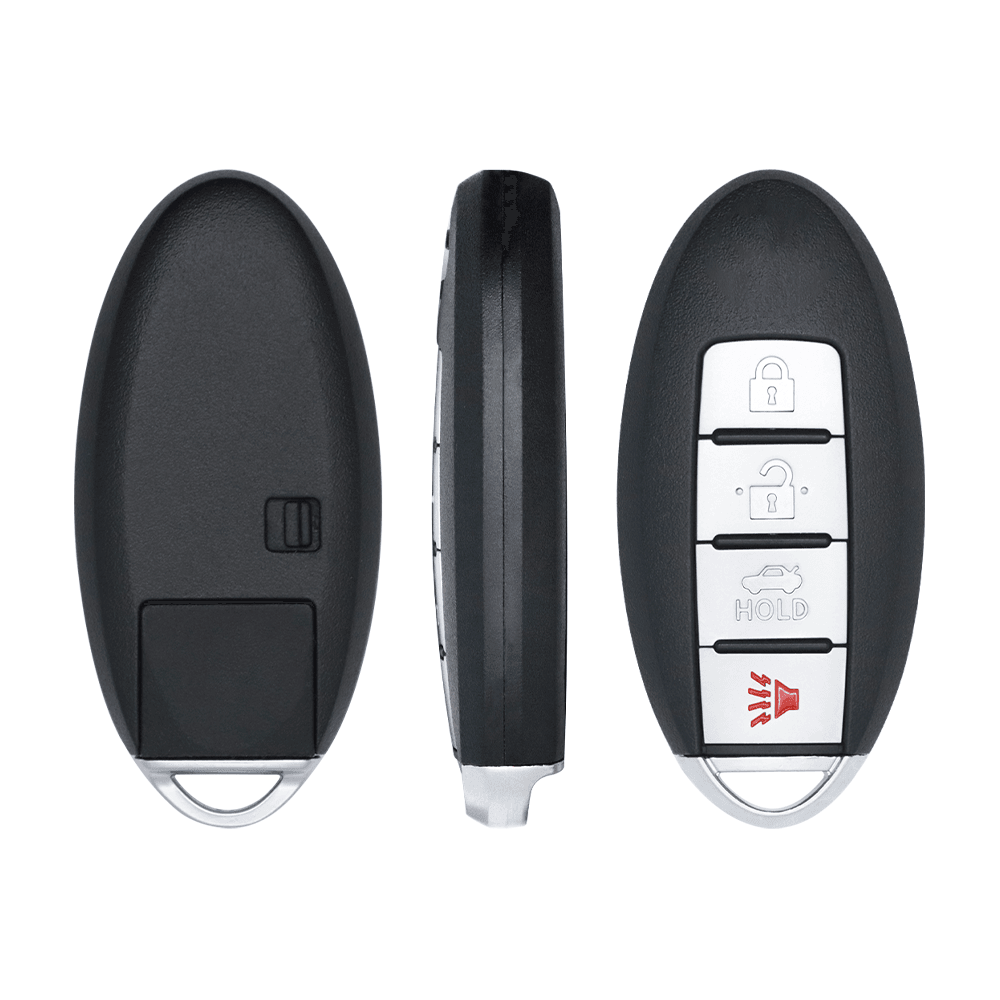
⭐ A Lonsdor universal smart key on model code FO30-04, moulded on the Ford proximity moulding with an all black button fascia with a three-button pad. It arrives blank: the key is generated on a Lonsdor tool, which writes the profile for the target vehicle into it, so one part on the shelf answers a long list of jobs rather than a single reference. The band is set during generation, across the positions published for this key, 315 MHz and 433 MHz, and the chip side is published as ID46 and ID49. The shell is fitted and the emergency blade is in the box, uncut. No battery is supplied. Weight 60 g.

⚙️ Key features

Generated, not pre-coded

The tool writes the vehicle profile into the key, so the same part covers many references.

ID46 and ID49 profiles

The chip side follows the profile written at generation rather than being fixed in the part.

Three-button pad

The pad reads Lock, Unlock and trunk.

Shell fitted, blade in the box

It ships assembled with the emergency blade, so the bench work is a battery and the generation.

💎 Benefits

One part, many references

Universal stock replaces a drawer full of single vehicle keys that rarely move.

Lower cost per job

A generated key lands well under a factory proximity key on most of the vehicles it covers.

Ready when the car arrives

Nothing is ordered in for the job: the blank is generated and programmed in the same visit.

Stock that stays generic

Unused blanks hold no vehicle identity, so nothing is stranded on the shelf.

👥 Who it's for

Lonsdor tool owners

Anyone running a supported Lonsdor programmer who wants stock that matches the tool.

Key shops and counter trade

Covering a wide vehicle list from a small number of shelf positions.

Mobile technicians

Carrying universal blanks so a roadside job is finished without a parts run.

Busy workshops

Keeping proximity key work in house rather than passing it to the dealer.

🚗 Vehicle coverage

THE TOOL DECIDES THE LIST
Generated per vehicle: this is a universal key, so the vehicle list is the list published in the Lonsdor software for model code FO30-04 rather than a fixed set of part numbers.
Check before the job: open the key generation menu on the tool, select the vehicle and read whether FO30-04 is offered for it, then generate.
Pad and band matter: a three-button pad with no remote start and no panic button, on the lower band branch of the Ford line, so the code is picked on the pad and the band rather than on the vehicle badge alone.
Coverage moves with the software: Lonsdor adds vehicles through updates, so the list on a current tool is wider than the list on an older one. Verify the vehicle in the menu before quoting the job.

📦 What's included

✅ IN THE BOX

✔ 1 x Lonsdor universal smart key on model code FO30-04, shell fitted

✔ 1 x emergency key blade, uncut

❌ NOT INCLUDED

✘ Battery - fit a fresh cell of the size the moulding takes

✘ Blade cutting - the emergency blade ships blank and is cut at your bench

✘ Generation - the profile is written by a Lonsdor tool, which is not supplied here

✘ Programming - the generated key is then learned to the vehicle as a separate step

📋 Specifications

🧠 KEY
Brand
Lonsdor
Model code
FO30-04
Style
Ford proximity key
Buttons
3-button
Pad layout
Lock, Unlock, Trunk
Supply state
Blank, generated on the tool
📡 TRANSMITTER AND CHIP
Frequency
Adjustable: 315 MHz and 433 MHz
Chip profiles
ID46 and ID49
Set by
The profile written at generation
🛠️ GENERATED WITH
Lonsdor programmers
a Lonsdor programmer
Step
Key generation menu, then vehicle programming
📦 PHYSICAL
Shell
Fitted
Emergency blade
Included, uncut
Weight
60 g
Battery
Not included
Quantity
1 piece

🛠️ Generation and programming

STEP ONE - GENERATE THE KEY
1Fit a fresh battery, then open the key generation menu on the Lonsdor programmer.
2Select the target vehicle and check that model code FO30-04 is the one offered for it.
3Run the generation so the profile is written into the key, and keep the key away from other blanks while it is being written.
STEP TWO - LEARN IT TO THE VEHICLE
Immobiliser side: the generated key is registered to the vehicle through the normal key learning routine, exactly as a factory key would be.
Spare or all keys lost: the route differs between adding a key and an all keys lost job, so read the vehicle out before starting.
Tool families: a Lonsdor key generation programmer publish the generation function for this key line.
Check coverage first: the menu path and the supported vehicle list depend on the tool model and the software version. Verify the vehicle in the menu before the job.

Frequently Asked Questions

Common questions about this product

A Lonsdor universal smart key on model code FO30-04, moulded in the Ford proximity style with a three-button pad. It arrives blank with the shell fitted and the emergency blade in the box, uncut, and with no battery installed.
The pad reads Lock, Unlock and trunk, and it is moulded into the housing, so the layout cannot be changed after generation. Compare it against the pad on the key the customer already carries before the order for the job is placed.
No. The key is generated on a Lonsdor programmer first, which writes the vehicle profile into it, and the vehicle then learns the key through its normal immobiliser routine. Both steps happen at the bench, in that order.
Sources published for this line name a Lonsdor key generation programmer. The menu path and the vehicle list depend on the tool model and on the software version installed on it, so check the menu before the job.
Coverage sits in the Lonsdor software rather than on the key itself, so open the generation menu, select the vehicle and read whether FO30-04 is offered for it. An updated tool shows a wider list than one left behind.
The published figures for this code are 315 MHz and 433 MHz. The band is settled when the key is generated on the tool, together with the rest of the profile the vehicle expects, rather than being selected by hand afterwards.
The chip side is published as ID46 and ID49 for this code, and the generated profile rather than the hardware decides which of them the key presents. Read the generation menu on the tool to see what the selected vehicle needs.
The emergency blade is included and ships uncut, so cut it to the vehicle at the bench. The battery is not supplied, so fit a fresh cell of the size the moulding takes before the key is generated.

Last updated: 5 November 2026

Related lookups:FCC F03004